7 Best AI Photo Editors Worth Trying in 2026 (Free & Paid)
Most people don’t actually start editing photos because they want to create professional designs. In most cases, it’s much simpler than that, they just need to fix everyday issues. Maybe the lighting isn’t quite right, there are unwanted people in the background, or the colors need a quick adjustment to make the image look more natural.
These tasks don’t seem complicated on their own, but when you have to do them repeatedly, they quickly become time-consuming. And if you don’t want to spend time learning complex software, but still want fast and decent results, traditional tools can feel like a bit of a hurdle.
That’s exactly where AI photo editors have started to fit in. In these small, frequent, efficiency-driven scenarios, they’re becoming the go-to choice for many people when it comes to handling images.
In the following sections, we’ll walk through 7 AI photo editors worth trying in 2026, based on real-world use cases, to help you find the one that actually fits your workflow.
Why AI Photo Editors Are Replacing Traditional Tools in 2026
The biggest shift isn’t simply that AI tools are more powerful, it’s that they completely change how people edit images. Tasks that once required professional software and multiple manual steps can now be completed in seconds with minimal effort.
From Learning Software to Results-First Tools
Traditional photo editing required users to understand layers, masks, curves, and selections.
AI photo editors take a different approach: upload an image, choose an effect, and let AI handle the rest. Instead of learning complex workflows, users simply focus on the result they want.
From Detailed Editing to Fast Processing
Modern content creation moves quickly, leaving little time for lengthy editing.
- Traditional editing: 10–30 minutes or more
- AI editing: A few seconds to one minute
The difference becomes especially valuable when editing multiple images or performing repetitive tasks.
From Professional Software to Everyday Tools
Traditional editors were built primarily for designers. AI photo editors are designed for everyone, making tasks like background removal, portrait retouching, and color enhancement accessible without professional experience.
How We Selected the Best AI Photo Editors for Different Workflows?
Every AI photo editor has different strengths, so we evaluated each tool based on real-world editing workflows rather than feature lists alone.
Our selection considered the following factors:
- AI Editing Quality – Accuracy and image quality across tasks like object removal, background replacement, enhancement, and generative editing.
- Ease of Use – Simple enough for beginners while offering useful controls for advanced users.
- Speed – How quickly the tool delivers high-quality results.
- Features – The variety of AI editing capabilities, including enhancement, inpainting, style transfer, background editing, and batch processing.
- Value for Money – Free plans, pricing, and overall value compared to the features offered.
- Best Use Cases – Which workflows each tool is best suited for, from social media and e-commerce to professional photo editing.
Rather than choosing a single winner, we highlight the best AI photo editors for different needs, helping you find the right tool for your workflow.
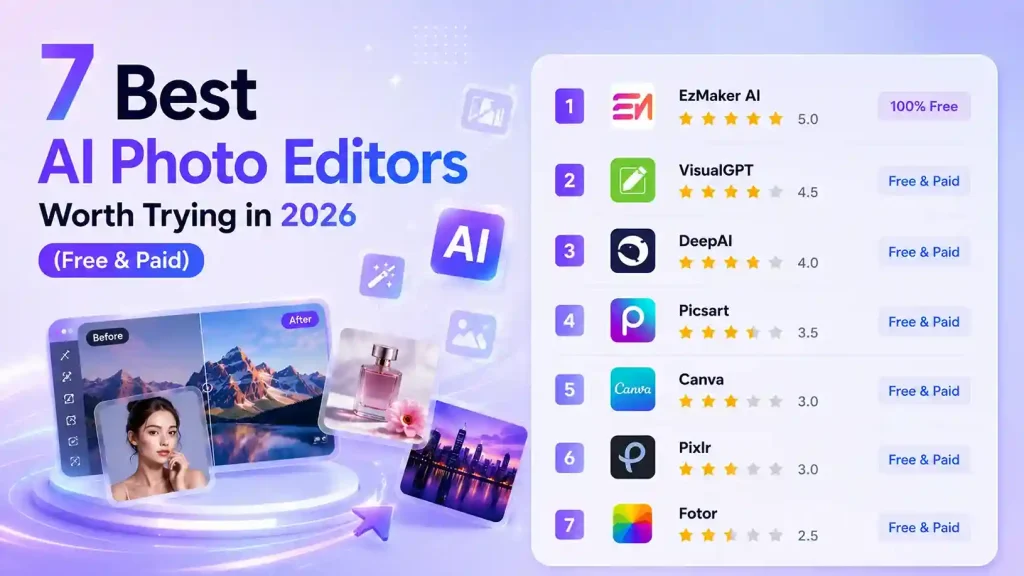
Quick Comparison of the 7 Best AI Photo Editors
| Tool | Price | No Login | Multi-Image Editing | Prompt Editing | Manual Editing | Best For |
|---|---|---|---|---|---|---|
| EzMaker AI | ✅ 100% Free | ✅ | Up to 3 Images | ✅ | ✅ | Beginners |
| DeepAI | Freemium | ❌ | Up to 3 Images | ✅ | ❌ | Prompt Editing |
| Picsart | Freemium | ❌ | ❌ | ✅ | ✅ | Creators |
| Canva | Freemium | ❌ | ❌ | Limited | ✅ | Marketing & Design |
| Pixlr | Freemium | ❌ | ❌ | Limited | ✅ | Advanced Users |
| VisualGPT | Freemium | ❌ | Up to 4 Images | ✅ | ❌ | AI Enthusiasts |
| Fotor | Freemium | ❌ | Up to 50 Images | Limited | ✅ | Creative Editing |
7 Best AI Photo Editors in 2026 (Categorized Reviews)
1.EzMaker AI — Best for Fast AI Photo Editing (100% Free Tool)
What makes it different:
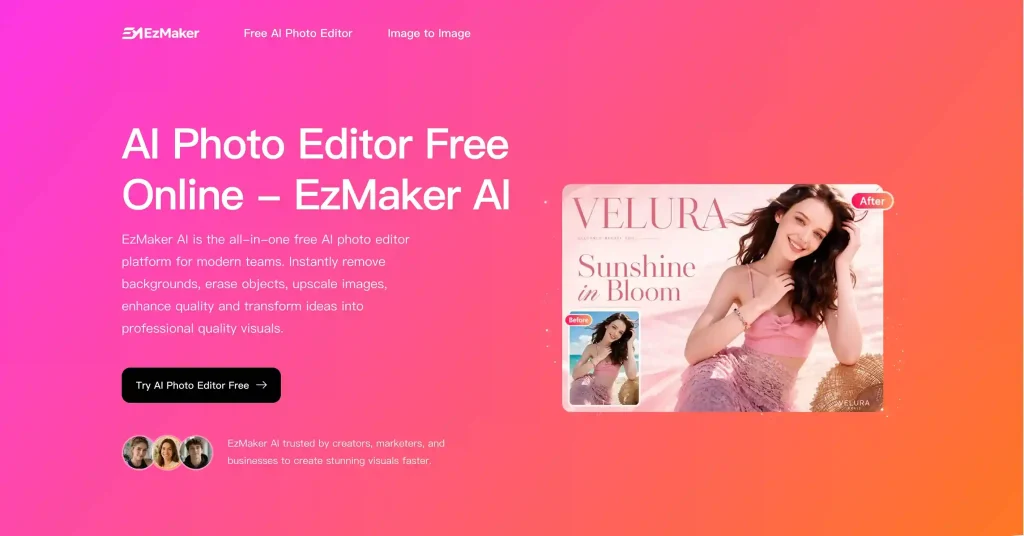
EzMaker AI stands out by making AI photo editing as simple and accessible as possible. Unlike many AI editors that require subscriptions or account registration, it is completely free and lets you start editing instantly in your browser. The platform supports both single-image editing and multi-image AI generation, allowing you to modify existing photos or combine multiple reference images to create new results.
Pros
- Completely free to use
- No sign-up required
- Supports single-image and multi-image AI editing
- Beginner-friendly interface
- Fast browser-based workflow
Cons
- Newer platform with a smaller feature set than some established competitors
- Fewer advanced manual editing controls
Price
100% Free to use.
2.DeepAI— Best for Prompt-Based AI Image Editing
What Makes It Different:
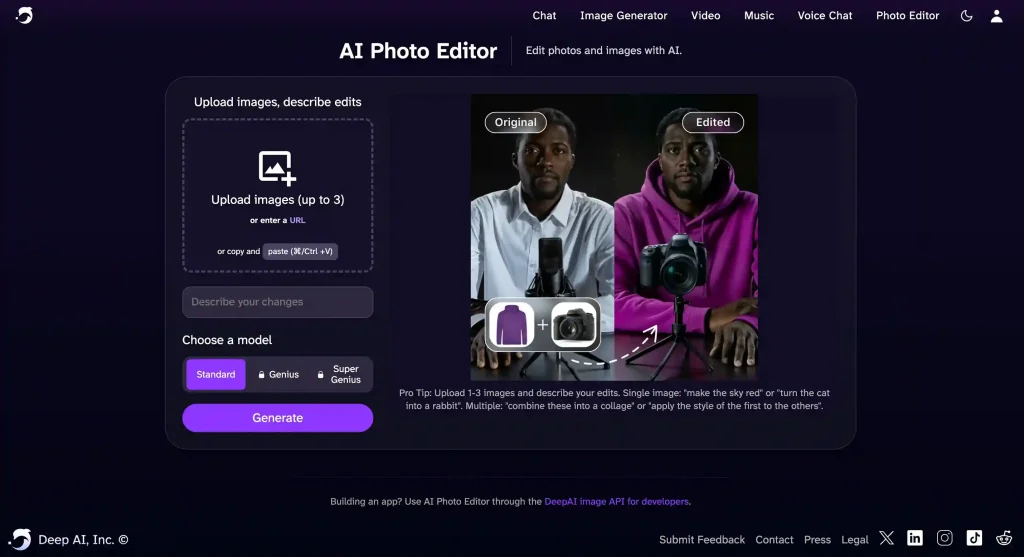
DeepAI is one of the earliest AI image editing platforms, offering a simple prompt-based workflow with multiple AI models to suit different creative needs. Users can generate and edit images using natural language prompts, then further refine their results with built-in tools like Enhance, Background Removal, and Animation, all without leaving the platform. Its mature feature set makes DeepAI a solid choice for users who prefer prompt-driven image editing.
Pros
- Simple and intuitive prompt-based editing workflow
- Multiple AI models available for different quality levels
- Built-in tools for image enhancement, background removal, and animation
- Mature platform with a well-established feature set
Cons
- Free usage is limited and requires sign-in after a few generations
- Advanced AI models are only available with a paid plan
- The free version includes ads that can interrupt the editing experience
- The prompt editing interface could be more user-friendly
Price
- Free plan available (limited usage)
- Pro: $9.99/month
- Pro: $89.99/year
3.Picsart— Best for Professional AI and Manual Photo Editing
What makes it different:
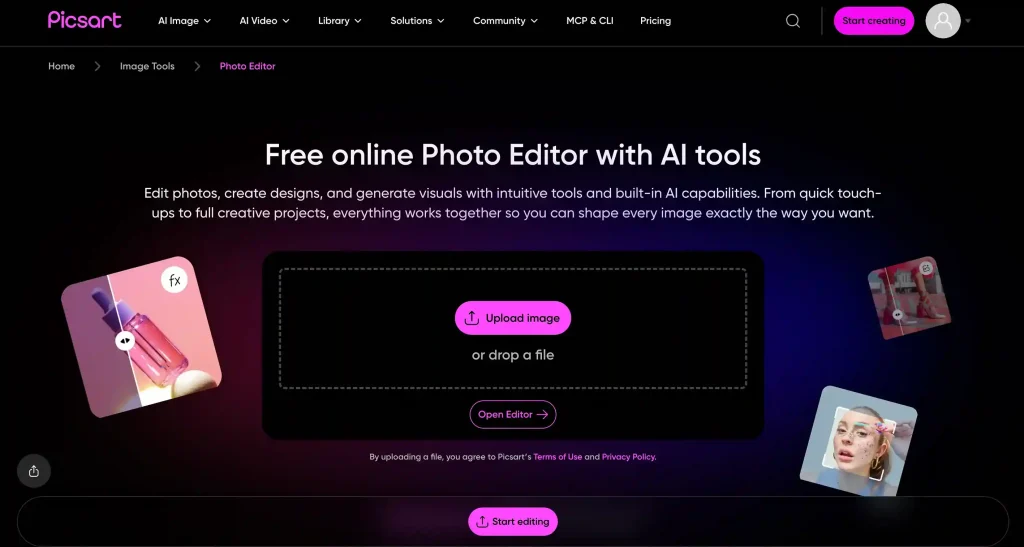
Picsart is a powerful online photo editor that combines AI-powered image generation with traditional manual editing tools. It includes several well-known AI models, such as Nano Banana, Flux, and Imagine, allowing users to choose the right model for different creative needs.
Unlike AI photo editors that rely heavily on detailed prompts, Picsart also gives users plenty of hands-on control. You can add text, images, backgrounds, and stickers, draw directly on your design, resize images, and make other detailed adjustments.
Picsart also supports batch editing for up to 50 images at once, making it a practical choice for creators and businesses managing large volumes of visual content. After completing a design, users can print it on products such as bags and T-shirts and have the finished items delivered to their homes.
Pros
- Includes popular AI models such as Nano Banana, Flux, and Imagine
- Combines AI image generation with manual photo editing tools
- Offers a wide range of essential editing features
- Supports batch editing for up to 50 images
- Allows users to print designs on bags, T-shirts, and other products with home delivery
Cons
- The free version has several limitations
- Common tools such as background removal and image enhancement require a paid plan
- The interface may feel overwhelming for users who only need basic photo editing
Price
- Monthly and annual subscription plans are available
- Paid plans start at approximately $10.50 per month
- Team plans are available for businesses and collaborative workspaces
4.Canva— Best for Creating Visual Content & Marketing Materials
What makes it different:
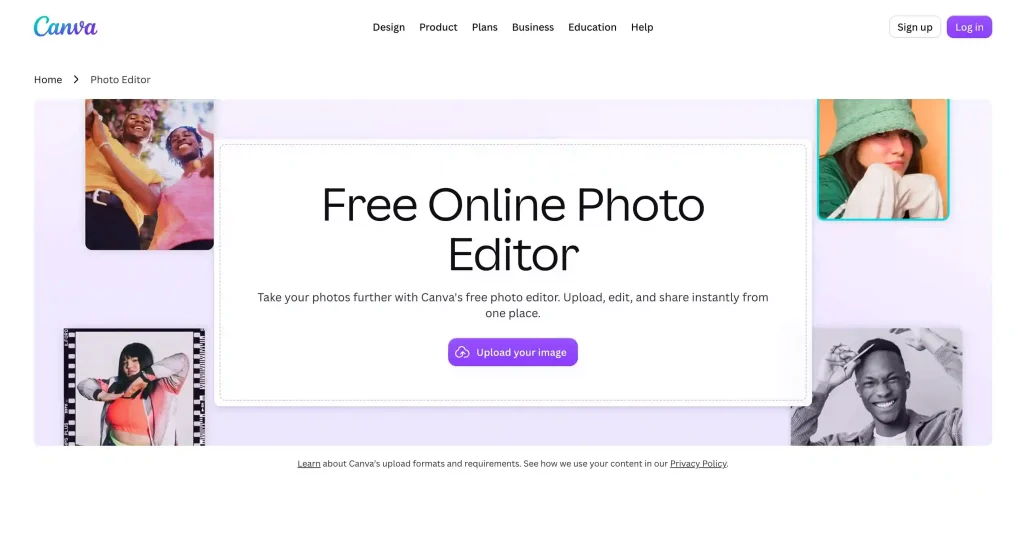
Canva is an online design platform built around templates, drag-and-drop editing, and manual customization. Unlike tools that rely heavily on AI prompts, Canva gives users more direct control over the design process. You can adjust fonts, colors, sizes, positions, and layers, or start with a blank canvas and build a design from scratch.
Canva also offers a large library of templates, filters, stickers, icons, images, audio, and video assets. It can be used to create resumes, posters, presentations, social media content, and short-form videos. With its easy-to-use interface and flexible design tools, Canva works well for job seekers, students, educators, designers, content creators, teams, and businesses alike.
Pros
- Flexible manual editing tools that give users more direct control over the final design
- Large collection of templates and multimedia assets for a wide range of design projects
- Most core editing features are available to free users
- Supports team collaboration, brand asset management, and real-time co-editing
Cons
- Some premium templates, images, and design assets are only available to paid subscribers
- More focused on design and content creation than professional photo retouching
- Most AI-powered features require a paid subscription to access
Price
- Free plan available
- Canva Pro for individuals starts at approximately $144/year
- Canva Teams plans available for businesses and collaborative teams
- Canva for Education is available free for eligible teachers and schools
5.Pixlr—Best Photoshop Alternative for Beginners
What makes it different:
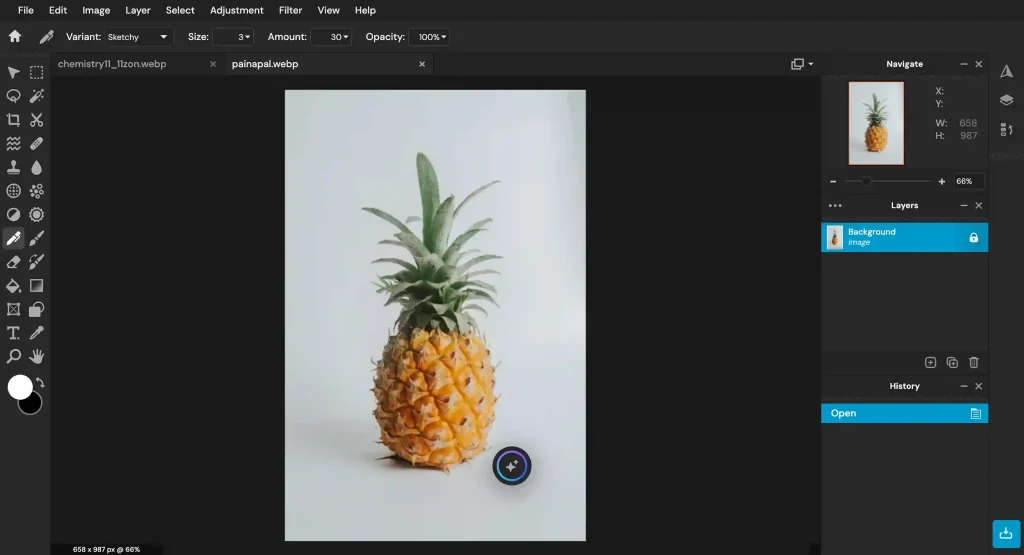
Pixlr is a feature-rich online photo editor that feels more like a simplified version of Photoshop than a typical AI photo editor. It includes layers, selections, masks, filters, color adjustments, and a wide range of editing tools. Many effects require manual adjustments and parameter controls, which gives users more flexibility but also comes with a steeper learning curve. As a result, it may not be the most beginner-friendly option for people with no prior photo editing experience.
At the same time, Pixlr offers several easy-to-use AI tools, including image upscaling, generative expansion, background removal, object removal, and image enhancement. It also supports batch background removal for multiple images at once, making it a practical choice for e-commerce sellers and anyone who regularly works with large numbers of product or marketing images.
Pros
- Includes advanced manual editing tools such as layers, selections, masks, and color adjustment controls
- Works similarly to a simplified version of Photoshop, making it suitable for users who want more precise control over their edits
- Supports batch background removal for multiple images, helping streamline large-scale image processing workflows
Cons
- The interface and toolset can feel complex, resulting in a steeper learning curve
- Most editing tasks require manual adjustments, making it less beginner-friendly
- AI credits included with subscription plans do not last forever; monthly credits reset each month, while credits from annual plans expire after one year if unused
Price
- Offers a limited set of free editing features
- Low starting price, with annual plans from about $1.99/month (billed annually)
6.VisualGPT — Best for Multi-Model AI Image Editing
What makes it different:
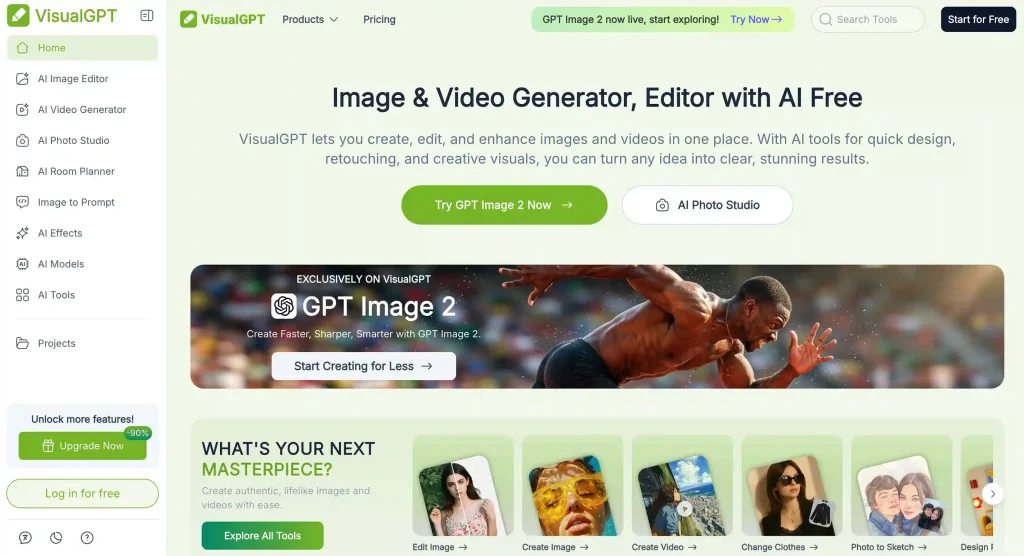
VistualGPT is an AI-powered image editor that relies on prompts to modify images. The platform supports nearly 20 well-known AI models, such as Nano Banana, allowing users to choose different models based on their needs for image generation.
It also supports uploading up to 4 images at once for combined editing, and users can select the number of generated outputs, making it very flexible and suitable for different use cases.
Pros
- Supports nearly 20 AI models such as Nano Banana and others
- Supports multi-image upload up to 4 images for combined editing
- Allows users to choose number of generated outputs from 1 to 4 images
- Relatively generous free usage suitable for light and trial use
- Offers both subscription plans and one-time credit packages
Cons
- Free users can only generate one image per request
- Multi-image and advanced features are more oriented toward paid users
- Editing quality depends on the model used, and performance may vary between different models
Price
- Starting price is around $6, relatively affordable and easy to accept
- Supports both subscription plans and one-time credit purchases
7.Fotor — Best for Batch Editing and Creative AI Tools
What makes it different:
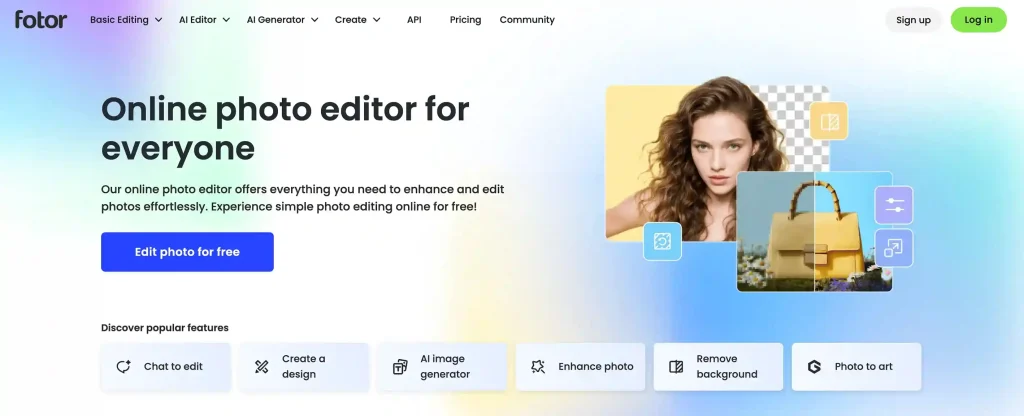
Fotor is a mature online photo editing platform that combines AI editing, batch processing, and traditional manual design tools into a single workflow. Users can start by using AI features for quick tasks such as image enhancement, background removal, and skin retouching, and then refine their work with manual tools like text, stickers, filters, cropping, and color adjustments.
In addition to common AI editing features, Fotor also offers more creative tools such as old photo restoration, hairstyle changes, and professional headshot generation. It provides a large number of templates and presets across different features, and the overall workflow is fairly seamless, allowing users to complete everything from image processing to final design without switching between multiple platforms.
Pros
- Offers AI editing, manual adjustment, and design tools in one platform with comprehensive functionality
- Built-in AI tools come with a large number of templates and presets, making it easy to quickly test different effects
- Good integration between tools, allowing users to complete multiple editing steps in a continuous workflow
- Supports batch editing of up to 50 images, ideal for processing large volumes of assets
Cons
- Some advanced AI tools, templates, and high-resolution export features require a paid plan
- Certain AI features use a credit or quota system, and frequent usage may incur additional costs
Price
- Starting at $2.99/month, with three subscription tiers available
- Higher tiers provide different levels of concurrent generation capacity and cloud storage limits
Final Thought: Which AI Photo Editor Should You Choose?
A common issue when choosing an AI photo editor is that there are too many tools available, but it’s not always clear where to start. The easiest way is to pick based on your actual use case.
EzMaker AI is best for users who want a simple, fast, and no-friction experience. It requires no sign-up or subscription, works directly in the browser, and supports both single-image editing and multi-image reference generation. For beginners or anyone who just wants to handle everyday photo edits quickly, it’s one of the easiest tools to start with.
Picsart is a better fit for creators who want a balance between AI features and manual editing. In addition to image generation and editing, it also includes tools for text, stickers, backgrounds, drawing, and batch processing, giving users more control over detailed adjustments while staying relatively flexible.
Canva is more suitable for users who want to turn images into complete visual designs. With its large library of templates and design assets, it makes it easy to create social media posts, posters, presentations, and marketing materials, focusing more on full design workflows rather than just photo editing.
Overall, if you are simply looking for a best free AI photo editor with no learning curve, EzMaker AI is the most straightforward and practical choice. Picsart and Canva are better options when you need more advanced creative control or full design capabilities.
Ready to Try AI Photo Editing?
Skip the learning curve and start editing your photos in seconds. Discover what's possible with AI photo editor.