

Free Magic Eraser AI Online - No Sign up
Remove unwanted people, objects, text, and visual clutter from your photos without cropping away the parts that matter. Our free AI Magic Eraser reconstructs the area behind each distraction, helping you create a cleaner, more natural-looking photo directly.
Free & easy to use · No software to install · Made for daily photos cleanup
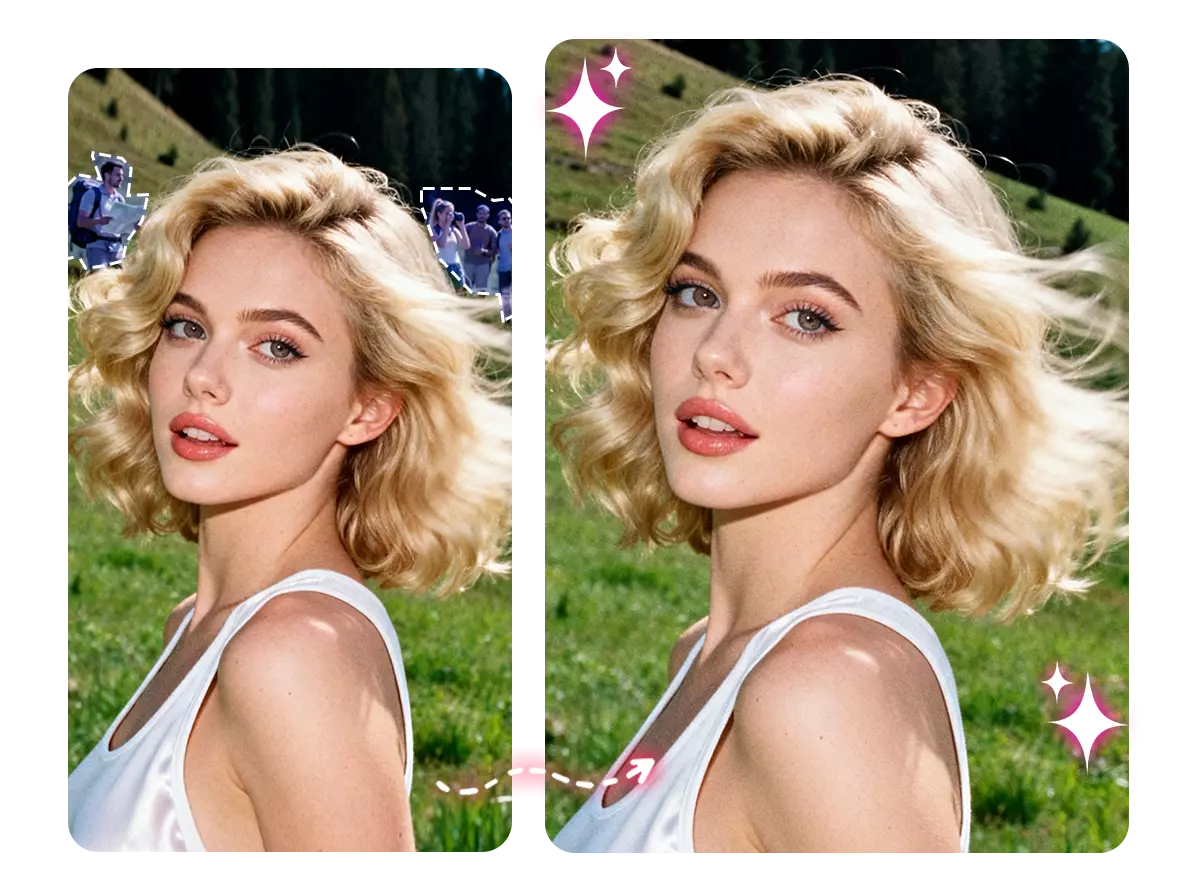
Erase Anything from Photos Online with Free Magic Eraser
Use Magic Eraser AI to delete anything that doesn't belong in your photo in just a few clicks.
See What Disappears and What Stays
Our Magic Eraser AI makes the whole photo look different. It should simply help the subject, product, or moment stand out without the distraction.






One AI Magic Eraser for Every Kind of Photo Cleanup
Our Magic Eraser AI lets you easily clean up unwanted elements in portraits, travel photos, product images, and social media content without needing complex editing skills.
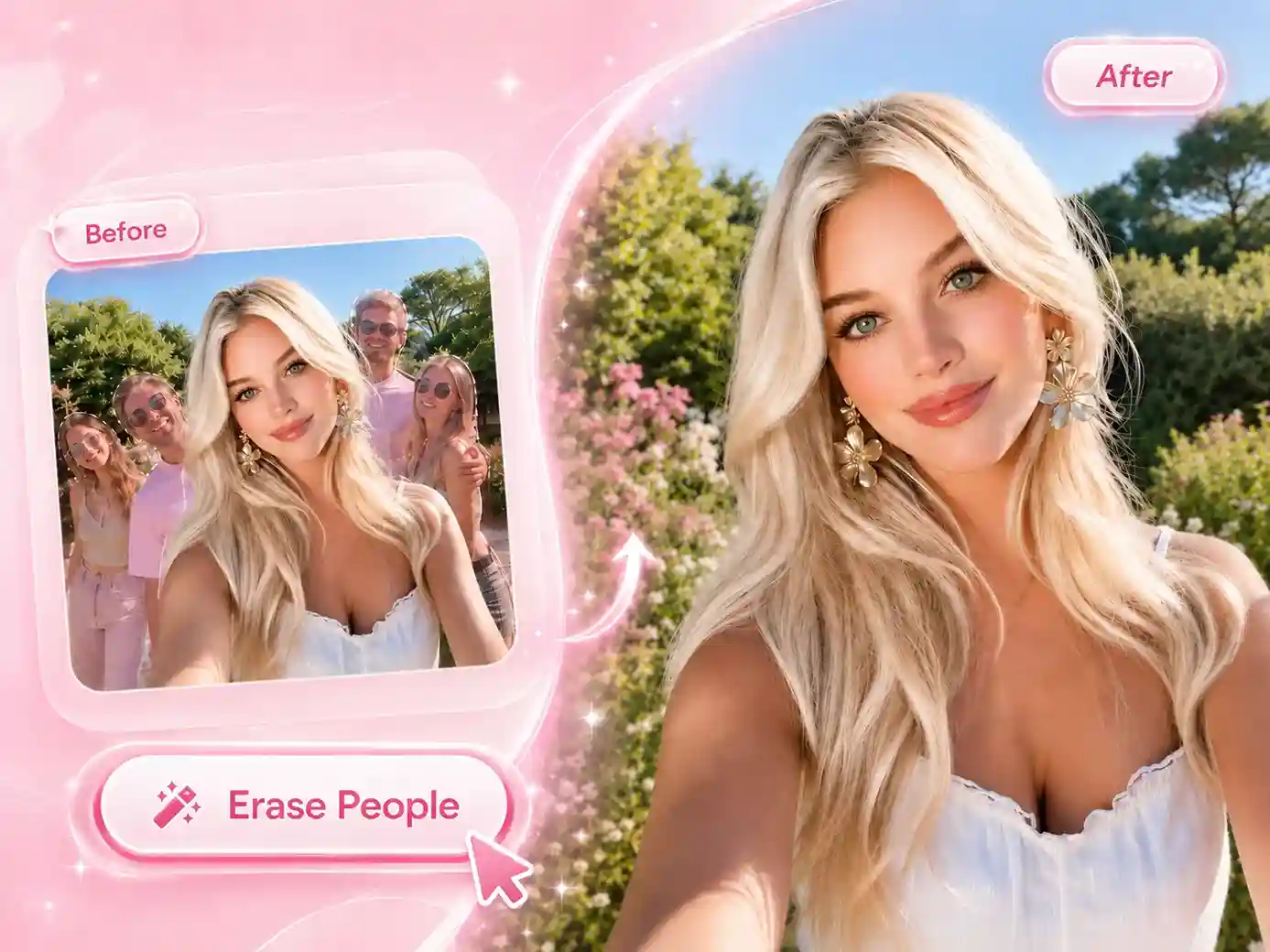
Erase People and Photobombers with One Click
When taking photos, there are always photobombers. With our free Magic Eraser AI, you can easily remove strangers, background crowds, or unwanted people that distract from your main subject. The tool analyzes the visible surroundings and reconstructs the selected area, giving your photo a seamless, complete visual effect.
Remove Text, Signs, and Clutter with Free Magic Eraser
In your daily work and life, the photos you use often contain unwanted elements. With AI Magic Eraser, you can easily remove unwanted subtitles, date stamps, stickers, logos, cables, trash cans, and other distracting details, making your pictures ready to be repurposed for presentations or design use.

Instant & Free Google Photos Magic Eraser with No Waiting
Clean up your photos instantly. Use Google Photos Magic Eraser to effortlessly remove watermarks and distractions while keeping your original lighting, composition, and quality intact. Perfect for crisp product shots, eye-catching cover photos, and pro-level visuals. No waiting, no extra tools needed, just upload and go.
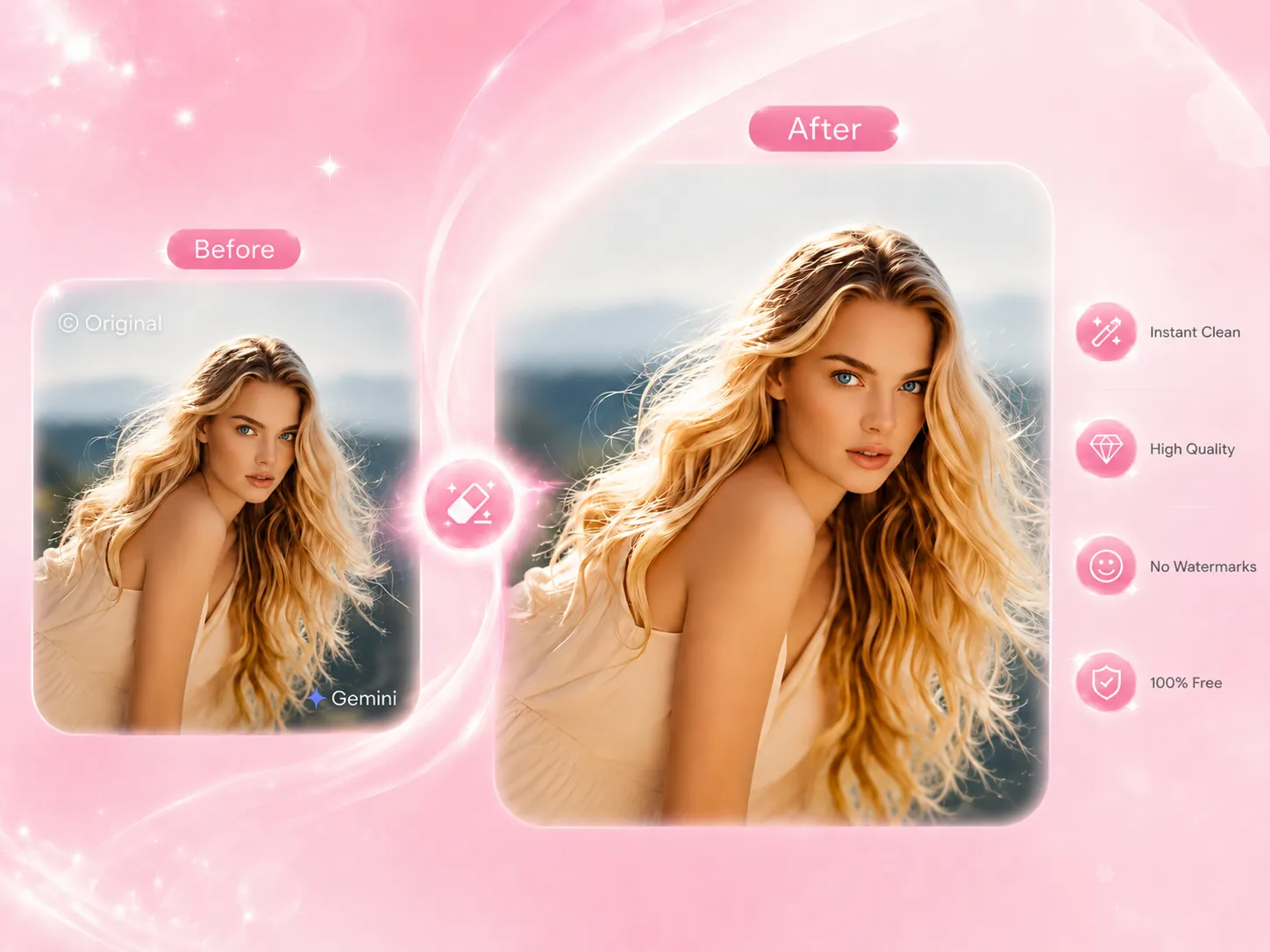
E-commerce Product Image Optimization with Magic Eraser Online
Tired of endless, tedious image retouching for your e-commerce store? Meet our free AI Magic Eraser: seamlessly remove sample blemishes, extra watermarks, and background clutter in a single click. Elevate your product details, sharpen visual focus, and instantly craft clean, premium listing images and product pages that drive higher conversions.

Get Clearer Photos Without Complicated Editing
“I had a great travel photo, but two people were standing directly behind me. Magic Eraser removed them without forcing me to crop out the view.”
Maya Chen
Travel Creator

“This magic eraser saves me a lot of time when cleaning up cables, packaging, and small props around our product photos.”
Daniel Brooks
E-commerce Manager

“I use it for property photos when a bin, sign, or small piece of furniture makes the room look more cluttered than it really is.”
Olivia Martin
Real Estate Photographer

“The tool is simple enough for quick social posts. I can remove an unwanted detail without opening a full photo editor.”
Jordan Lee
Social Media Manager

“What I like most is that free magic eraser keeps the original scene. I only need to mark the thing I want removed.”
Sophia Patel
Content Designer

“Some complicated areas need a second attempt, but adjusting the selection is still much faster than rebuilding the background manually.”
Ethan Wilson
Freelance Photographer

Help Center
Questions? Answers.
Keep the Photo Clean. Erase the Distraction
Remove the person, object, text, or clutter that got in the way of the image you wanted. Using Magic Eraser AI online and create a cleaner photo in just a few steps.