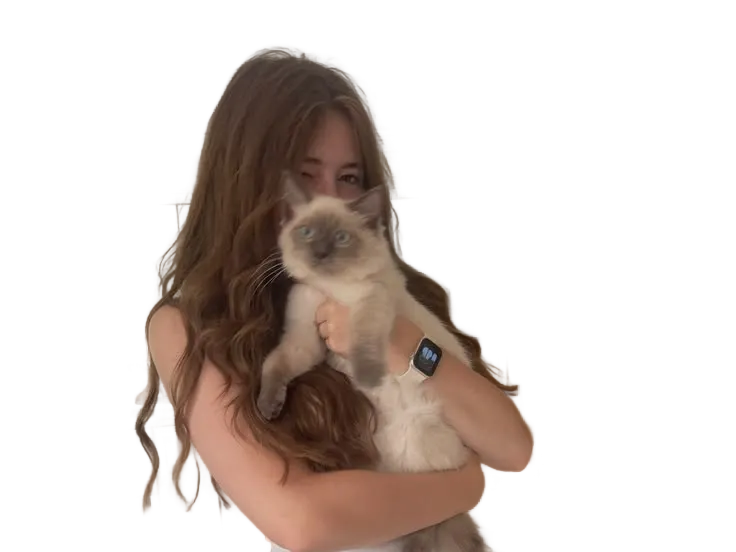
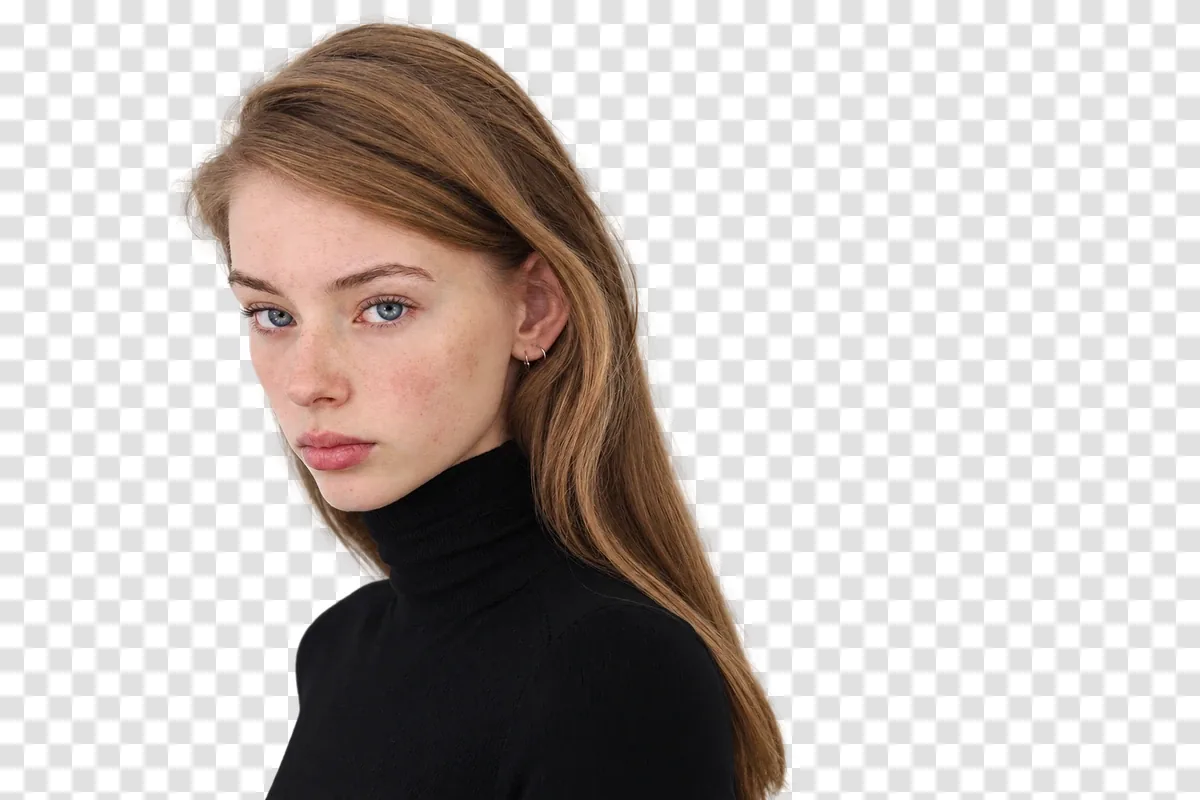
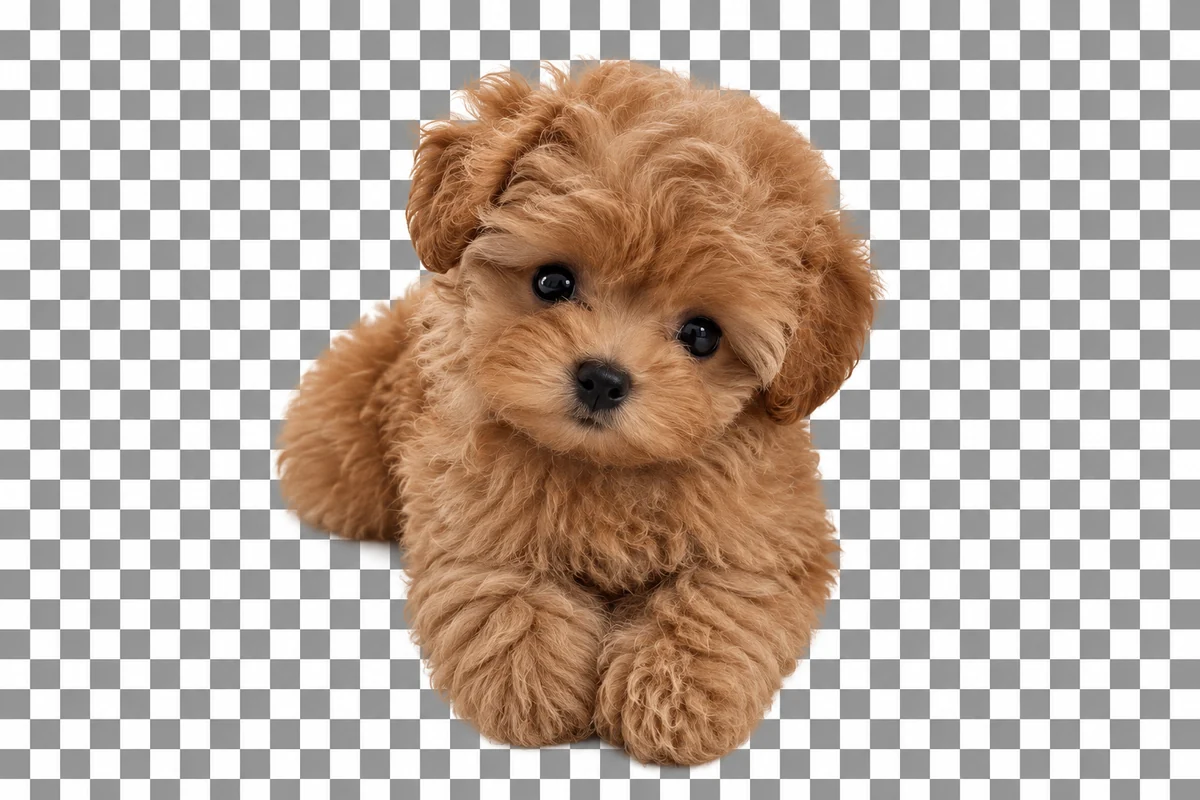
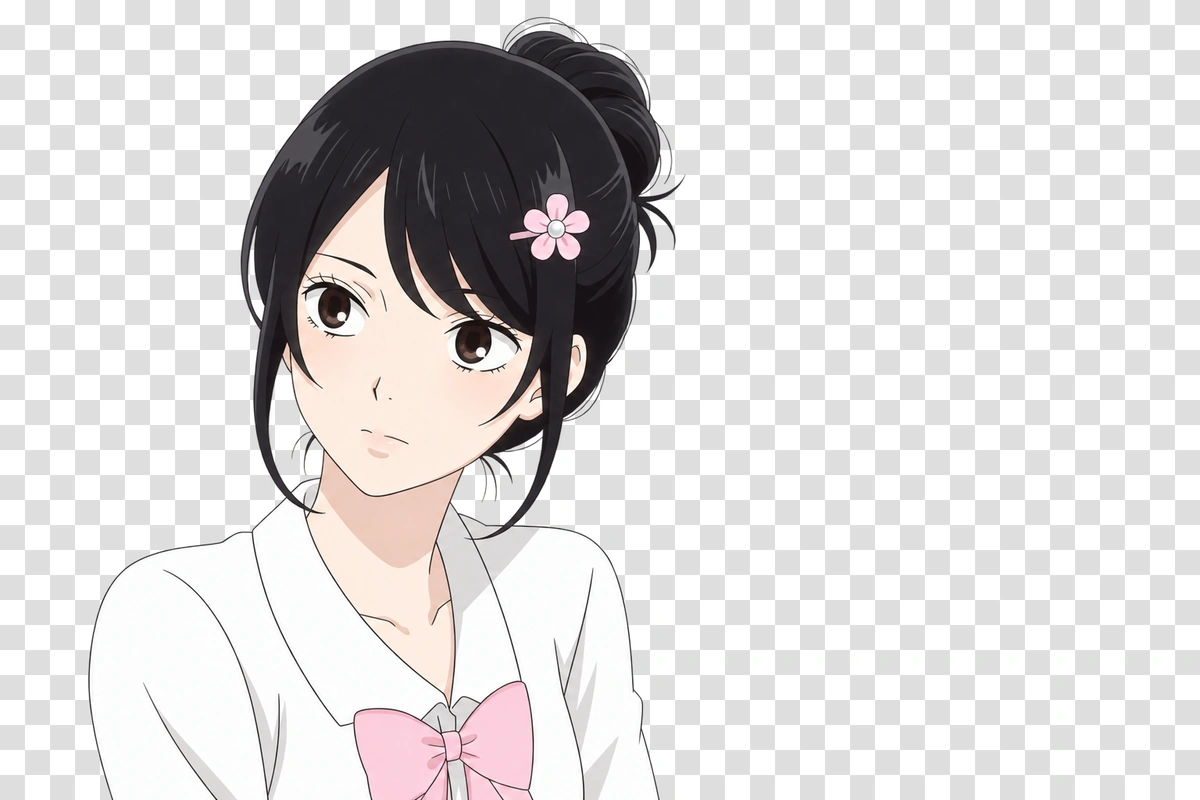
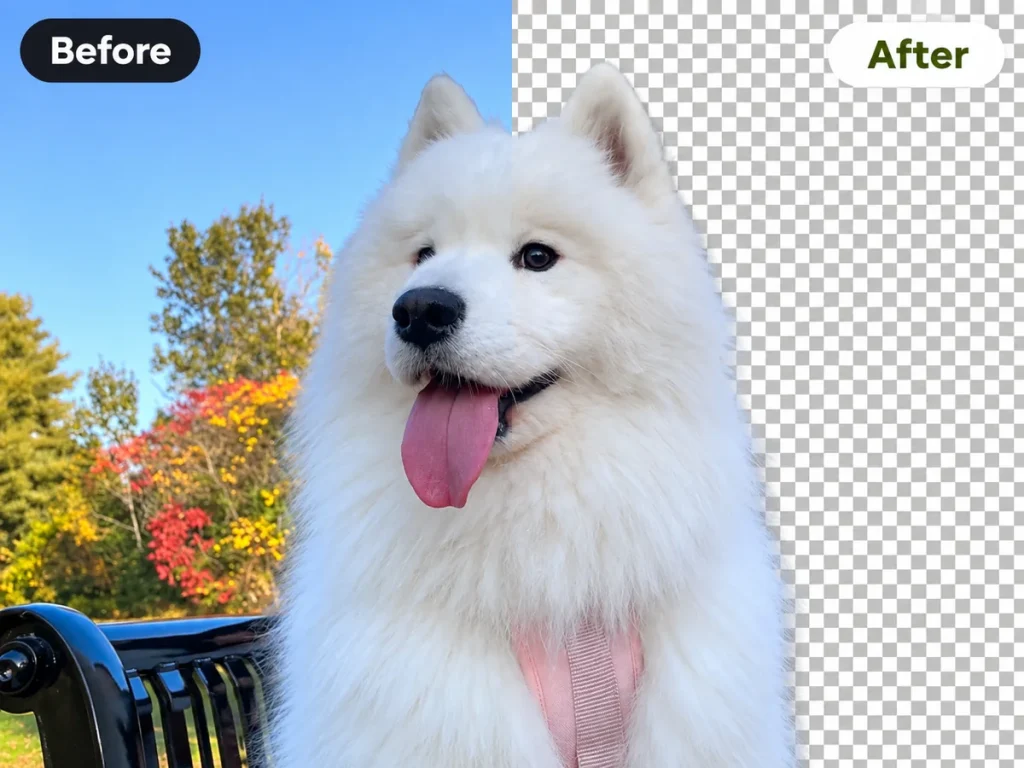
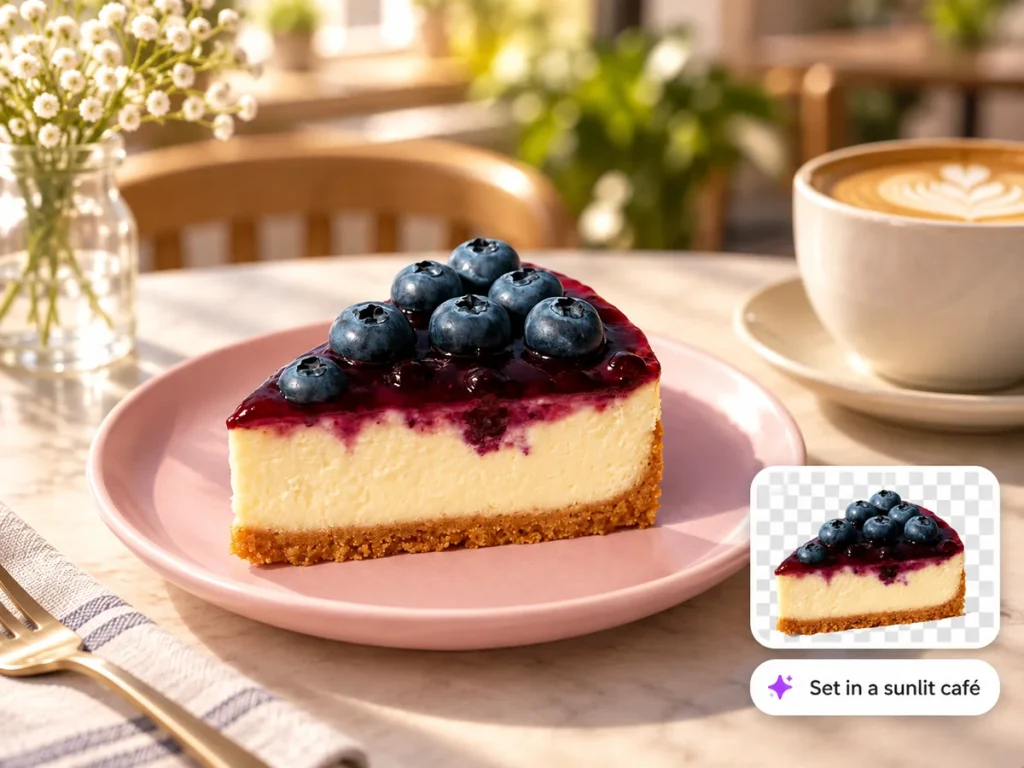
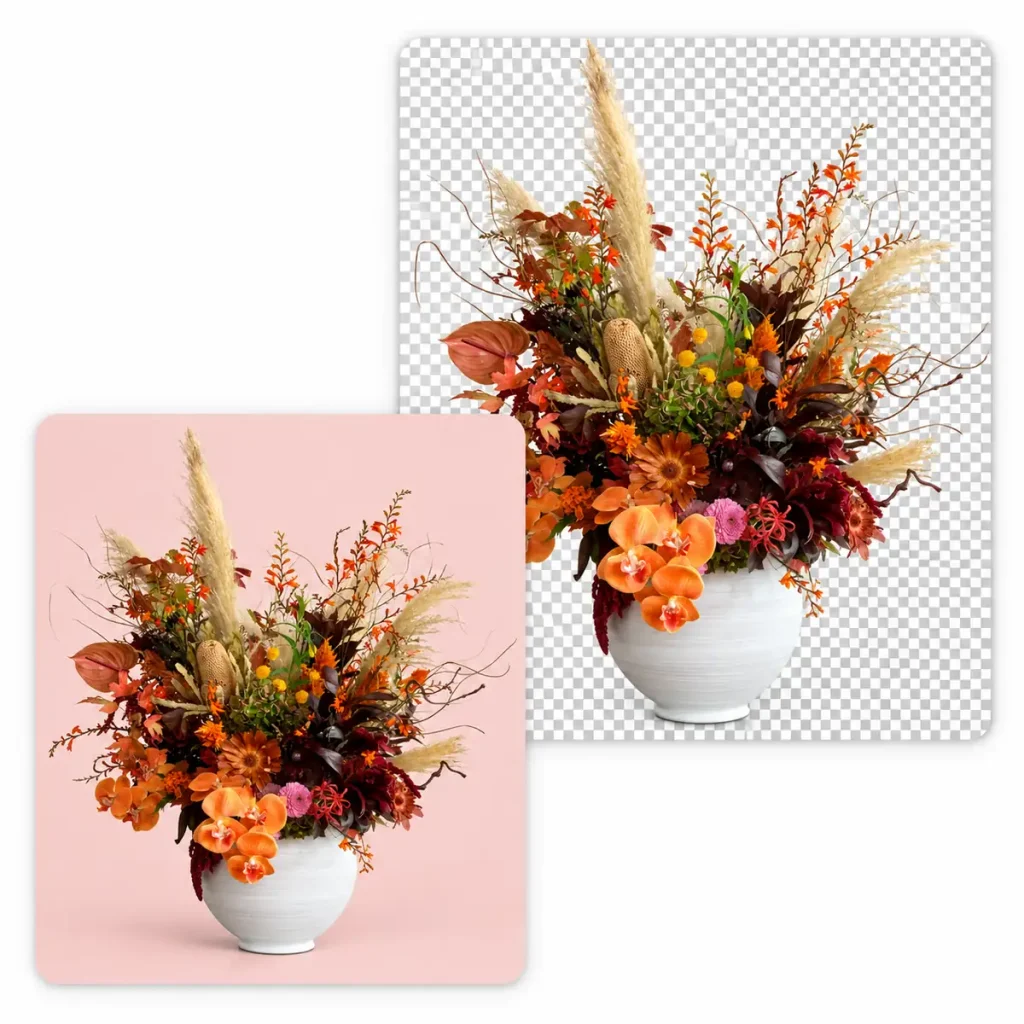
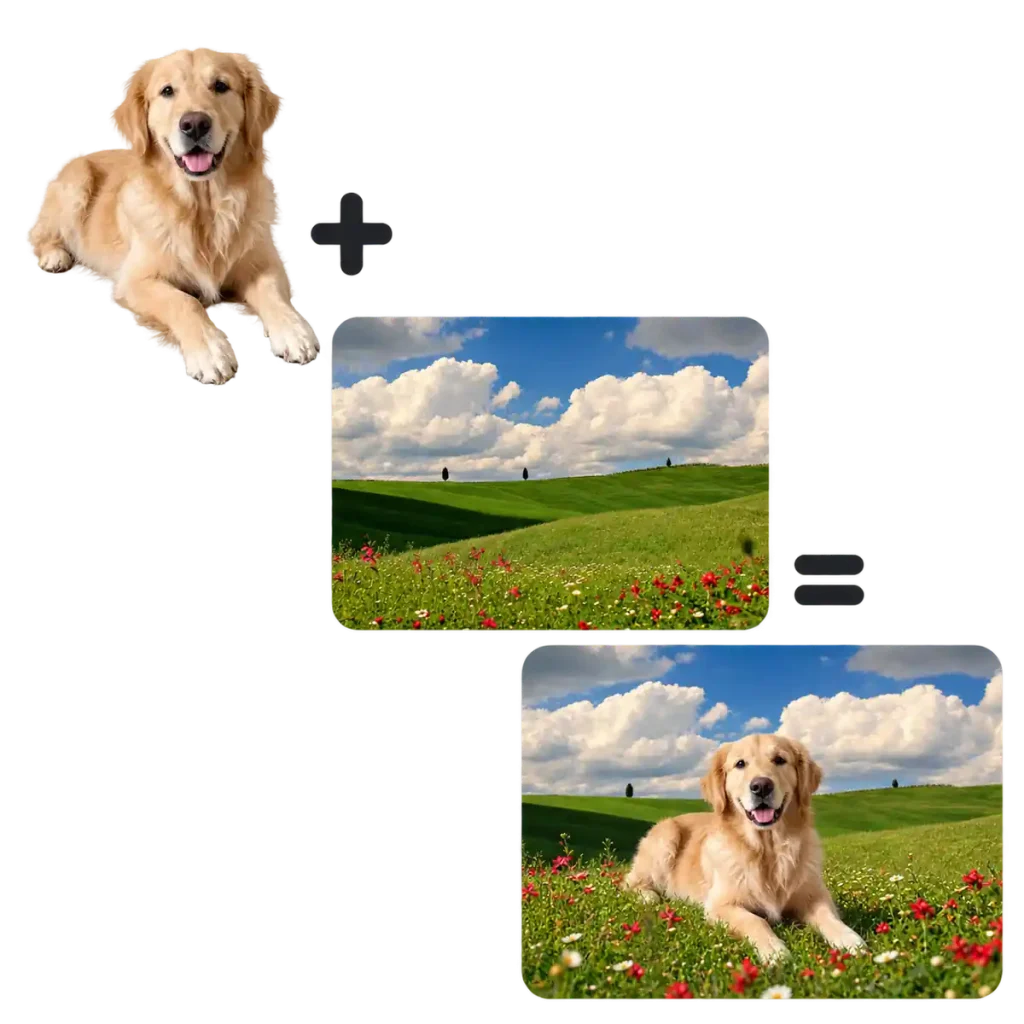
Upload an image and our AI background remover separates the subject from the background. Download a transparent image, switch to a solid color background, or place your subject in a new scene.
After removing the background, keep editing in one place. Change the background color, generate a new scene from a prompt, adjust background blur, or remove the parts you do not want before downloading your final image.
Download a Transparent Background Image
Remove the original background and download the subject as a transparent PNG. The clean image layer can be placed onto a new background whenever you need it. It is useful when the same product, portrait, or graphic needs to appear across several designs, pages, or posts with a different look each time.
Instead of searching for the perfect backdrop, you can describe the scene you need in a few words. The AI background remover is useful when you want a specific mood, style, or context without spending time browsing stock images or building complex compositions in a separate editor.
After the original background is removed, you can change the background color to match your brand. Choose a color that fits the final design without changing the subject or taking the photo again.
When you know exactly which background you need, uploading it is the most direct option. Select a file from your device, position your subject, and export the finished image. It ensures that every new image can be integrated into the same visual system, without introducing unintended shifts in style, mood, or atmosphere.
Why Choose Our Fast, Accurate AI Background Remover?
Traditional background removal can take time, especially when you need to trace around hair, fur, clothing edges, or a detailed subject by hand. With this AI Background Remover, you can download a transparent image in seconds.
EzMaker AI Background Remover
Old Background Removal
✓Start removing backgrounds without creating an account.
✓Try the tool online for free.
✓Work directly in your browser with no software to install.
✓Upload common image formats, including JPG, PNG, and WebP.
✓Get a clean result in seconds.
✓No complicated selection tools or editing skills required.
✓Use it on desktop or mobile whenever you need a quick cutout.
×Requires manual selections, masks, and edge cleanup.
×A single detailed image can take several minutes to finish.
×Hair, fur, and overlapping objects need extra attention.
×Small mistakes can leave visible background fragments or rough edges.
×Editing several images means repeating the same steps each time.
×Advanced tools often take time to learn and set up.
×Background replacement and export may require additional software or steps.
User Review
What Users Say After Removing the Background
Simple to use and quick to deliver a clear result. Hear from people about their experiences after trying our AI background remover.
Product photos take me minutes instead of hours now. The AI removes the background cleanly, and the transparent PNGs are ready to upload to my store.
Sarah Mitchell
E-commerce Seller
I use this AI background remover whenever I need a quick cutout for a client project. It’s simple, fast, and handles small details surprisingly well.
Claire Robinson
Graphic Designer
Creating images for social posts is much easier now. I can remove the background, swap in a new one, and get the final image ready in just a few clicks
Andrew Parker
Brand Manager
I often need clean property and interior images for marketing materials. The AI background remover saves me a lot of manual editing time.
Brandon Lewis
Real Estate Photographer
I’m not a professional designer, so I wanted something straightforward. Upload the image, remove the background, and download the result.
An AI background remover identifies the main subject in an image and separates it from the surrounding scene. The result can be saved with a transparent background or used as the starting point for a new background.
Our tool can be used for portraits, pets, products, objects, logos, illustrations, and other images with a clear main subject. It works best when the subject is visible and not heavily blocked by another object.
Yes. After removing the background, you can continue editing the image with other EzMaker tools. Change the background, enhance image quality, or make further adjustments before downloading.
Be clear when an image has been materially changed, particularly when it could affect how people understand a person, product, event, or situation. Do not use AI background remover to misrepresent facts or create harmful content.
Remove Any Background in Seconds
Our AI Background Remover finds the main subject and clears away the surrounding scene, so your image is ready for a new background or design.