

Free AI Photo Enhancer Online
Boost image quality, repair compressed images, and restore clarity with our powerful AI photo enhancer. Enhance low-resolution photos up to 4K for free. Download HQ images without watermarks.
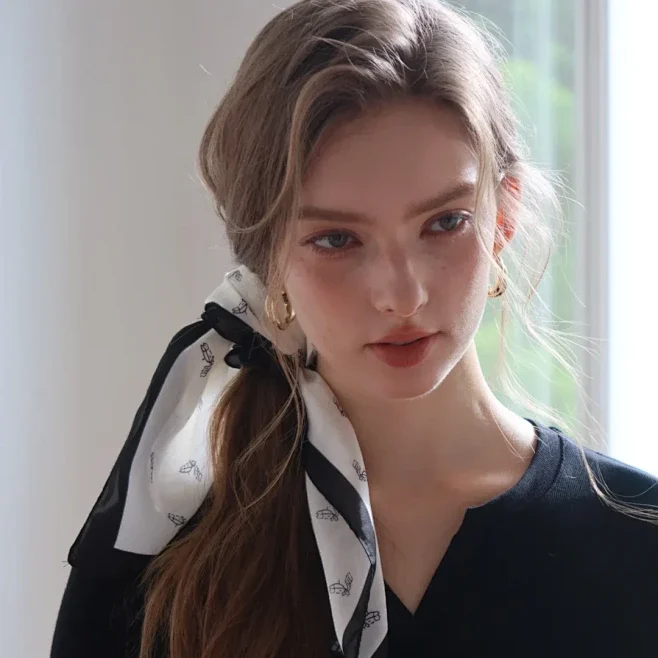
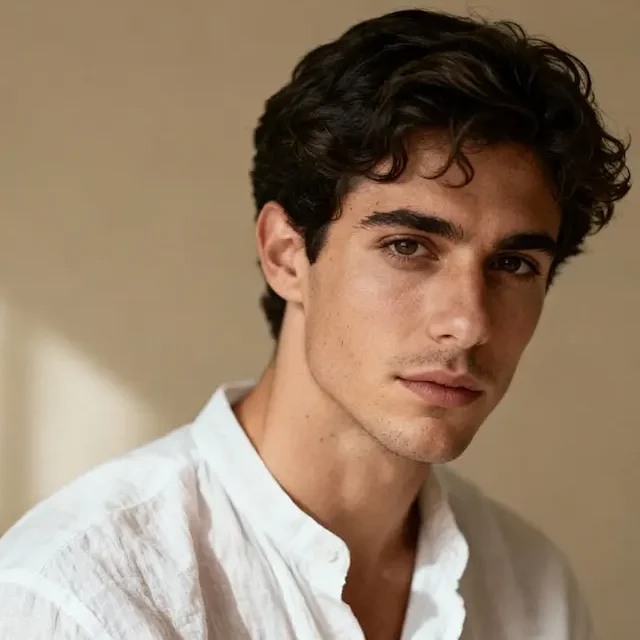
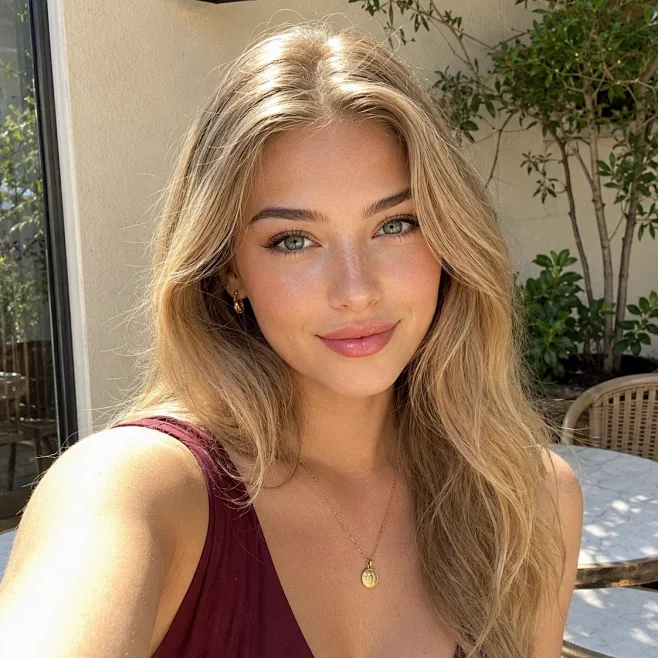
Recommended by 100000+ users for better photo quality.
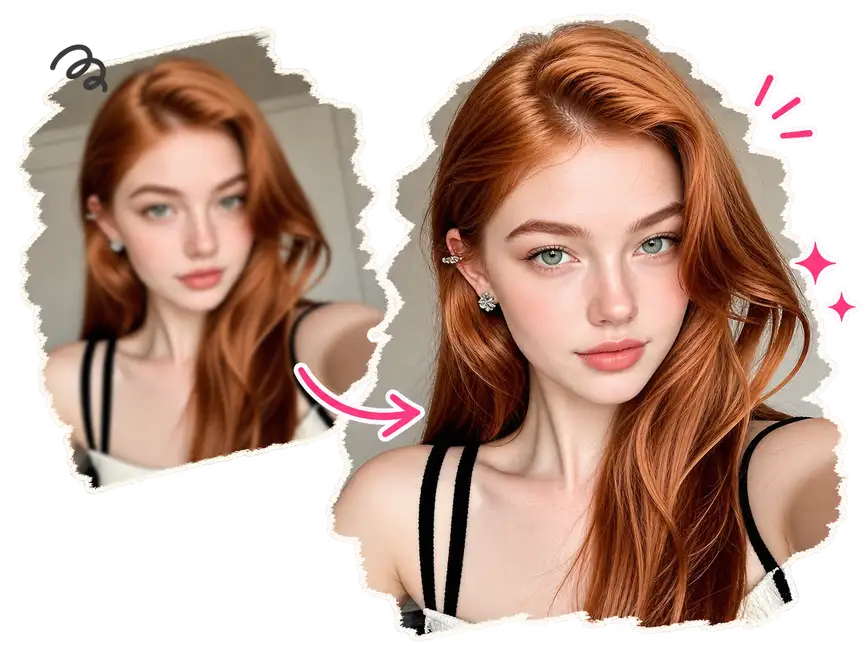
Free AI Photo Enhancer to Improve Every Photo in Seconds
Start with your original photo and create a sharper, cleaner, and more detailed result with an online photo quality enhancer.
High-Resolution Improvement
Transform low-resolution images into sharper, clearer photos with enhanced details and higher visual quality.
Lightning Fast Photo Enhancement
Enhance your photos in seconds with fast AI processing, so you can get clearer results without waiting.
Privacy-First Data Protection
All uploaded images are encrypted during transmission and automatically purged from our servers within 24 hours.
No Watermark Output
Your enhanced images has no unwanted watermarks. They are ready to share, publish, or use in your creative projects.
Mobile and Desktop Ready
The online tool works across smartphones, tablets, laptops, and desktop computers, allowing you to process images directly from your browser.
Simple Online Workflow
No advanced editing skills are required. Upload your image, let AI process it, and download an improved result through a clear and easy-to-use interface.
An Ideal Solution for Any Type of Photo
Compare the before and after results to discover how AI can bring more clarity, detail, and color to your photos.


Portraits & Selfies
Our AI enhances facial details, reduces blur and noise, and improves lighting while preserving realistic skin texture.
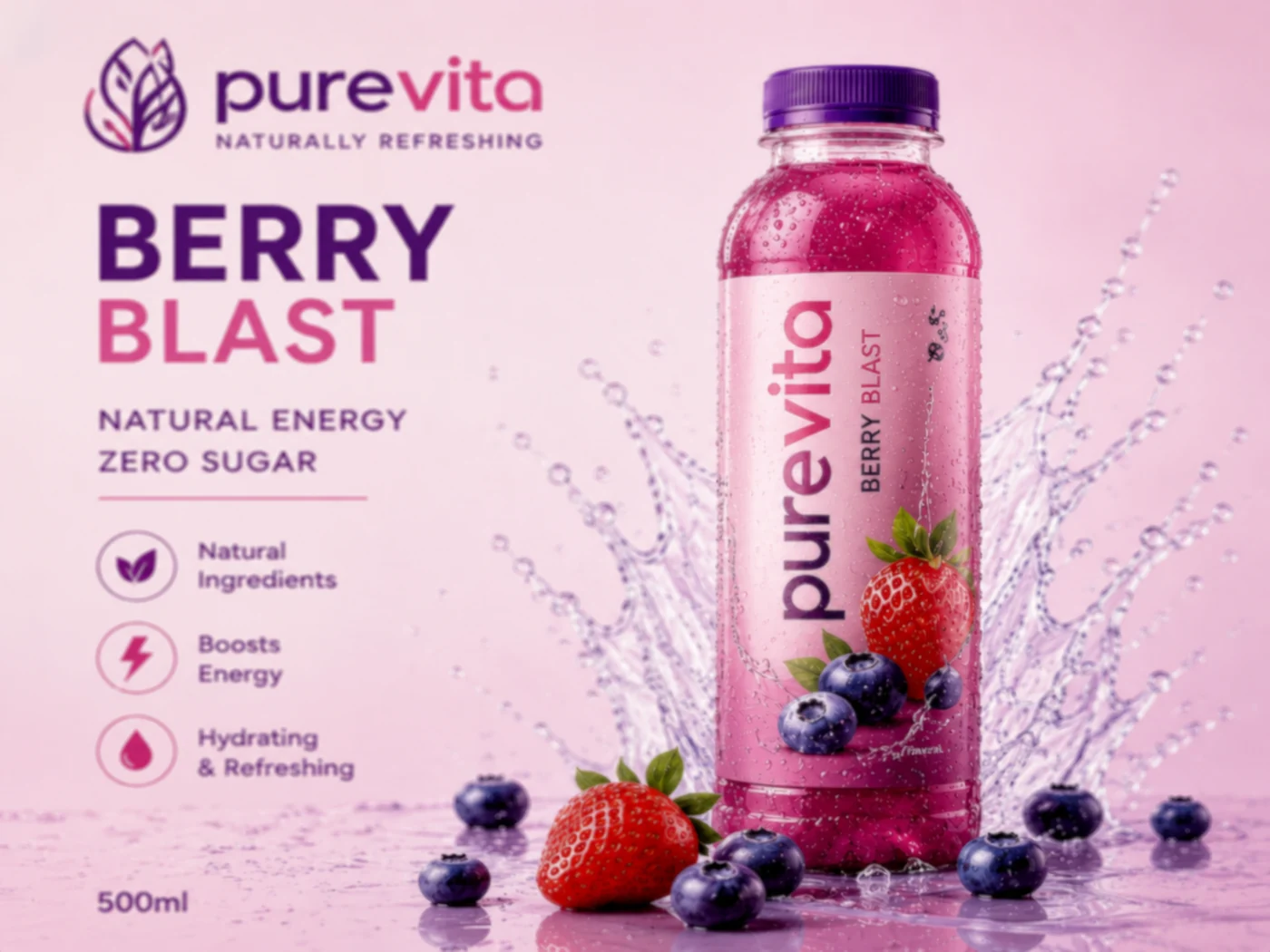
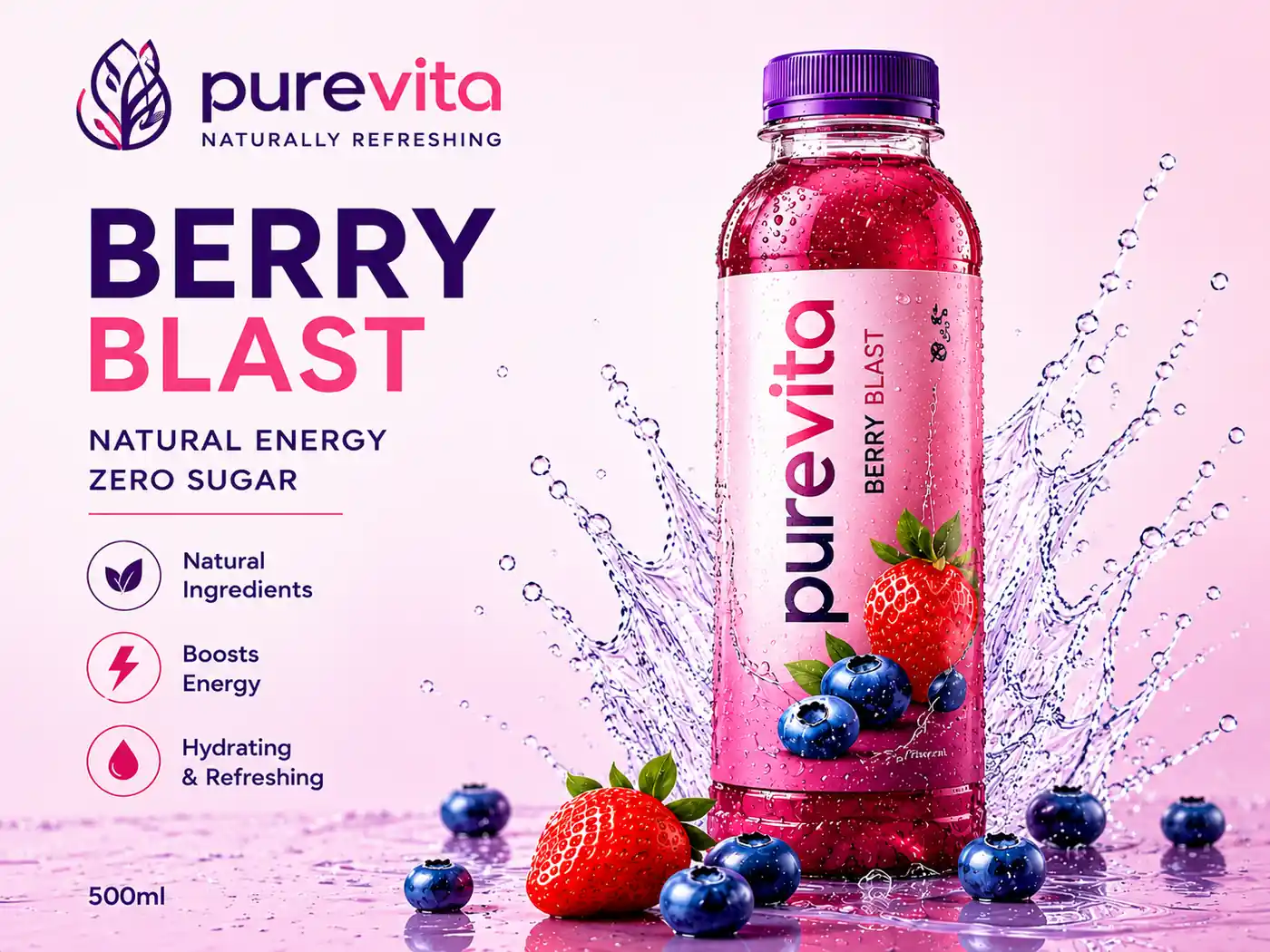
Product Posters & Logos
Turn product images, posters, and logos into sharper visuals that are ready for online stores, marketing, and social media.

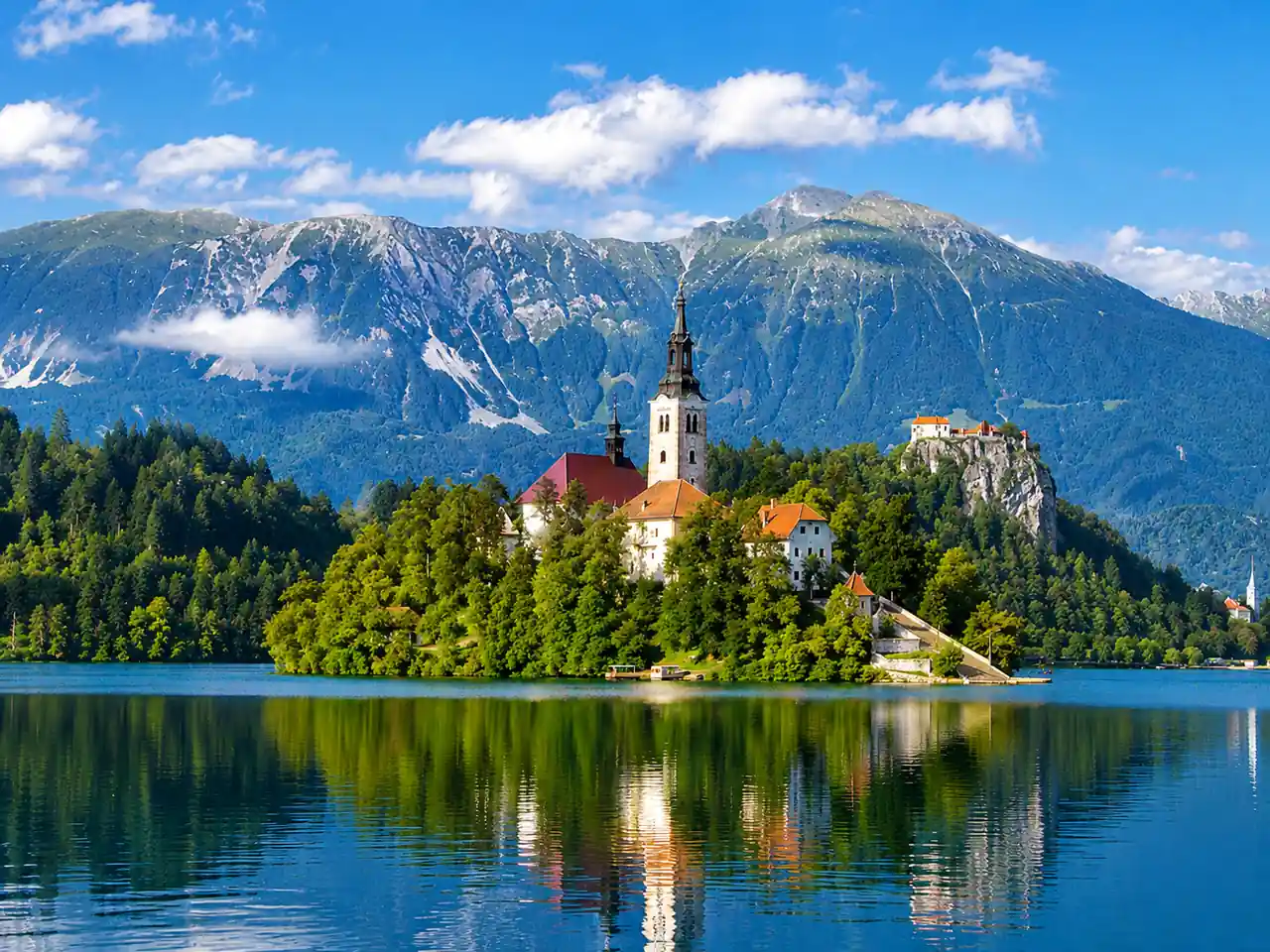
Landscape Photography
Get clearer skies, buildings, trees, and natural textures with greater clarity and definition.
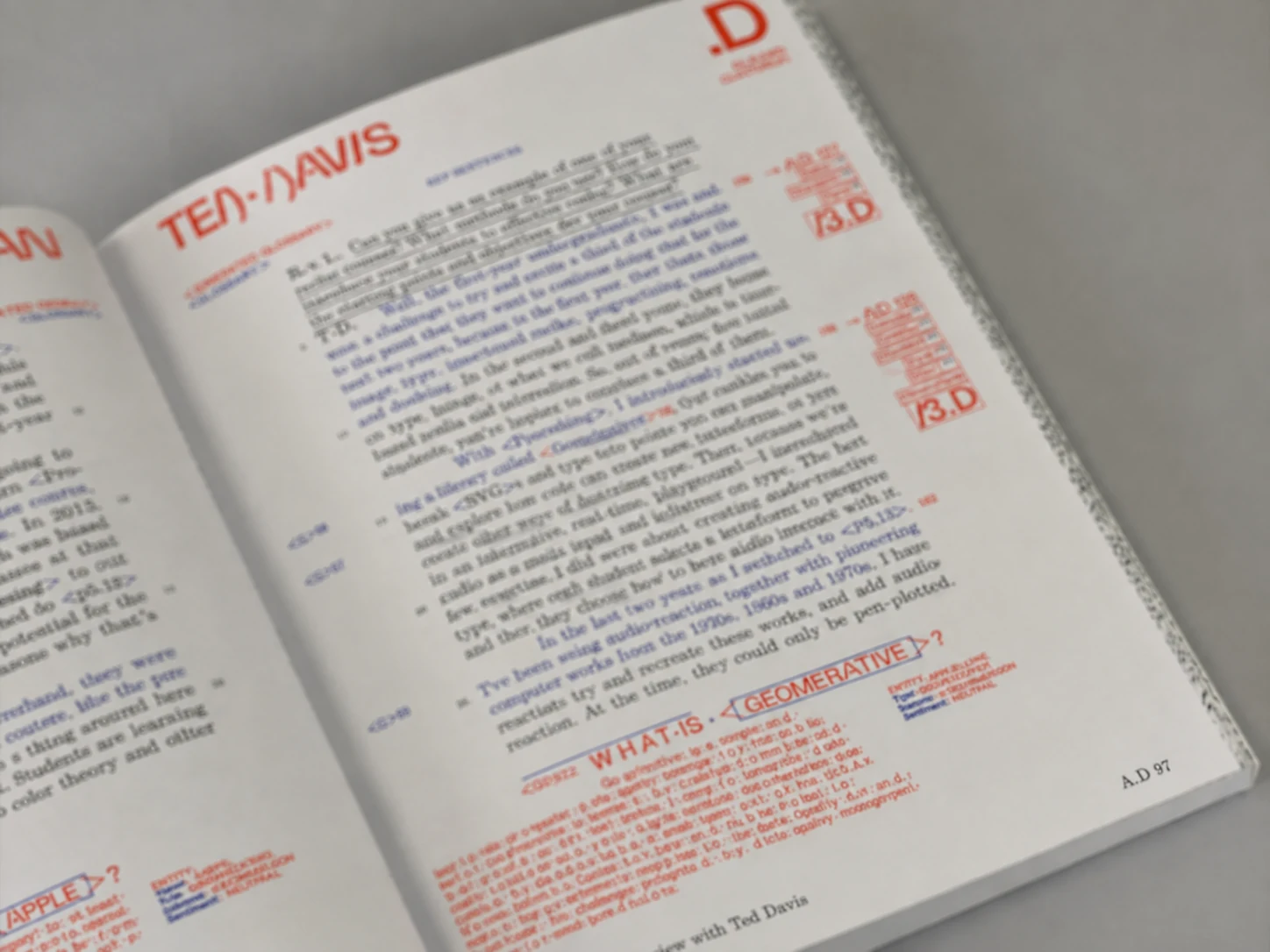
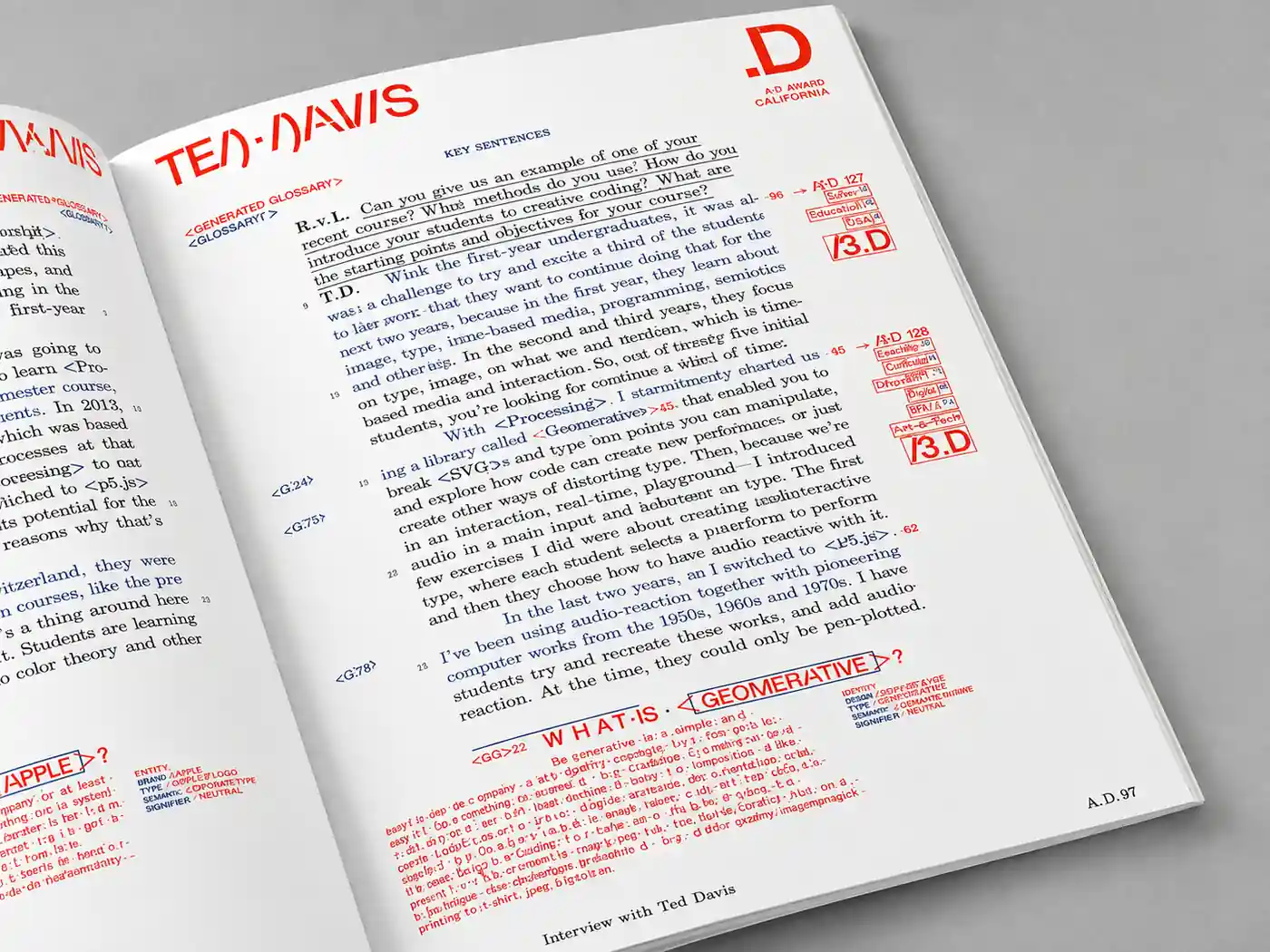
Text & Documents
Improve scans, documents, text and book image quality to make letters, numbers, and fine details easier to read.
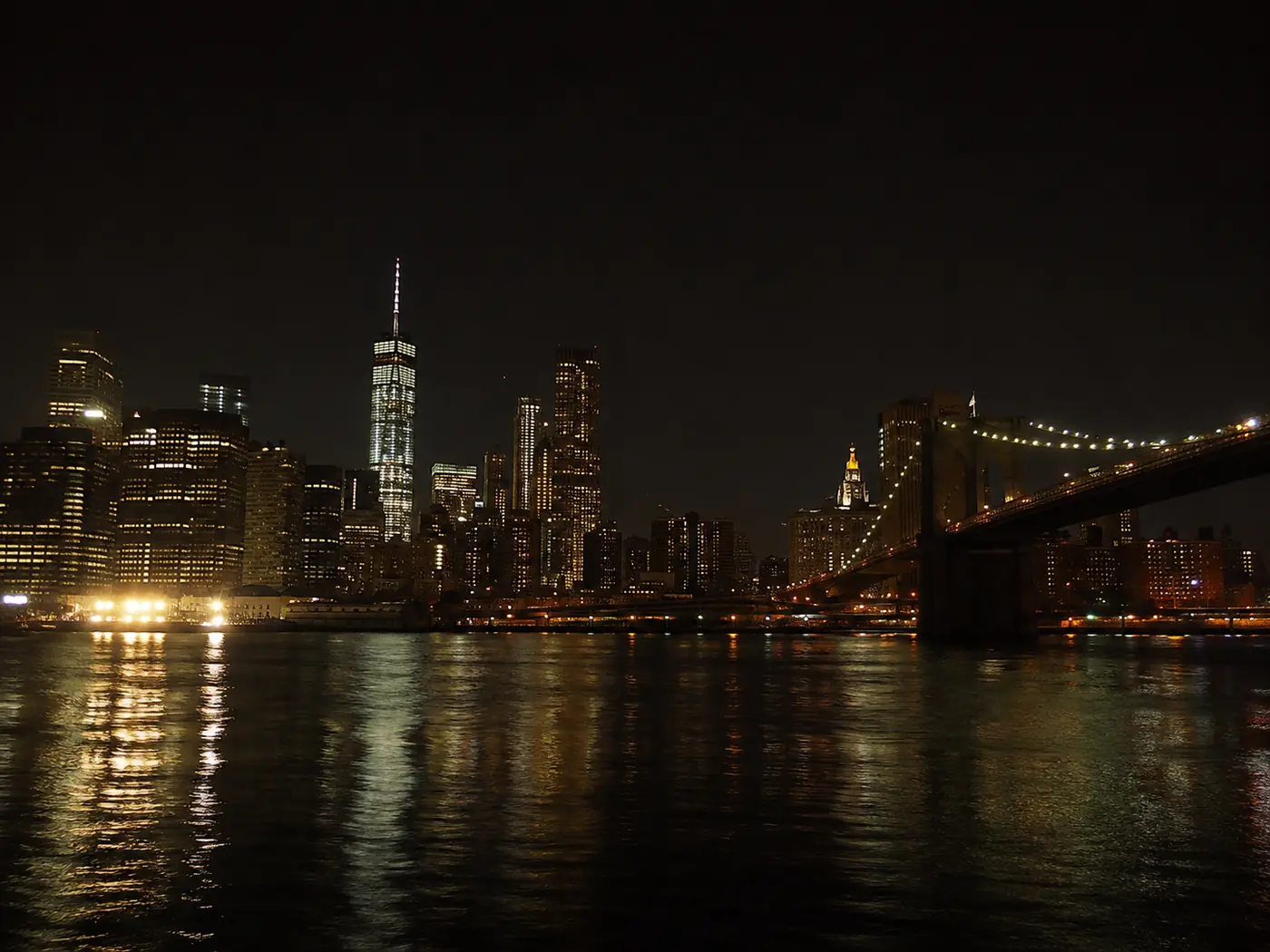
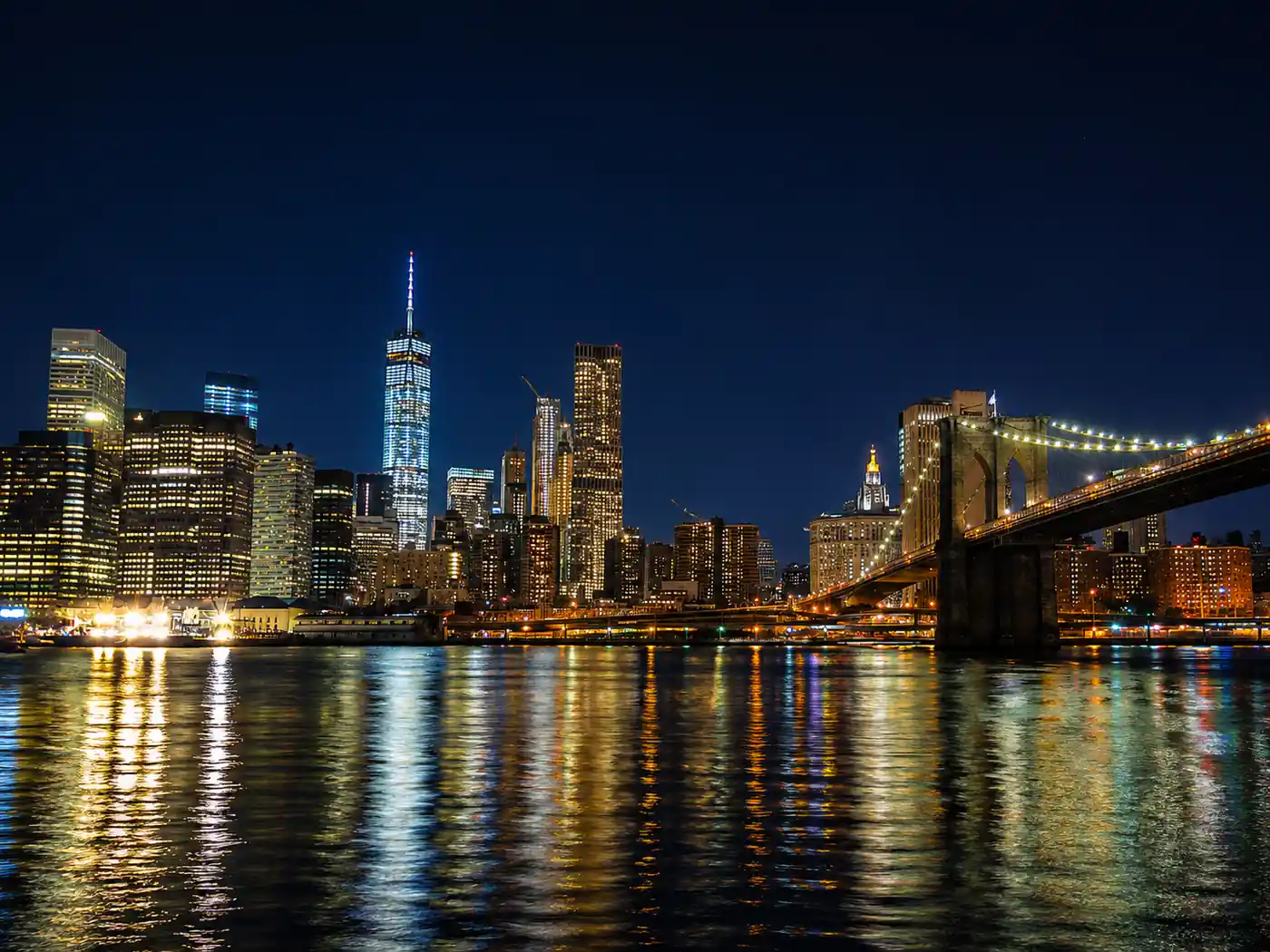
Dark & Low-Light Photos
Balance harsh lighting, and give nighttime or indoor shots a cleaner, more natural look.
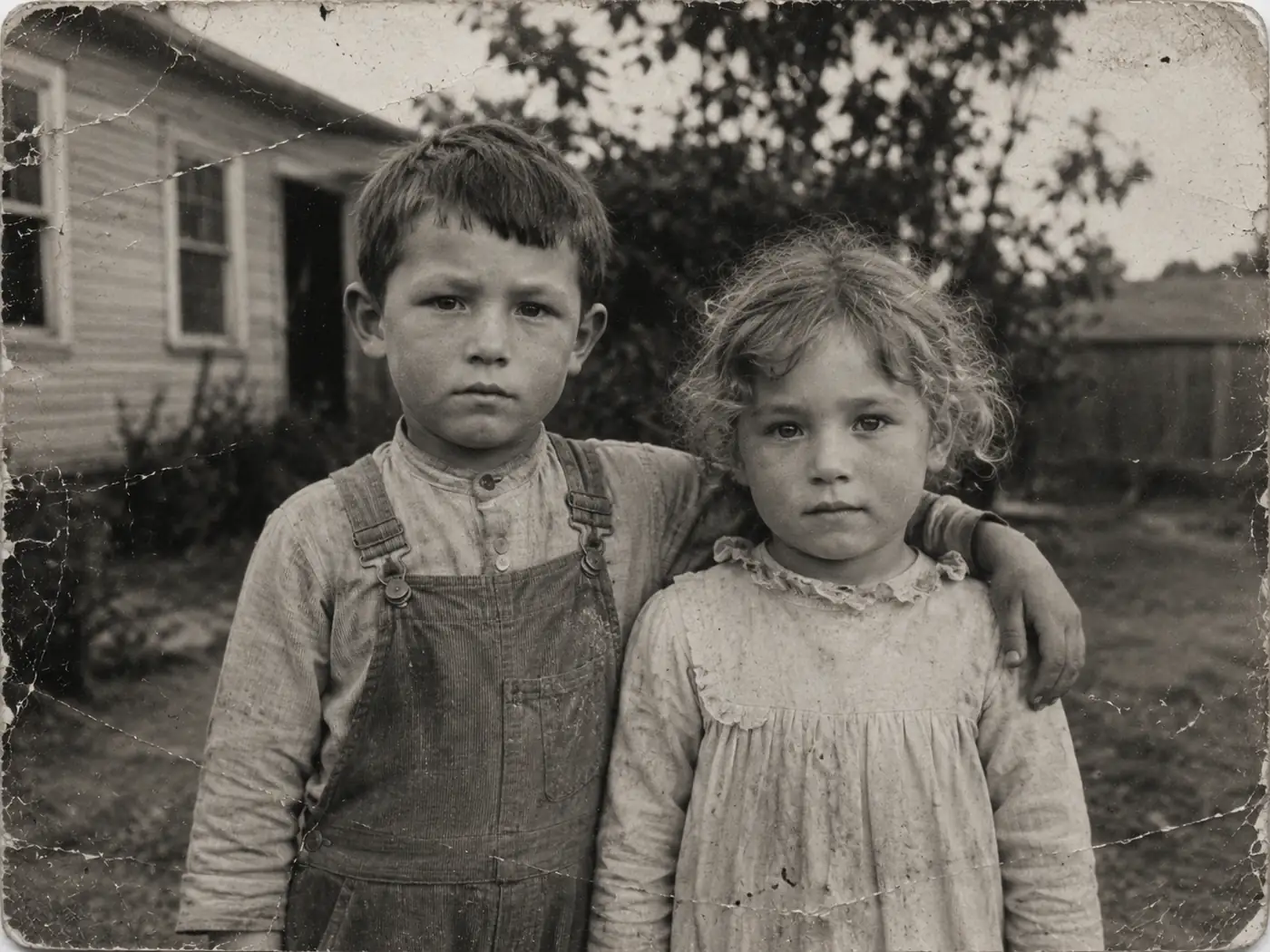
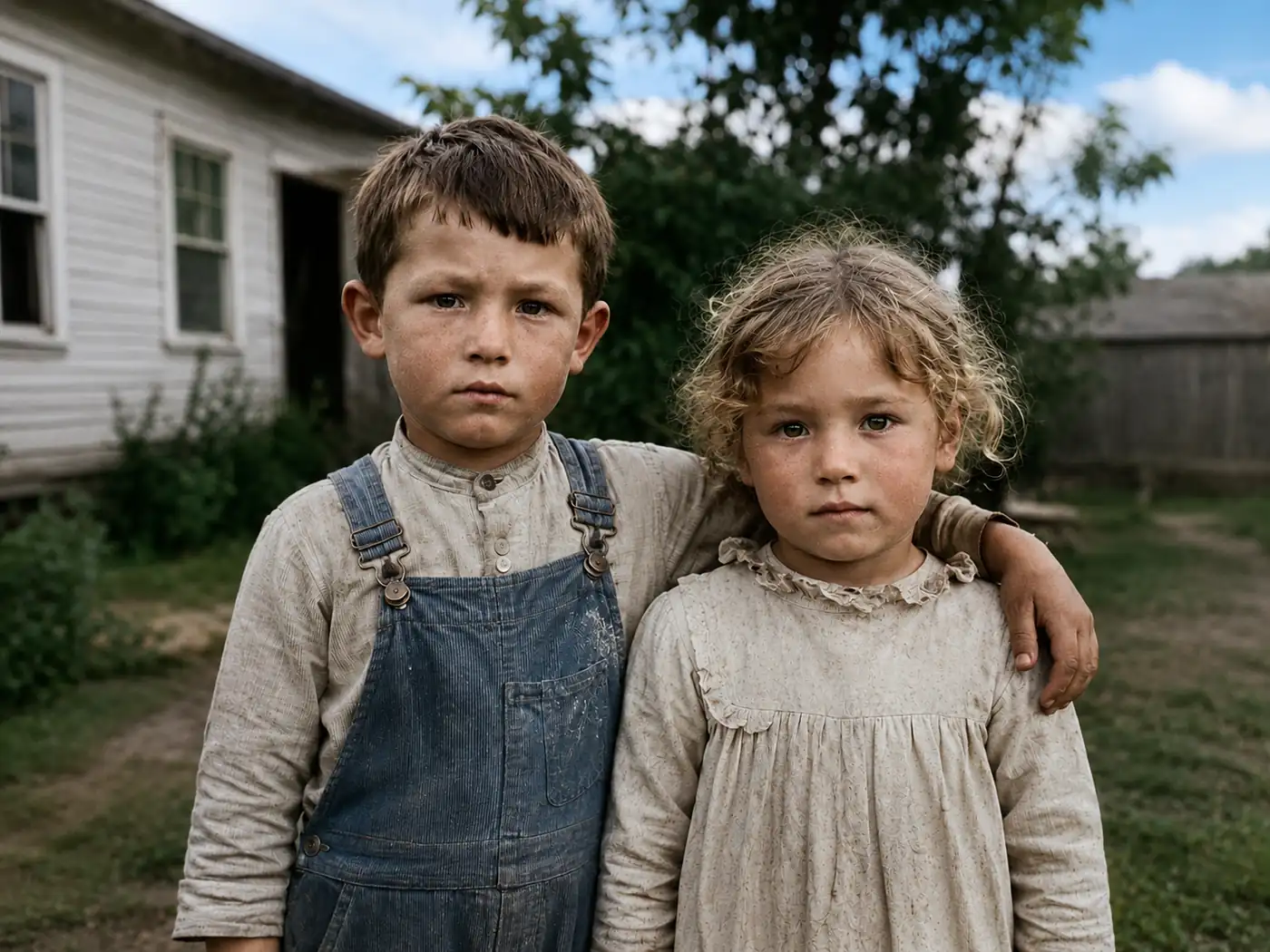
Old Photos
Restore lost details and recover natural tones while keeping the original character.
Enhance Photo Quality with AI in 3 Simple Steps
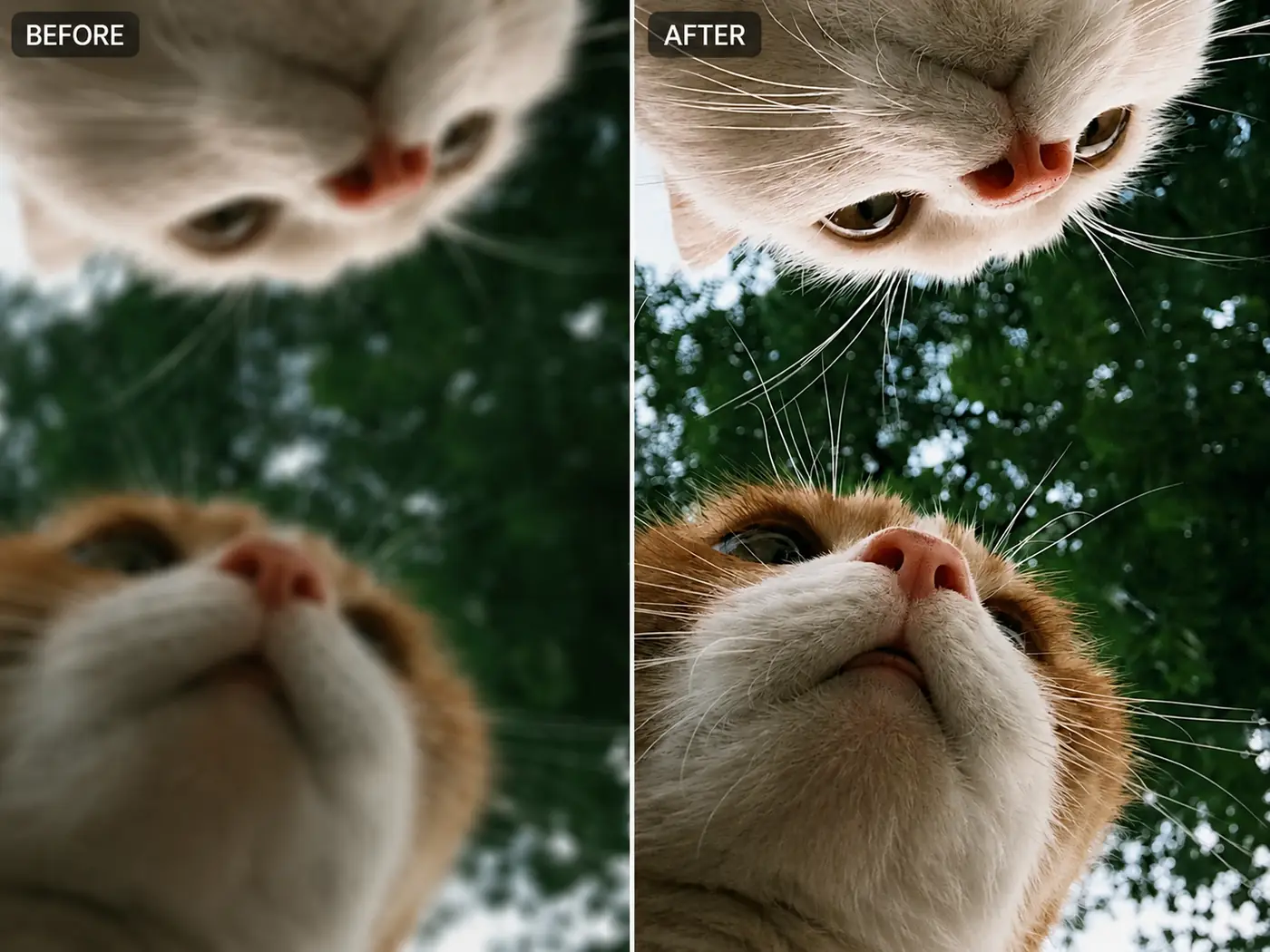
Free AI Photo Enhancer to Restore Lost Details
Our AI photo enhancer analyzes blurry, compressed, and low-resolution images to recover important visual details. It intelligently sharpens edges, restores textures, and improves facial features while keeping the overall image natural. Whether you are enhancing an old memory, a soft portrait, or a heavily compressed image, EzMaker AI helps bring back details that are difficult to recover with traditional editing tools.
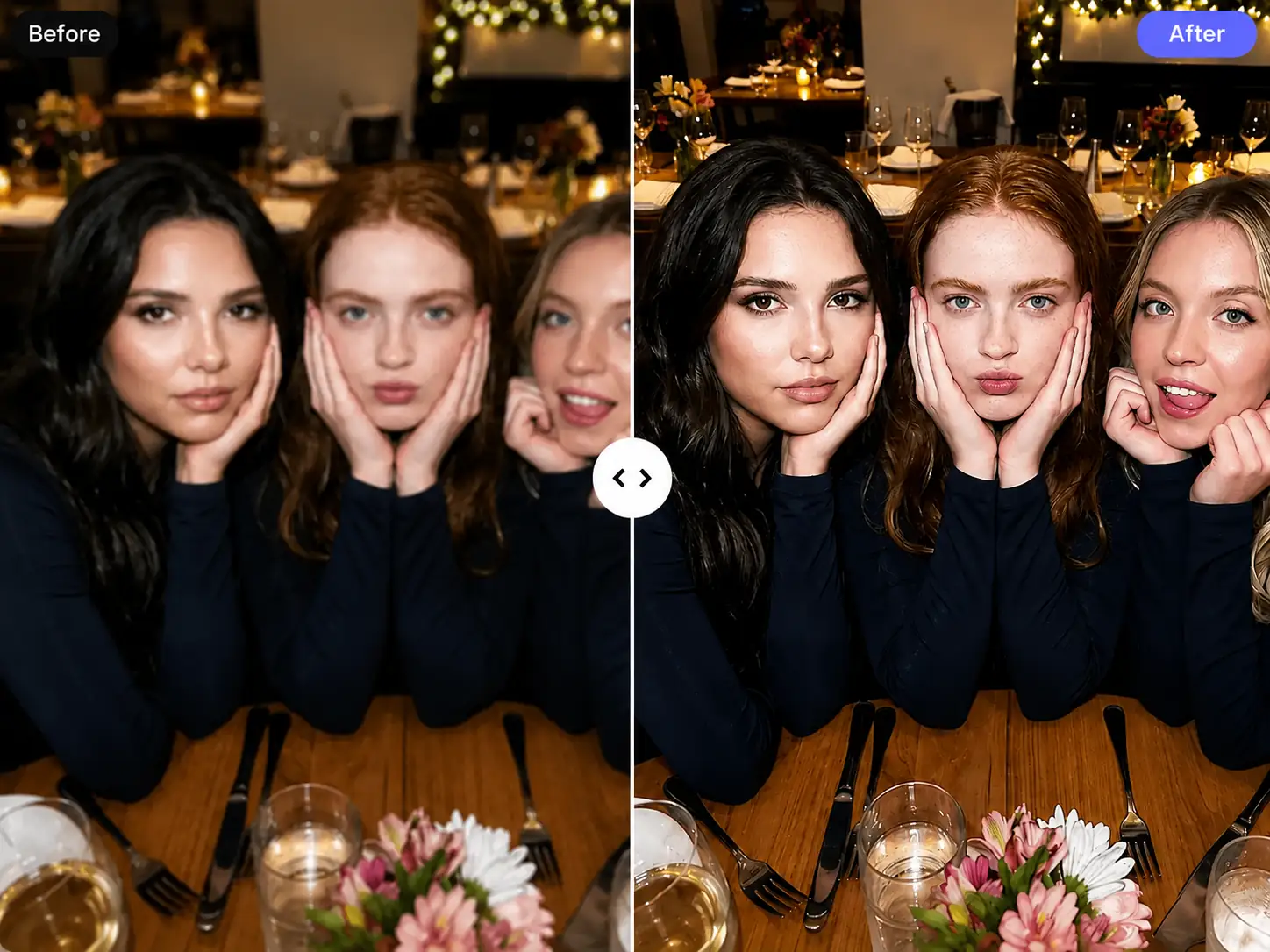
Improve Image Clarity and Contrast for Sharper Visual Results
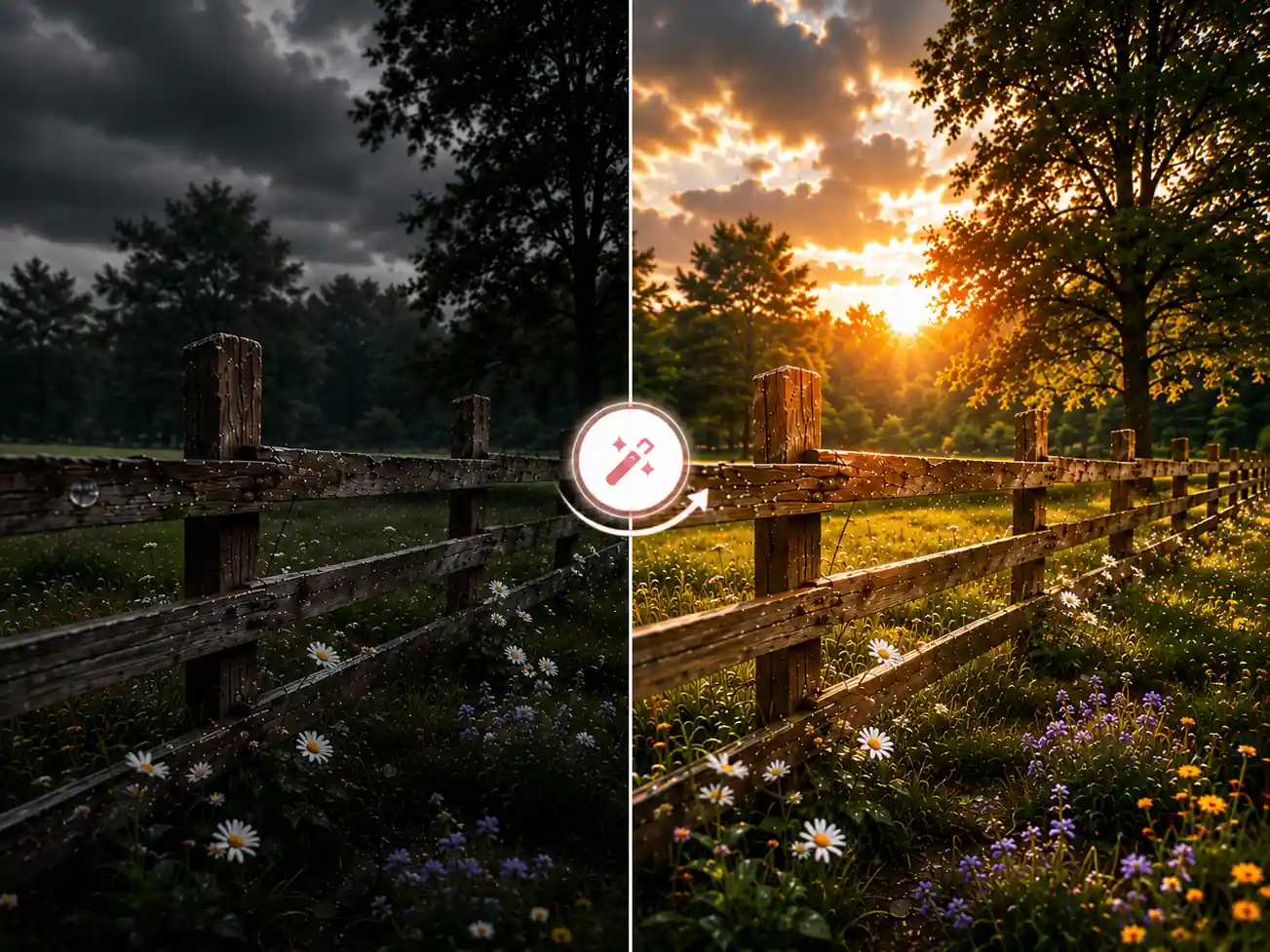
A photo may look flat or unclear when its subject lacks definition or the contrast is poorly balanced. With intelligent clarity and contrast enhancement, the free tool helps separate foreground details from the background, strengthen visual depth, and make important elements easier to see. The result is a sharper and more balanced image without the overly harsh look caused by excessive manual editing.
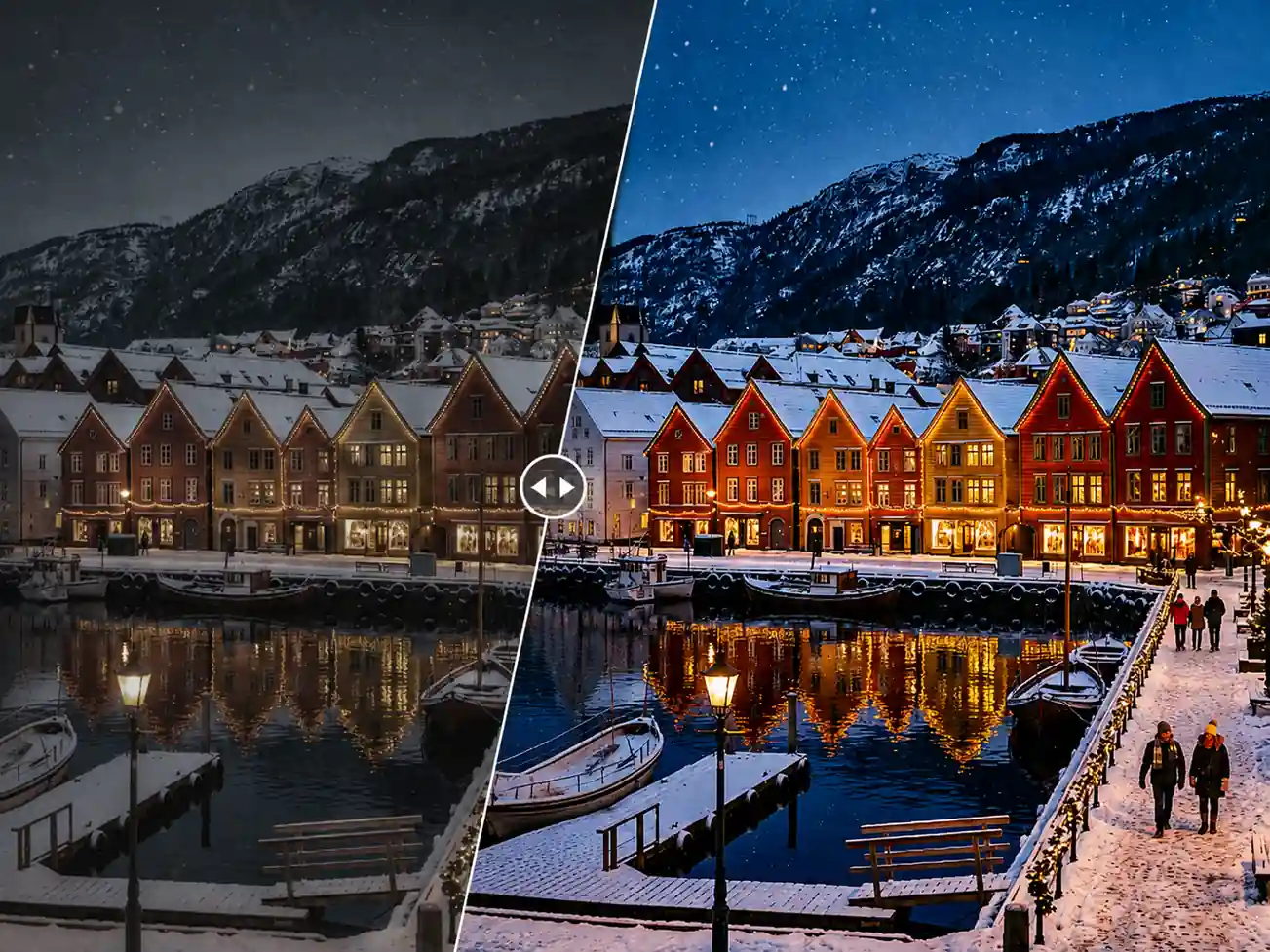
Enrich Lighting and Colors with AI
Faded and dull photos can lose their brightness, color depth, and visual appeal over time. AI color enhancement improves the richness of existing colors, while AI colorization adds natural-looking color to suitable black-and-white images. The process focuses on creating more vibrant tones and balanced lighting while preserving the original mood and visual details.
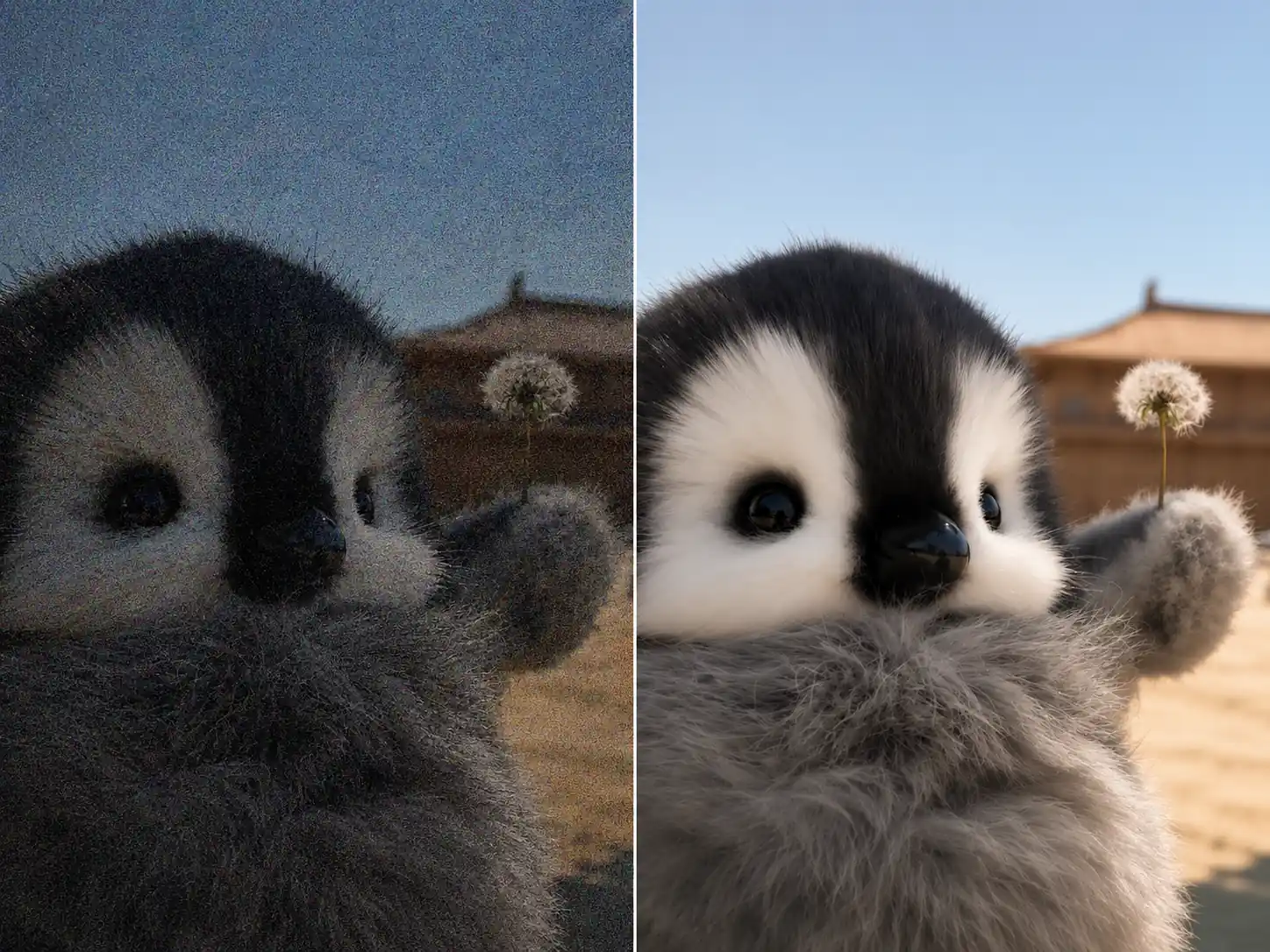
Reduce Image Noise with Online AI Photo Enhancer
Image noise appears as grain, speckles, or rough texture, especially in low-light photos and heavily compressed files. AI noise reduction detects these unwanted imperfections and removes them from the image. By focusing only on noise, the enhancement process helps create smoother surfaces and cleaner backgrounds while keeping important edges and details clear.
Loved by Millions
See Why Users Recommend Our AI Photo Enhancer
Millions of creators, photographers, and everyday users are turning their blurry memories into stunning masterpieces with the free AI photo enhancer. Hear what our community has to say:
I used online photo enhancer to fix some blurry shots from an old photoshoot, and the results were surprisingly good. The details came back without making the photos look unnatural.
Ava Wilson
Photographer
Really love how simple it is. I just upload an image, wait a few seconds, and get a much cleaner version without any watermark.
Henry Johnson
Designer
I needed better-quality images for my social posts, and this tool saved me a lot of time. The color enhancement and sharpness improvements are impressive.
Natalie Moore
Content Creator

I'm not good at editing photos, but AI enhancer makes it super easy. My product pictures look much clearer with just one click.
James Wilson
Business Owner
I restored some old travel photos with this tool, and they look much better now. It brought back details I thought were lost.
Jessica Turner
Travel Blogger

Great AI photo enhancer for quick edits. I like that I don’t need to sign up or install anything to improve my images.
Andrew Scott
Marketing Specialist

Frequently Asked Questions About AI Photo Enhancer
An AI photo enhancer is an online tool that uses artificial intelligence to improve image quality. It can sharpen details, enhance clarity and contrast, restore facial features, improve colors, and reduce image noise.
Common formats such as JPG, JPEG, PNG, and WebP are generally supported. For the best results, use a clear original file rather than a screenshot or a heavily compressed copy.
The tool is available for free, with no registration required to start enhancing photos.
No. Enhancement focuses on areas such as clarity, sharpness, texture, color, and noise rather than changing the main subject or completely altering the original image.
You can enhance many different types of images, including portraits, selfies, old photos, landscapes, product images, posters, logos, screenshots, scanned documents, and low-light photos.
No. Your enhanced photos are downloaded without a watermark, so you can save, share, print, or use them without an unwanted logo covering the image.
Use the original image whenever possible and avoid uploading repeatedly compressed copies. Make sure the subject is visible, the file is not damaged, and the image has enough resolution for the AI to analyze important details.
Of course. Our AI photo enhancer can generally be accessed from smartphones and tablets. The experience may vary depending on screen size, browser compatibility, connection speed, and image file size.
Every uploaded image remains private and will not be publicly visible or accessible to other users.
AI Photo Enhancer for Up to 4K Photo Quality
Give your photos a high-resolution upgrade with sharper details and clearer results up to 4K.