

Best Free AI Feet Generator in 2026 — No Sign-up, 4K Output
Have you ever encountered this problem: creating beautiful feet with a universal AI image generator is not so easy.
The fact is that AI generated results often have issues such as extra toes, clumsy ankles, unnatural postures, and abnormal proportions. And it is precisely because foot problems can quickly damage the original good image.
Therefore, a dedicated AI feet generator allows you to more directly control style, posture, perspective, and settings, making the process of creation easier.
To solve the series of problems encountered in this process, I have tried most of the AI foot generators currently available on the market, among which the EzMaker AI feet generator is particularly outstanding. It allows you to create realistic or animated AI foot images based on text descriptions or authorized reference images. This tool is free, provides unlimited access to its features, and does not require account registration.
In this article, we will focus on analyzing its advantages and limitations, gradually demonstrating how to create AI feet pics.
What Is AI Feet Generator?
Essentially, an AI feet generator is an online AI image generator that focuses on generating images based on foot features, without the need for manual drawing. You just need to tell the AI your thoughts. Meanwhile, due to the fact that step images are highly prone to errors in AI generated images, we should pay attention to the following points when generating step images:
● Create realistic or anime style footstep images.
● Is it showing one foot or crossing both feet
● Is it standing, sitting, walking, or cross legged posture
● Please note the camera angle and viewing angle
● Do footsteps come with shoes, socks, or bare feet
● Explain lighting and background
Best Recommendation: EzMaker's AI Feet Generator
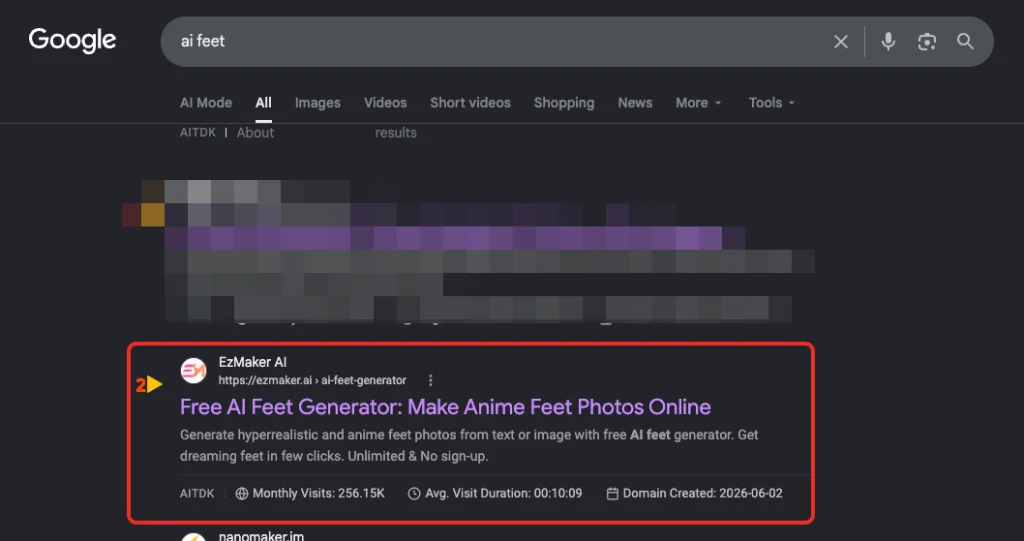
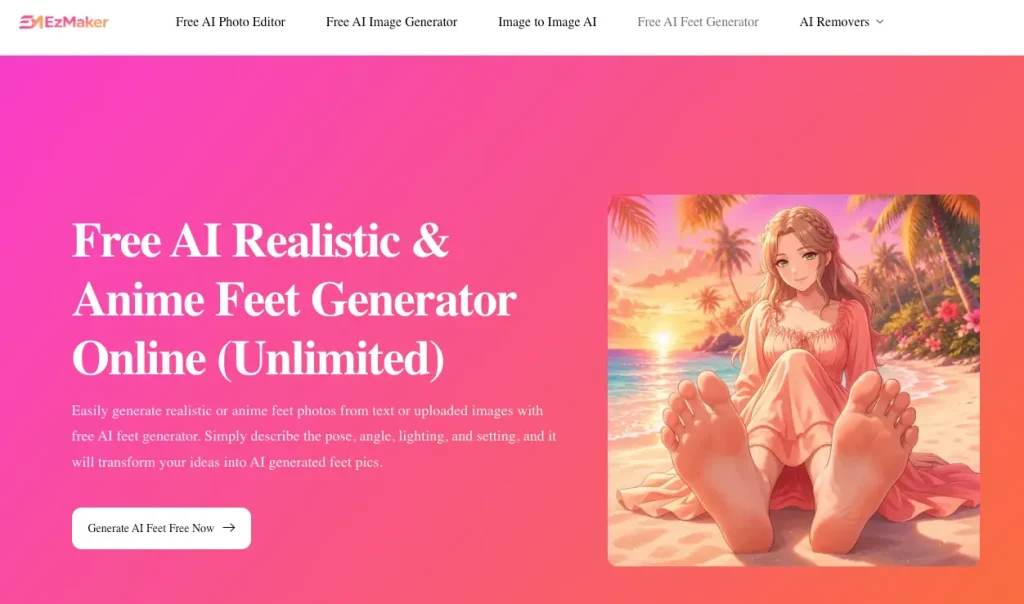
● Best suited for application scenarios: requiring real feet, anime feet, character design, and posture behavior research.
● Support creation method: AI feet pics can be generated by inputting text prompts and uploading reference images.
● Main supported styles: realistic style and anime style.
● Support posture settings: You can set posture such as standing, walking, sitting, dancing, crossing legs, etc.
● Support camera angles: top view, side view, rear view, sole view, low angle view, and three-quarters view.
● Default output image resolution: The default output image quality is 1K, and the maximum support image quality output is 4k.
● Is there any restriction: No, no login or credit card binding required, completely unrestricted use.
● Supporting device usage: It can run well on both mobile and desktop browsers.
● Online price: Currently, the service is still provided for free.
What shocked me the most was that EzMaker AI did not launch a large number of useless AI tools like other image editing platforms. Instead, it provided an ecological solution around users’ image editing needs.
EzMaker's AI Feet Generator Pros and Cons
To be honest, there is no perfect AI image generation tool. After experiencing the workflow of Ezmaker AI, although there are a few issues that may not be perfect, the quality of the results still depends on the complexity of the prompts and the required images.
Pros
● At present, it is completely free to use without any restrictions.
● No need to register an account, just open the AI feet generator to use it.
● No software installation is required, it can work directly in the browser.
● Supports both realistic and anime style creation, covering 95% of user needs.
● Flexible switching of usage modes, directly generated through text or reference images.
● Built in rich poses, perspectives, and scenes, allowing for the creation of more diverse and colorful images.
● No threshold, suitable for beginners and without any skill or experience requirements.
Cons
● It is precisely due to the complex posture that you may need to try multiple times.
● There is still a certain probability of failure, such as producing incorrect toes or awkward structures.
● For some professional creators, the camera angle is easy to control, but for users who are not familiar with it, this may be completely incomprehensible.
How to Create AI Feet Pics with EzMaker AI
The process of using EzMaker AI is very simple if you have never used an AI image generator before. It’s okay, he doesn’t need you to have any skills or experience at all. By following the following steps, you can fully create an AI feet pics.
Step 1: Open the AI Foot Generator
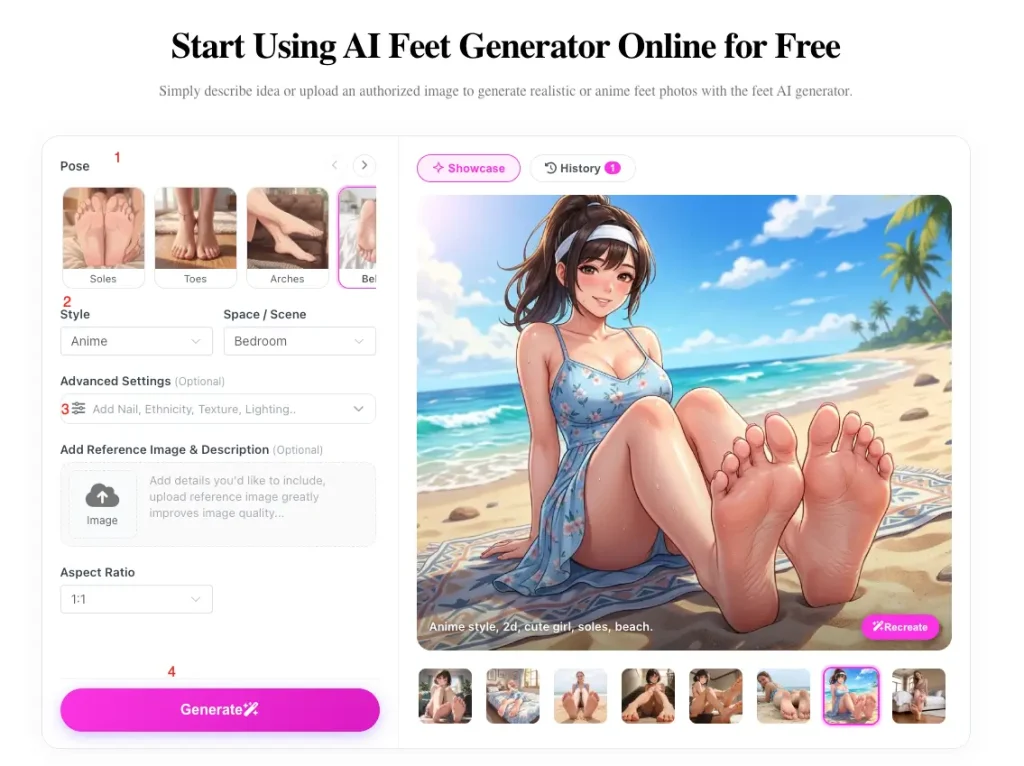
Step 2: Choose posture, style, and scene
Step 3: Advanced settings and referencing images
Step 4: Generate and check images
-Does every visible foot have five toes?
-Are toes naturally connected to feet?
-Are the ankles and legs aligned?
-Does this posture look feasible on the body?
-Are feet properly touching the floor or furniture?
-Does the perspective match other parts of the body?
-Are the shoes, socks, and accessories consistent?
If there seems to be an issue, simplify the prompt or provide a clearer description of the problem before generating another version.
Step 5: Download the final result
Best Practice Tips for Creating AI Feet Pics
✅ Specify the specific number of feet and toes. If both feet need to appear, please state it clearly. Adding the requirement of ‘five toes on each visible foot’ can also provide clearer constraints for the generator.
✅ Describe the entire posture. Don’t just describe your feet. Explain what the legs and body are doing. For example, ‘when an adult character sits upright on the sofa with their feet on the floor’ provides more spatial information for artificial intelligence to understand over and over again than ‘feet on the floor’.
✅ Use a clear camera angle. Choose a primary perspective and build prompts around it. Mixing top-down, forward facing, and low angle instructions often produces distorted results.
✅ Maintain a clear and simple structure prompt. Let’s start with the theme, posture, perspective, and style. After you have established a usable composition, add accessories and complex landscapes.
✅ Before checking the style, first examine the anatomical structure. Firstly, review the anatomical structure and posture, and then evaluate the lighting, texture, and artistic style.
Frequently Asked Questions
-
Is this AI feet generator free?
Currently, this AI feet generator is described as completely free and does not require registration.
-
Is it really infinite?
Users can access these features without restrictions. This should not be automatically interpreted as a perpetual guarantee of infinite generations. Confirm the current status in the real-time interface.
-
Can I generate realistic AI feet?
yes. Choose a realistic style that describes posture, angle, lighting, background, skin details, shoes, and the relationship between feet and other parts of the body.
-
Can I make anime feet?
yes. EzMaker supports anime style foot images, comic panels, character tables, drawing references, and other programmatic projects for original adult characters.
-
Do I need to upload photos?
Okay. Uploading reference images is optional and particularly useful when you need more control over posture or composition.
-
How to avoid extra toes and unnatural feet?
Use clear posture, requiring each visible foot to have five toes, and avoid combining too many commands. If the anatomical structure is still incorrect, simplify the scene or generate another variant.
-
Is the uploaded image safe?
The uploaded photos and usage records will be deleted after 24 hours.
-
Can the generated images be used for commercial purposes?
The generated images can be used for commercial purposes. Before publishing or selling results, please review the latest terms and confirm that your prompts, reference images, and final content do not infringe on third-party rights.
Final Summary
EzMaker AI feet generator is your best choice, allowing you to create realistic or animated AI foot images without the need for complex skills and experience. Its main advantages are browser based operation, support for reference image input, built-in poses, flexible camera angles, and no registration required.
Like every AI image generator, it may occasionally produce incorrect anatomical structures or difficult to handle complex full body poses. Therefore, clear prompts and careful inspection are still crucial.
For artists, character designers, and leisure creators looking for an accessible starting point, it provides a simple way to transform descriptions or reference images into customized AI foot images. Try creating your first AI feet image online now.