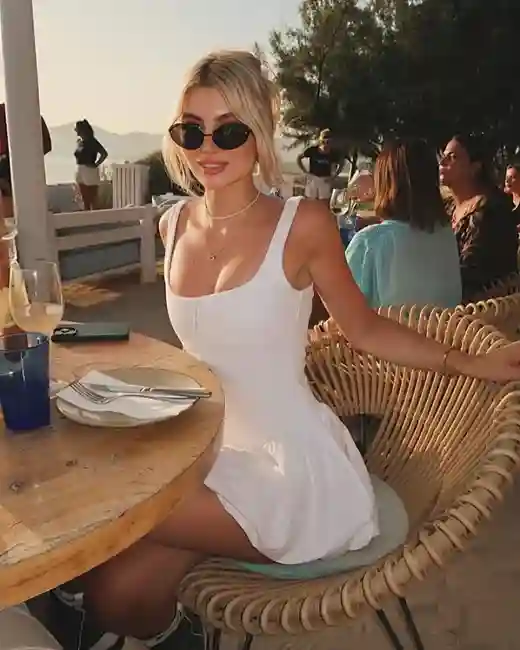

Top 10 Free AI Photo Enhancers in 2026 - Tested & Compared

Best AI Photo Enhancers

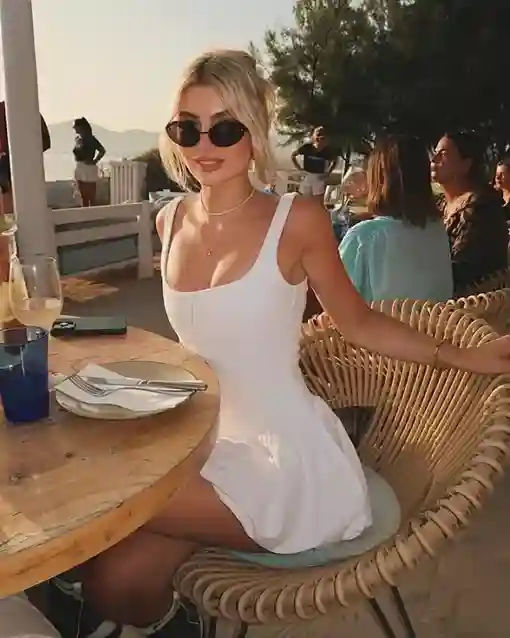
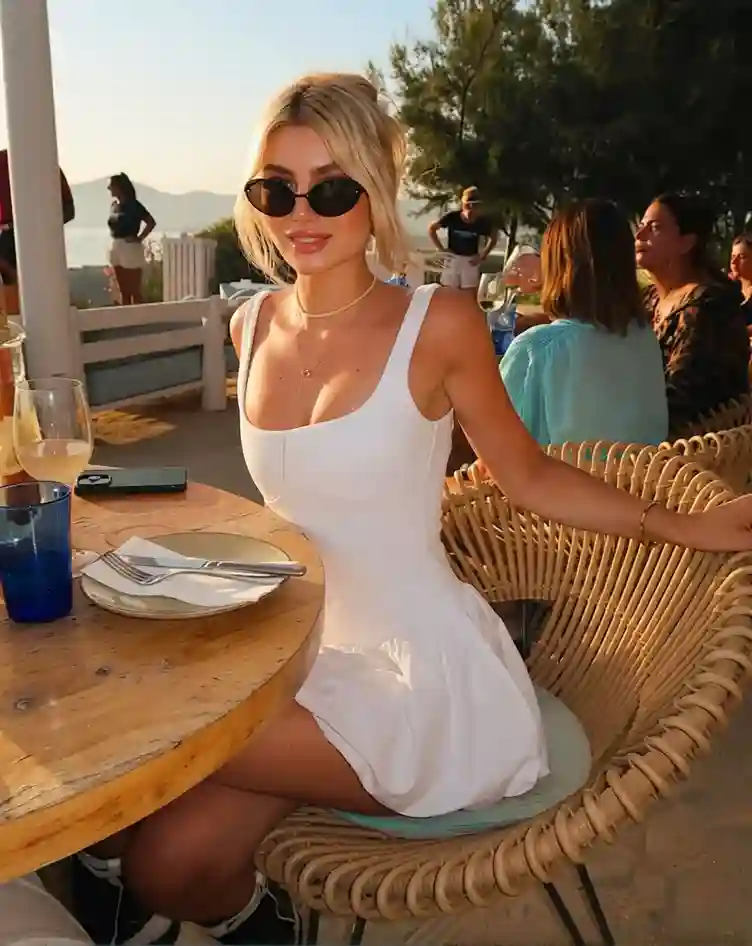
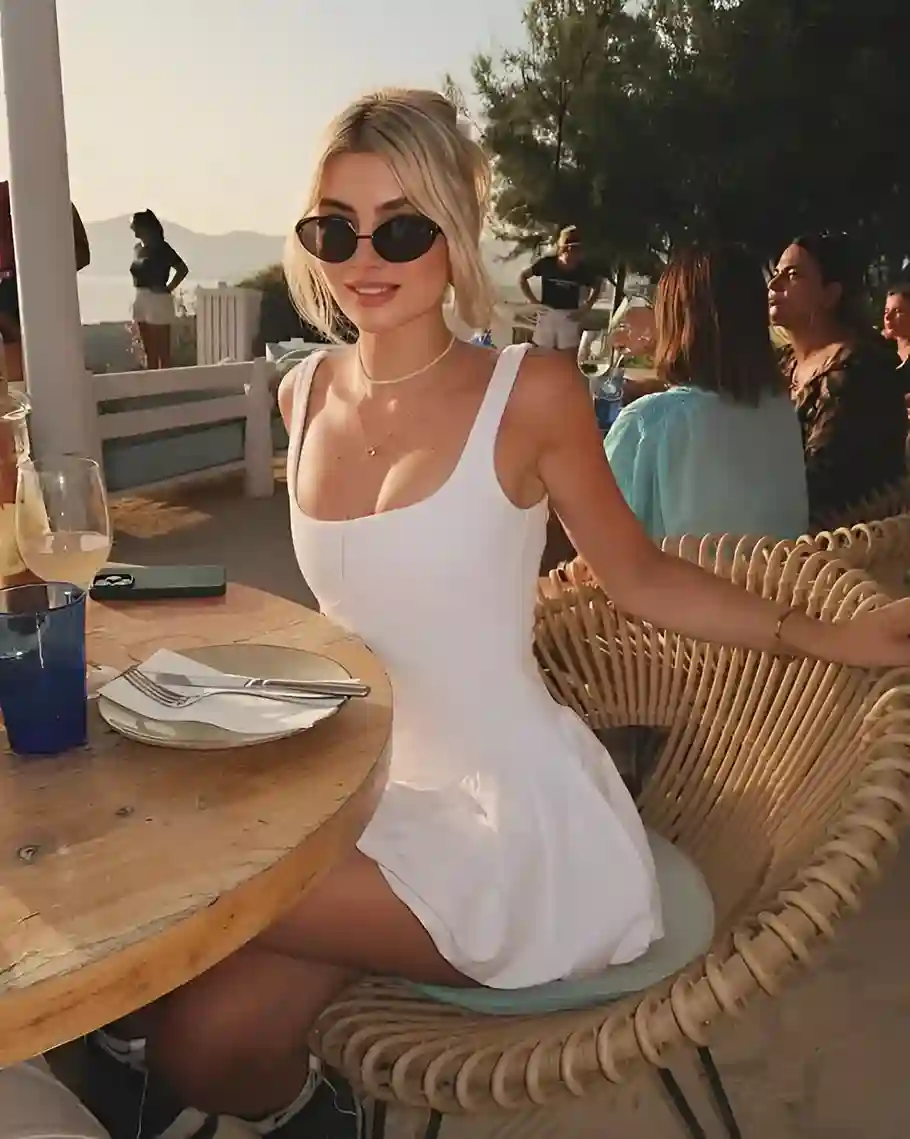
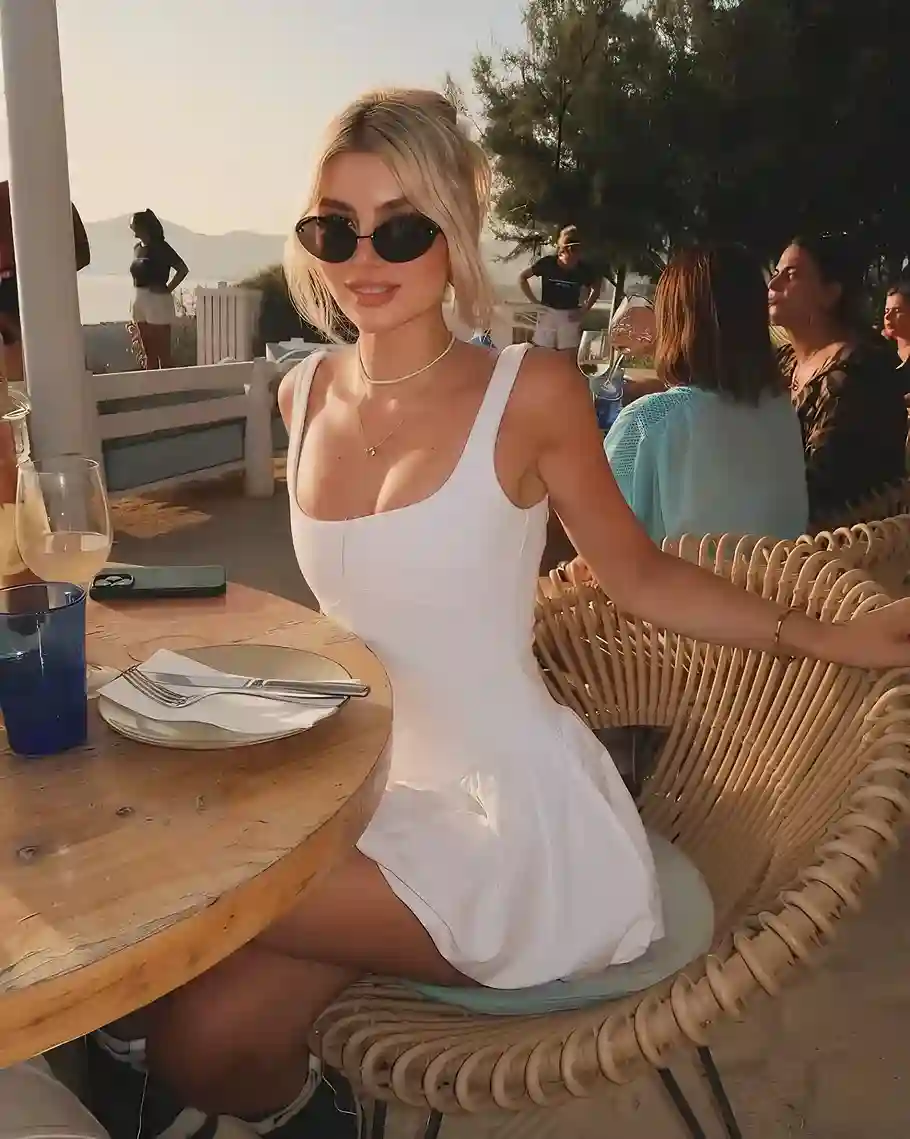
Want to make blurry, low-resolution, or old photos look clearer? Traditional image editing software can certainly do the job, but Photoshop has a steep learning curve for most people. That’s one reason why AI photo enhancers are becoming increasingly popular. A good AI photo enhancer can handle image upscaling, detail recovery, and noise reduction effortlessly.

The catch is that the actual results can vary quite a bit between tools. Some still leave images looking blurry after upscaling, while others can go too far with face enhancement and make people look unnatural.

In this article, we tested 10 leading AI photo enhancers and compared them based on their output quality, strengths, and limitations to see which ones perform best and which tool is the right fit for your needs.

How We Tested These AI Photo Enhancers?

To make the comparison more useful, we tested all 10 AI photo enhancers using the same criteria, focusing on the following areas:

  • Output Quality: How much clearer the enhanced image looks, whether the details still look natural, and whether there’s any over-sharpening, strange textures, or obvious AI artifacts.
  • Enhancement Features: Beyond basic upscaling, we looked at whether the tool can handle common needs like deblurring, noise reduction, face enhancement, and old photo restoration.
  • Processing Speed: How long it takes to get the enhanced image, especially when working with higher-resolution photos.
  • Ease of Use: How easy the tool is to use, whether it requires any complicated settings, and how smooth the process is from uploading to downloading.
  • Free Experience: What you actually get for free, including usage limits, output resolution, watermarks, and download restrictions.

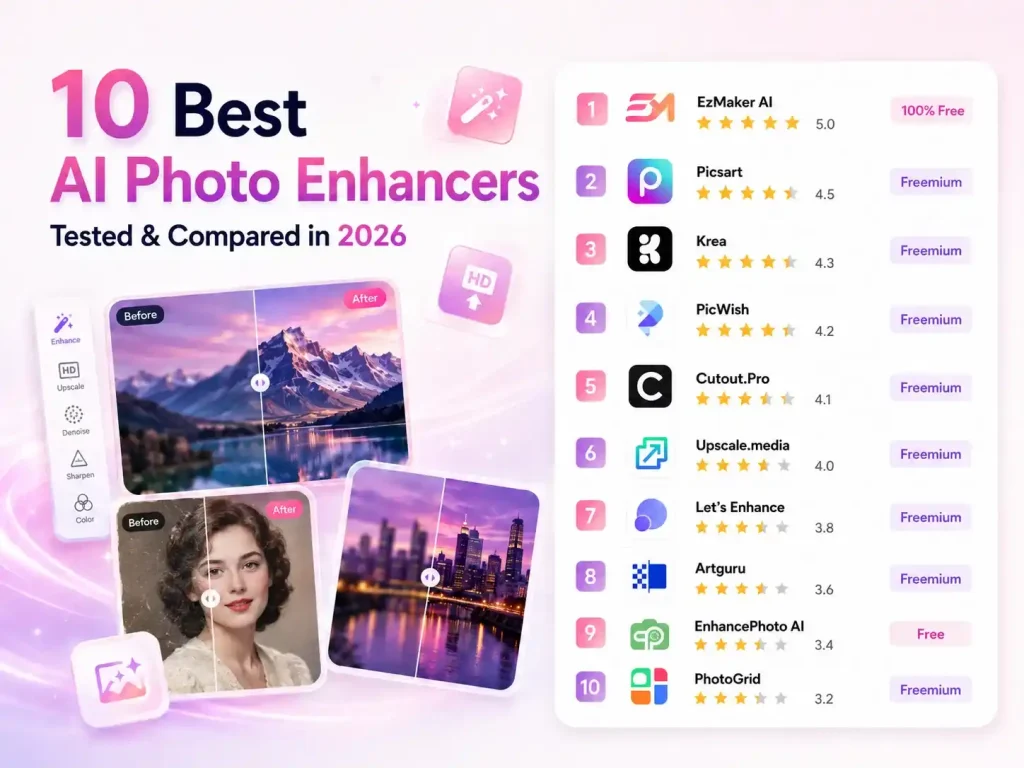
Best Free AI Photo Enhancers at a Glance

AI Photo Enhancer No Login Free to Use No Watermark Free Download Upscaling Options
EzMaker AI ✅ 100% Free to Use ✅ ✅ Customizable
Picsart ❌ Freemium ✅ Free at Low Resolution Automatic
Krea ❌ Freemium ✅ Free at Low Resolution 1x, 2x, 4x, 8x
PicWish ❌ Freemium ✅ Free at Low Resolution Standard, HD, Ultra HD, Ultra HD Max
Cutout.Pro ❌ Freemium ✅ ✅ Automatic
Upscale.media ❌ Freemium ✅ Free at Low Resolution 2x, 4x, 8x
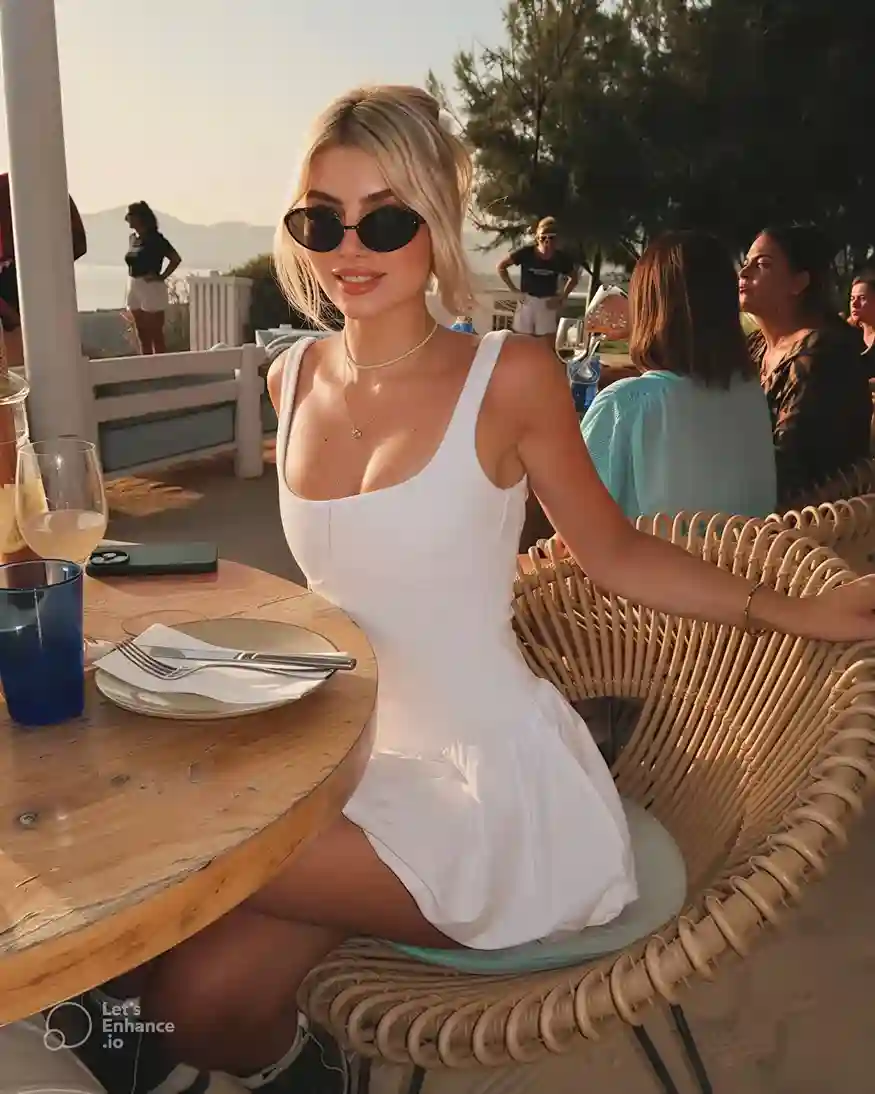
Let's Enhance ❌ Freemium ❌ Free at Low Resolution Customizable
Artguru ❌ Freemium ❌ Free at Low Resolution Automatic
EnhancePhoto AI ✅ Free to Use ✅ ✅ Automatic
PhotoGrid ❌ Freemium ❌ ❌ Standard, Ultra HD, Restoration

Top 10 AI Photo Enhancers - Fully Tested

1.EzMaker AI

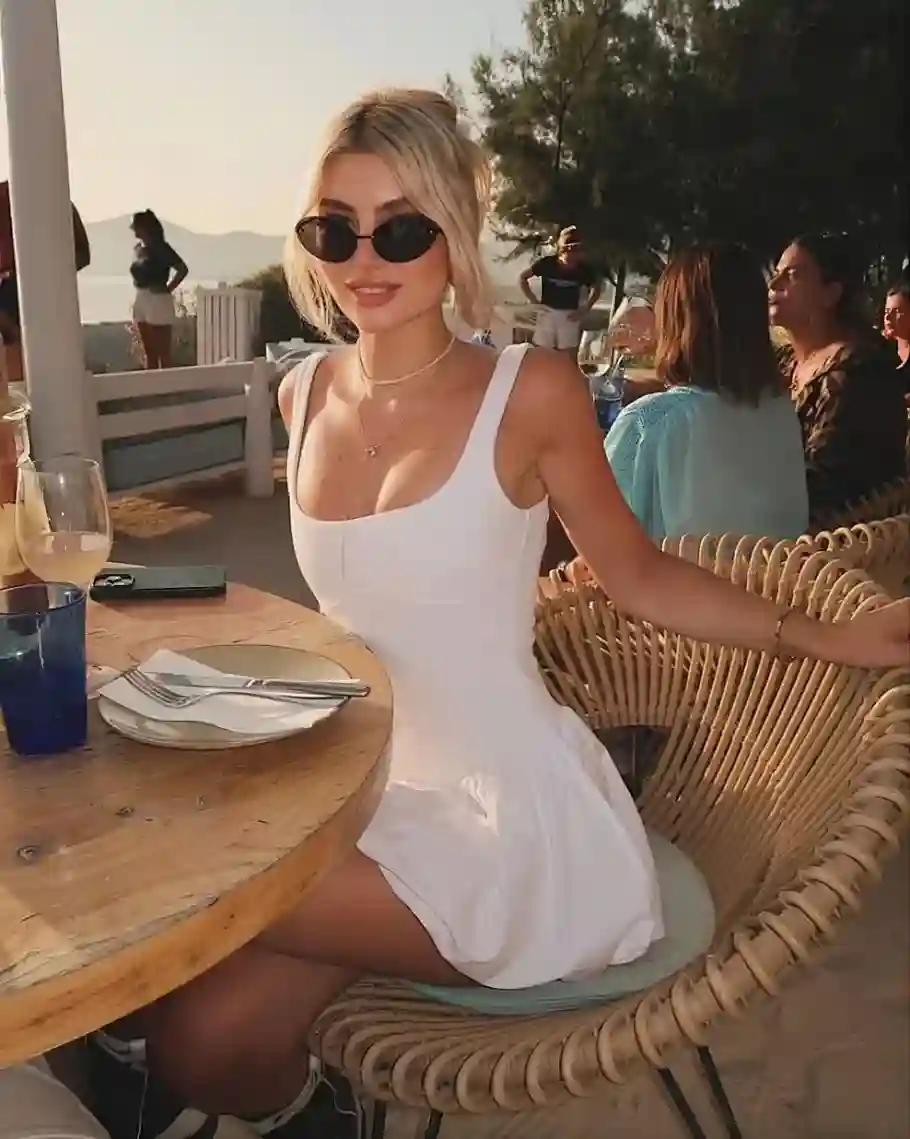
EzMaker AI is a tool focused on image editing, with AI photo enhancer being one of its more useful features. It keeps things simple: upload an image, choose the settings you need, and hit “Generate”. The tool is completely free and doesn’t require a login, so there are fewer extra steps when you just want to enhance an image.

Our Test

Input Output
Input Image Output Image
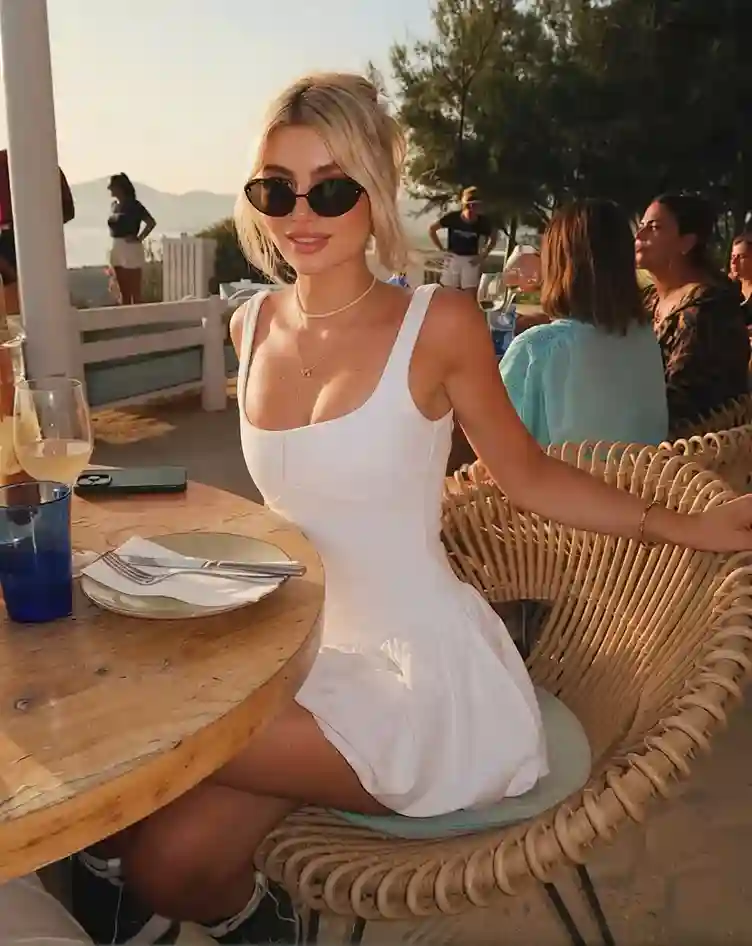
" After testing EzMaker AI, I was pleasantly surprised by the results. The enhanced image has clearer details, especially around the hair and facial features. The overall colors also look brighter and less dull than the original, giving the photo a bit more depth while still keeping it natural. "

Pros

  • Completely free
  • No login required
  • Simple and easy to use
  • Flexible adjustments for different enhancement needs
  • Good results for portraits and image details

Cons

  • Processing can take a little longer

Price

  • 100% Free

2.Picsart

Picsart’s AI photo enhancer is a good option for anyone who doesn’t want to spend time figuring out different settings. Once you upload an image, it starts enhancing it automatically, so there’s no need to make any adjustments. After processing, you can easily compare the enhanced image with the original. Picsart also offers a range of other editing tools, so you can continue working on the image if needed.

Our Test

Input Output
Input Image Output Image
" This test was done using a free account. Compared with the original, the enhanced image showed no significant improvement, with only limited changes to the overall detail and clarity. "

Pros

  • Simple to use, with no manual settings required
  • Easy to compare the original and enhanced images

Cons

  • Limited features and options for free users
  • The enhancement is not particularly noticeable
  • High-resolution downloads require you to log in

Price

  • Free plan available
  • Paid plans start at $10.50/month

3.Krea

Krea offers 1x, 2x, 4x, and 8x upscaling options, and you can also adjust the Sharpness setting to have more control over the final result. Free users can use up to 2x, which is generally enough for everyday image enhancement.

Our Test

Input Output
Input Image Output Image
" This test used Krea's 2x upscaling, and the overall result was pretty good. The enhanced image brought out more detail in the face, skin, and hair while keeping everything looking natural, without noticeable over-sharpening or an obvious AI look. "

Pros

  • Supports up to 8x upscaling
  • Lets you adjust the Sharpness setting freely
  • Offers several ways to compare the results

Cons

  • Free users have limited upscaling options
  • The interface takes some time to get used to
  • Processing can be a little slow

Price

  • Free plan available
  • Paid plans start at $5.25/month

4.PicWish

PicWish’s AI photo enhancer comes with a good range of enhancement options, making it a nice choice if you want more control over how your image is processed. Along with Standard, HD, and Ultra HD modes, it also offers Ultra HD Max and Restoration. For portraits, there are also Natural and Glam modes to choose from. Free users can access several of these options with a limited free allowance, so you can try them out before paying.

Our Test

Input Output
Input Image Output Image
" In our test, PicWish did a pretty good job overall. Details like the skin and individual strands of hair were noticeably enhanced without looking overly processed. One detail that stood out was the jewelry: the gemstones on the necklace became much clearer after enhancement, while the overall image still looked natural. "

Pros

  • Offers a wide range of enhancement modes
  • Includes Natural and Glam modes for portraits
  • Free users get a fairly generous amount of free usage
  • Does a good job bringing out small details

Cons

  • Free downloads are limited to 1023 × 1280
  • Downloading the full-resolution image (1316 × 1646) requires a paid plan

Price

  • Free plan available with a relatively generous allowance
  • Paid plans start at $4.29/month

5.Cutout.Pro

Cutout.Pro’s AI Photo Enhancer keeps things simple. Just upload an image and it starts processing right away, with no settings to adjust. It’s also quite fast, usually finishing within a few seconds. Besides image enhancement, it also has a basic cropping tool. Once the image is ready, you can choose between Free Download and HD Download.

Our Test

Input Output
Input Image Output Image
" Cutout.Pro was very quick, with the result ready in just a few seconds. The enhancement itself was fairly subtle, though. The image looked a little clearer than the original, but the improvement in fine details wasn't particularly noticeable. It's not the best choice if youre looking for a major quality boost, but it works well enough for a quick touch-up. "

Pros

  • Very fast processing, usually taking just a few seconds
  • Simple and easy to use, no settings to adjust
  • Includes a basic image cropping tool

Cons

  • The improvement in fine details is fairly limited
  • No additional enhancement settings or modes

Price

  • Free usage is available
  • Subscription plans start at $5/month, while pay-as-you-go credits start at $4.99 for 30 credits.

6.Upscale.Media

Upscale.media is a well-established image enhancement tool with a good range of models and upscaling options, including 2x, 4x, and 8x. It also comes with 6+ filters that you can apply after enhancing the image, giving you a few more ways to fine-tune the result. Batch processing is supported as well, which is useful when you need to enhance multiple images at once.

Our Test

Input Output
Input Image Output Image
" I used a free account for this test, so I could only try the basic enhancement features. The image did look a bit clearer than the original, but the overall improvement wasn't very noticeable. "

Pros

  • Offers a good range of enhancement models and upscaling options
  • Supports up to 8x upscaling
  • Includes 6+ filters for further adjustments
  • Supports batch processing

Cons

  • Free users have limited choices in terms of upscaling options and features
  • The improvement in fine details can be limited for some images

Price

  • Free users get 3 free uses
  • Subscription and one-time credit plans are available, with subscriptions starting at $9.99/month and one-time credit plans starting at $5.99
7.Let's Enhance

Let’s Enhance is a feature-rich image enhancement tool that requires you to log in before using it. It offers several enhancement models and lets you choose the output size yourself. Besides basic enhancement, it also has Light AI for balancing colors and lighting, as well as a background removal tool.

Our Test

Input Output
Input Image Output Image
" The results from our test were quite good. The enhanced image had better colors and more visible details in areas like the face and skin. The skin in particular looked smoother and more radiant without looking overly edited. When checking the result, you can not only compare it with the original but also zoom in on specific areas to take a closer look at the details. "

Pros

  • Supports multiple enhancement models and custom output sizes
  • Lets you zoom in to check fine details
  • Includes extra features like Light AI and background removal
  • Does a good job with portrait details and colors

Cons

  • Requires an account to use
  • Free users only get a limited number of credits
  • Downloaded images come with a watermark

Price

  • Free users get 10 credits
  • Paid plans start at $9/month

8.Artguru

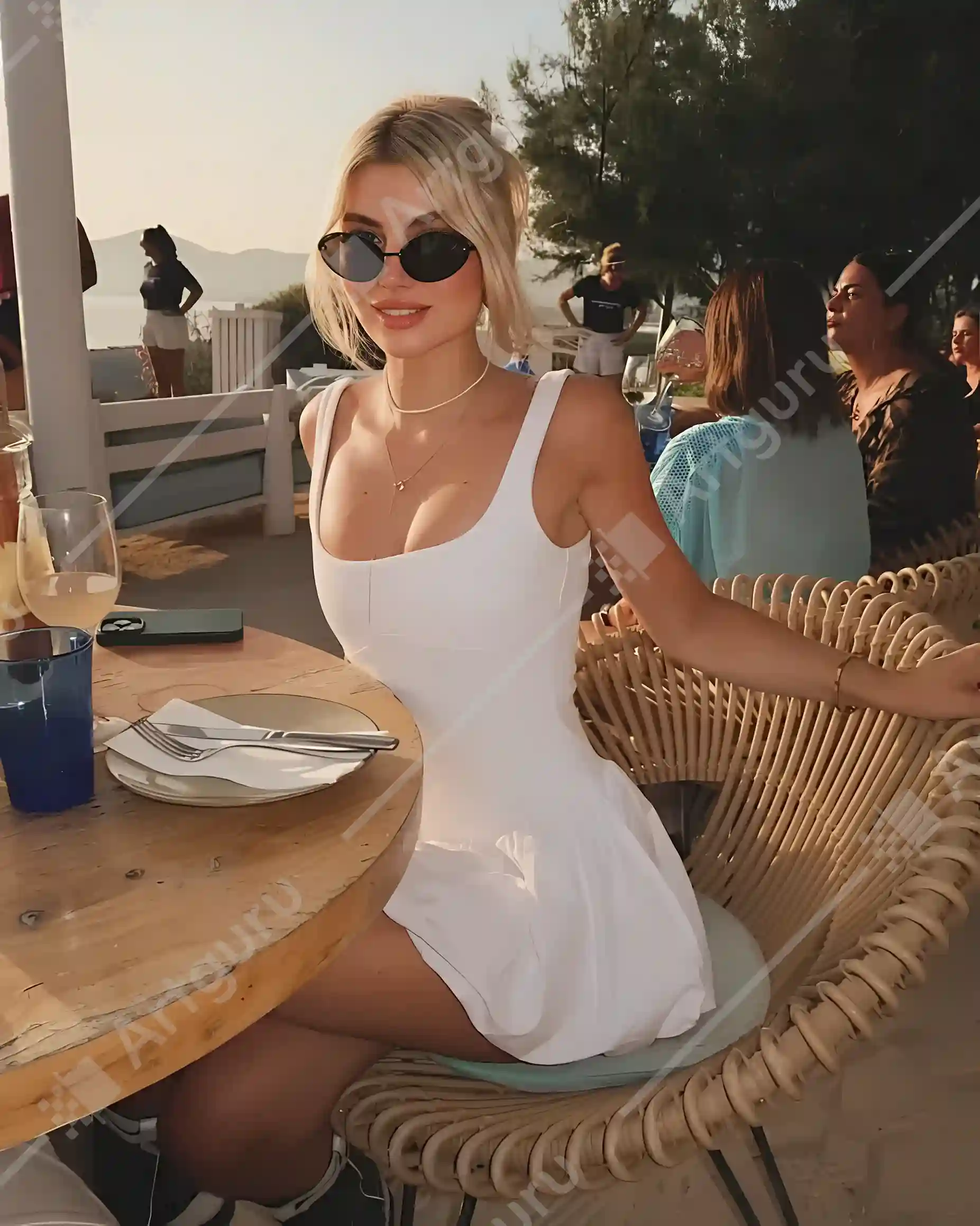
Artguru keeps things simple and doesn’t require an account. Once you upload an image, it starts processing right away, with no models to choose from or settings to adjust. It’s also pretty quick, so you don’t have to wait long for the result.

Input Output
Input Image Output Image
" The results were just okay in our test. While the resolution went from 658 × 823 to 3274 × 4095, the improvement in fine details wasn't very noticeable. Some small details were also changed in the process. For example, the necklace around the person's neck ended up looking more like a simple string, so the details weren't reproduced very accurately. "

Pros

  • Easy to use, starts processing right after upload
  • Processing is quite fast

Cons

  • The improvement in fine details is fairly limited
  • Some small details may look different after enhancement
  • Free results come with a watermark

Price

  • Free users can process 3 images
  • Paid plans start at $9.99/month, and removing the watermark requires a paid plan

9.EnhancePhoto AI

EnhancePhoto automatically sorts images into different categories, such as portraits, objects, and text. Once you upload an image, it identifies the type of image and starts processing it automatically, so there’s no need to adjust any settings yourself. The processing is also quite fast, making it a convenient option for quick enhancements.

Our Test

Input Output
Input Image Output Image
" The results were pretty decent overall. Besides making the image a little clearer, EnhancePhoto also made some small adjustments to the colors and lighting, which helped the image look more balanced. "

Pros

  • No login required
  • Free to use
  • Automatically detects the type of image
  • Fast processing

Cons

  • Not many options for customizing the result

Price

  • Free users get 30 credits
  • Each enhancement uses 4 credits, and the credits reset daily

10.PhotoGrid

PhotoGrid supports both single-image and batch uploads. After uploading, you can choose from three enhancement modes: Standard, Ultra HD, and Restoration. It also comes with other options, such as background blur. There are more settings to choose from compared with tools that only offer a basic upscaling option, but the overall process is still pretty straightforward.

Input Output
Input Image Output Image
" The results were fairly average in our test. The image was noticeably clearer after processing, but the improvement in fine details was not as impressive. Some areas still looked a little blurry after upscaling, so the overall difference was not as significant as expected. "

Pros

  • Supports both single-image and batch processing
  • Offers Standard, Ultra HD, and Restoration modes
  • Includes other image editing options, such as background blur

Cons

  • The overall enhancement results are fairly average
  • Fine details are not always well preserved
  • Free users cannot directly download the processed images
  • Screenshots of the results come with a watermark

Price

  • Free users get a limited number of uses
  • Subscriptions start at around $2.83/month, one-time credit packages start at $5.99

Final Verdict

After testing all 10 tools, EzMaker AI was the strongest performer in our test. What stood out was that it didn’t just make the image larger, it also did a good job preserving details in areas like the face and hair, while keeping the overall result natural. It’s also completely free and doesn’t require a login, so there are very few barriers to using it.

The other tools have their own strengths as well. Krea gives you more control, with upscaling options from 1x to 8x and a Sharpness setting you can adjust yourself, making it a good choice if you want more control over the final result. PicWish offers a wider range of enhancement modes, including different quality options as well as Natural and Glam modes for portraits. Let’s Enhance goes beyond basic upscaling, with additional tools for adjusting lighting and colors.

Looking at the overall results, while also taking price and ease of use into account, EzMaker AI photo enhancer is still the tool we’d recommend most from this test.

Enhance Your Photo to 4K

Upscale your photo to 4K and get sharper, clearer results. Try it now and enhance your image for free.