



Unblur Image: Make Blurry Images Clear
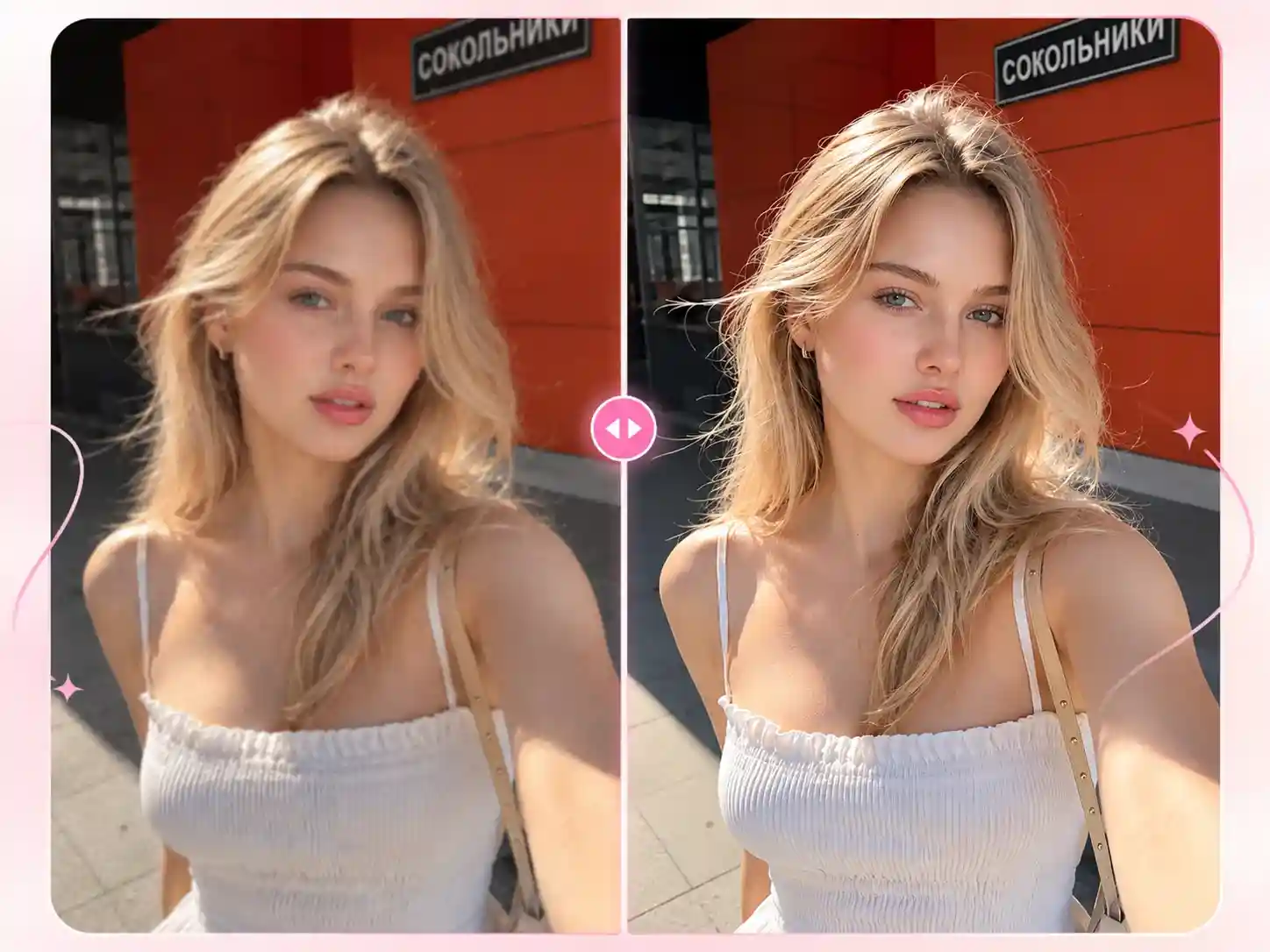
Fix blurry photos in one click with our free AI blur remover. No professional editing software needed. Reduce motion blur, camera shake, and soft focus to restore image details in seconds.
-
Free & Unlimited
-
Clear, Natural Results
-
No Editing Skills

Unblur Image Online Free
Got a blurry photo? Upload it to remove blur in one click and restore image details. Try it for free with no watermark and no software to install.
What Types of Blur Can Our AI Blur Remover Fix?
Our AI Image Blur Remover works with different types of blurry photos. Results depend on the original image and the severity of the blur. Upload your photo and see how much clearer it can look.
Motion Blur
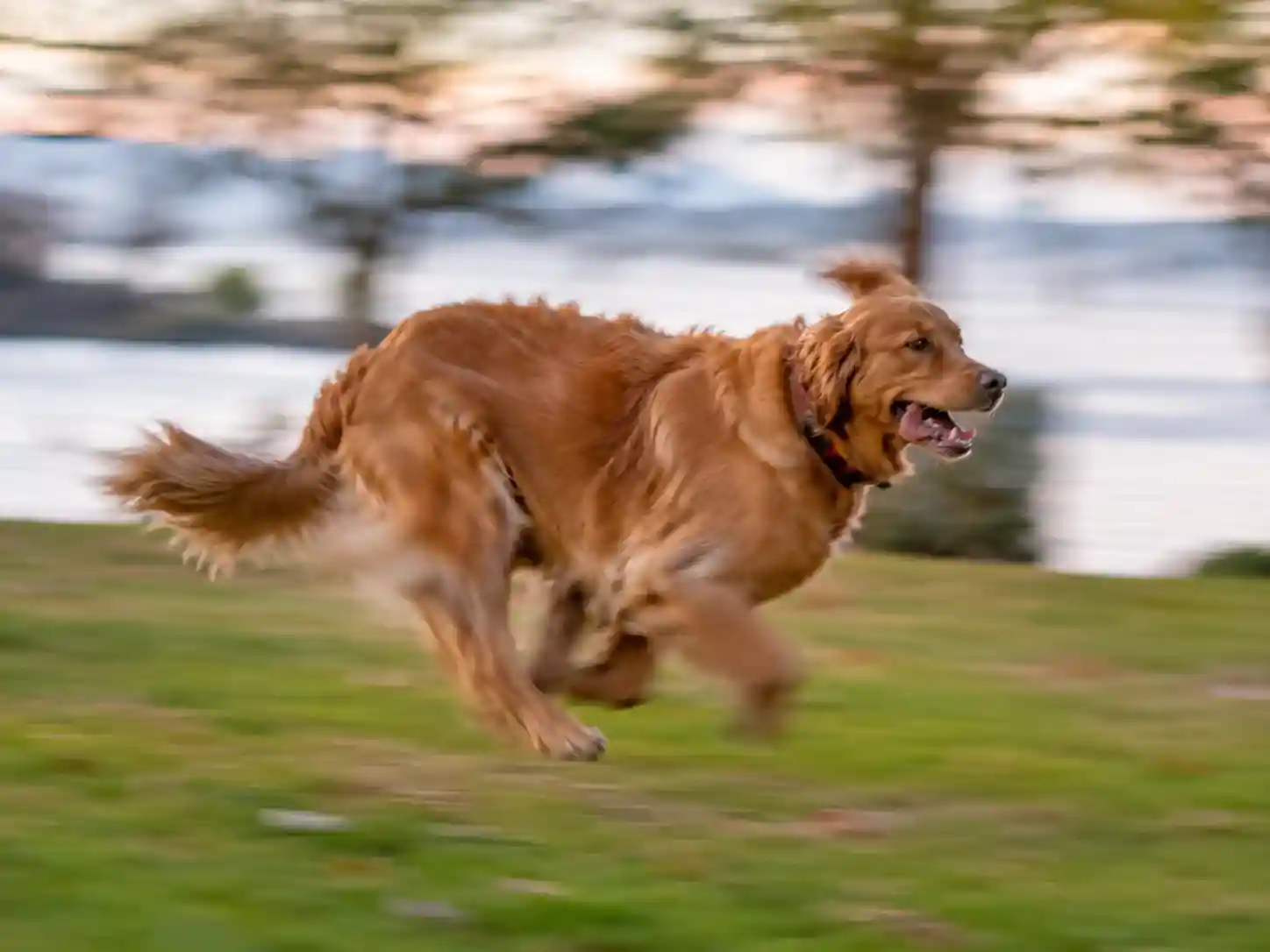
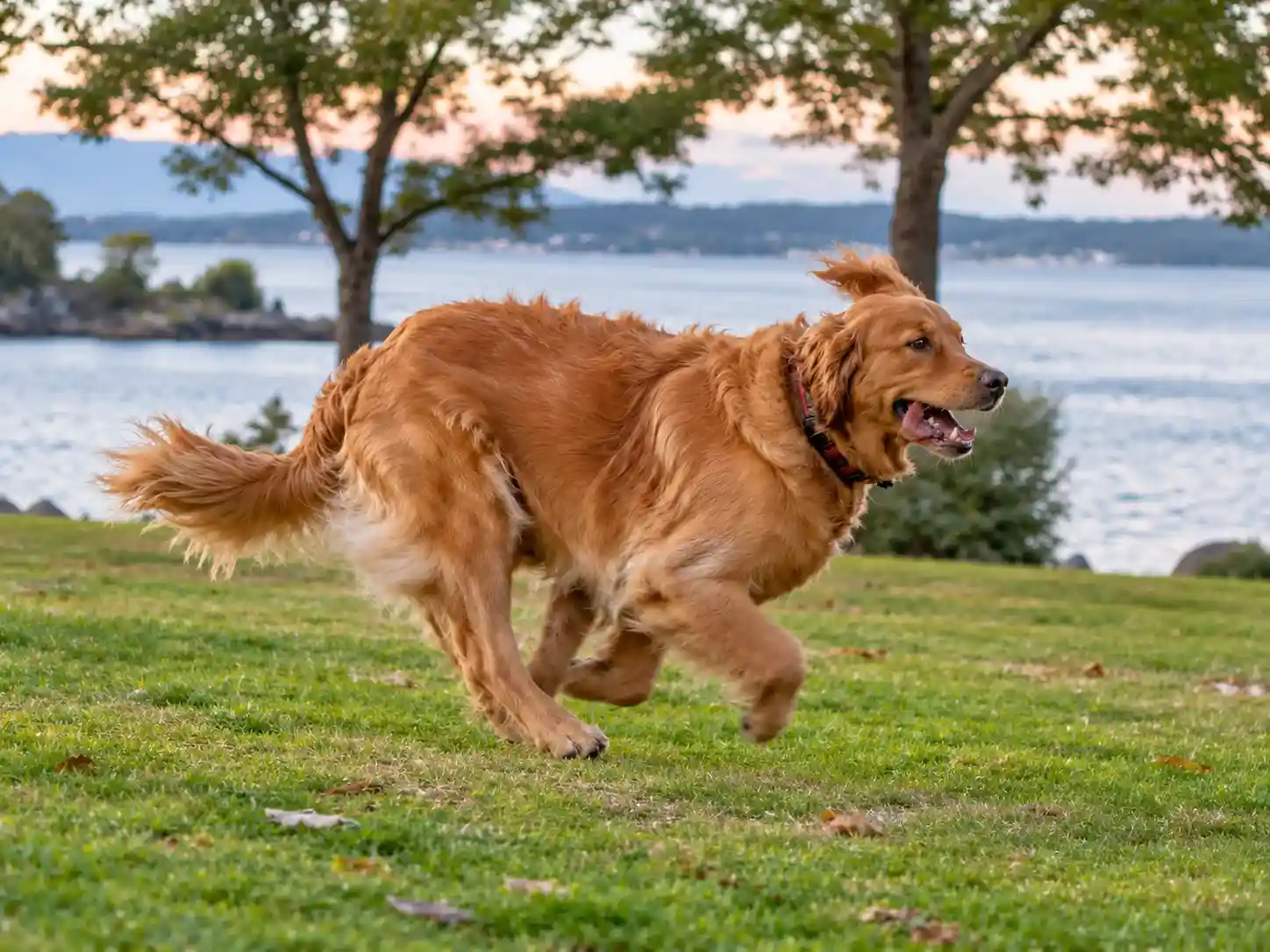
Photos of moving pets or children often suffer from motion blur, making facial features and outlines harder to recognize. Our AI unblur image tool can significantly reduce directional blur around moving subjects while preserving the photo's natural look.

Out-of-Focus Blur
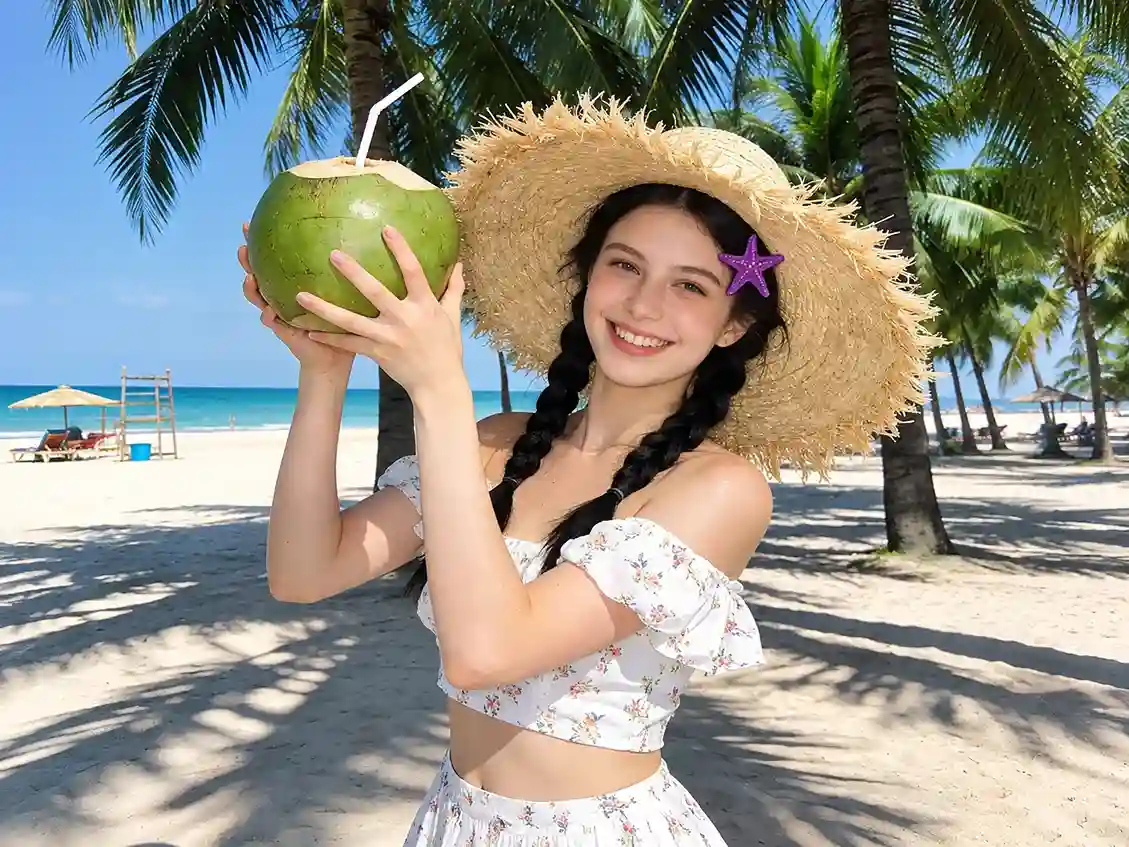
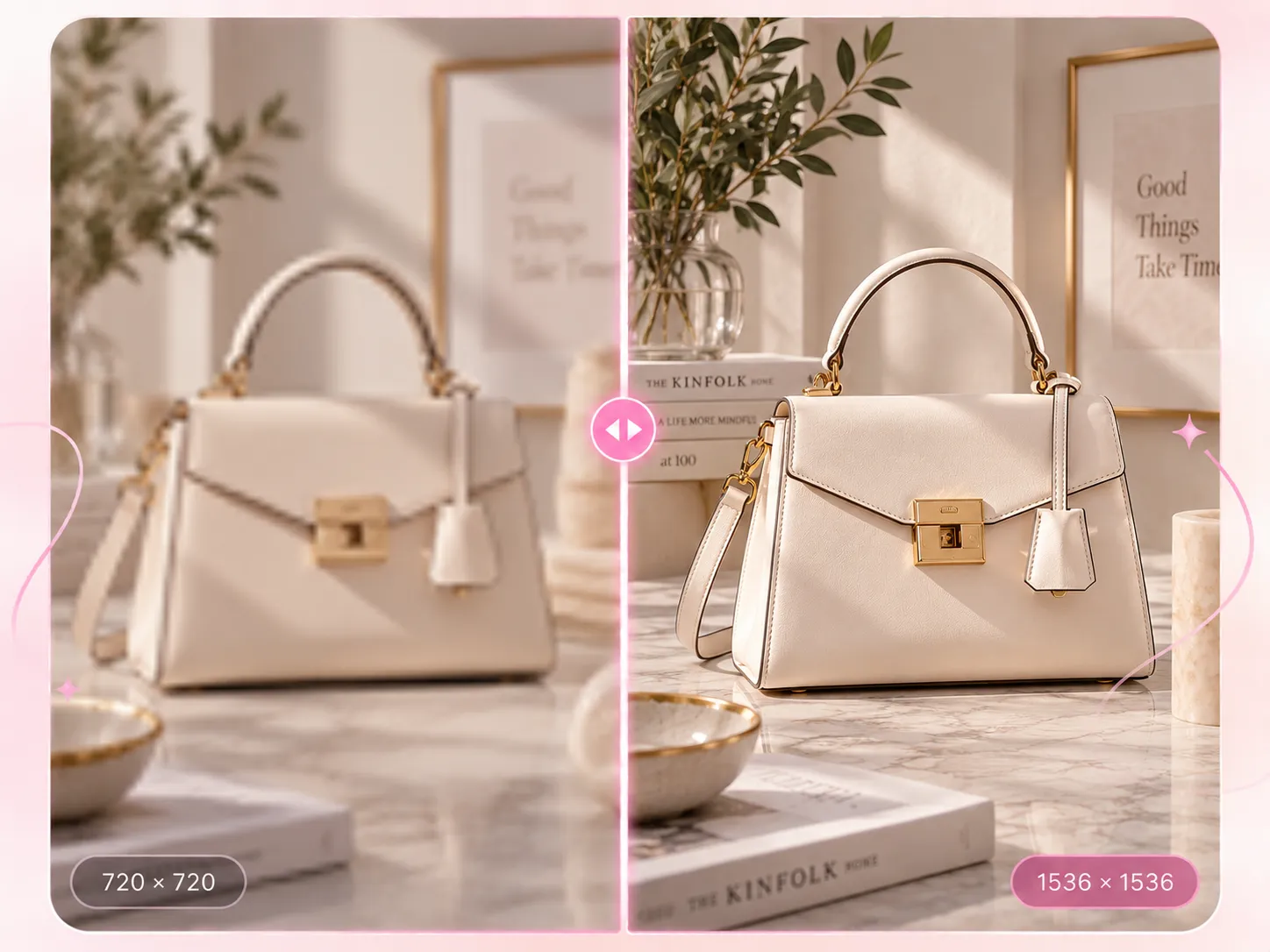
When a photo is out of focus, details like hair and skin texture can look soft and unclear. This can be a real drawback for e-commerce product photos, where details matter. Upload and unblur images in one click. In seconds, you can make facial features more defined and product textures and small details easier to see.

Camera Shake
Slight camera shake or a slow shutter speed can make building lines and the edges of stationary objects look soft. Our AI unblur image tool can sharpen these edges and bring out more detail, so you can improve image clarity without using professional editing software like Photoshop.

Low-Light Blur
Photos taken in low light can lose detail, and visible noise can make people and objects look blurry or poorly defined. Our AI image blur remover improves image clarity, brings more definition to subjects in darker areas, and gives the overall photo a cleaner look.

How it works
How to Make a Blurry Image Clear ?
Upload a Blurry Image
Upload the photo you want to fix. Use the original image if possible to avoid losing details through compression.
AI Blur Removal
No manual adjustments needed. The unblur image tool automatically sharpens blurry areas, usually in just a few seconds.
Preview and Download
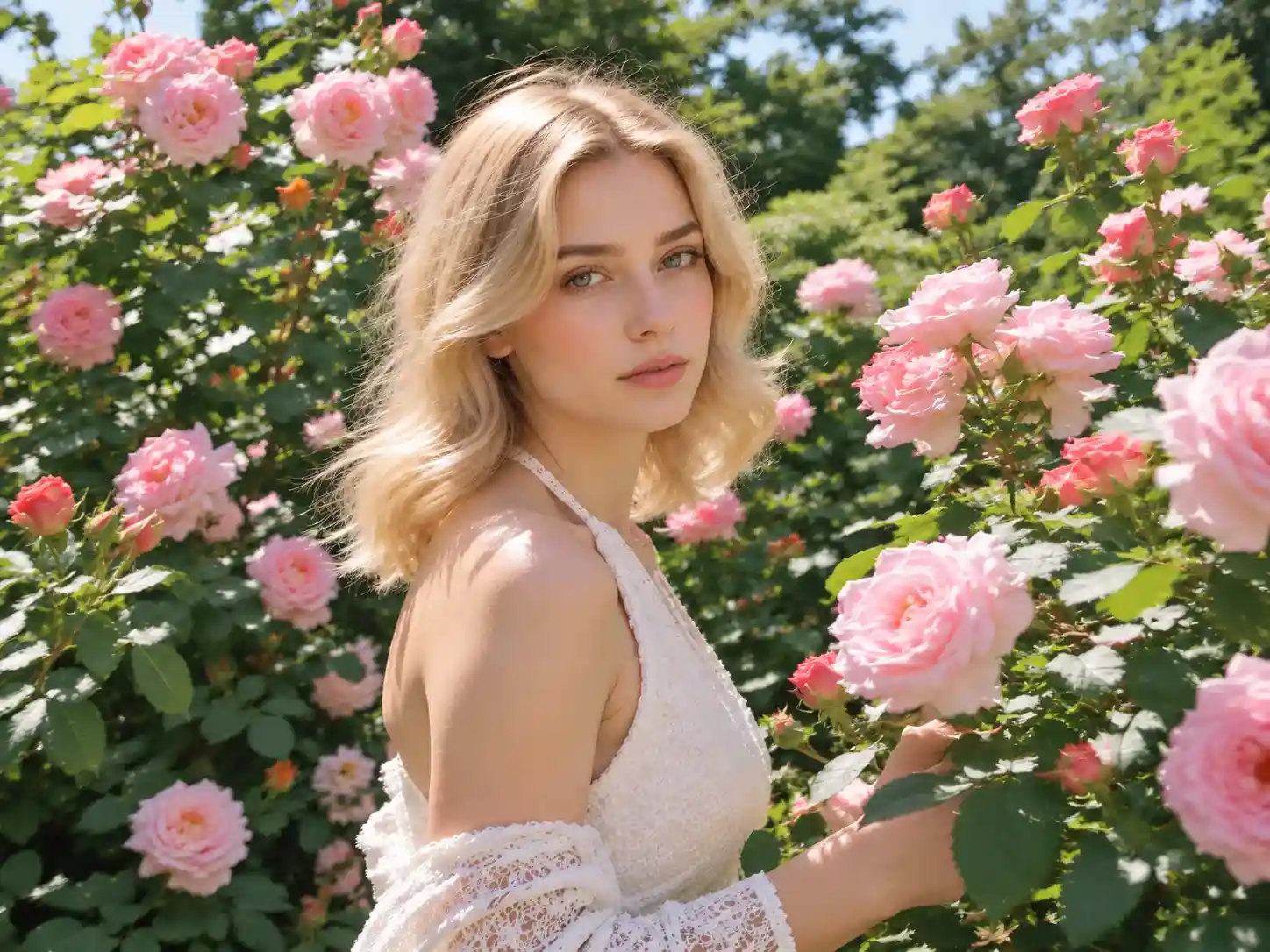
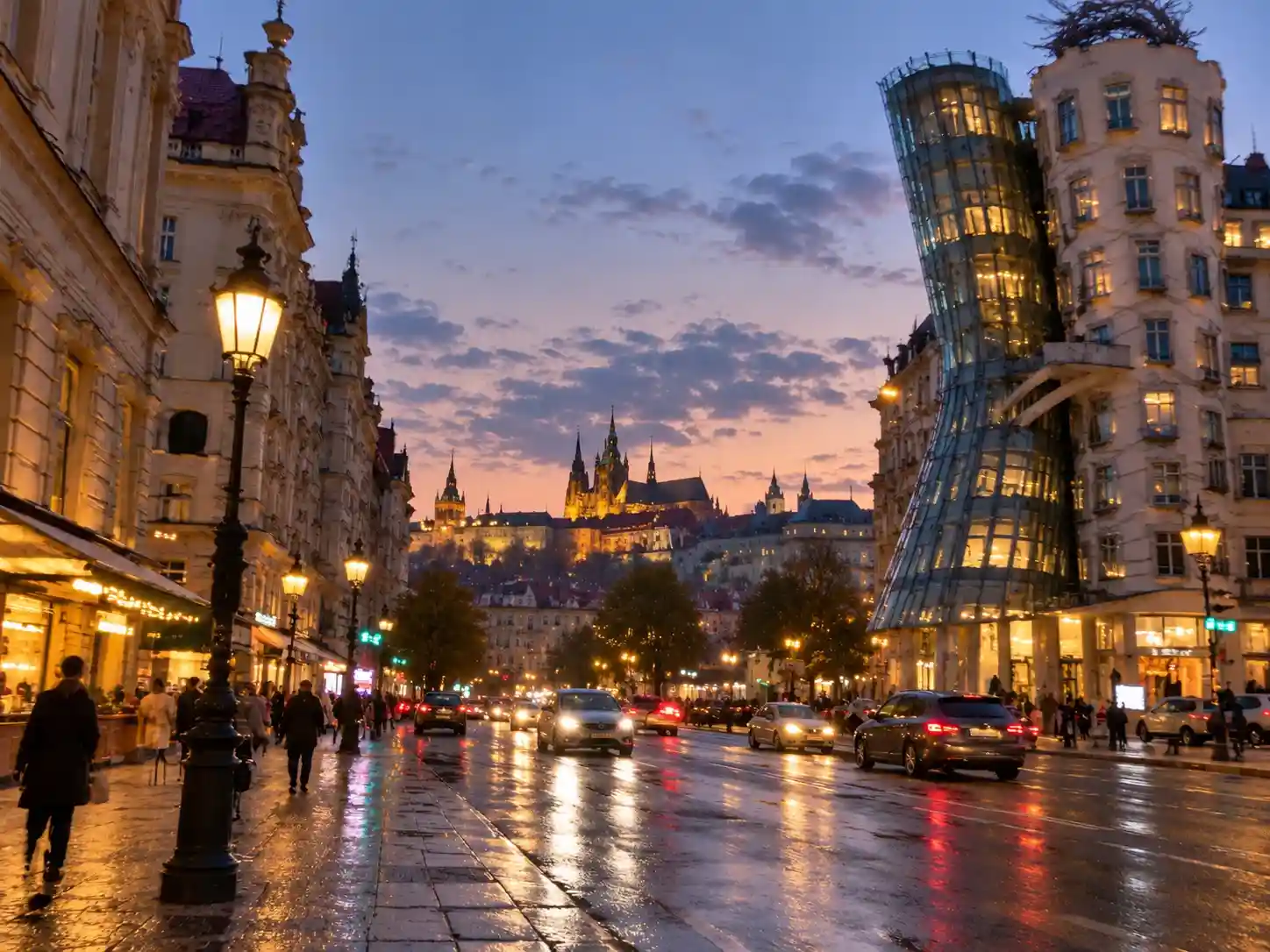
Compare the before and after images, then download the result for free with no watermark.
Why Image Unblurring Alone May Not Be Enough?
Removing blur won't improve every aspect of an image. If the overall quality is still poor after using our unblur image tool, you can try our other tools to improve it further.
Poor Overall Image Quality
If the lighting, colors, or details still need improvement after unblurring, our AI photo enhancer can help improve the overall image quality.
Low Image Resolution
If details look unclear when you enlarge an image, our AI image upscaler can increase its resolution for larger displays, such as posters.
What Can You Use Unblur Image For?
Our AI blur remover works with different types of photos and blur, so you can use them more easily for reading, saving, or sharing.
Compressed Images & Screenshots
Images can lose detail when uploaded to websites or sent through messaging apps. Use unblur image to sharpen the image and make details easier to see.
Old Photos
Before restoring or colorizing an old photo, use an image blur remover to improve its clarity while preserving as much of the original faces and details as possible.
Text and Handwriting
From printed text to handwritten notes, unblur text can sharpen the edges of letters and make hard-to-read content clearer.
Product Images
For product photos that look slightly out of focus, fine-tune the edges and details to make the product look clearer.
12,000+ Happy Clients
Reviews of Our AI Image Blur Remover
Some screenshots lose clarity after being sent through messaging apps. I tried this deblur image tool on one, and the text and image looked clearer afterward. It was also easy to use, without a bunch of extra steps.

Help Center
Unblur Image FAQs
Browse our FAQs for quick answers to common questions. Still need help? Feel free to email us.
Unblur image helps make blurry photos clearer, including photos affected by camera shake, poor focus, or image compression. It's easy to use, even for beginners. Just upload your photo, and the tool will process it automatically without any manual adjustments.
Yes, our tool can unblur text in screenshots, scanned documents, and notes, improving the clarity of the text.
Yes, you can use our unblur image tool for free, with no login required and no watermark on the result.
Unblurring mainly improves image clarity and makes existing details easier to see. For heavily blurred photos, AI may also recreate some details. The results depend on the quality of the original image and how blurry it is.
No. You can download your processed image for free with no watermark or extra marks.
AI blur remover can improve the appearance of low-resolution images, but it doesn't increase their resolution. If you need a larger image, try our AI image upscaler.