Best AI Image to Image Converters Compared in 2026
Why Image to Image AI Is Changing the Way We Edit Photos?
AI-generated image creation is no longer limited to writing detailed text from scratch. With image to image AI, creators can start with an existing photo, product image, illustration, sketch, or design reference and then use AI to transform it into a new visual direction. Instead of relying solely on words, the uploaded image provides the AI with a clear visual foundation, helping it preserve key elements such as the main subject, composition, pose, color mood, or overall style.
This makes image to image AI particularly useful for workflows that require both creativity and control. For example, e-commerce sellers can redraw product photos without organizing new photo shoots, content creators can transform ordinary images into viral fashion visuals, and designers can explore multiple artistic directions from a single reference image. It can also be used for character variations, portrait retouching, background replacement, image enhancement, conceptual art exploration, and social media content creation. Compared to text to image generation, this workflow often appears more predictable as the original image serves as a visual guide.
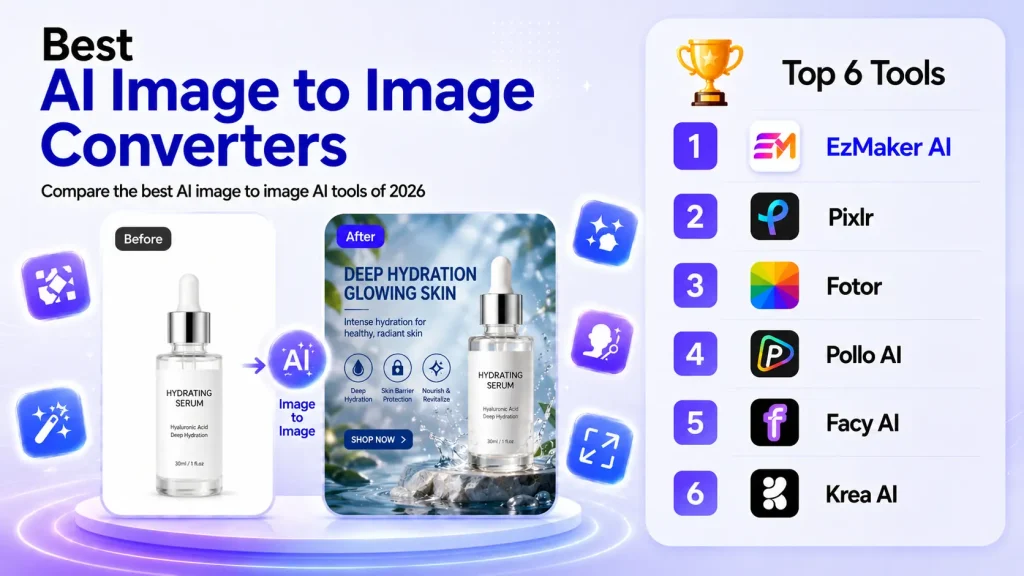
In this guide, we will compare some of the best image to image AI tools of 2026 based on their real-world usage rather than just their features. We will examine the performance of each platform in terms of free access, connection requirements, multi-image support, ease of use, generation speed, pricing models, and ideal use cases. By the end, you will have a better understanding of the tool best suited for quick edits, the one ideal for creative exploration, and the platform that fits your next visual project.
Best Image to Image AI Tools at a Glance
| Tool | Free Plan | Login Required | Multi-image Support | No Credits | Ease of Use | Speed |
|---|---|---|---|---|---|---|
| EzMaker AI | Yes | No | Yes | Yes | ⭐⭐⭐⭐⭐ | ⭐⭐⭐⭐⭐ |
| Pixlr | Limited | Yes | Limited | Limited | ⭐⭐⭐ | ⭐⭐⭐ |
| Fotor | Limited | Yes | Yes | Limited | ⭐⭐⭐⭐ | ⭐⭐⭐⭐ |
| Pollo AI | Limited | Yes | Yes | Limited | ⭐⭐⭐⭐ | ⭐⭐⭐⭐ |
| Facy AI | Limited | Yes/Depend | Yes | Limited | ⭐⭐⭐ | ⭐⭐⭐ |
| Krea AI | Limited | Yes | Yes | Limited | ⭐⭐⭐⭐ | ⭐⭐⭐⭐⭐ |
Detailed Reviews of the Best Image to Image AI Tools
1. EzMaker AI - Best Overall
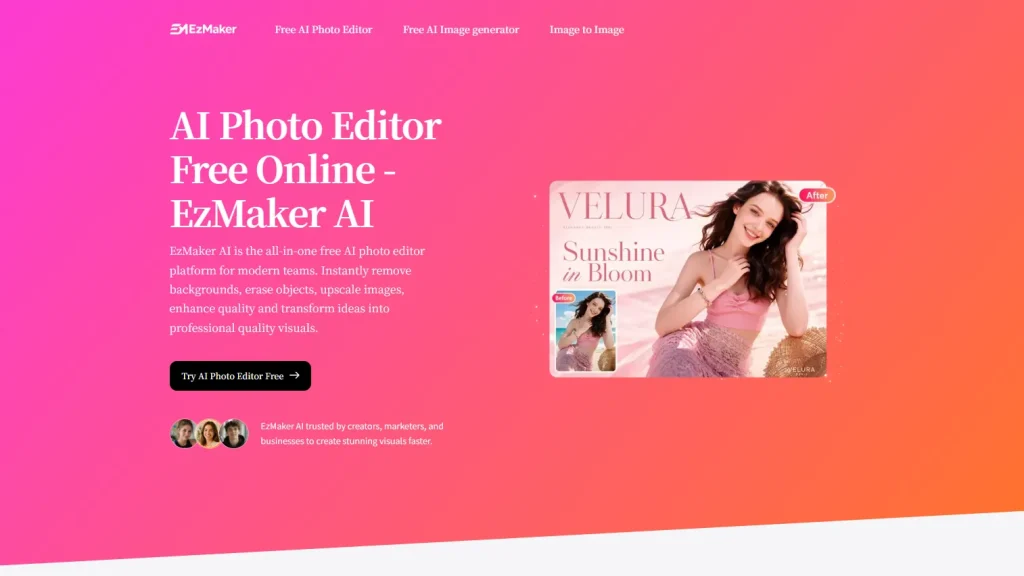
EzMaker AI focuses on practical image editing as well as artistic image generation. It enables users to transform existing photos through natural language prompts, offering features such as background removal, object erasing, image enhancement, upscaling, and style changes. This tool is designed for simplicity, which allows users to edit images without complex workflows or design experience while providing free access to most core features.
Pros:
- All-in-one AI image to image skills
EzMaker AI combines multiple image editing capabilities, including background removal, object removal, image enhancement, upscaling, image expansion, and style transformation within one workflow.
- Beginner-friendly access
The platform offers unlimited access to core editing features without requiring registration, making it highly accessible for casual users and quick editing tasks.
- Fully free usage
EzMakerAI allows users to access its image to image features without paying for a subscription or purchasing credits.
- Multi-image editing
Upload up to three photos simultaneously and apply your prompt across all images for fast, consistent results.
Cons:
- Login and history saving are not available yet
EzMaker AI currently does not support account login or saved generation history, so users need to download their results immediately after creation if they want to keep them.
- Less suitable for complex professional workflows
EzMaker AI works well for quick edits, creative transformations, and beginner-friendly image generation, but it may not be the best choice for teams that need advanced brand management, workflow collaboration, or enterprise-level production tools.
Best for:
- Quick photo editing for beginners
- Background removal
- Object removal
- Image enhancement & upscaling
Pricing Model:
A Totally free platform with unlimited access to AI editing features.
2. Pixlr: Best for AI Editing with Manual Control
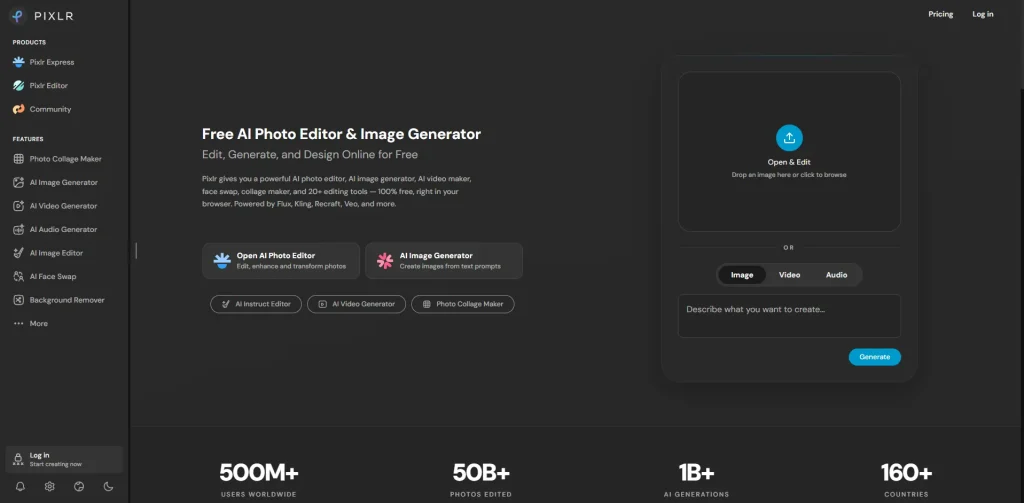
Pixlr now provides models like Nano Banana and focuses on fast and accessible image to image transformations. Users can upload an existing image and apply AI-powered edits through text prompts or a wide range of built-in transformation templates. Rather than offering highly customizable editing workflows, Pixlr emphasizes ease of use and rapid creative results for casual users and content creators.
Pros:
- Wide selection of image generation models
Pixlr gives users access to multiple leading image generation models within a single interface, making it easy to compare different visual styles and generation characteristics without switching platforms.
- Integrated AI and manual editing
Users can choose the most suitable approach for different editing tasks, since Pixlr supports both traditional photo editing and AI-powered image transformation.
Cons:
- Limited consistency and control across models
Since Pixlr primarily integrates third-party models, image to image behavior varies depending on the selected model. Users receive limited unified control over reference strength, structure preservation, or transformation intensity.
- Daily Save Limits
The free plan imposes daily limits (around 3 saves per day) and caps on AI credits. To unlock more high-frequency, HD, watermark-free image to image generation, a higher paid subscription is required.
Best for:
- General image to image generation
- Style variation
- Rapid concept exploration
- Comparing outputs across different AI models
Pricing Model:
- Freemium model with limited free credits.
- Paid plans provide additional credits, higher generation limits, faster processing, and access to premium AI models and features.
3. Fotor: Best for AI Quick Photo Enhancement with Minimal Effort
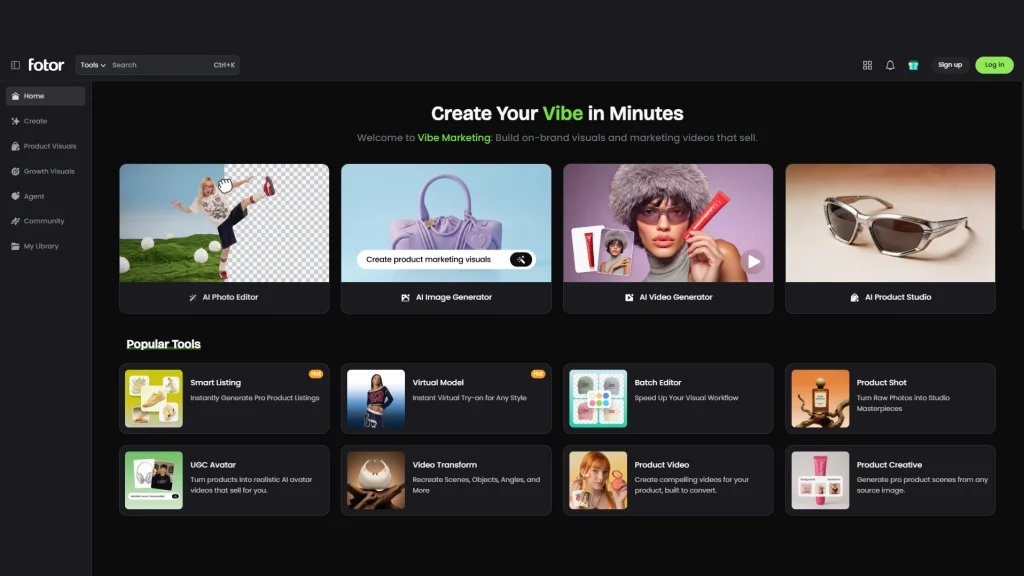
Fotor is an AI-powered photo editing and creative design platform that combines traditional photo editing with generative AI capabilities. It offers a wide range of tools for image editing, AI image and video generation, portrait enhancement, and ecommerce content creation, while integrating multiple leading AI models such as GPT Image 2, Nano Banana, Seedream, Kling, and Veo. With its intuitive, one-click workflow, Fotor is designed for creators, marketers, and small businesses who want professional-quality visual content without the complexity of traditional editing software.
Pros:
- Multiple AI models in one platform
The platform includes product-focused tools such as AI Product Studio, Product Shot, Smart Listing, and Batch Editor, along with portrait tools like AI hairstyle, AI makeup, AI avatar, clothes changer, expression editing, and skin retouching.
- Cloud-based project management
Users can customize export file names and store projects in Fotor Cloud, in order to organize, revisit, and continue editing across devices.
Cons:
- Features rely heavily on paid plans and credits
Many simple editing features are locked to paid plans. More AI usage, watermark-free exports, batch editing, HD downloads, and advanced tools require paid subscriptions or additional credits.
- Limited export flexibility
Fotor currently supports exporting images only in JPG and PNG formats. Users who need formats such as WebP, SVG, or TIFF for specific workflows may need to convert files using additional tools.
Best for:
- AI photo enhancement
- Object removal
- E-commerce visuals
Pricing Model:
- Freemium model with limited AI credits and watermarked exports
- Save 62% with an annual plan vs. monthly option
- Additional credit packages are available for users
4. Pollo AI: Best for Trend-Based Creation
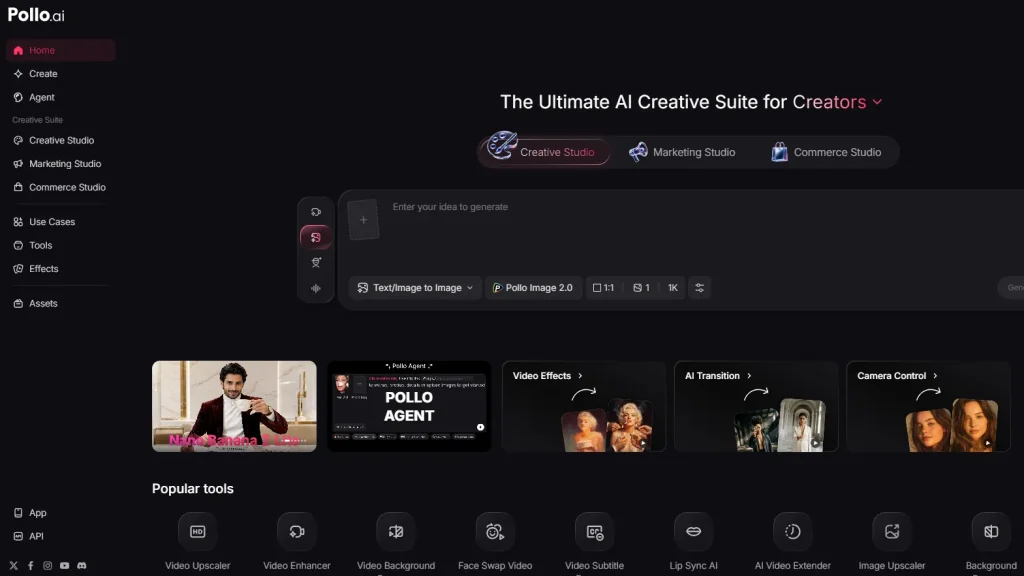
Pollo AI names itself as a creative AI studio built around image, video, and visual generation, making it especially useful for users who want to turn existing images into viral-style content, social media visuals, product creatives, or entertainment-oriented image variations. Its image-to-image workflow supports prompt input, multiple AI models, preset effects, aspect ratio control, output quantity selection, and resolution options, giving creators a flexible space to quickly test different visual directions.
Pros:
- Rich templates and viral effects
Pollo AI provides 40+ image to image templates and 250+ trending image effects, like AI hug generator, AI Handshake and other novelty effects. This tool is very suitable for users that require meme-style edits, entertainment content, social media trends, product remixes, and visual repurposing.
- Flexible model and output controls
It supports multiple models such as Nano Banana, OpenAI, Seedream, Midjourney and Flux AI, while also offering aspect ratio options, 1–4 output variations, multiple resolution choices, and standard or professional generation modes.
Cons:
- Feature richness may feel overwhelming for simple edits
Because the platform includes many tools, effects, templates, and model options, beginners who only need a simple image-to-image edit may need some time to understand which mode or template to use.
- Less cost-effective for heavy creators
Although Pollo AI offers a wide variety of models, templates, and creative effects, its credit-based pricing can become costly for users who frequently generate images or explore multiple variations during the creative process.
Best for:
- Content repurposing
- Social media trend images
- Meme-style image creation
- AI-powered visual experimentation
Pricing Model:
- Free plan with only 5 daily credits.
- Paid plans start from $10/month when billed annually.
- Higher tiers unlock more credits and advanced generation capacity.
3. Facy AI: Best for Face-Based Workflows
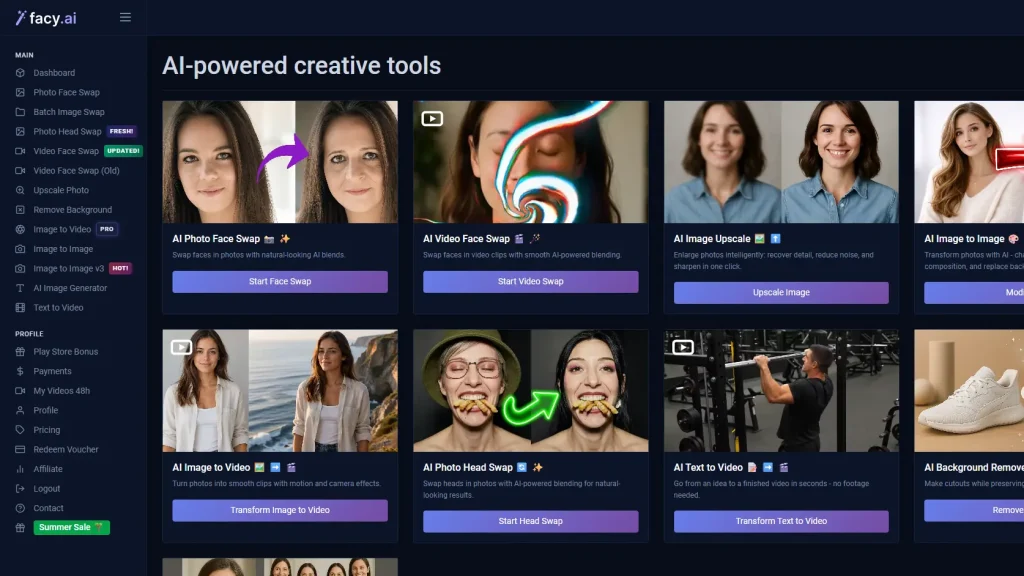
Facy AI is an AI image and video editing platform focused on face swaps, head swaps, image to image edits, and portrait-based transformations. Compared with broader creative tools, it is more specialized in workflows that relates to face.
Pros:
- Strong face-swap workflow
Facy AI offers dedicated tools for photo face swap, batch image swap, photo head swap, video face swap, image to image editing, background removal, image upscaling, AI image generation, and text-to-video creation.
- Simple prompt-based editing
The image to image interface is straightforward: users upload images, describe the change, choose between models such as ImgPlus and ImgPro, and generate edited results without needing complex manual controls.
Cons:
- Limited multi-image support
Facy.ai currently supports uploading up to two reference images for image-to-image editing, which may be limiting for users who want to combine multiple style, subject, or product references in a single generation.
- Pricing is not very cost-friendly
The entry plan starts at €19.99/month, while higher tiers increase significantly in price, making it less budget-friendly for users with occasional editing needs.
Best for:
- Face swap
- Head swap
- Portrait transformation
- Outfit and expression changes
Pricing Model:
- Basic plan starts at €19.99 for 1 month
- Plus plan is €89/month
- Pro plan is €399/month
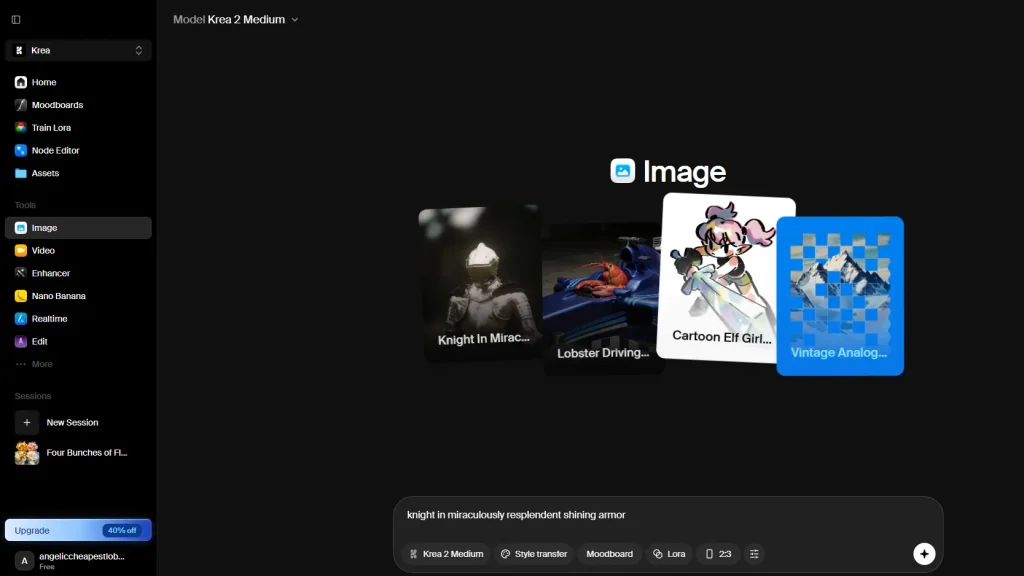
Krea: Best for Style Transfer & Creative Exploration
Krea is a style-first image model designed for creative exploration. It analyzes one or multiple reference images and transfers their visual characteristics—including color palette, texture, lighting, composition, and artistic direction—while allowing users to control the influence of each style reference. The model prioritizes expressive aesthetics over strict scene preservation, making it well suited for artistic image generation.
Pros:
- Advanced style transfer with precise control
Krea offers a powerful style transfer system that extracts visual characteristics from one or multiple reference images. Users can precisely adjust the influence of each style, making it easy to preserve, blend, or fine-tune artistic aesthetics.
- Flexible workflow for original creation
Users can design and save their favorite scenes and styles, then reuse them across generations to achieve perfect stylistic consistency every time.
Cons:
- Limited structural fidelity
The model tends to reinterpret the scene rather than preserve the exact layout, object positions, or composition, making it less suitable for edits that require high structural consistency.
- Limited control over precise edits
The model is less suitable for object insertion, removal, or localized editing tasks that require strict adherence to the source image.
Best for:
- Style transfer
- Image Variation
- Concept art exploration
- Visual exploration
Pricing Model:
- Freemium model with paid tiers based on monthly usage.
- Higher plans unlock more models, concurrency, creative features and unlimited generation.
- Business and Enterprise plans provide team collaboration, admin controls, and commercial licensing.
FAQ
What is image to image AI?
Image to Image is an AI generative tool that transforms source images into novel ones. By uploading an initial picture, users can apply diverse stylistic changes, enhancements, or complete redesigns to produce unique outputs.
Which image to image AI is free?
EzMaker AI provides free service that covers all AI features. The other five tools all follow a premium model, each with its subscription plans.
Can AI Image to Image keep my original image composition?
Yes. Most AI image to image tools preserve your original composition when you use.
What’s the difference between text to image and image to image?
Text to image generates novel visuals from scratch based solely on prompts, whereas image to image modifies an existing image by blending it with textual instructions.
Which AI image to image tool is best for beginners?
EzMaker AI is designed to grow with you. Whether you’re just starting out or a veteran creator, its user-friendly interface and premium exports are tailored to meet your needs.
Final Thoughts
Every AI image to image tool has its own strengths. Krea excels at creative style transfer, Pixlr balances AI editing with manual control, Fotor offers an creative workflow, while Pollo AI and Facy AI focus on transformation scenarios.
If you’re looking for a tool that combines ease of use, multi-image editing, and completely free access without registration, EzMaker AI stands out as an excellent option for everyday image to image editing.