AI Photo Restoration: Restore Old Photos Online Free
Got a faded, scratched or torn photo? Use our free AI photo restoration tool to repair visible damage, improve faded colors, and bring soft details into clearer focus. No editing skills, no Photoshop, no waiting on a studio.
Restore Old Photos Online with Free AI Photo Restoration
Upload your photo, select the color tone that needs to be repaired, and download the restored result within a few seconds. No skills required, 100% free to use.
Free to Use
Restore your any damage photos at no cost, with no watermark.
Seconds, Not Days
Studios take days. This takes about as long as making a coffee.
One click, No Layers
You don’t need to learn clone stamps or healing brushes.
Private & Safe
Never reviewed by a person. We don’t use them to train models.
Batch Friendly
Got a whole album? Upload several photos and repair them at once.
Ease to Use
Don't need to master complex skills to easily restore damaged or old photos.
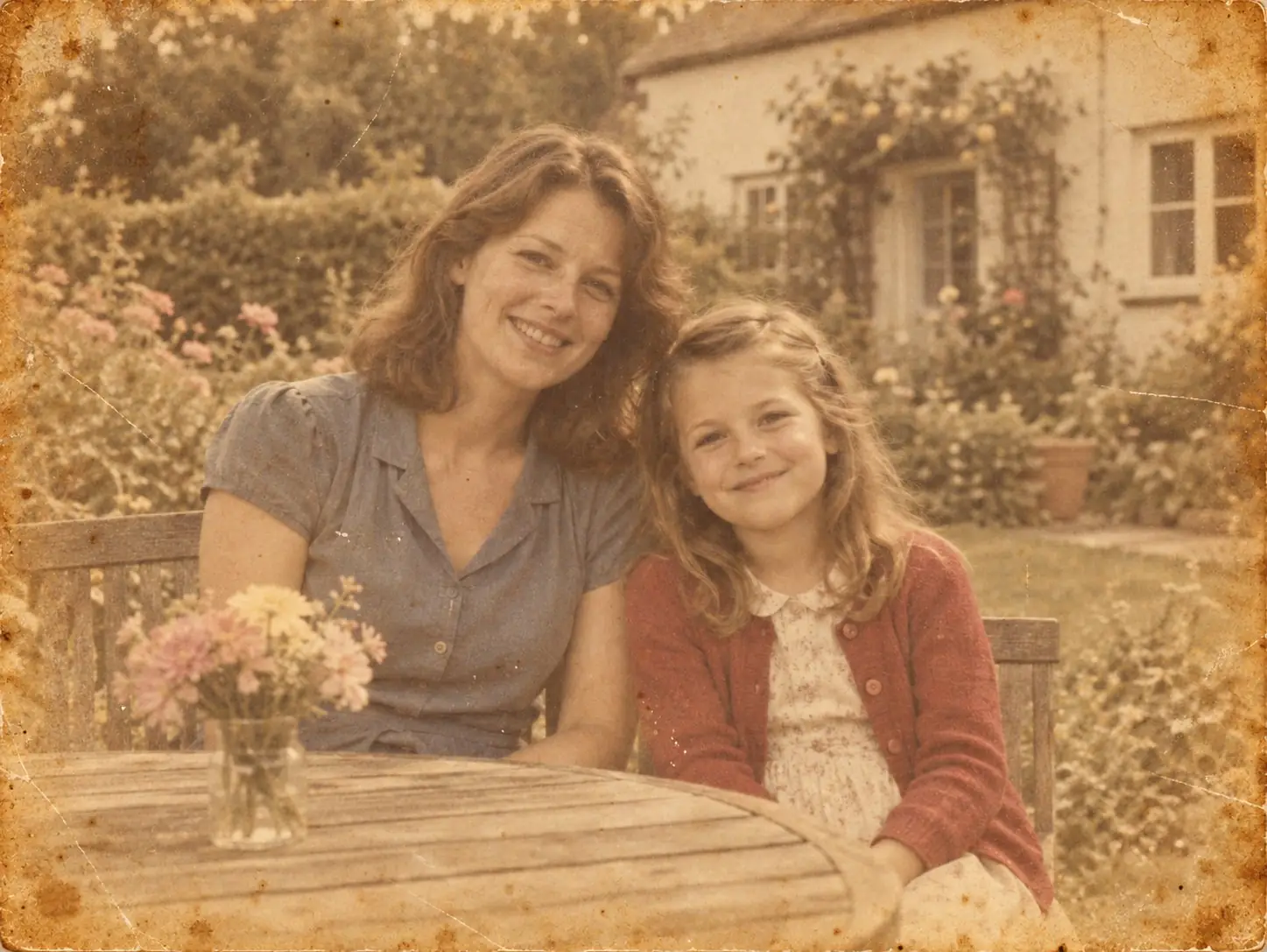
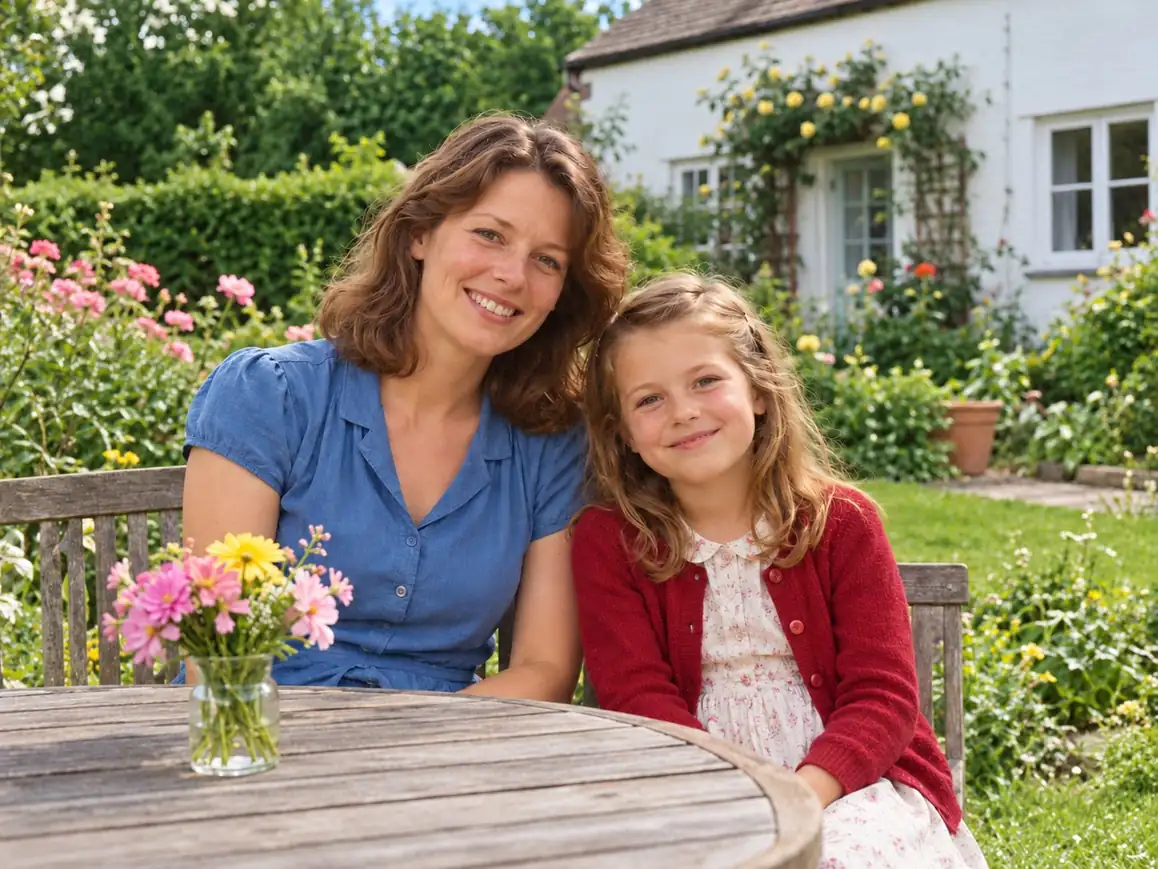
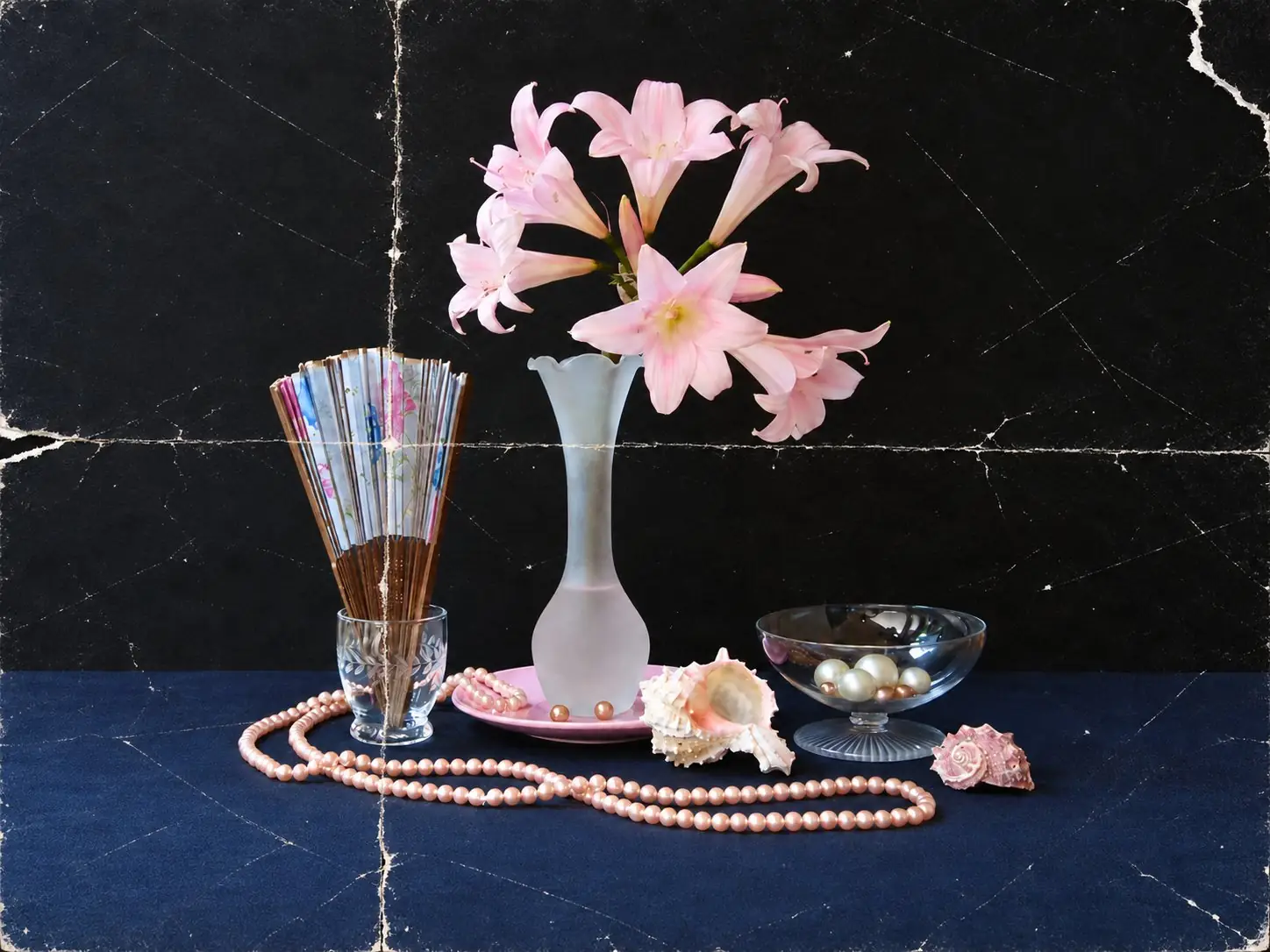
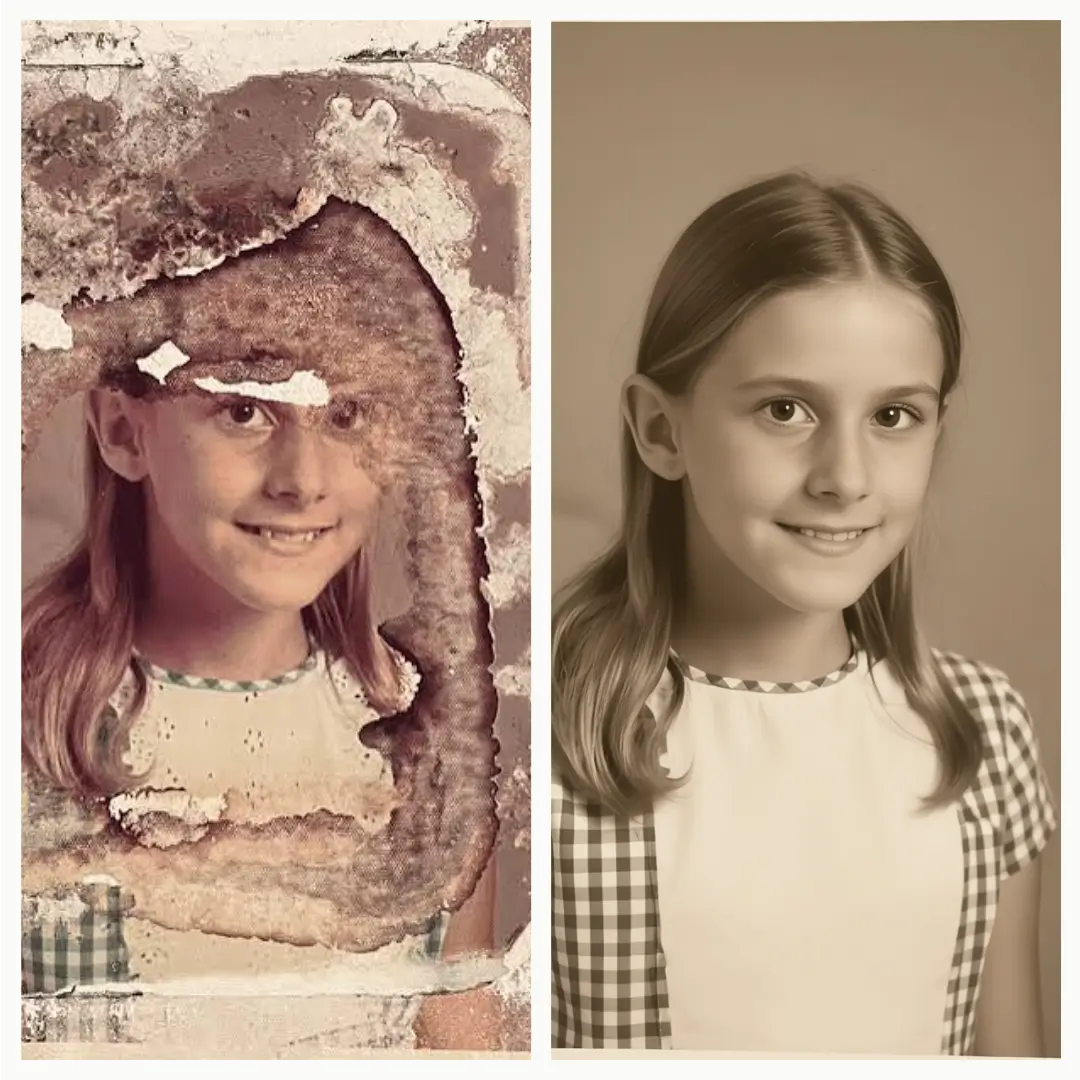
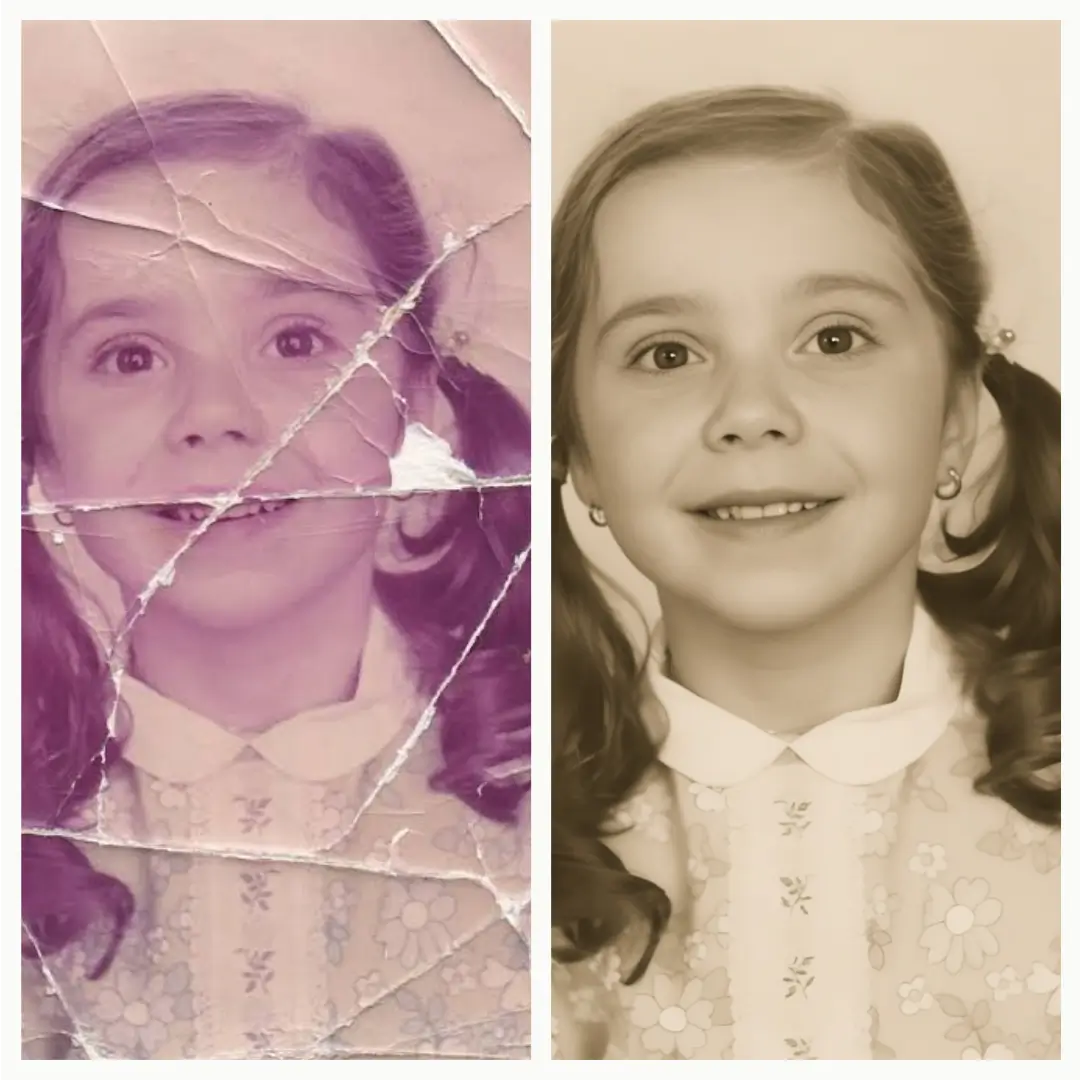
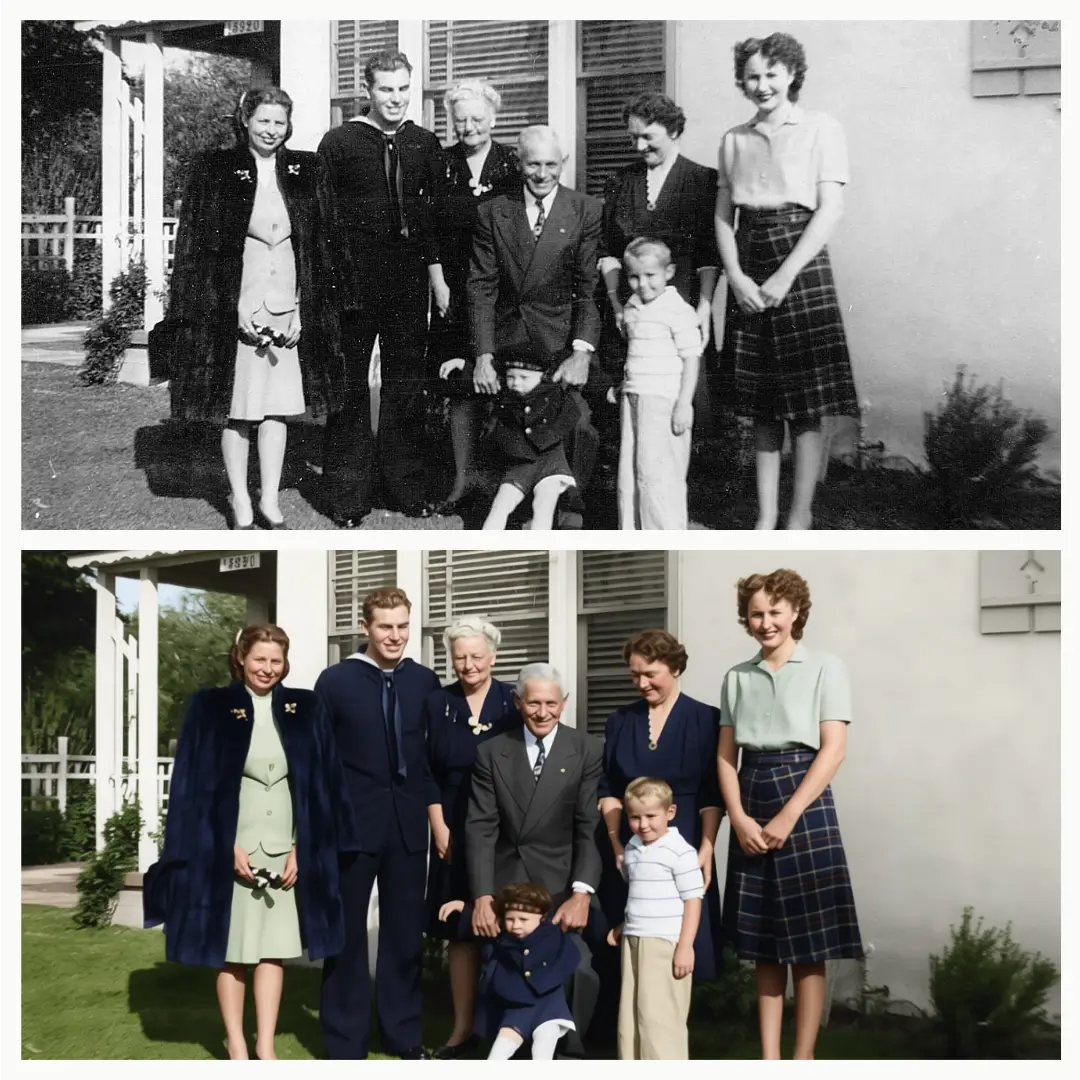
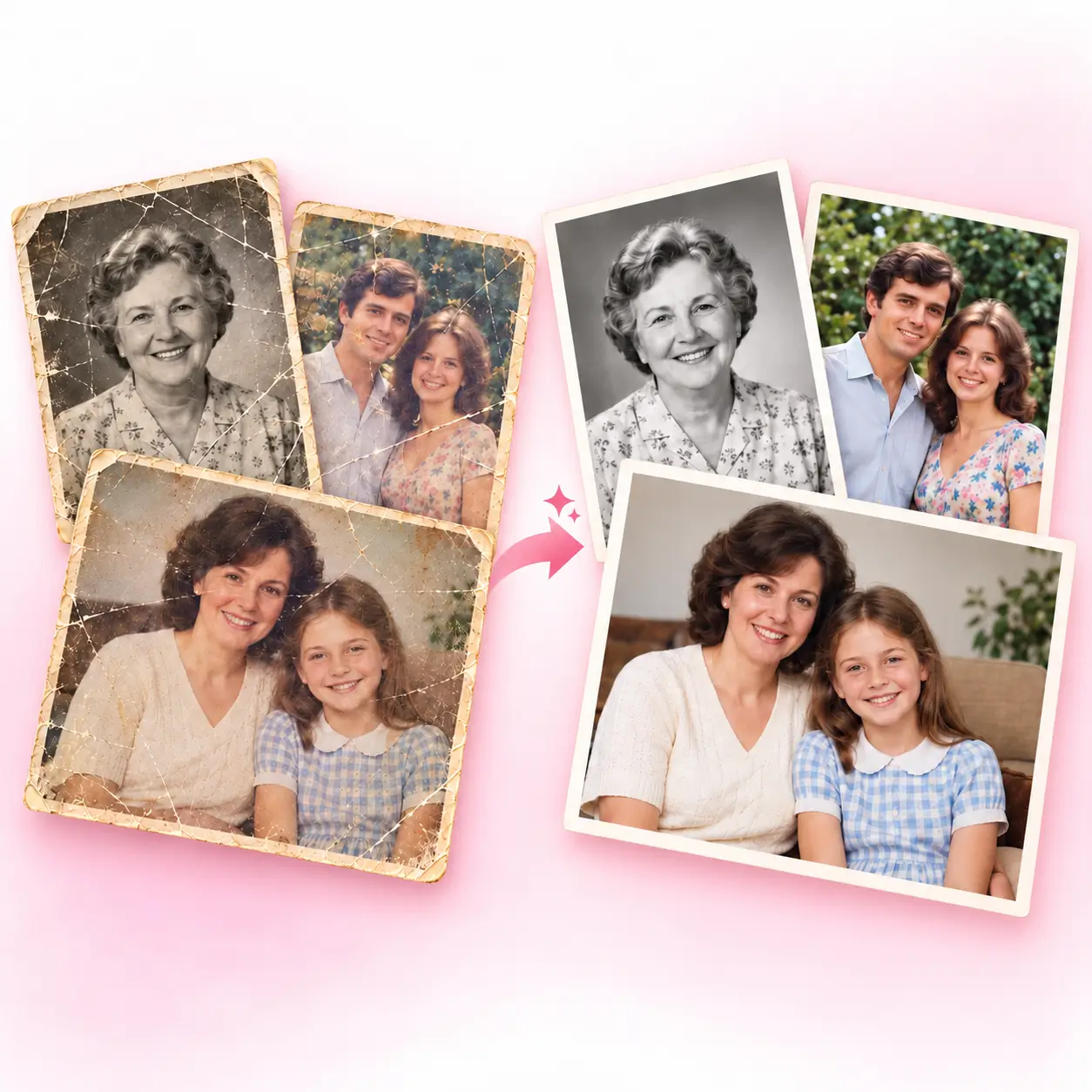
See What Old Photo Restoration, Before and After
Damage, creases, and fading on photos can be easily repaired with our photo restoration AI.

Faded and Yellowed
Color comes back and the tones even out.

Scratched and Creased
Cracks, fold lines and tears get repaired.

Blurry and Low-res
Faces enhanced and fine detail returns.
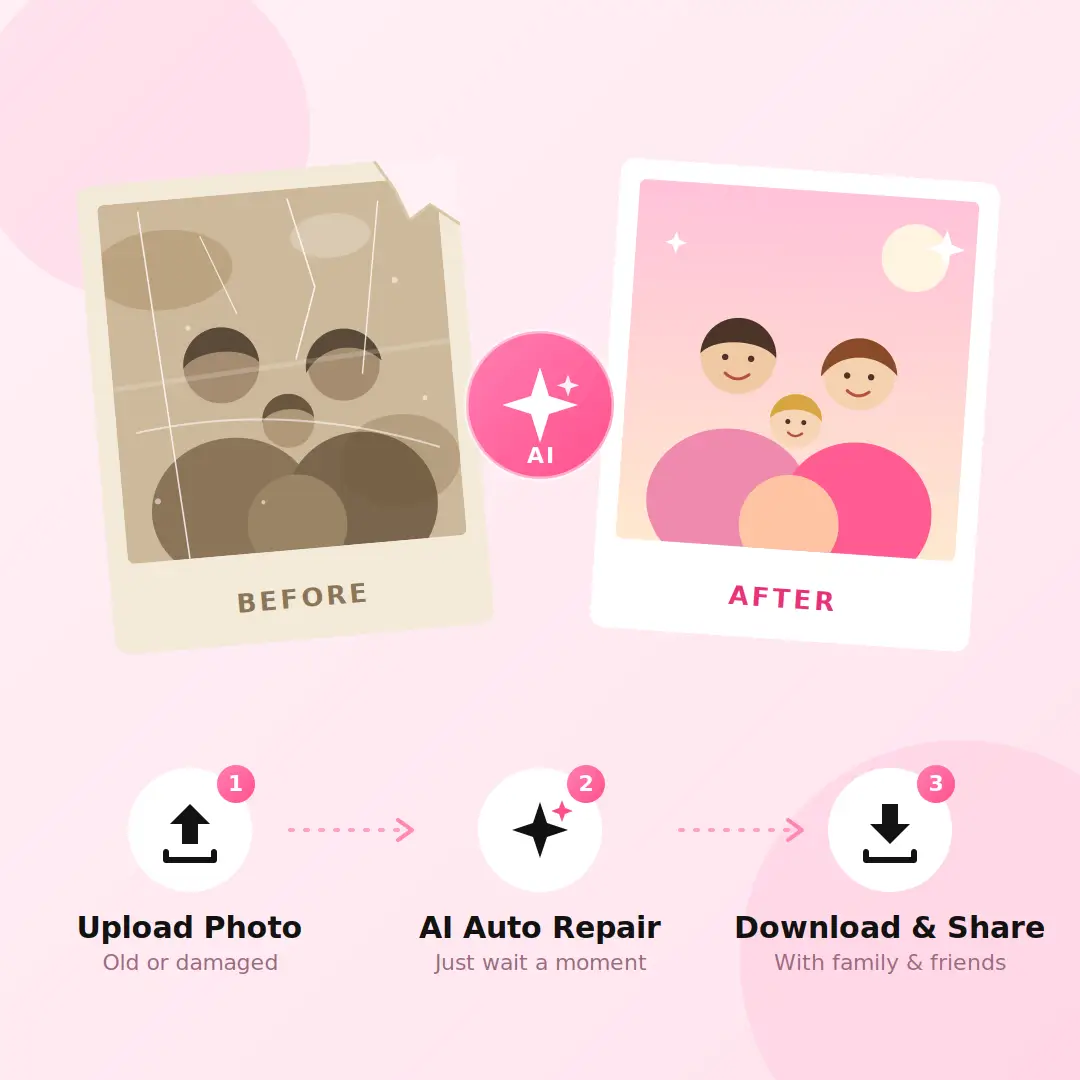
How to Restore Old Photos Online in 3 Steps
1. Upload Old or Damaged Photo
Find the photo you need to repair and upload it to our free AI photo restoration tool.
2. Start AI Automatic Repair
This process does not require any additional actions, just wait for the AI to repair the photo.
3. Download and Share
Download the repaired photo result and share it with your family, friends, or colleagues.
What Are The Tips to Improve Photo Recovery Effects?
Before uploading electronic photos with Photo Restoration AI, in order to ensure that the repaired photos have better effects, we should learn the following tips.
-
Color scanning can preserve more color tone details in photos.
-
Take a photo above the photo with your phone, do not tilt, and use soft lighting.
-
Fill in the framework. Cut off the table, but keep the entire photo side by side.
-
Restore first, then edit. Repair the damage first, and then adjust the brightness or color.
-
Keep the original file. Save unrepaired scans for comparison.
What Are Features of Free AI Photo Restoration Tool?
Our free old photo restoration tool includes but is not limited to the following features.
Using Old Photo Restoration AI to Repair Damages & Creases
Photos that hang on a wall for years tend to crack, crease or fray at the edges. You used to have two options: pay a studio and wait a few days, or spend an evening with clone stamps and healing brushes. Now you can upload the photo and let the old photo restoration AI find the damage, fill in what’s missing and smooth out the fold lines, while keeping the faces and original tones intact. It takes a few seconds, and the result is ready to print and hang back up.
Automatically Restore Faded Color and Colorize Black-and-White Photos
Even well-sealed photos turn yellow with age, and many older ones were only ever shot in black and white. Upload yours photo and the AI photo restoration tool corrects the yellow cast, brings back faded color and restores tone and contrast. For black-and-white photos, you can add color automatically, with skin tones, clothing and backgrounds filled in to match the scene. It only takes a few seconds, and your original file stays untouched.
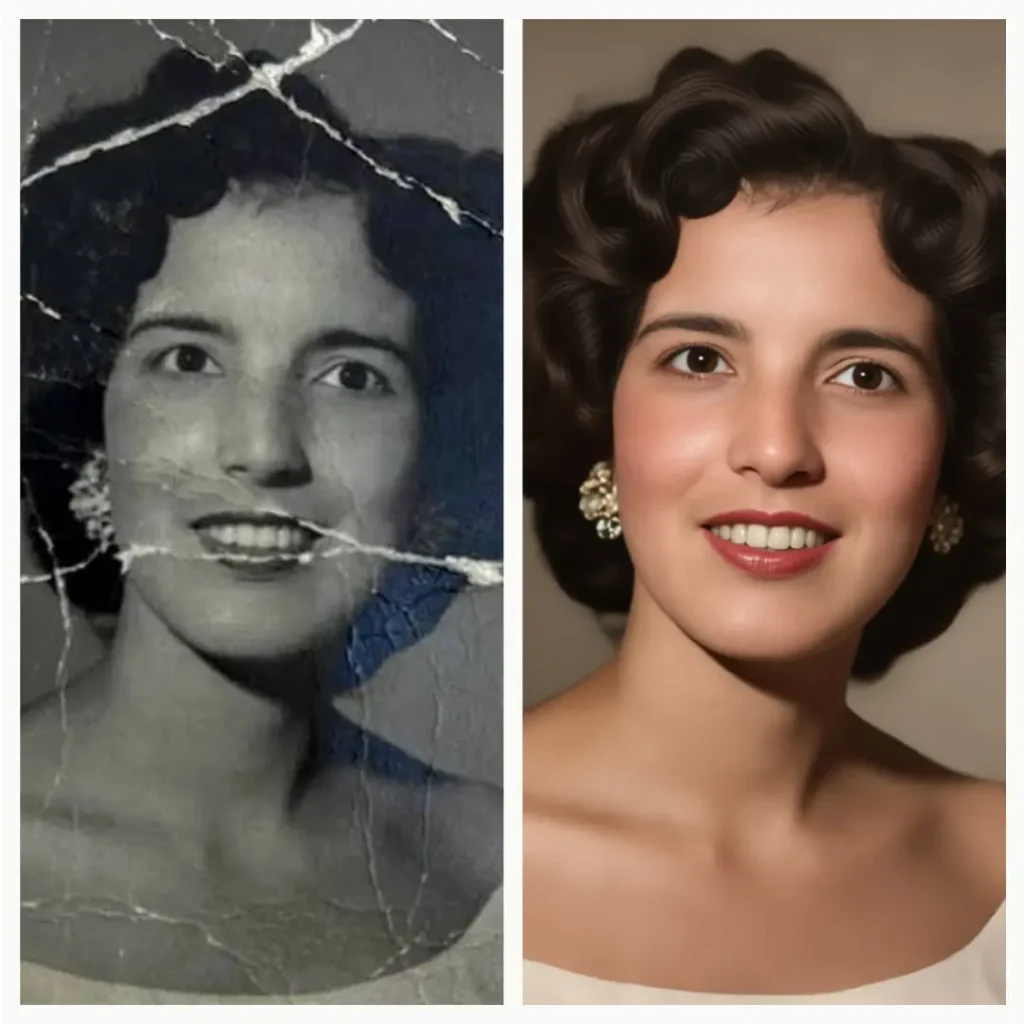
Restore Old Photos in Bulk with One-Click AI Photo Restoration Tool
Restoring an album one photo at a time means upload, wait, download, repeat. With batch photo restoration AI, you select all your photos at once and the AI works through them in turn, then you download the whole set. A big batch takes a little longer than a single photo, but you skip the repeated steps and can leave it running while you do something else.
Help Center
About Photo Restoration AI FAQ
Read the questions and answers about the free AI old photo restoration tool. If you have any further questions, please contact us via email.
Want to Bring Your Old Photos Back Now?
Although time flies, our AI Old Restoration Tool can help you rediscover lost memories and make your old photos look great.