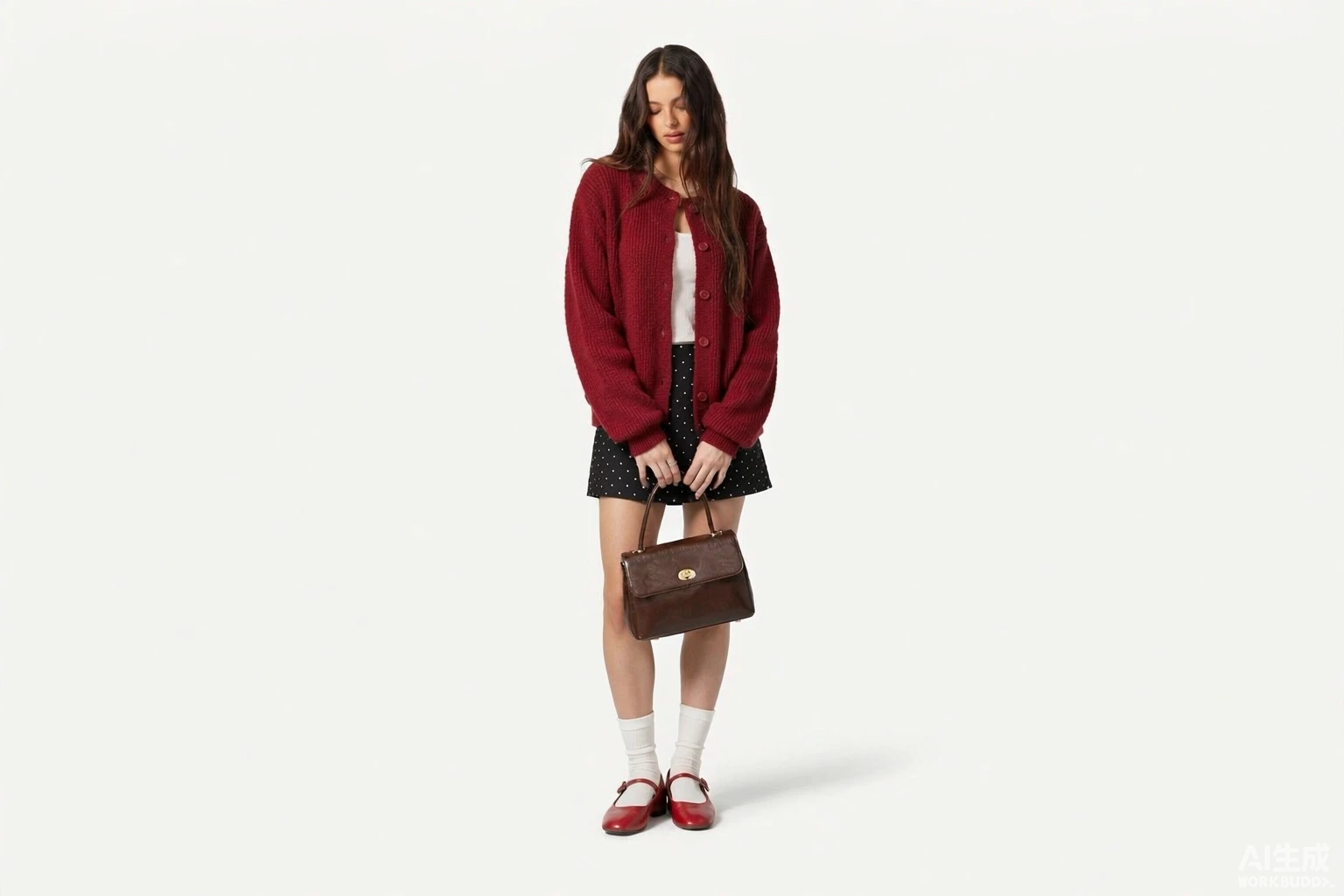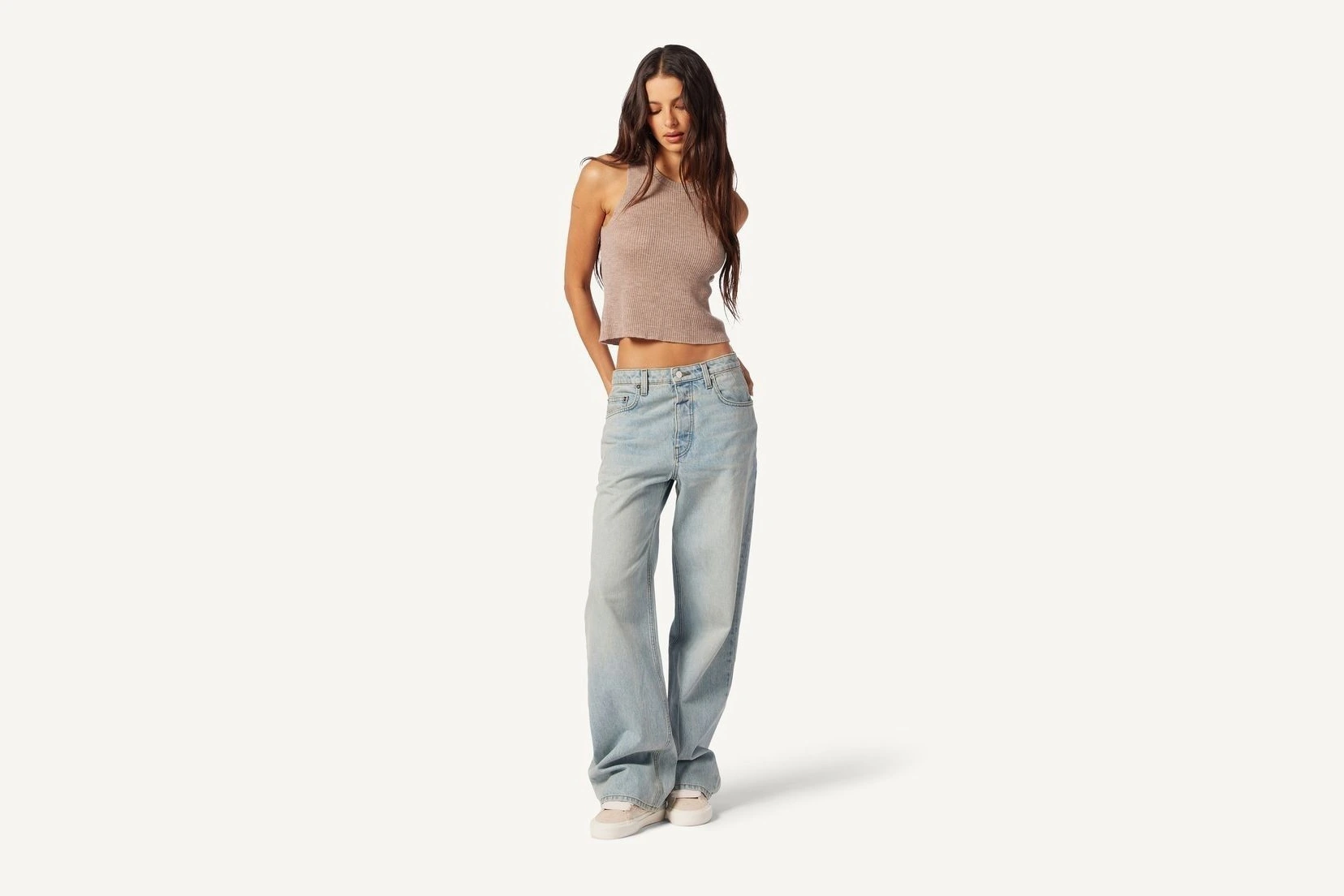

Free AI Clothes Changer & Virtual Try-On for New Styles
Give your photos a fresh look with our free AI clothes changer and outfits swapper. Use virtual try-on to preview your favorite outfits or swap unwanted clothing for a style you love in seconds.
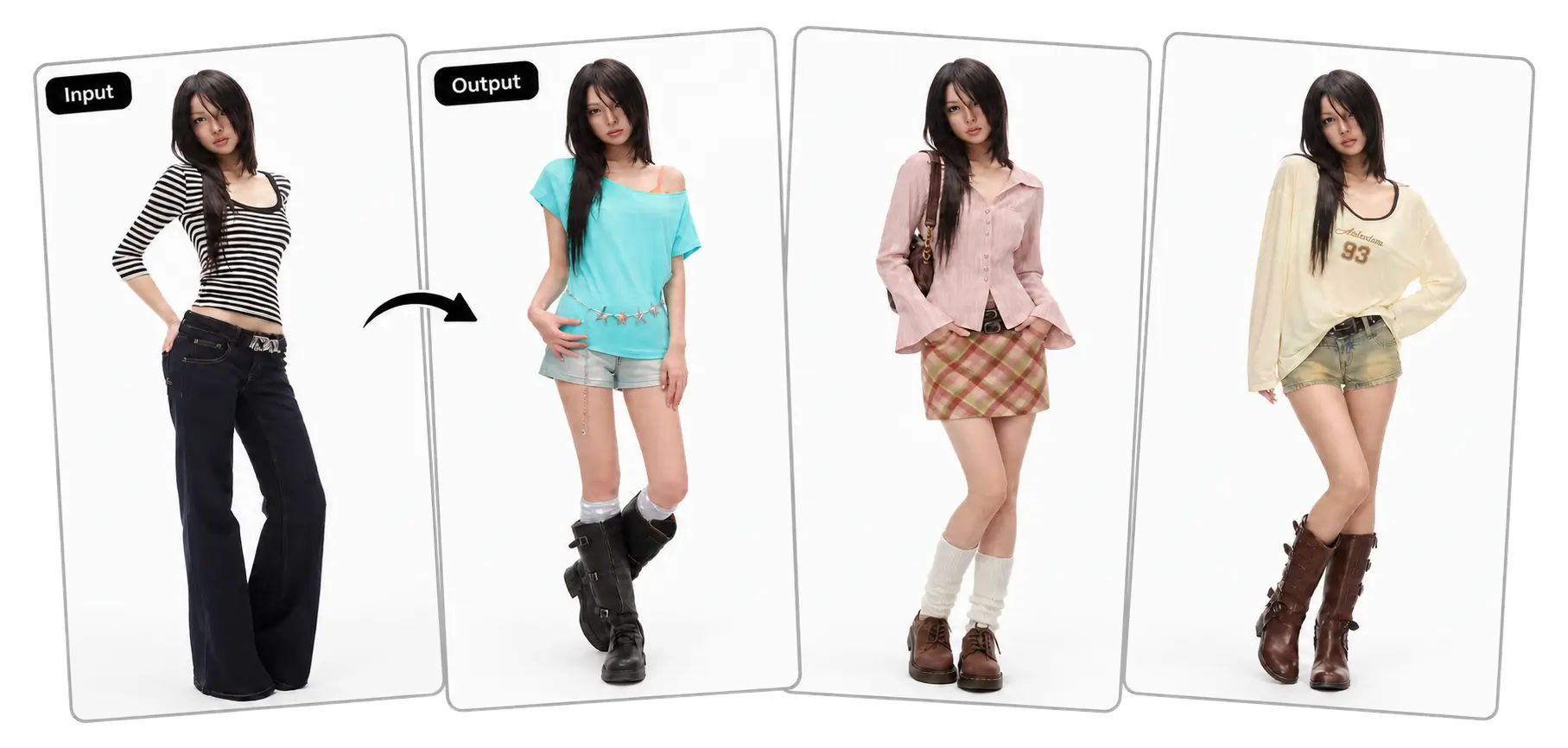
AI Clothes Changer Online Free
AI outfit swapper allows you to virtually try on outfits, experiment with colors, and create your perfect OOTD.
AI Clothes Changer for Different Looks, Roles, and Ideas
Our AI outfit changer is to help startup businesses grow by creating stunning, high-performing websites that help them standout.
Create outfit variations for fashion ads and social promotions with the AI clothes changer. Then use the AI background remover to create a clean product image that keeps attention on the clothing and works with your campaign’s colors, text, and layout.
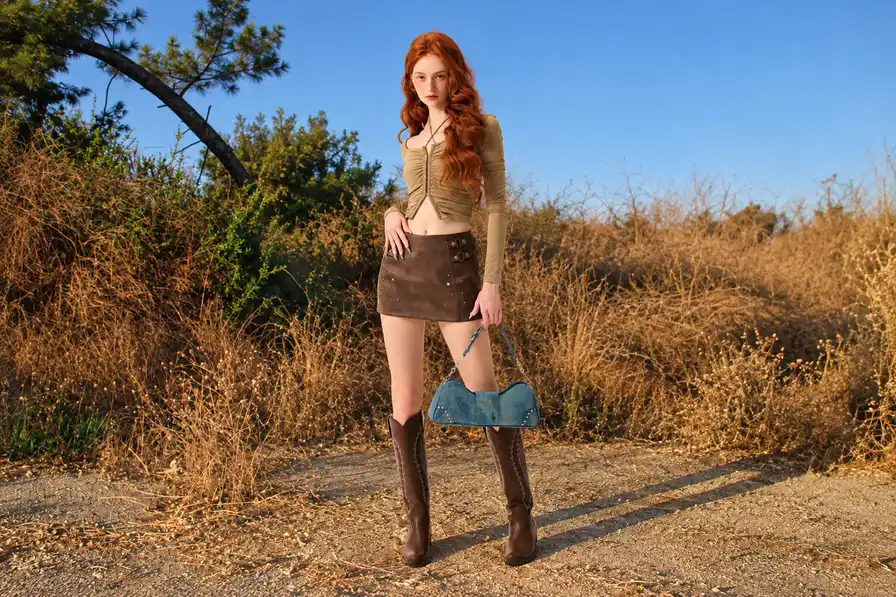
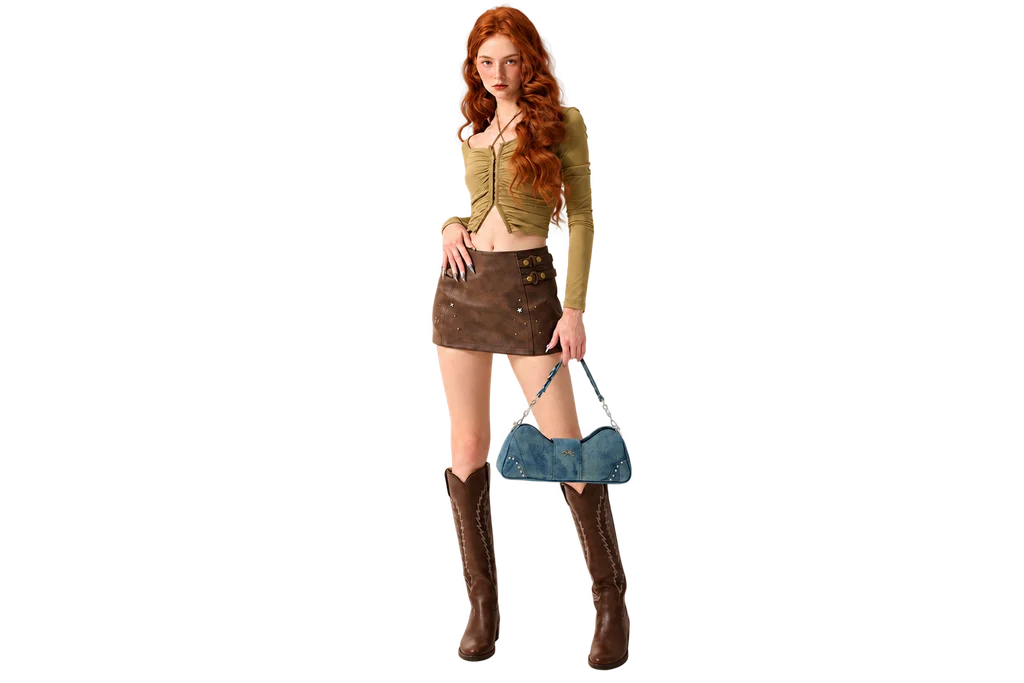
Plan an OOTD for coffee with friends, a weekend outing, or a day around town. Try a few outfit combinations with the AI clothes changer to see which look suits the occasion and feels closest to your everyday style.
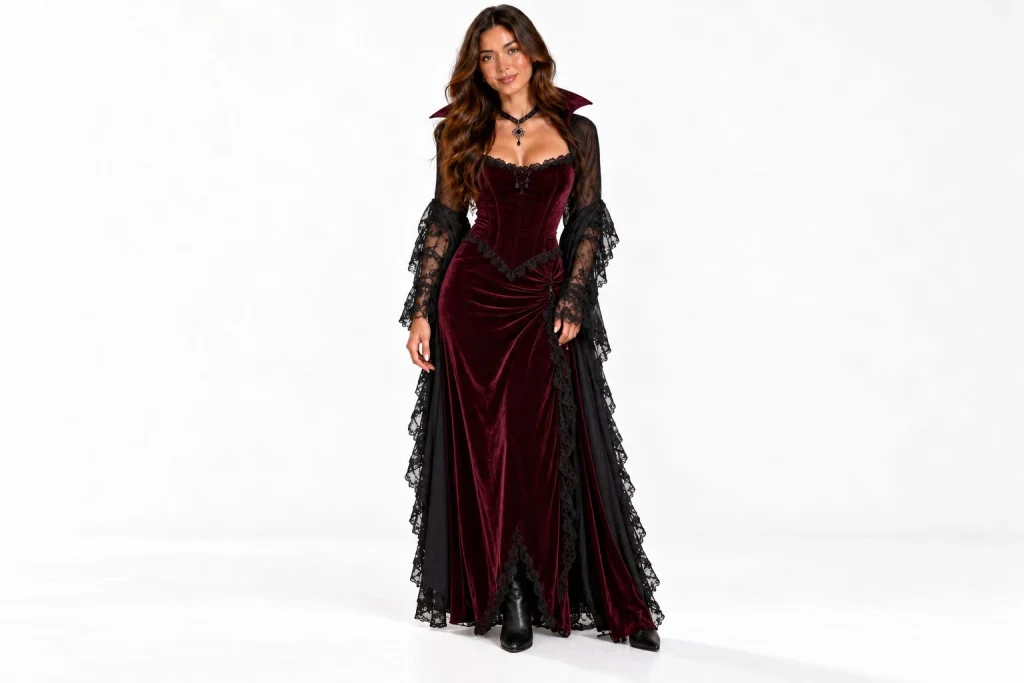
Give a favorite photo an outfit that suits the celebration, from a festive Christmas knit to a Halloween costume. Try seasonal colors and themed clothing for holiday cards, party invitations, or social posts that capture the mood of the occasion.
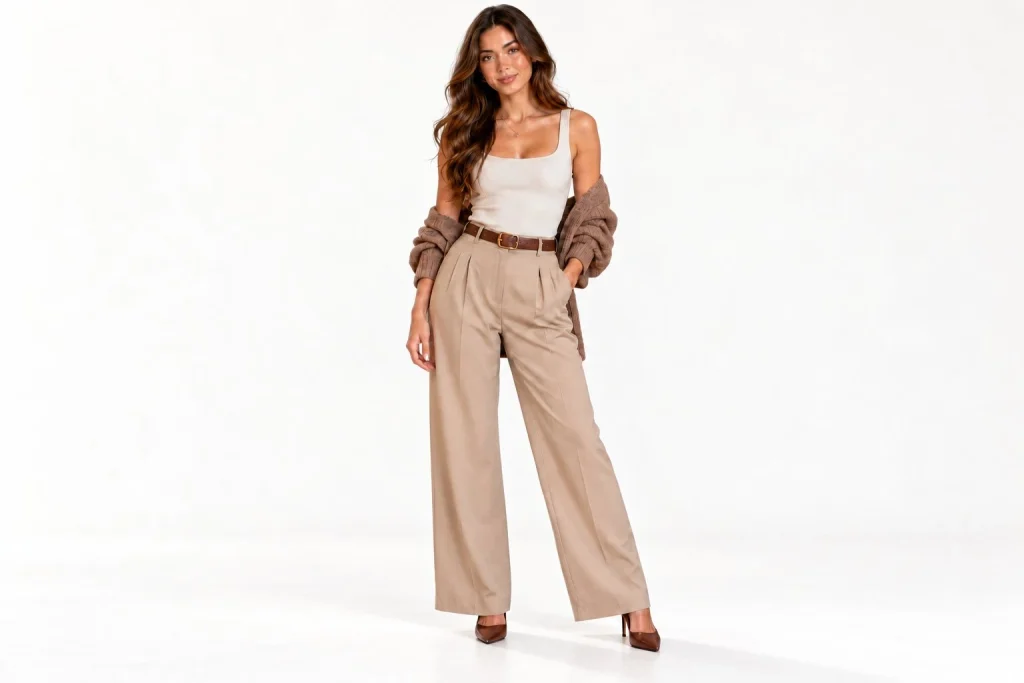
See how a blazer, collared shirt, or coordinated work outfit changes the impression of your photo. A virtual try-on tool can help you plan a more polished look for a professional profile, portfolio, or business headshot.
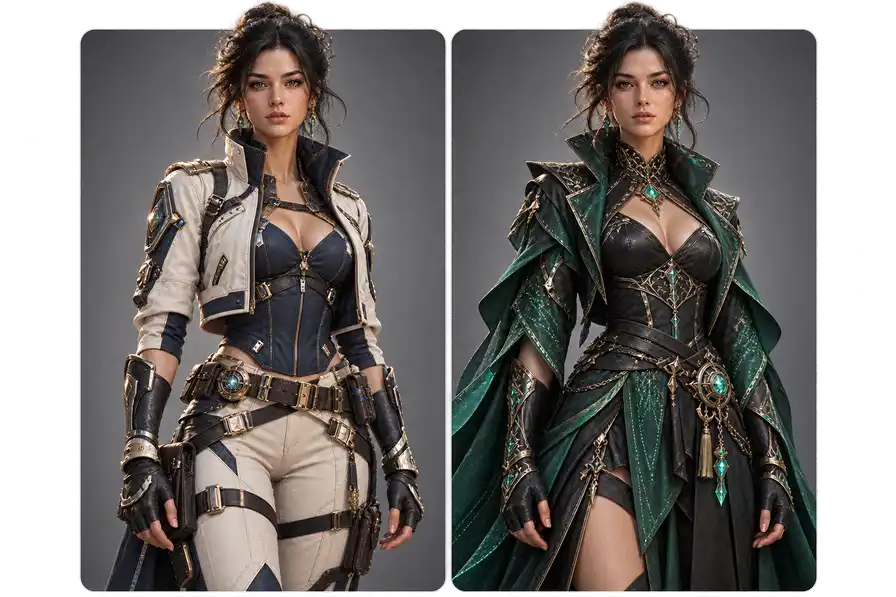
See how a blazer, collared shirt, or coordinated work outfit changes the impression of your photo. An AI clothes swapper can help you plan a more polished look for a professional profile, portfolio, or business headshot.
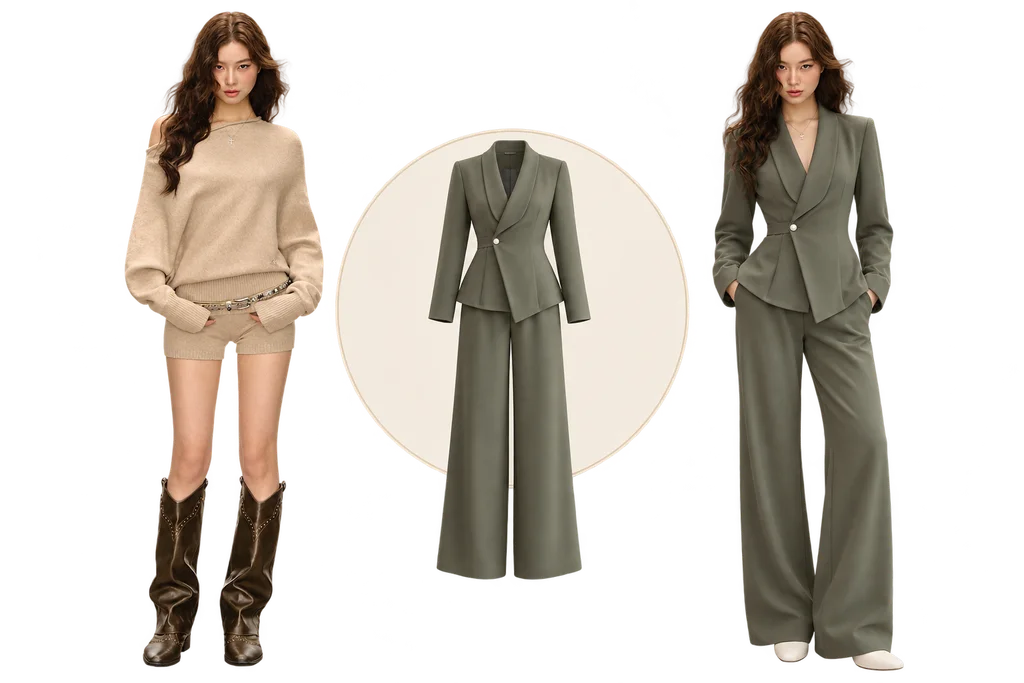
Picture a character-inspired costume on yourself before putting the real outfit together. Describe signature colors and costume details, or add a reference, to develop cosplay ideas for conventions, themed photoshoots, or your next character reveal.
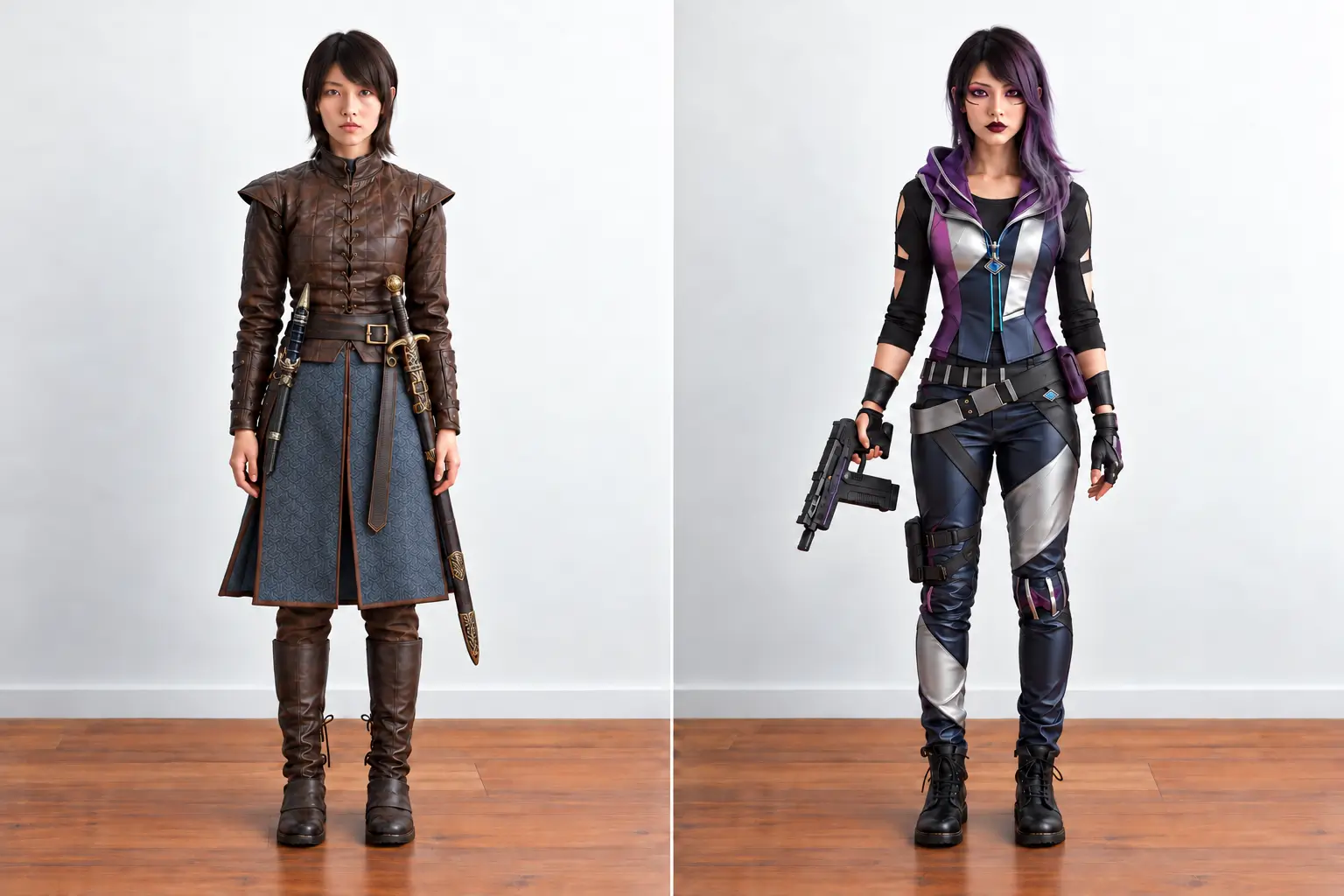
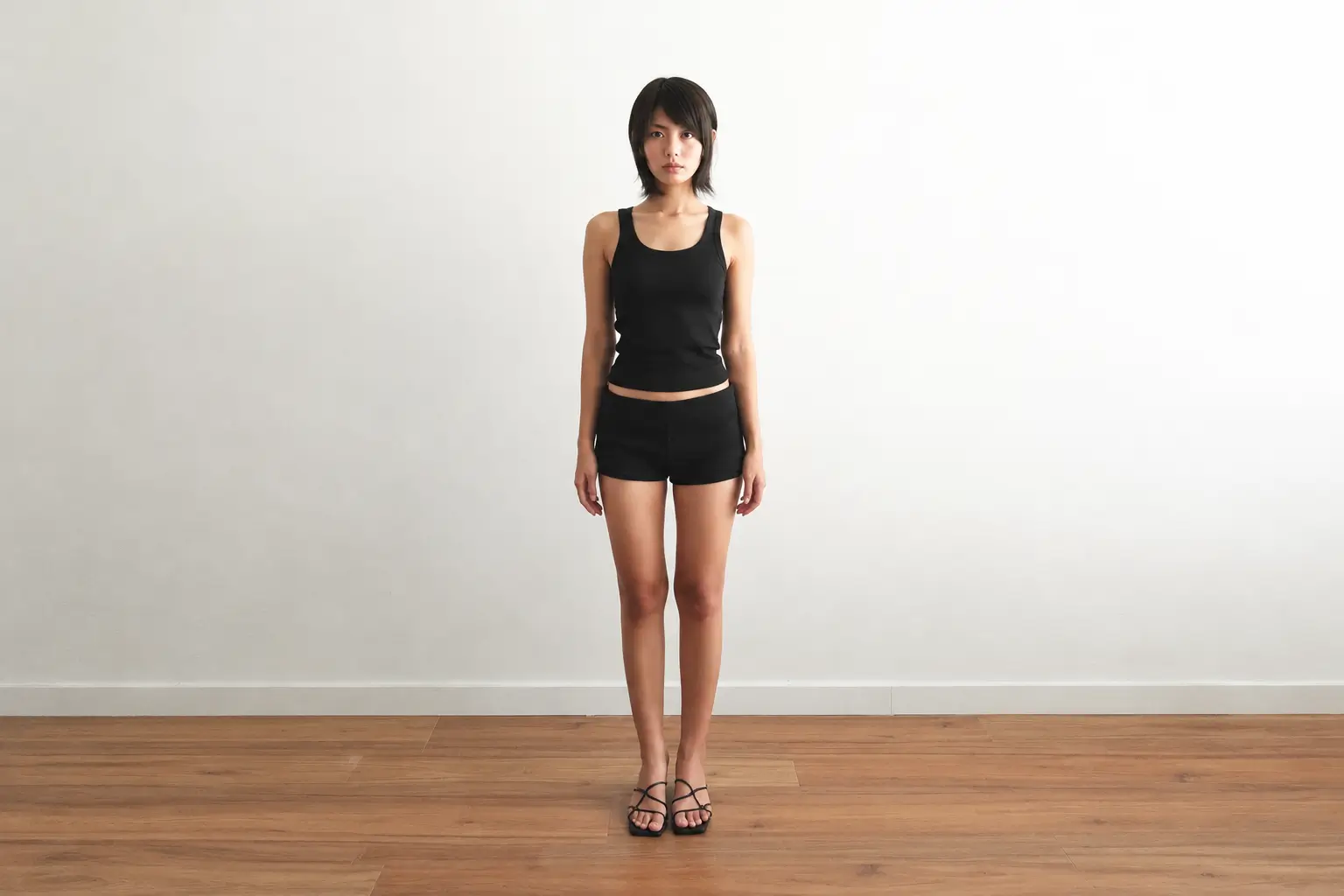
How to Change Clothes in Photo with AI
Change clothes in photos instantly with AI. Try on dresses, suits, casual outfits, and more while keeping your face, pose, and body shape natural.
1. Choose a Photo for Virtual Try-on
Start with a photo you would like to restyle. The AI clothes changer keeps the person and setting while giving you a new direction for the outfit.
-
Fast photo analysis
-
Pose-aware restyling
-
Scene continuity
2. Describe or Upload a New Outfit
Type in the look you have in mind, or add an outfit image as a reference. Choose anything from a simple color change to a complete style refresh.
-
Understand style cues
-
Match colors and details
-
Shape a cohesive outfit
3. Generate Your New Look
Generate a new version, then explore different outfit ideas until one feels right. You can refine the prompt, create another variation, or save the result.
-
Fast outfit generation
-
Natural-looking fit
-
Ready to download
A Closer Look at Our AI Clothes Changer
See how your outfit ideas look in a photo before settling on a style. Our virtual try-on tool gives you room to try different directions and refine the details until the look feels like you.
Design Custom Outfits with AI Clothes Changer
Describe an outfit in your own words, including the cut, color, fabric, and details you have in mind. The AI clothes changer turns your instructions into a new look on your photo, so you can try ideas without an outfit reference. Adjust the sleeve length, change the color palette, or mix elements from different styles to create a design that feels like your own.
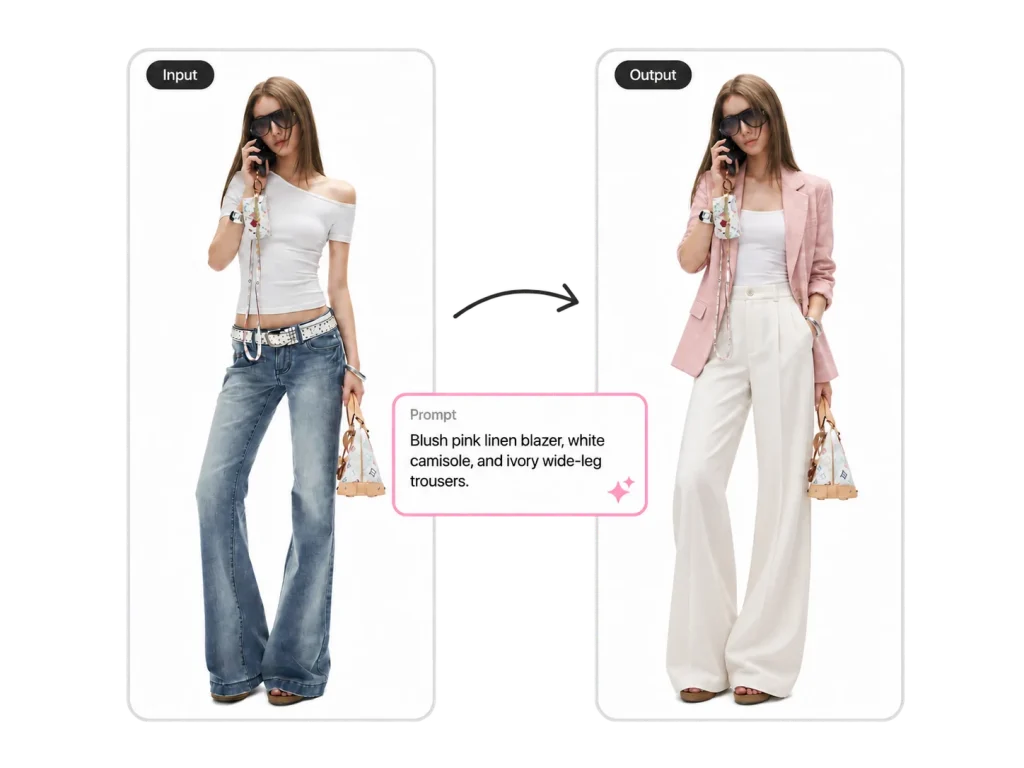
Swap Your Entire Outfit With a Realistic AI Outfit Swap
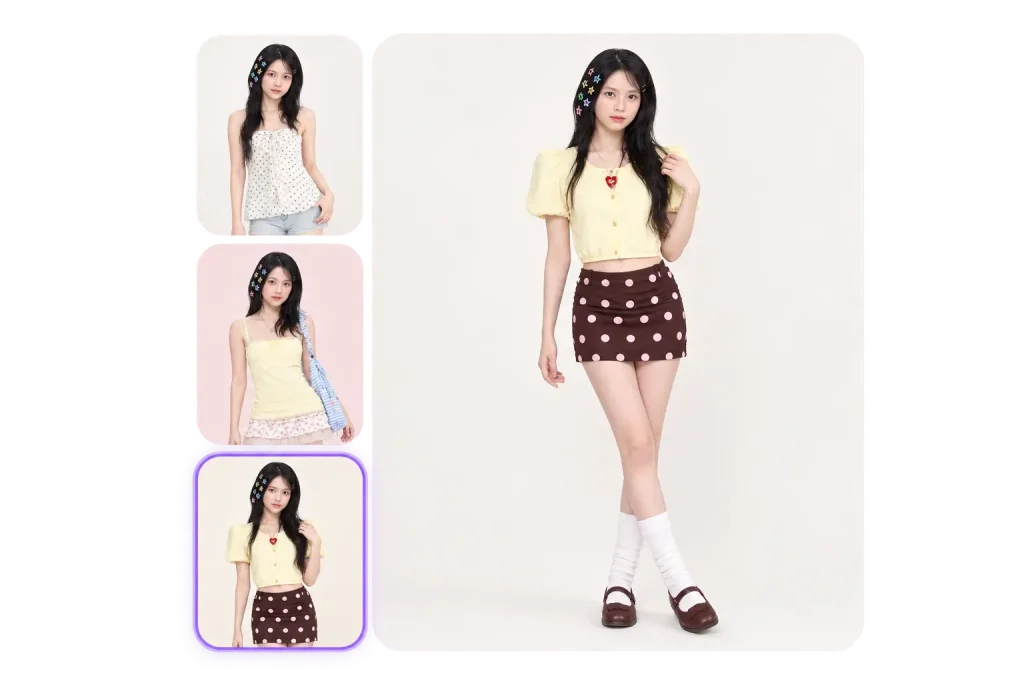
Try a different outfit while keeping the feel of your original photo. The AI outfit swap adapts clothing to your pose and the lighting, so sleeves, folds, and layers look more natural. Switch to a relaxed matching set, a layered streetwear outfit, or something more dressed up, and see how a complete change of clothes gives the same moment a different mood.
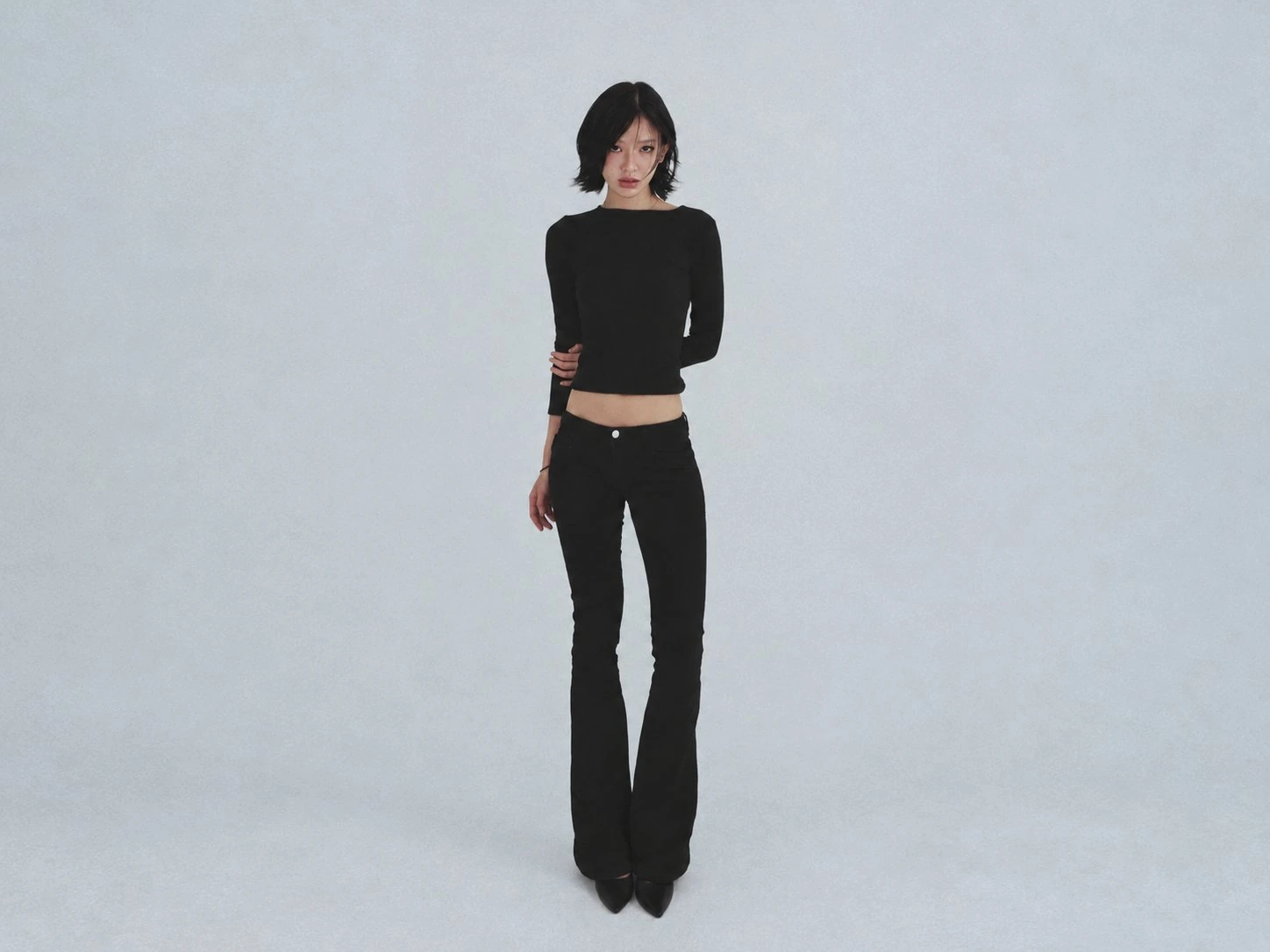
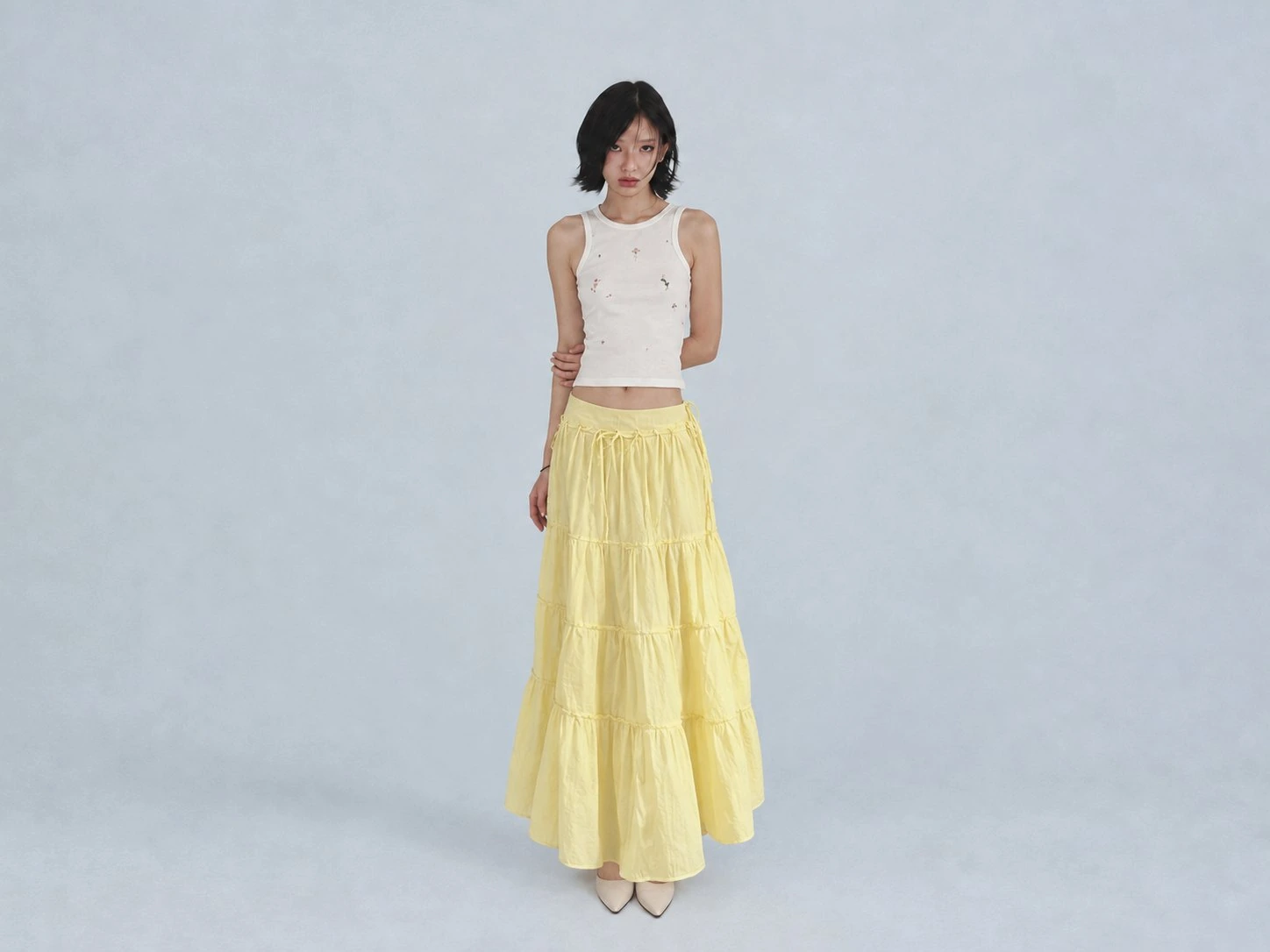
Compare Outfit Combinations Before Deciding What to Wear
Too many outfit ideas can make getting dressed harder than it needs to be. Try different tops and bottoms on the same photo to see which colors, proportions, and layers work together. Whether you’re torn between two looks or unsure how to style a favorite piece, comparing different versions can help you narrow down the options and put together an OOTD you feel good about.
What Photos Work Best With an AI Clothes Changer?
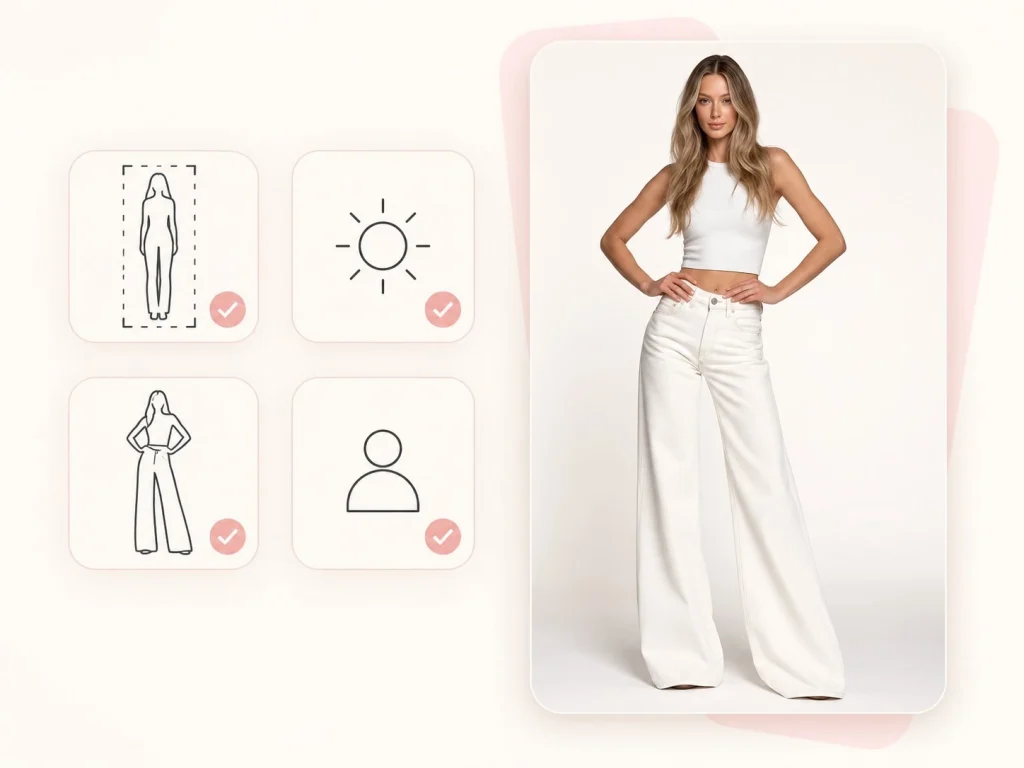
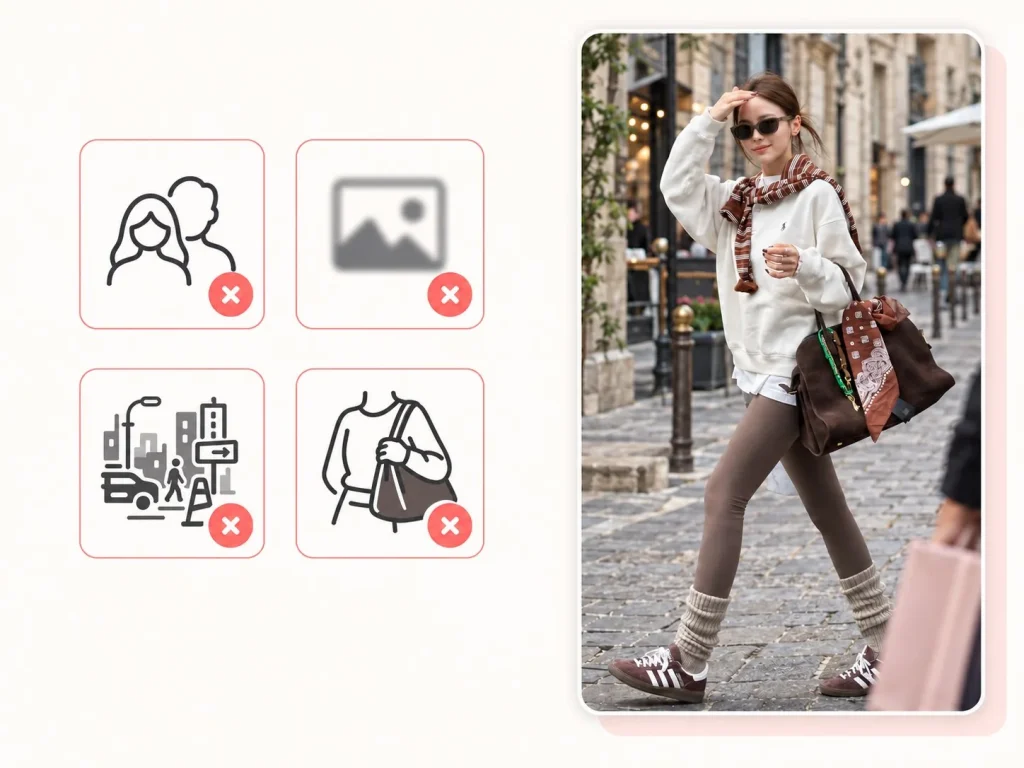
For a more natural AI clothes change or virtual try-on, choose a clear image where one person, their pose, and the clothing area are easy to see.
Ready to Restyle
Full-Body Photos
A full-body photo gives AI outfit swapper enough room to understand the overall pose, body shape, and outfit area before creating a new look.
Natural Light
Soft, balanced lighting helps preserve skin tones, edges, and fabric details in the new look.
A Relaxed, Open Pose
When the torso and arms are easy to see, the new outfit has more room to fit naturally into the image.
One Clear Subject
Choose a photo with one person as the focus so clothing details stay connected to the right subject.
Harder to Restyle
Multiple People or Outfits
When several people or clothing items appear in one photo, it can be unclear which outfit should change. One subject works best for an AI clothes changer.
Blurry or Low-Resolution Photos
When the original details are unclear, it is harder to create clean fabric, edges, and natural-looking clothing.
Busy Backgrounds
Crowded rooms, clothing racks, large text, or stickers can distract from the person. A simpler setting usually creates a more natural virtual try-on.
Outfits Hidden by Objects
Large bags, blankets, furniture, or objects held in front of the body can limit how much of the clothing can be changed.
Real Experiences With Our AI Clothes Changer
“I can test outfit ideas in seconds and quickly see which looks work best for my OOTD posts.”
Ava Thompson Fashion Blogger“The AI clothes changer helps us create more clothing variations without arranging a new photoshoot.”
Noah Anderson E-commerce Manager“It’s a useful way to preview virtual try-on outfits before making the final costume.”
Lena Rodriguez Cosplay Designer“I use it to compare outfit concepts and explore different styles during the early design stage.”
Marcus Lee Game Artist“My clients can see different looks on their own photos, which makes styling decisions much easier.”
Emma Collins Personal Stylist“The results are quick, natural-looking, and perfect for trying new ideas before creating final content.”
Ryan Mitchell Content CreatorClear Answers
Frequently asked questions
A few helpful details before you create your next look. If you have any other question, contact us at [email protected].
Yes, you can try us for free for 30 days. If you want, we'll provide you with a free 30-minute onboarding call to get you up and running.
Yes. You can upload an outfit reference to guide the virtual try-on, such as a dress, jacket, casual look, or a complete OOTD.
You can start using the AI clothes swapper or virtual try-on tool online without needing professional editing skills. Upload a photo, explore outfit ideas, and generate a new look directly in your browser.
Yes. You can use the AI outfit swapper for clothing color change, from a small adjustment such as changing a shirt from black to blue, to a complete swap.
Yes. Describe the clothing type, colors, materials, mood, or style you have in mind. For example, you could ask for a linen summer outfit, a darker streetwear look, or a more professional style.
Most outfit changes are generated in seconds. Processing time can vary slightly depending on image size, detail level, and current demand.
Yes. A good AI clothes changer analyzes your pose, body contours, lighting, and shadows, then generates clothing that fits naturally into the original photo.
Only upload photos you own or have permission to use. Avoid uploading government IDs, financial documents, private records, or images of other people without their consent.
Change Your Outfit for Free
Reimagine what you’re wearing with our free AI clothes changer.