

Free AI Object Remover Online
Effortlessly remove unwanted objects from photos with EzMaker AI object remover, Just upload your photos and brush over what you want to erase, Including but not limited to objects, people, text, and watermarks, AI will fill the selected area and backgrounds.
-
100% Free to remove objects
-
No watermark on downloads
-
Output in a few seconds
-
Works on any devices
-
Photos stay private & safe
-
No sign-up & no limits
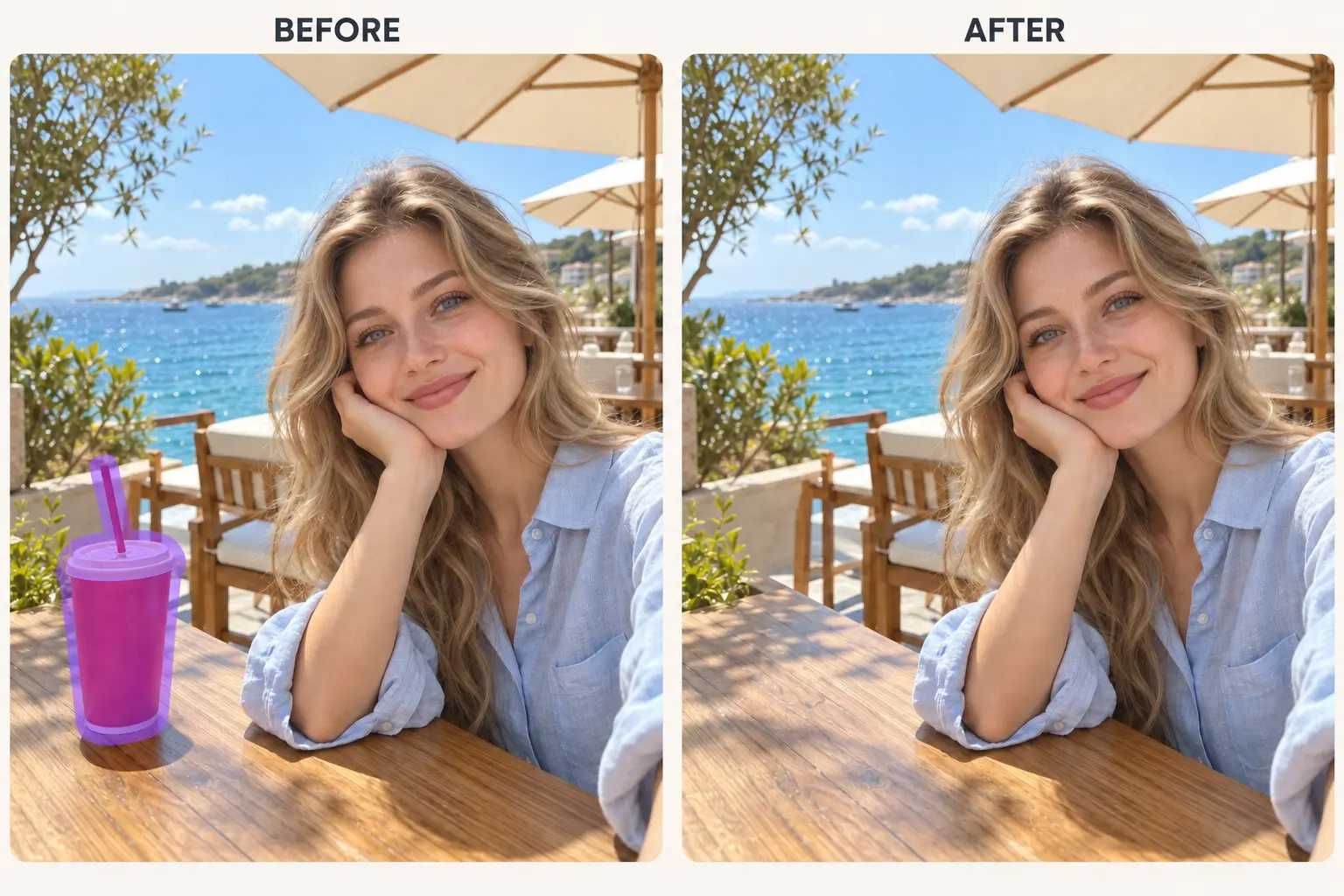
Remove Unwanted Objects from Photos Online Free
Using our free AI object remover is very simple, just upload, select the object, and instantly wipe it out.
How it works
How to Use Free AI Object Remover Online
Very simple, select your photo, upload it to AI object remover, mark the objects that need to be removed, and view the results before downloading.
Upload Your Photos
Select a photo from your device or drag it into an AI object remover. JPG, PNG, and WEBP are all supported.
Brushed Objects
Paint off what you want. For large projects, increase the brush size; For fine details, lower the brush.
Remove Objects & Download
AI will delete objects and reconstruct the background behind them. Download the cleaned image.
Remove Object from Photo: Anything That Doesn’t Want
Every photo has something unwanted. A stranger walks past your camera, a wire spans across the sky, a sticker on a product box, and so on. Our AI object removers can be easily handled.
People
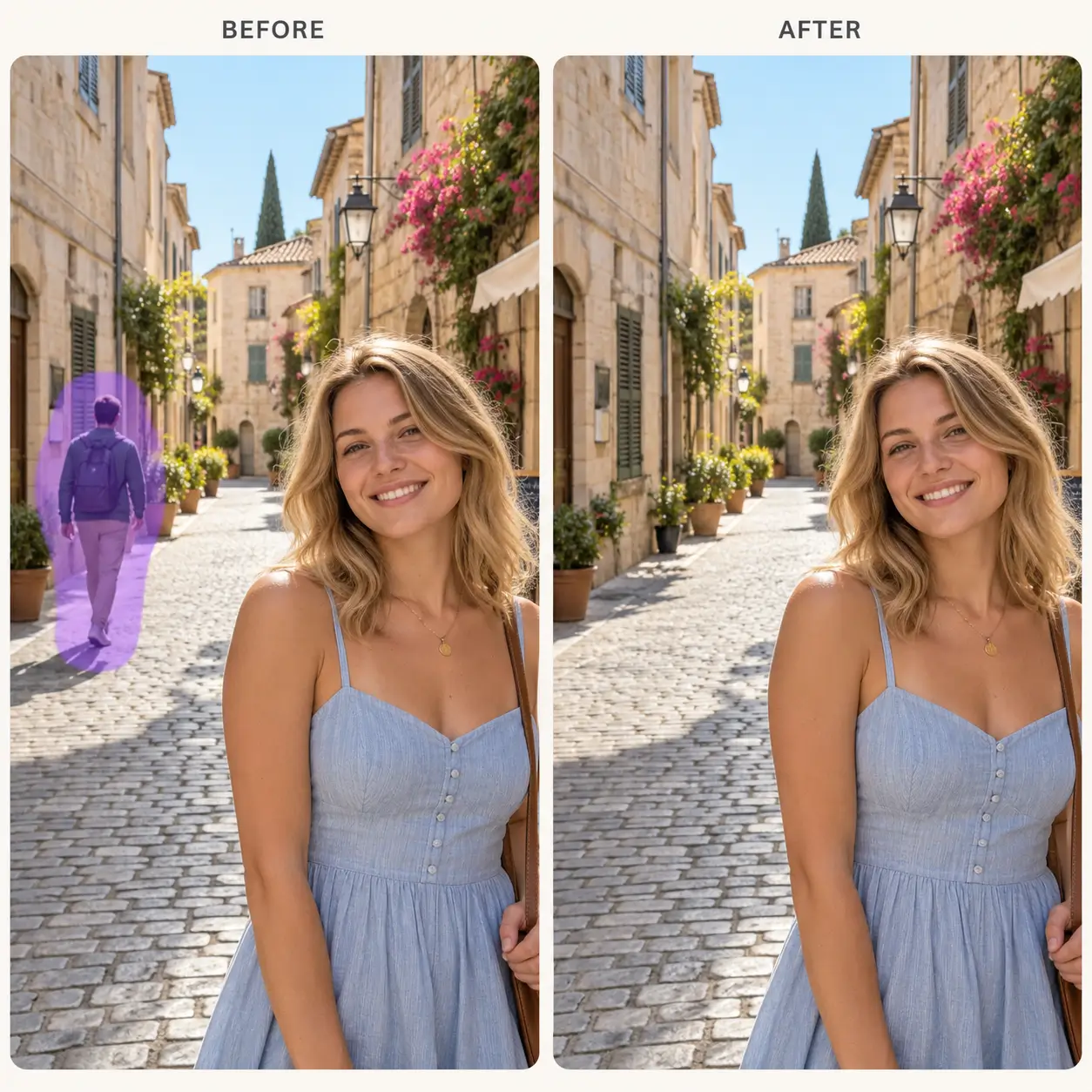
Remove People from Photos with AI Object Remover
Strangers walked into your shot? Brush over them and the AI object remover will clean the person and rebuilds the background behind them. it is perfect for photobombers, passersby, and extra faces in a group photo.
Objects
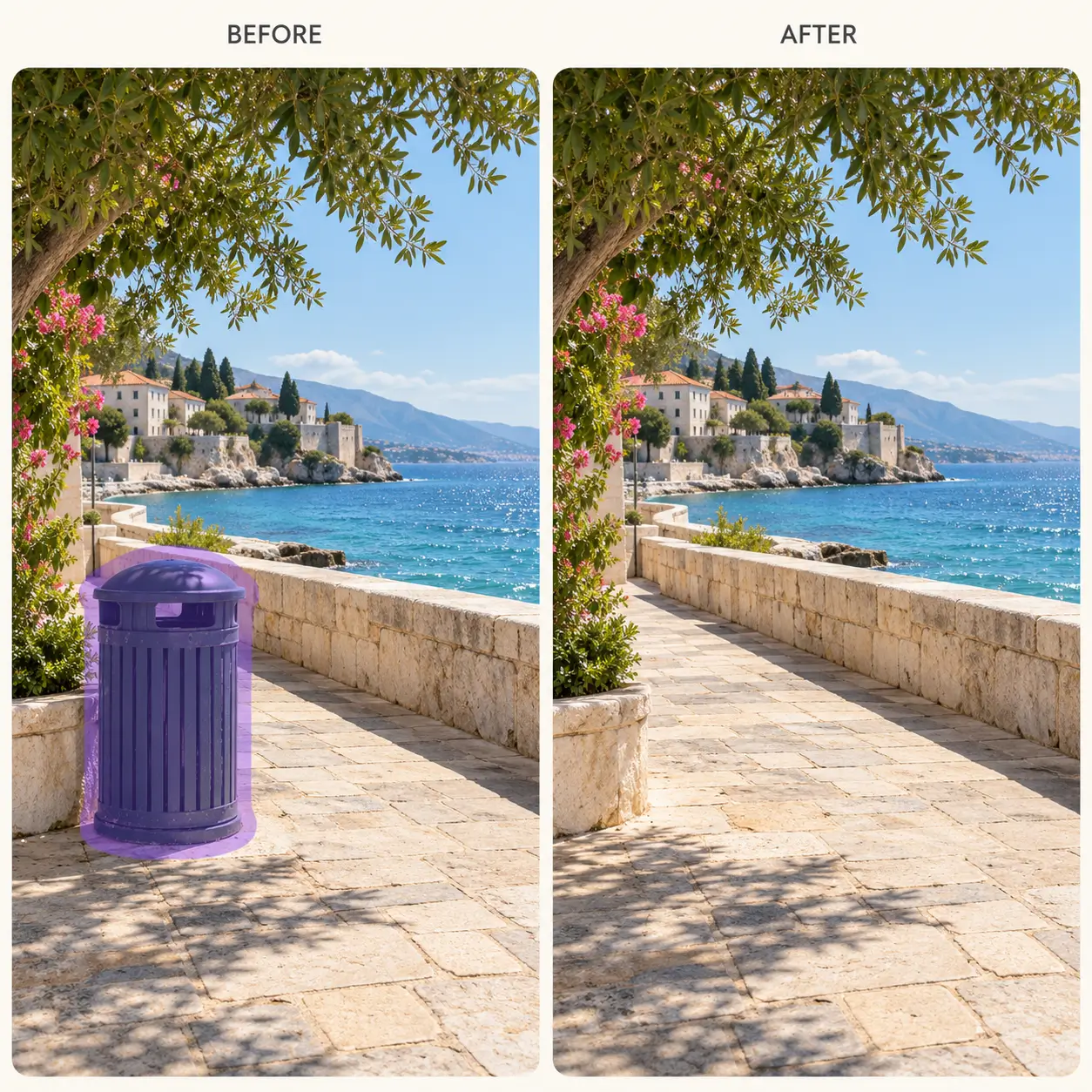
Remove Unwanted Objects from Photos with AI
Trash cans, cables, parked cars, signs, and random clutter can ruin a good photo. Paint over them and our AI object remover erases them and fills in the space so it looks natural.
Text
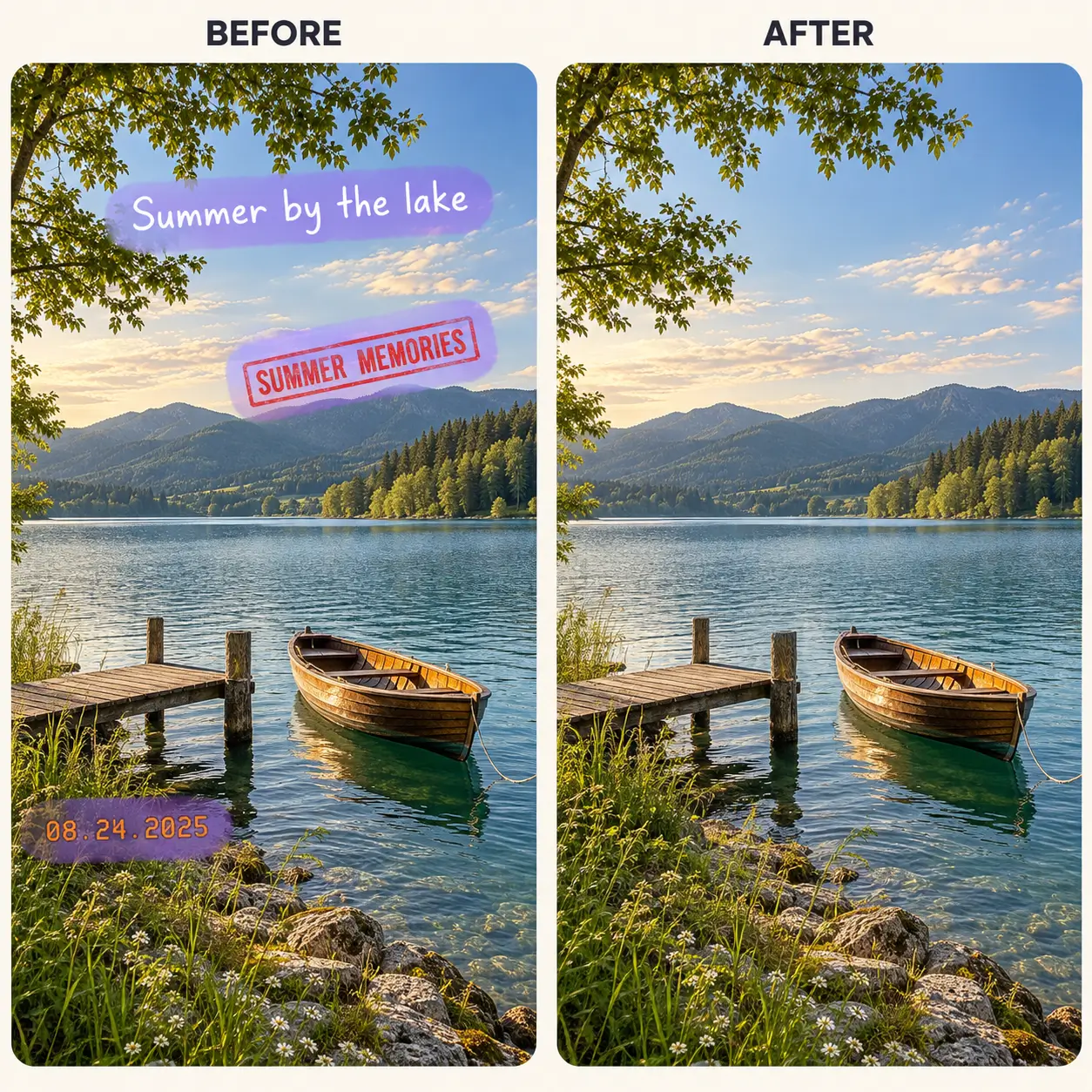
Clean Up Captions, Dates, and Stamps with AI Object Remover
Take out captions, date stamps, and printed labels without leaving a smudge. Brush over the text and the AI object remover restores the background underneath, so the image looks clean again.
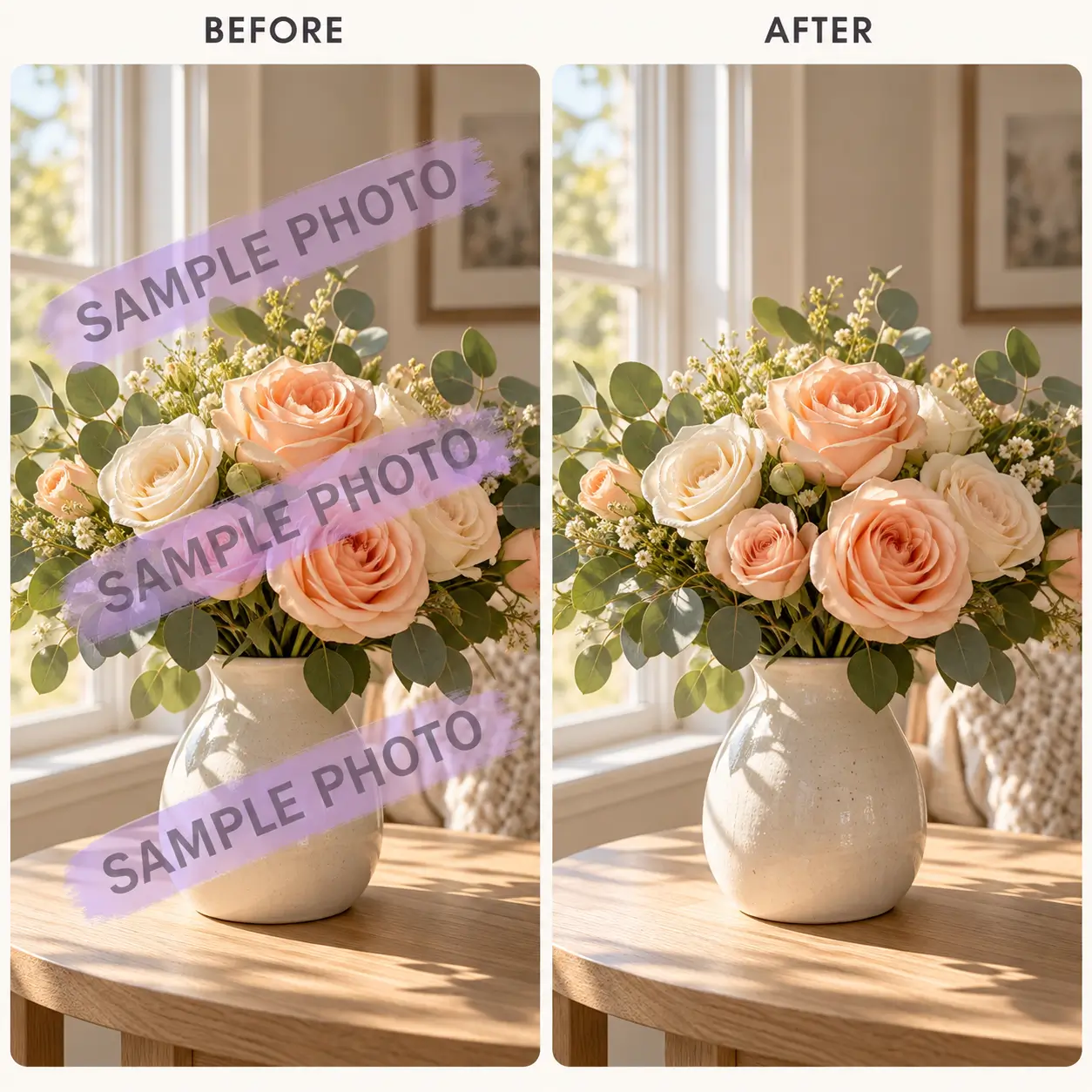
Watermarks
Remove Watermarks from Photos with Object Remover AI
Remove the logo and overlay from your photos. Simply select the watermark area in the photo, and AI object remover will remove the watermark and fill the area with matching textures and colors. Meanwhile, you can also use our AI wantermark remover tool to remove it with just one click.
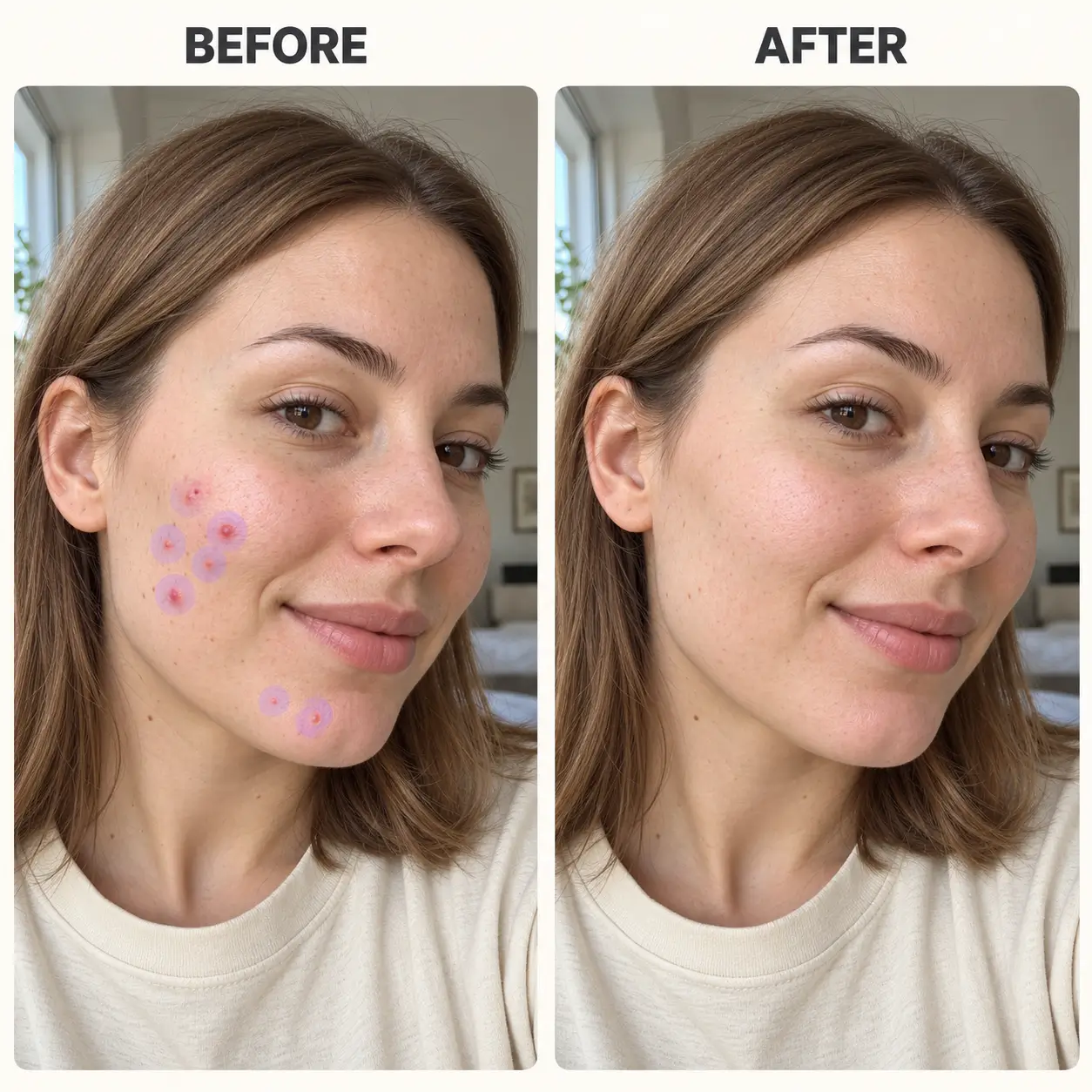
Blemishes
Erase Stickers, Scratches, and Dust Spots with AI Photo Remover
There are often small flaws in product images or selfies that look very unattractive. Easily remove stickers, scratches or dust spots, as well as facial acne, making photos cleaner and more beautiful. AI object remover will smooth them out in seconds.
Testimonials
Good Comments from User Friends
They come from different fields of friends, some for processing personal photos, and some for their own products.
“In my favorite vacation photos, there is often a stranger right behind me. I used EzMaker AI to help me clean up the person behind me without having to start shooting again. And it doesn't require registration, and the results after downloading and cleaning don't have watermarks.”
Emily Carter
Travel Enthusiast

"When I take product pictures, there is usually a wire or something else on the table, but taking pictures of the product is very good. Therefore, I need a simple way to eliminate these interferences. And this AI object remover is particularly useful for me."
Marcus Lee
Small Business Owner

"When I was about to share a selfie on social media, I noticed a distracting little acne. But I really enjoy being able to share this photo, let the object remover AI process it, then check and download the results, it's very convenient"
Sofia Martinez
Content Creator

Help Center
FAQs of AI Object Remover
Learn more about our AI remover. If you still can't answer your question, you can email us.
Ready to Remove Objects from Photo What Doesn’t Belong?
Upload a photo to EzMaker AI object remover, brush over the distraction, get a cleaner version in seconds. No editing skills needed. and see what a cleaner version could look like.