
Free AI Headshot Generator for Professional Photos
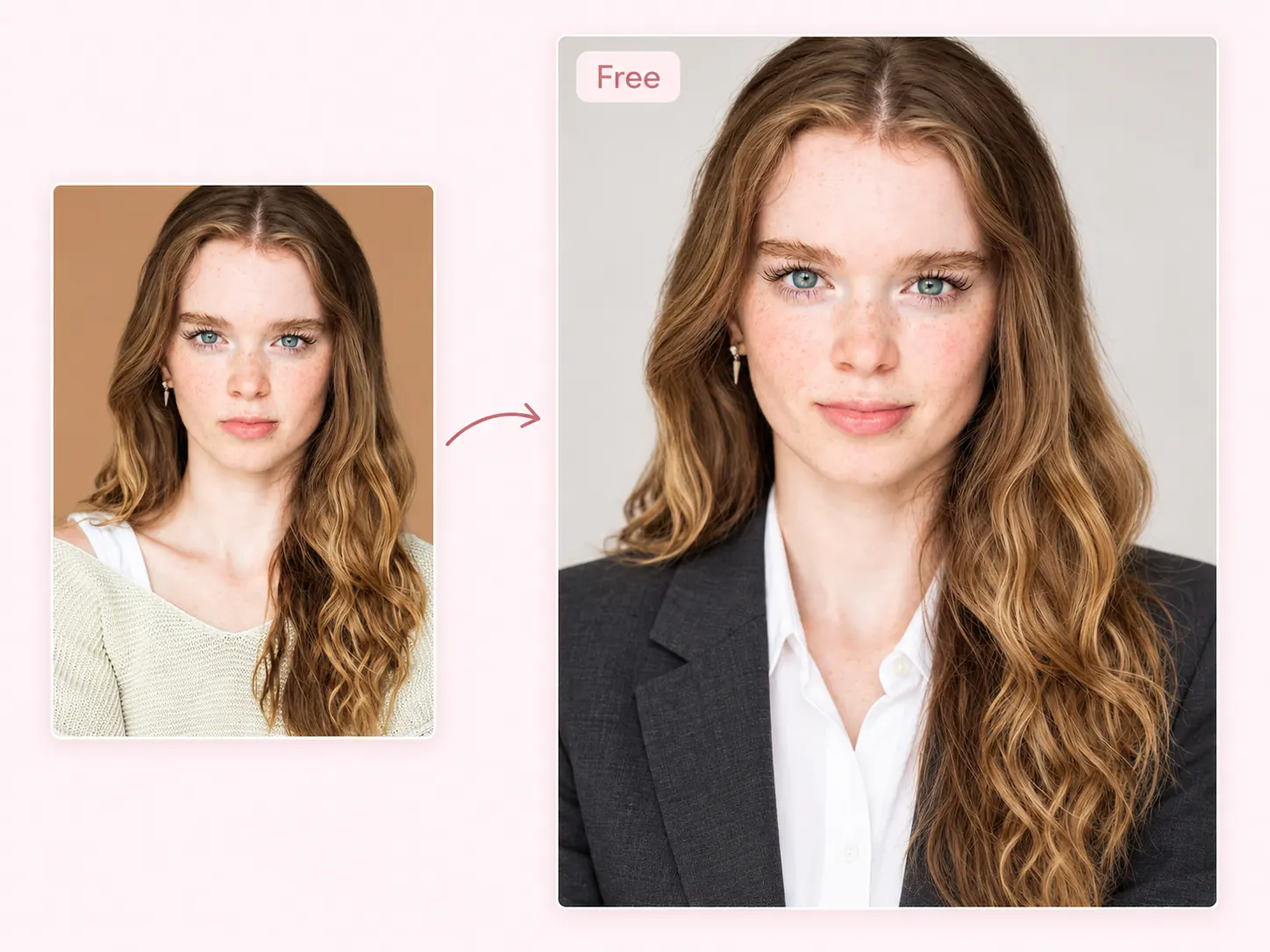
Generate realistic, professional headshots with EzMaker AI headshot generator. Turn an everyday photo into a polished portrait that makes a strong first impression. Export your headshot photos in high definition without watermarks. Free to use and no sign-up.
-
HD & Studio Look
-
Create on Any Device
-
Multiple Preset Styles
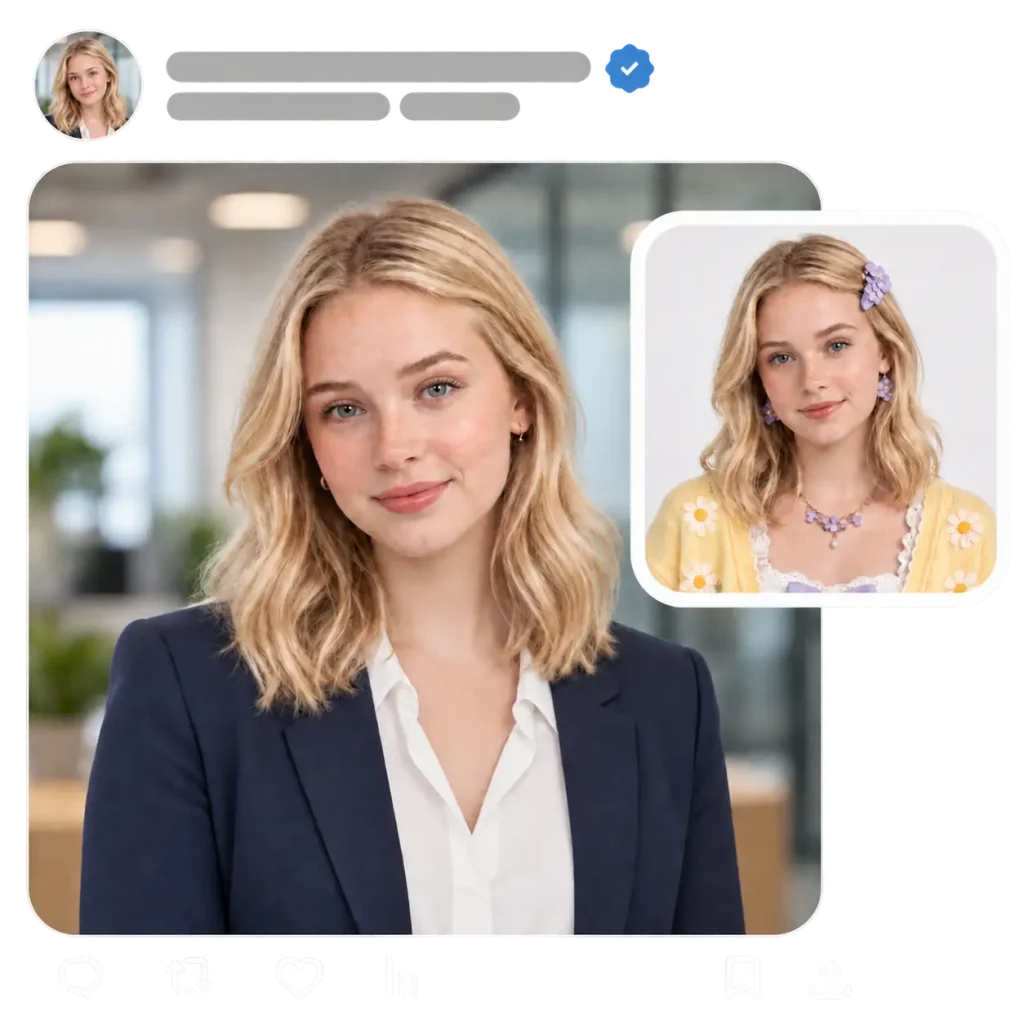
Turn a Selfie Into a Professional Headshot for Free
Start with a selfie or portrait below and see how it looks with professional clothing, a clean background, and balanced lighting.
When to Use an AI Headshot Generator
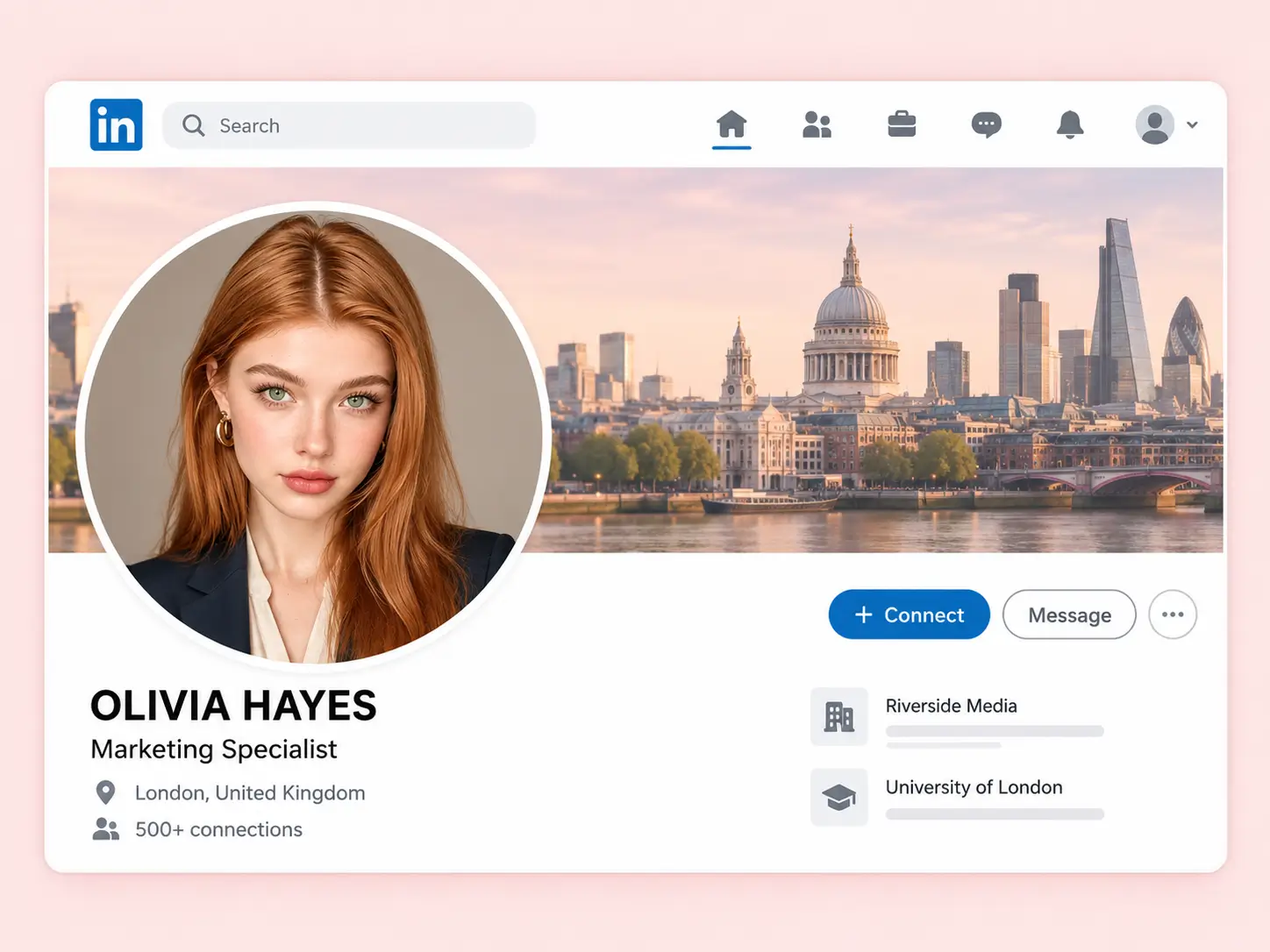
LinkedIn Profiles
A current headshot helps people connect your name with a face when they visit your profile. Our AI headshot generator offers 10+ styles, so you can choose a look that suits your field and fits alongside your experience, skills
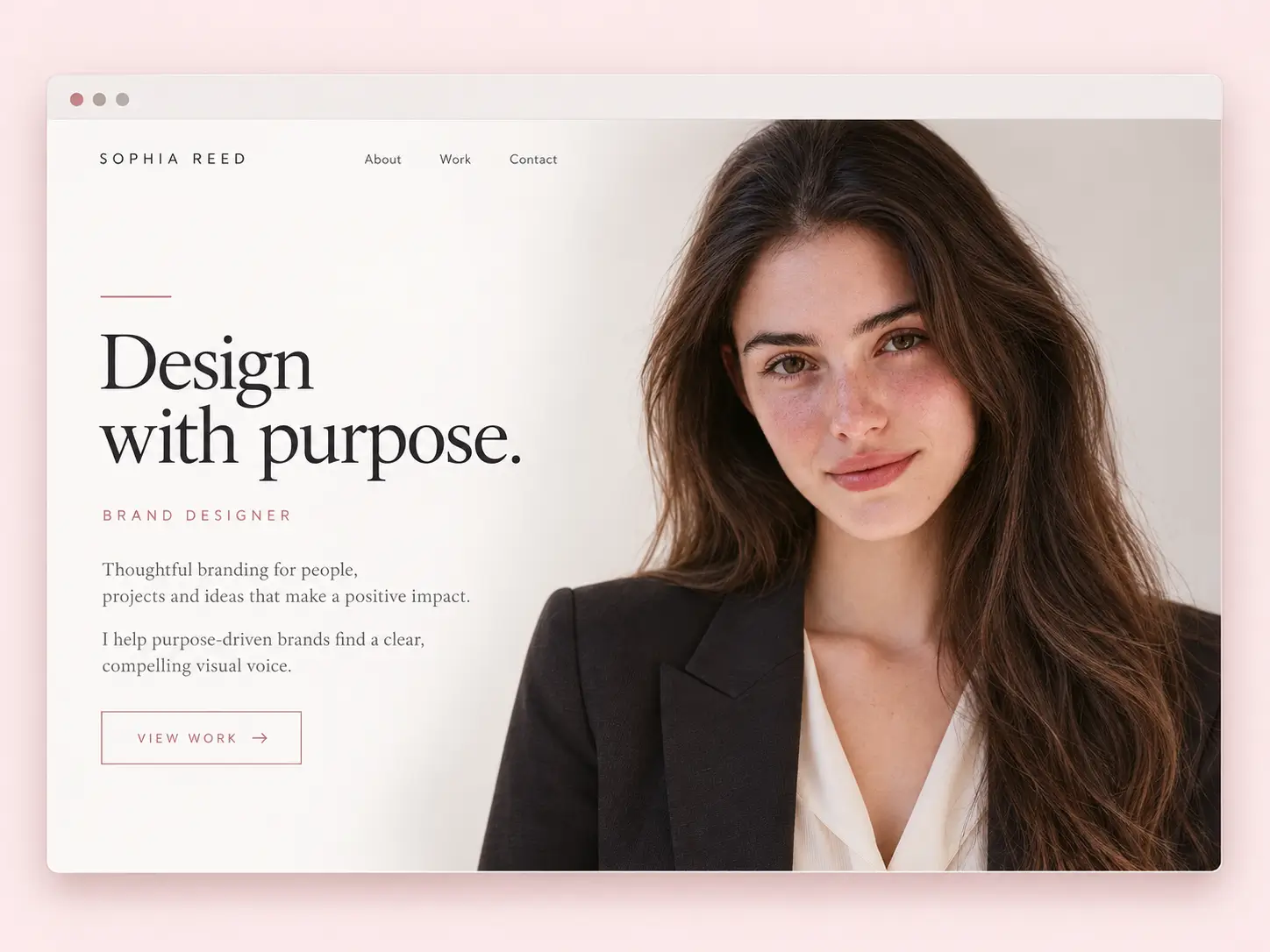
Team Pages
Give your company’s About Us page a more consistent look with AI headshots. Use your headshot on an About page, beside your bio, or alongside your services, with a style that feels at home on your website.
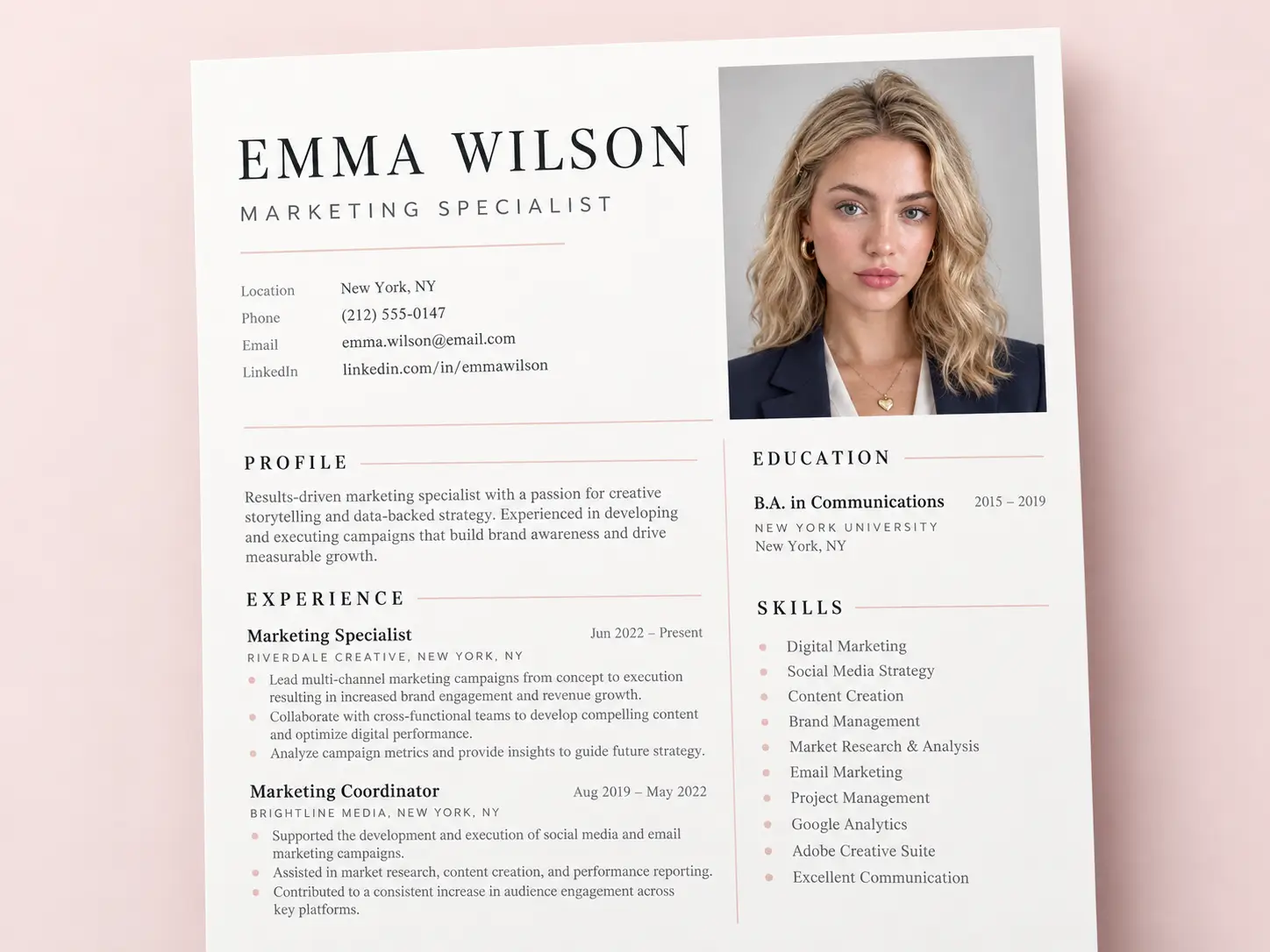
Resumes and CVs
For applications where a photo is expected, an AI-generated headshot can fit into your resume. Create a portrait for that purpose instead of relying on a cropped group photo or an old picture that no longer reflects how you look.
More Places to Use Your Headshot
-
Freelance profiles that help clients see who they’re working with
-
Speaker bios for conferences, webinars, and industry events
-
Email signatures that make everyday communication more personal
-
Business cards and brochures for a consistent professional image
How to Generate a Headshot With AI
Turn a regular photo into a professional headshot in three simple steps.
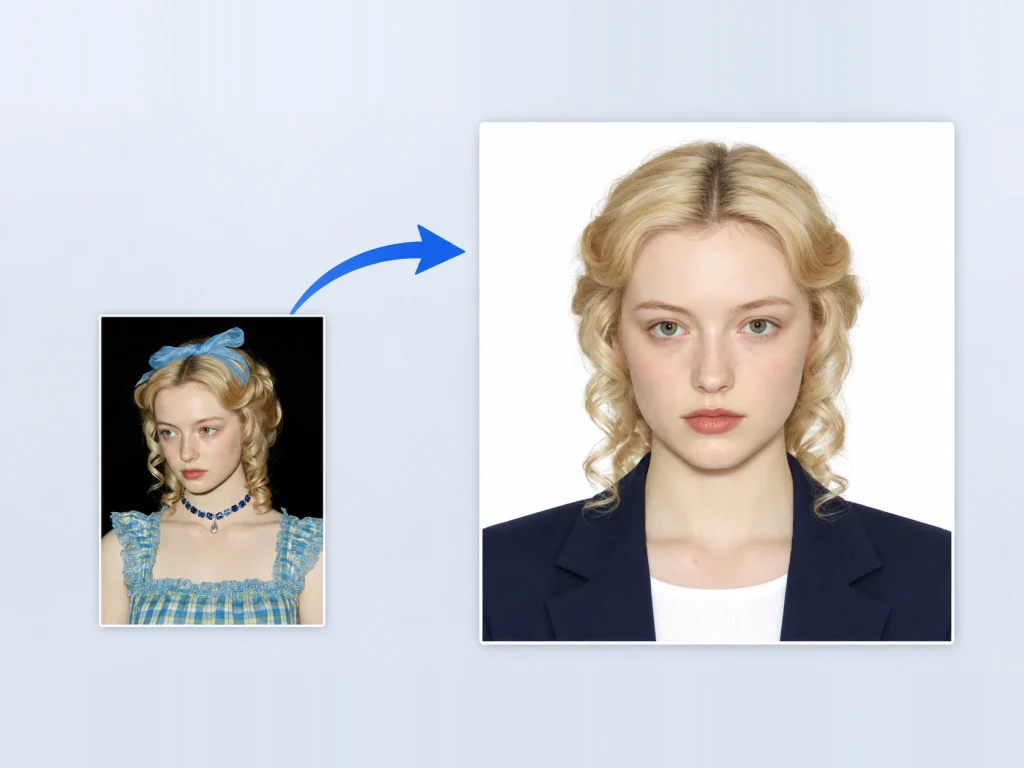
1. Upload a Photo
Choose a clear photo with your face visible and upload it to the AI headshot generator.
2. Choose a Headshot Style
Think about where you’ll use your headshot, then try several looks from the same photo and keep the one that works.
3. Generate and Download
Generate your headshot, review the result, and download the photo you want to use.
Why People Use EzMaker AI Free AI Headshot Generator
AI Headshot Styles for Different Professional Settings
Select a preset before generating your portrait to give it the professional feel you have in mind, without having to describe every detail yourself. Different settings call for different impressions: a company profile may need a formal portrait, while a creative portfolio may suit a more relaxed look. The style options help you make that choice without writing a detailed prompt.
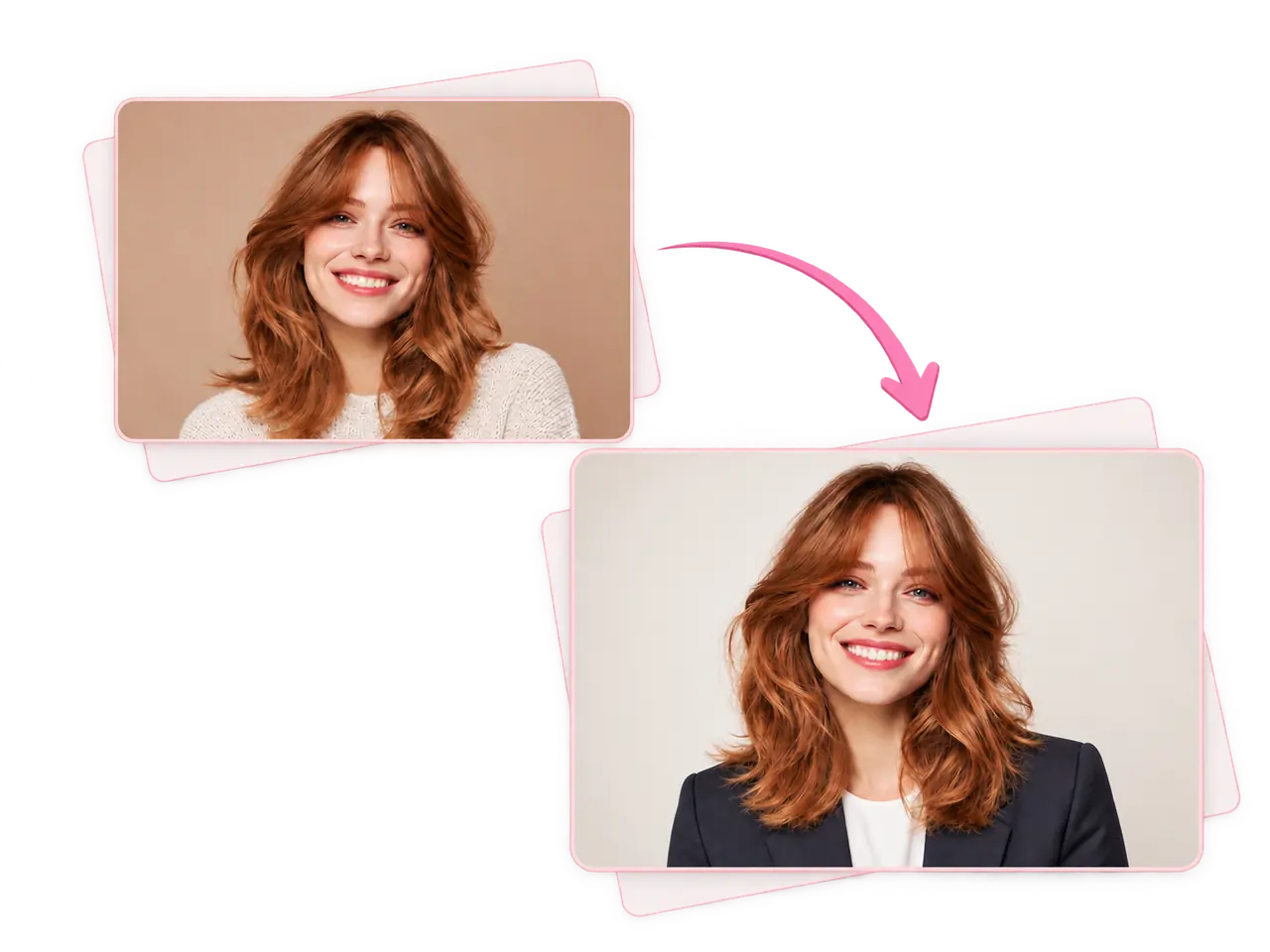
Consistent Headshots for Your Team
A team page looks more cohesive when everyone’s photo follows a similar style. Create headshots from each person’s own photo, using a shared direction for clothing, backgrounds, and framing. It’s a practical way to bring together employees in different locations and add new colleagues to the company website without organizing another group photoshoot.
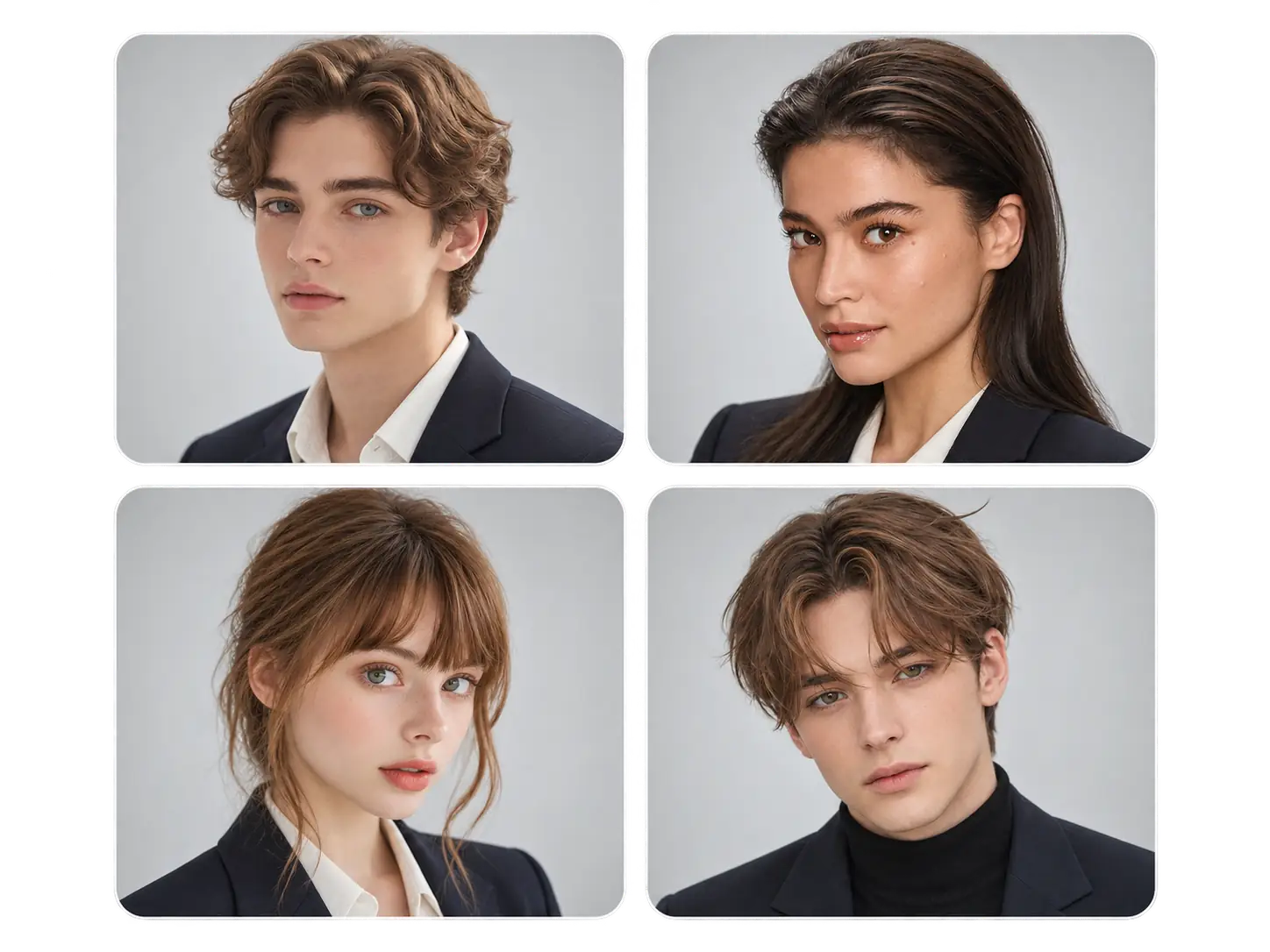
Professional Headshots Without the Cost of a Photoshoot
A professional photo doesn’t have to come with studio fees or a photographer’s invoice. Our free AI headshot generator works with a photo you already have, saving the cost of a dedicated shoot, travel, and preparation. Whether you need one portrait or several options, you can update your professional image without making photography another expense.
💡
AI Headshot Tips for More Professional Results
Get better results from our AI headshot generator with a well-chosen photo. Follow these simple tips before uploading your photo.
Preparations for Making an AI Headshot
Sometimes the photo you like may require a few adjustments. Use these tools to adjust your starting image before creating your headshot.
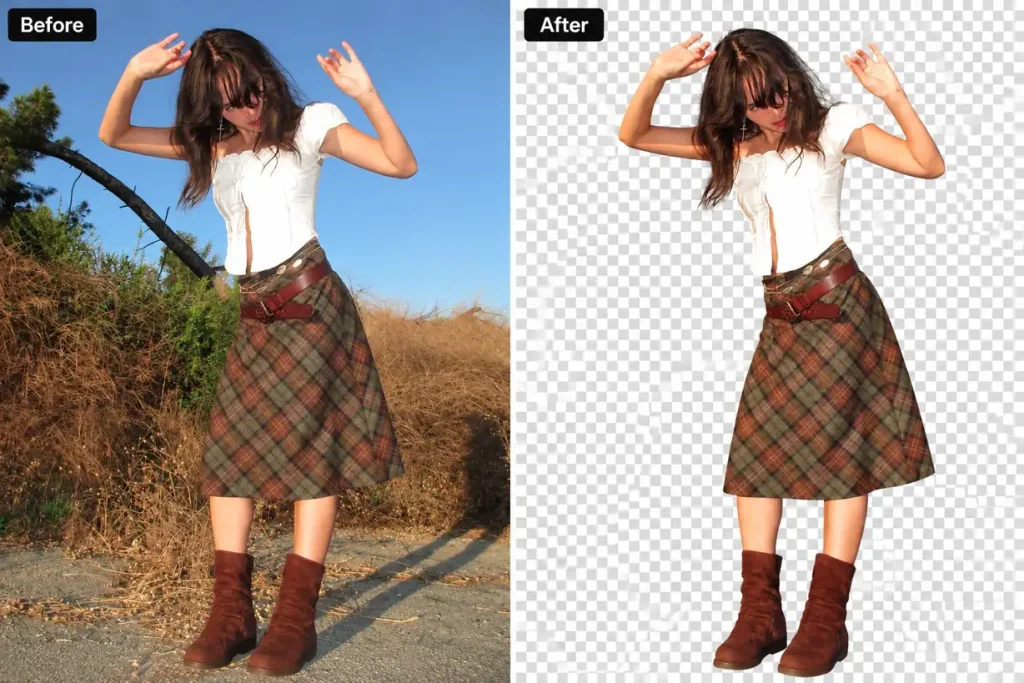
Background Removal
A casual photo may include furniture, crowds, or outdoor scenery that feels out of place in a professional portrait. Our AI Background Remover isolates you from the setting, giving the AI headshot generator a cleaner starting image.
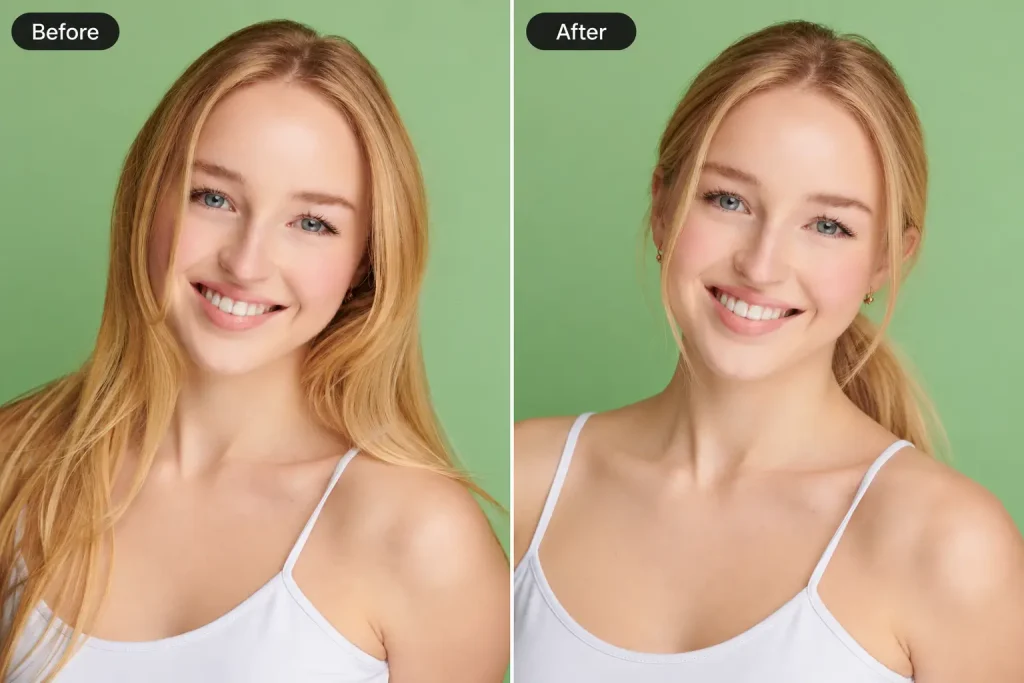
Hairstyle Swap
A front-facing headshot puts more attention on the hair around your forehead, eyes, and cheeks. If your original photo has distracting strands or an outdated hairstyle, our AI Hairstyle Changer can help prepare a look that better reflects your current appearance.
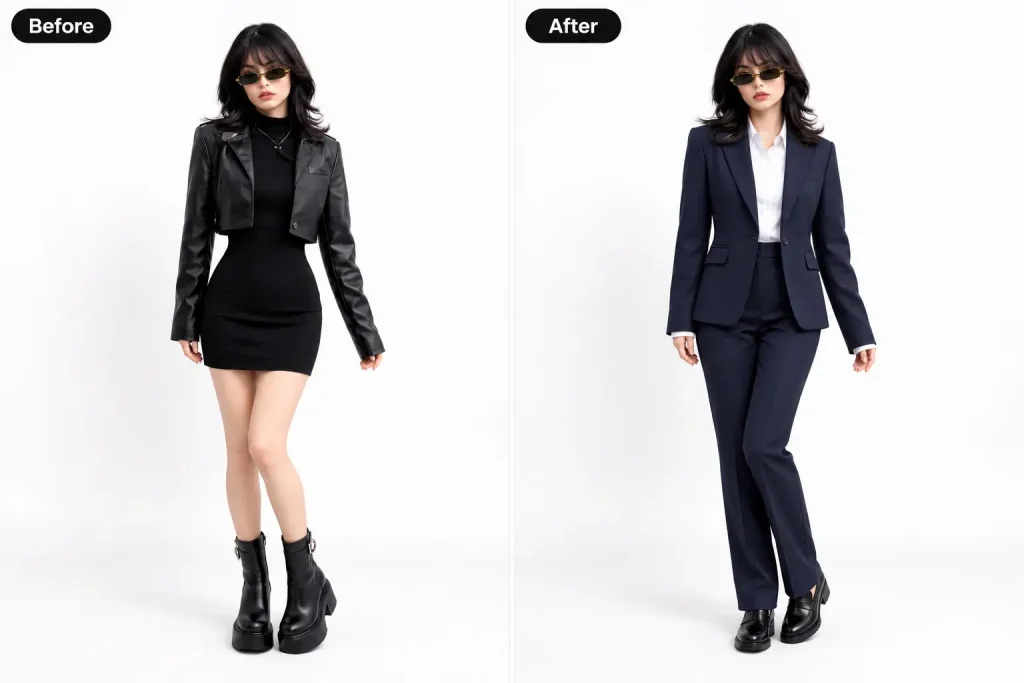
Professional Outfit Changes
Headshots focus on your face and shoulders, so collars, necklines, and clothing details become more noticeable. If your source photo feels too casual, our AI Clothes Changer can adjust the outfit before you generate your professional portrait.
What Clients Say About Our AI Headshot Generator
The main thing I checked the free AI headshot generator was whether the image still looked like me. I was happy with how the face turned out.
Claire Morgan
Marketing Coordinator
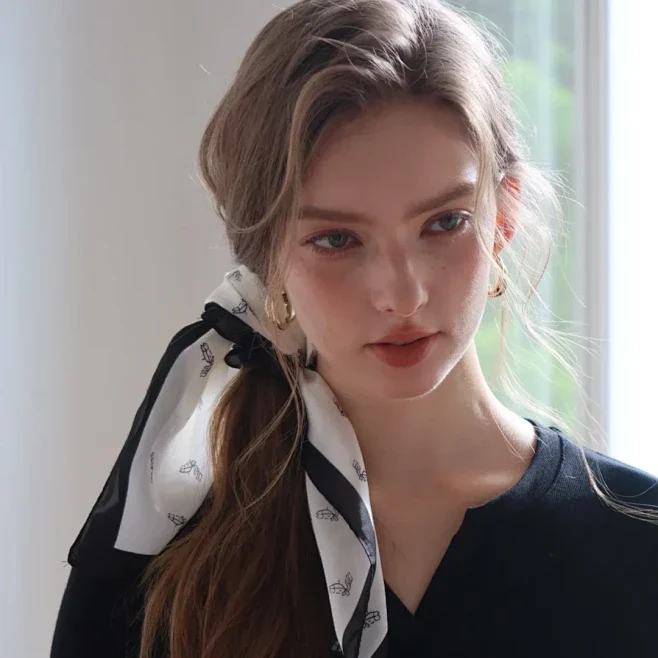
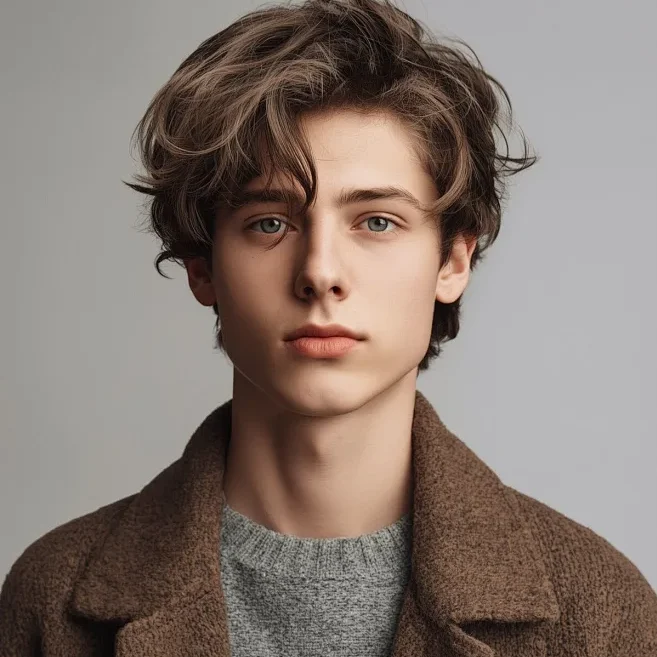
I work from home and don’t have many recent work photos. Being able to generate a regular selfie with EzMaker AI was helpful.
Adrian Chen
Software Developer
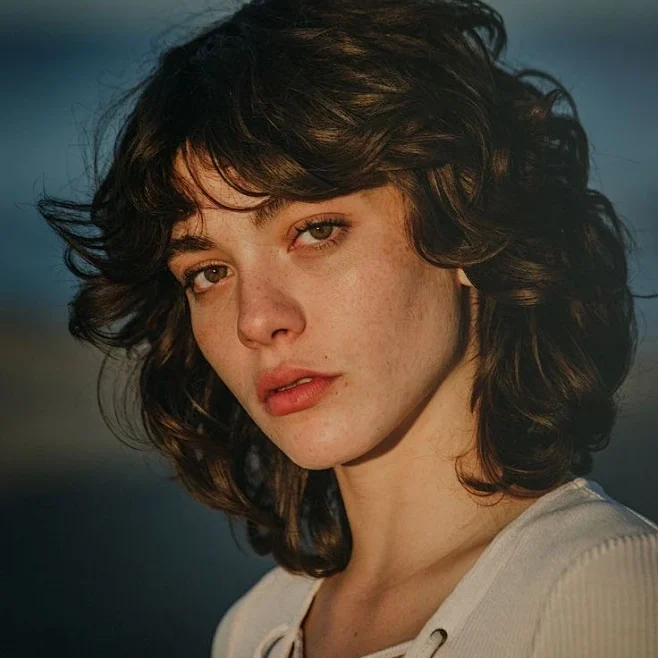
I just needed a headshot for our company’s team page. It was useful to have another option without arranging a photoshoot.
Melissa Grant
Operations Specialist
I used the headshot on my About page. It fits the website much better than the cropped holiday photo I had before.
Adam Lewis
HR Specialist
I liked the less formal results best. They felt closer to how I actually present myself to clients.
Tessa Nguyen
Interior Designer
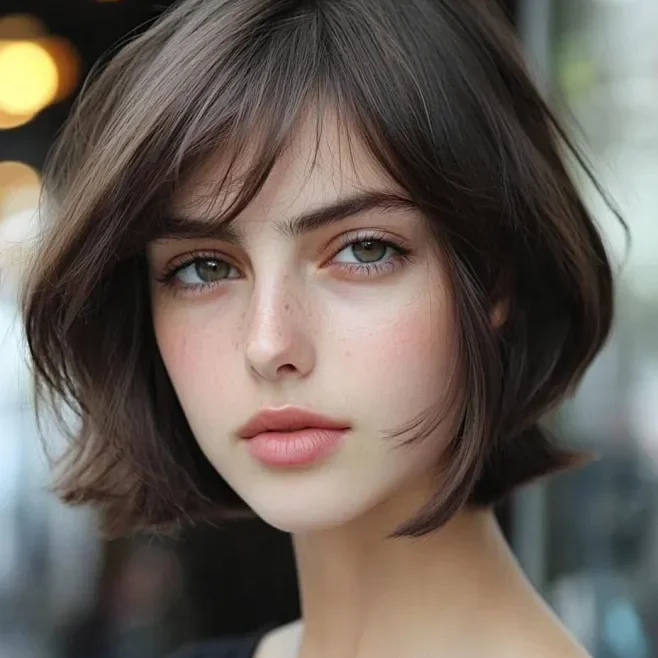
My old headshot was years out of date. The result looked professional without feeling too formal, which was exactly what I wanted.
Tom Smith
Head of Brand
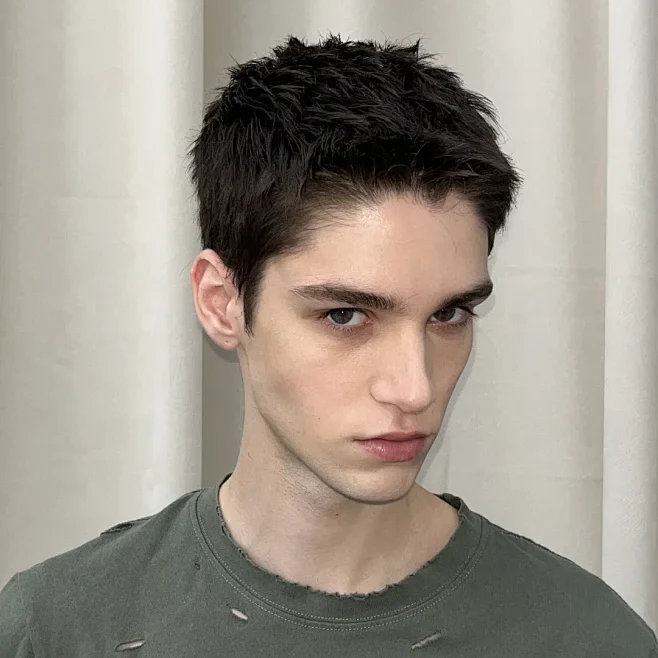
AI Headshot Generator FAQs
Get to know EzMaker AI's free AI headshot generator before giving your profile photo a new look.
An AI headshot generator turns an existing photo into a professional portrait. It can change the clothing, background, and lighting to create a headshot for your work profile or personal website.
Yes. EzMaker AI’s free AI headshot generator lets you create a professional portrait from your own photo, so you can try a new look without booking a photoshoot.
Yes! Try different outfits, backgrounds, and lighting to see what is suitable for you.
Yes! Our AI headshot generator helps you create polished, professional photos for LinkedIn profiles and resumes. You can also use your headshots for company bios, personal websites, portfolios, and speaker profiles to keep your professional image consistent across platforms.
Yes. The aim is to keep your recognizable features while changing the presentation of the photo. Results can vary, so check details such as your eyes, smile, and face shape before choosing a version.
Studio photos require a scheduled session with a photographer and can be costly. AI headshots let you create a professional portrait from an existing photo, usually at a lower cost and without leaving home.
Make sure you have permission to use the original photo and avoid using the results to impersonate someone else.
Our Free AI Headshot Generator is a Better Choice
This free AI headshot generator makes updating your professional photo a simple, comfortable part of your day.
-
Save Time and Effort
-
Studio-Quality Lighting
-
Easy Access Across Devices
-
Private & Secure Uploads