
Free Nano Banana Pro: AI Photo Editor & Generator

Explore the latest Nano Banana AI model versions on EzMaker AI, featuring support for rapid editing, precise composition, and exceptional character consistency. Use and compare various models for free, including Nano Banana 2, Nano Banana 2 Lite, Nano Banana Pro and more.

  • Lightning-Fast
  • No Sign-Up
  • No Watermark
Nano Banana AI Photo Editor & Generator Online

Create or Edit Images with Nano Banana

On any device, open a browser to experience Google's latest Nano Banana 2 & Pro premium model online for free.

Why Use Nano Banana on EzMaker AI?

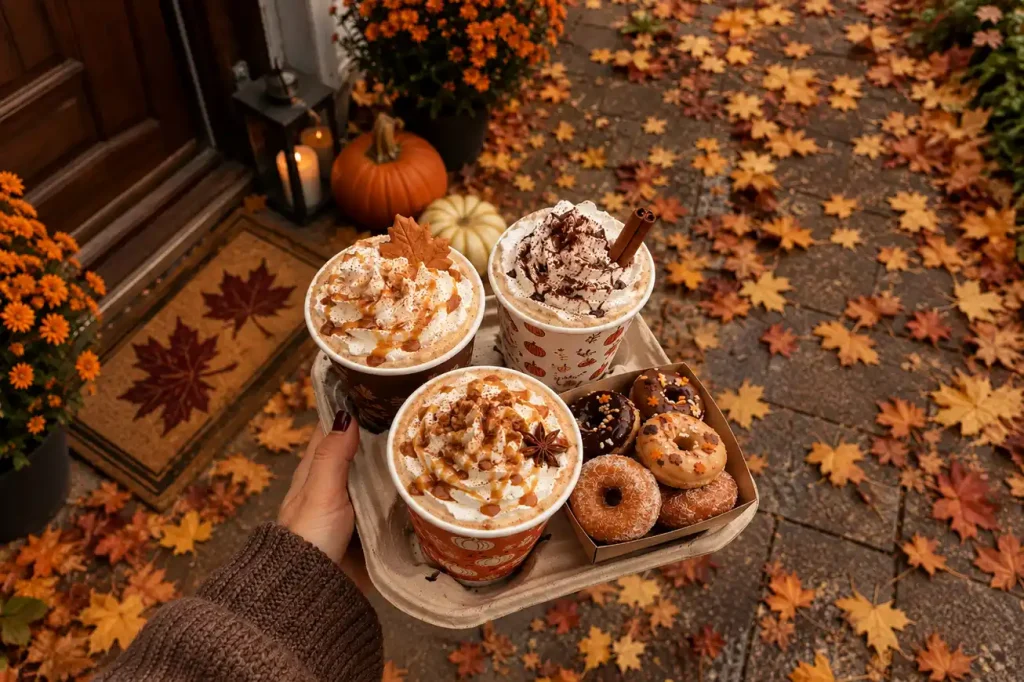
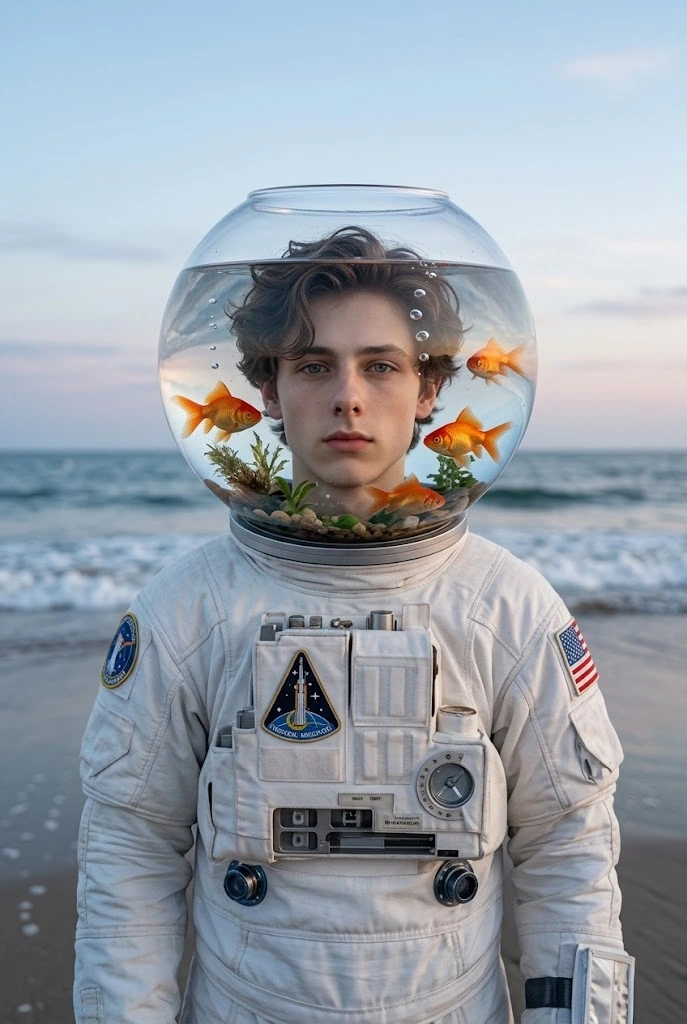
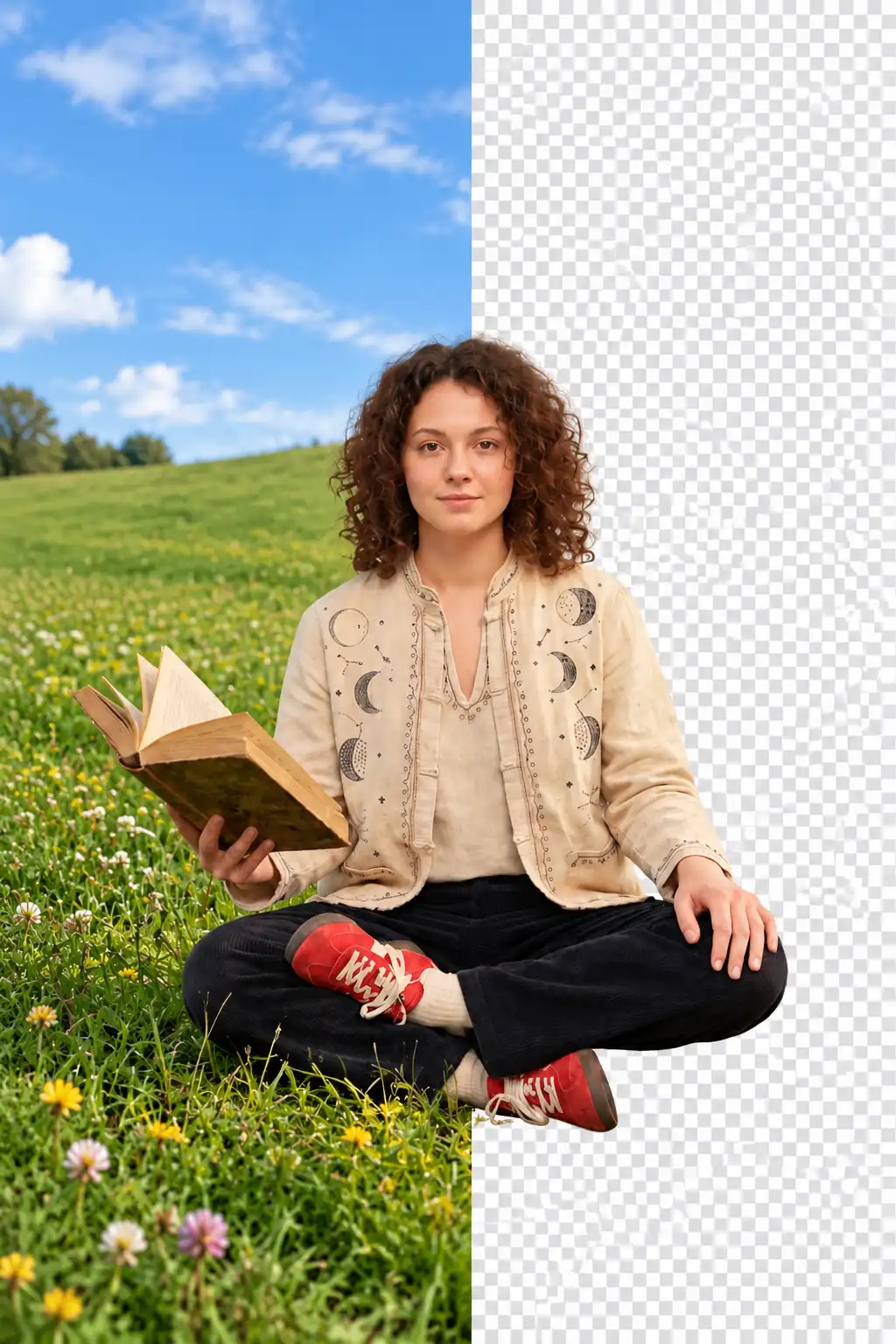
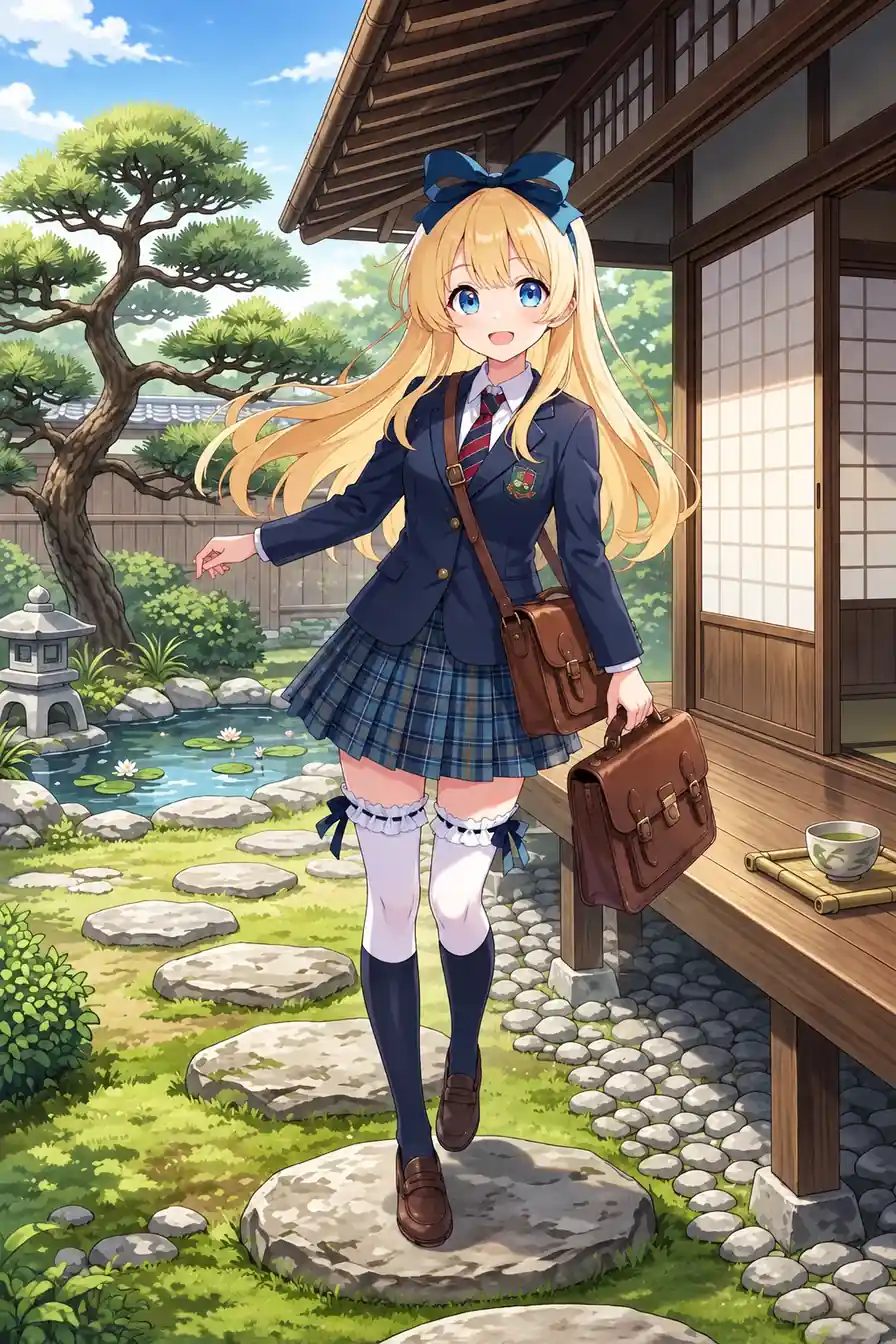
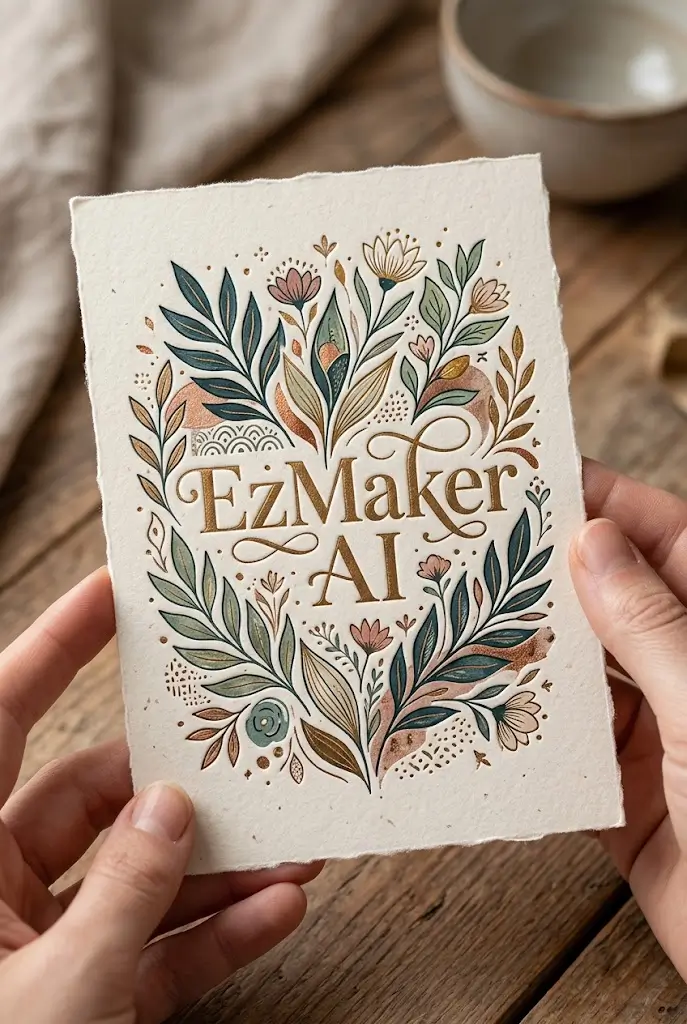
Explore images created with Nano Banana AI image models and discover the quality, detail, and creative possibilities it brings to every prompt.

Bulk Image Editing

Modify massive volumes of images seamlessly with powerful automated workflows.

Balance of Speed and Quality

Keep creative flow without long waits, while still delivering near-Pro fidelity.

Intuitive Prompt Handling

Understand complex instructions effortlessly, reducing the need for prompt polishing.

Nano Banana Models in One Place

Access all Nano Banana AI models on EzMaker AI. Choose the model that fits your task.

What is Google’s Nano Banana?

What is Google’s Nano Banana?

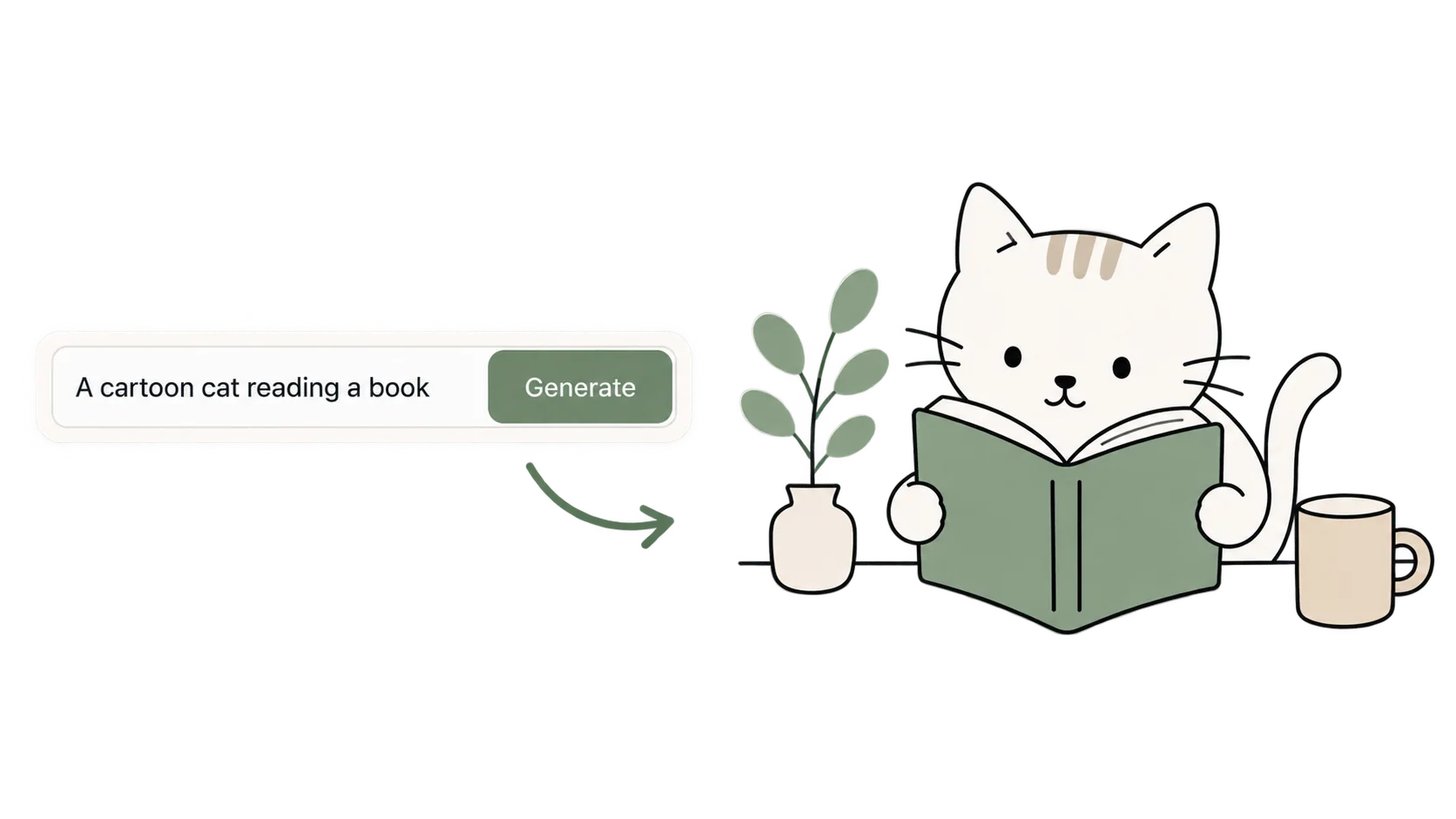
Nano Banana is Google’s AI image generation and editing technology, first introduced with Gemini 2.5 Flash Image. You can create a new image from a written prompt or describe changes to a photo you already have, from a different outfit or background to a new visual style.
On EzMaker AI, you can explore available versions, including Nano Banana 2, Nano Banana 2 Lite, Nano Banana Pro, Nano Banana 2.1 and other models, and choose one for your image project.

Step by Step

How to Create with Nano Banana on EzMaker AI

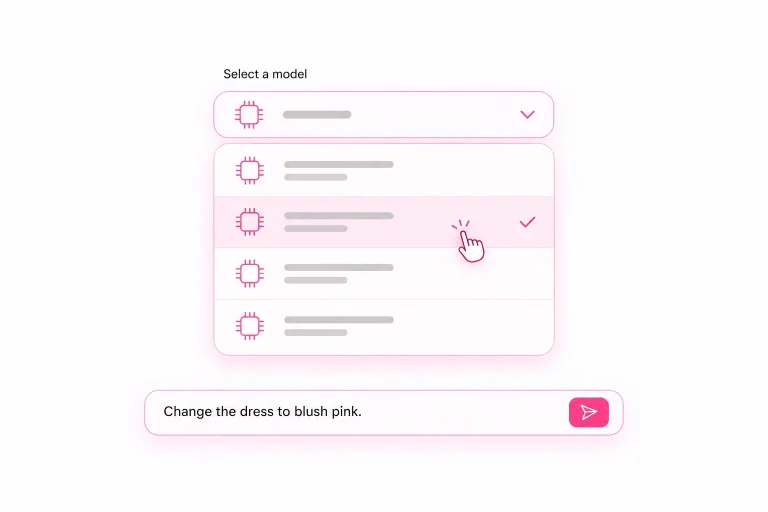
Choose a Model

STEP 1 - Choose a Model

Choose a Nano Banana version, such as Nano Banana 2 or Nano Banana 2 Lite, and enter a prompt describing the image you want to create.
Add a Reference Image

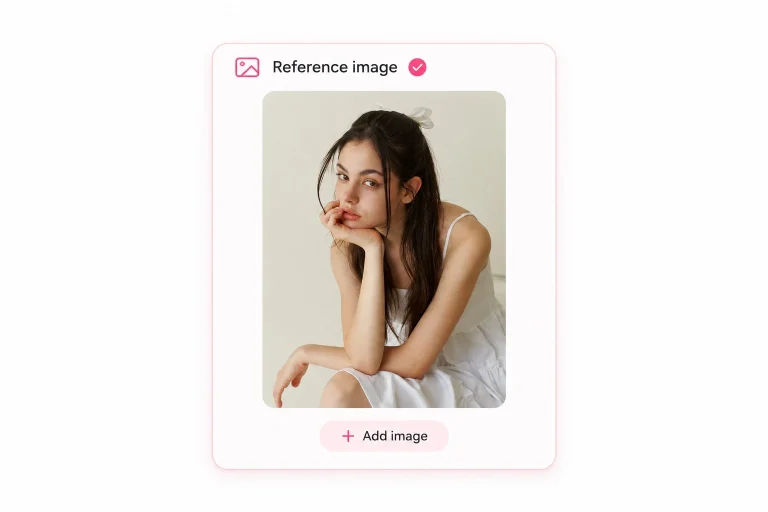
STEP 2 - Add a Reference Image

Upload a photo for editing or use an image to guide the subject, style, or composition. You can skip this step for AI image generation.
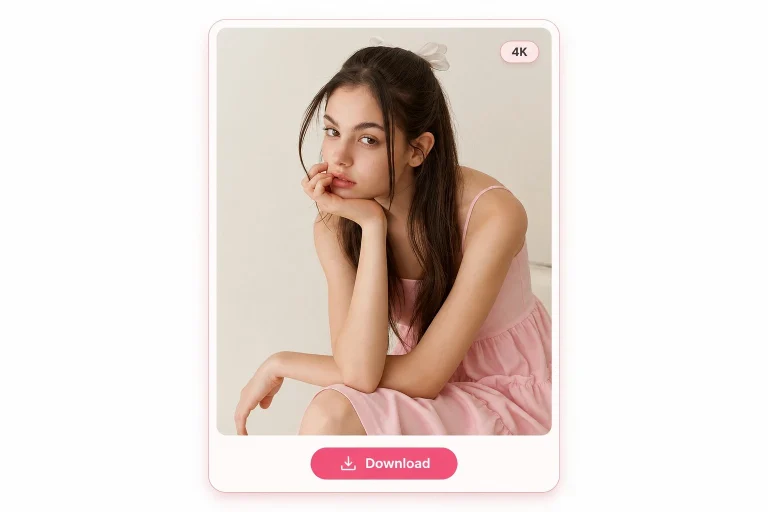
Download 4K Results

STEP 3 - Download 4K Results

Wait for a short time, your enhanced image is ready. Download in high resolution.
Nano Banana AI Advanced Features

Nano Banana AI models can deliver a powerful combination of speed, quality, precision, and creative flexibility. It's an exceptional choice for AI image generation and editing.

Generate or Edit Images at 10x Speed with Nano Banana AI

Nano-banana AI image editor achieves a major breakthrough by balancing lightning-fast generation speeds with high-fidelity visual output. It drastically reduces rendering wait times, allowing creators to rapidly generate, test, and iterate on visual concepts in real time. Meanwhile, Nano Banana Pro delivers exceptional detail, from intricate textures and realistic lighting to rich depth and high resolution, ensuring that efficiency never comes at the cost of visual excellence.

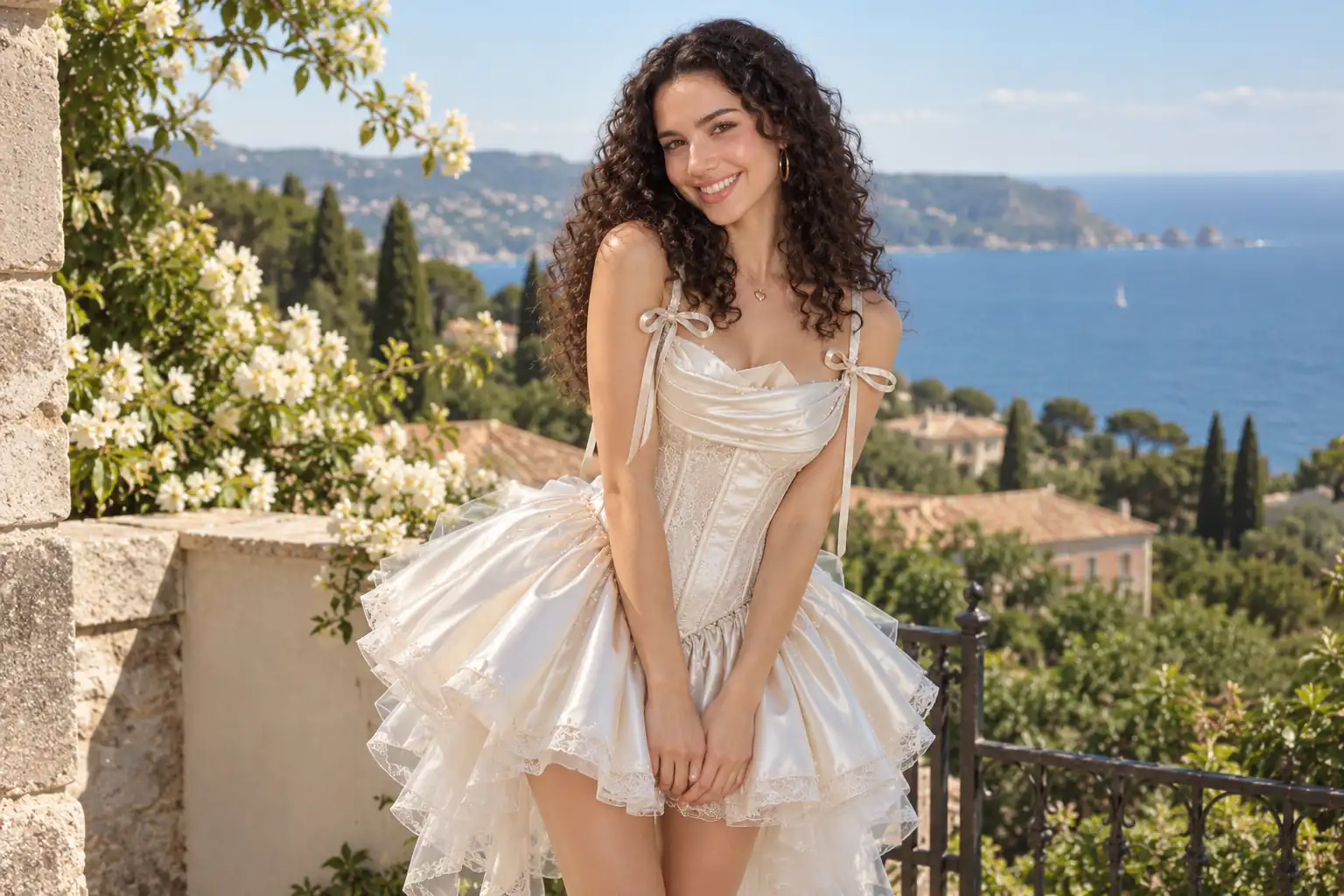
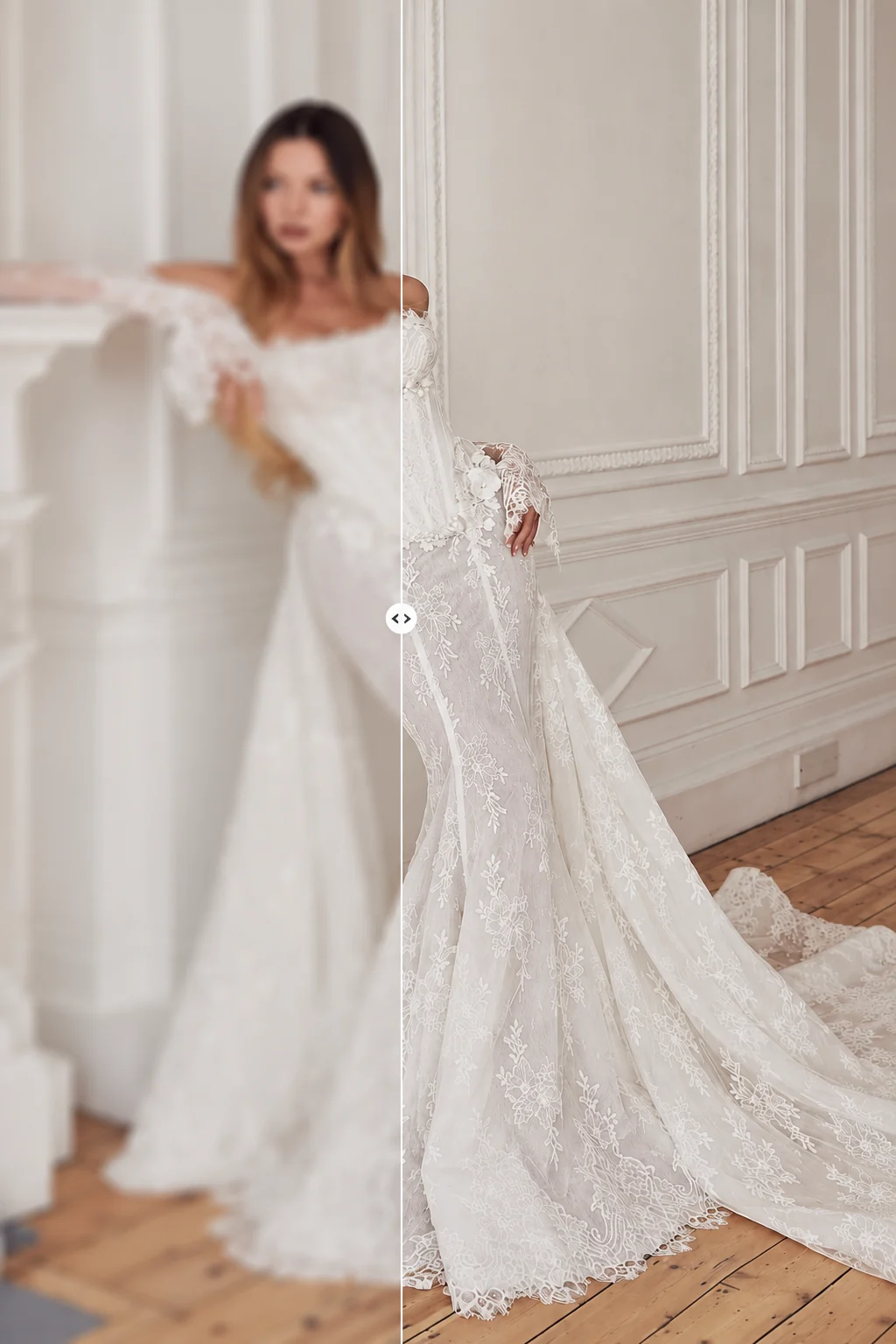
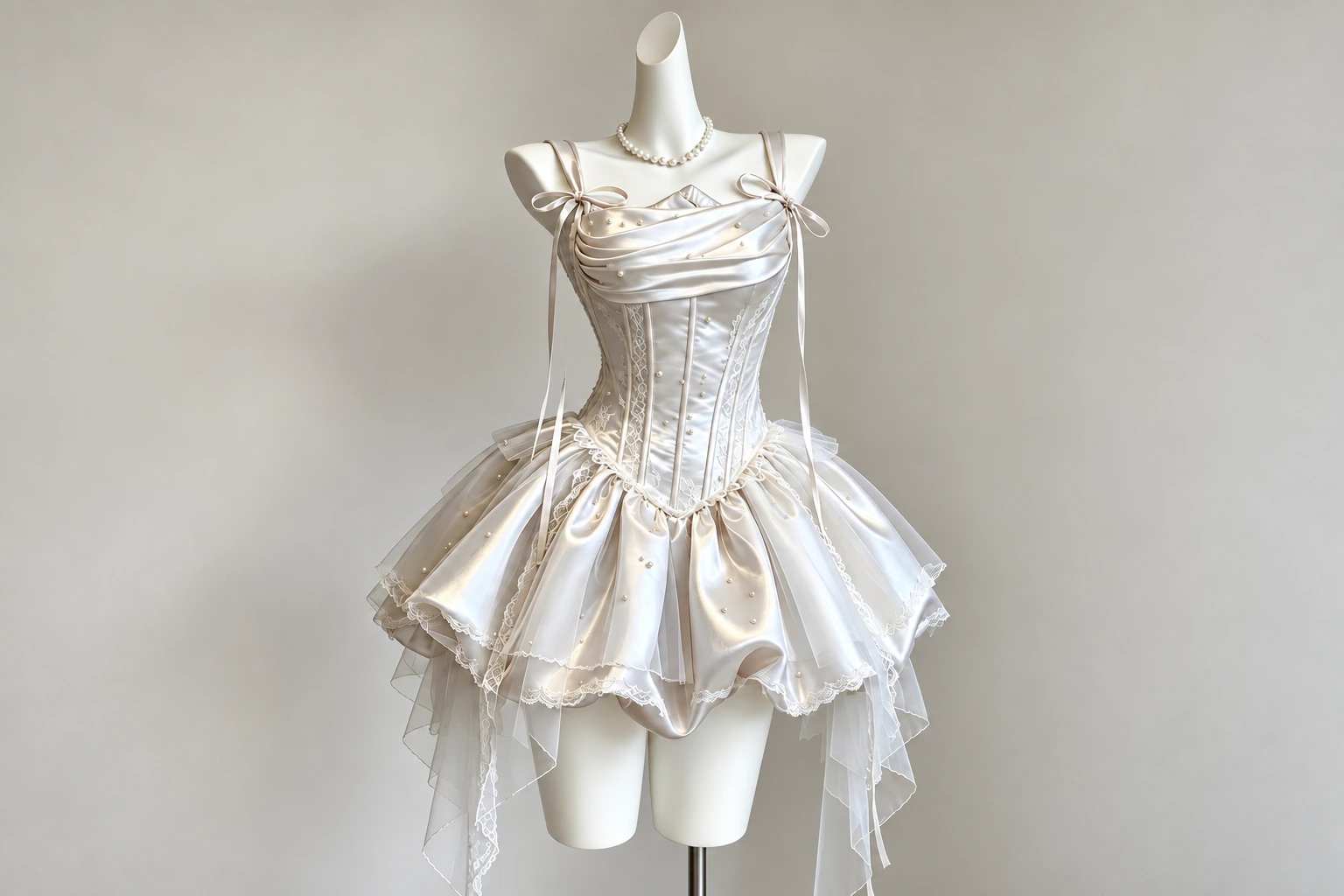
Original dress product photo before AI editingNano Banana 2 AI photo editor changing a woman's outfit to the dress

More Accurate Text Rendering and Stronger Character Consistency

Nano Banana AI photo editor helps preserve recognizable people and important visual details while delivering clearer text for posters, signs, labels, and other creative visuals. Its improved text engine renders crisp, legible typography even in complex layouts, solving a common weakness of older image models. At the same time, advanced multi‑reference control can keep faces, logos, and product designs consistent across multiple images.

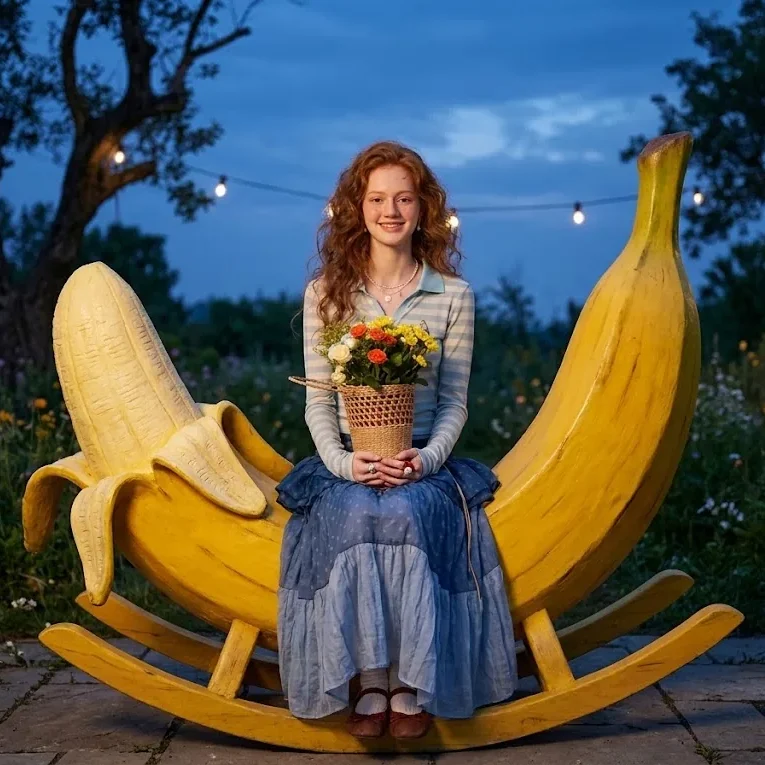
Edited character image with stronger character consistencyOriginal character image before AI editing

Flexible AI Photo Editor Across Any Style and Vision

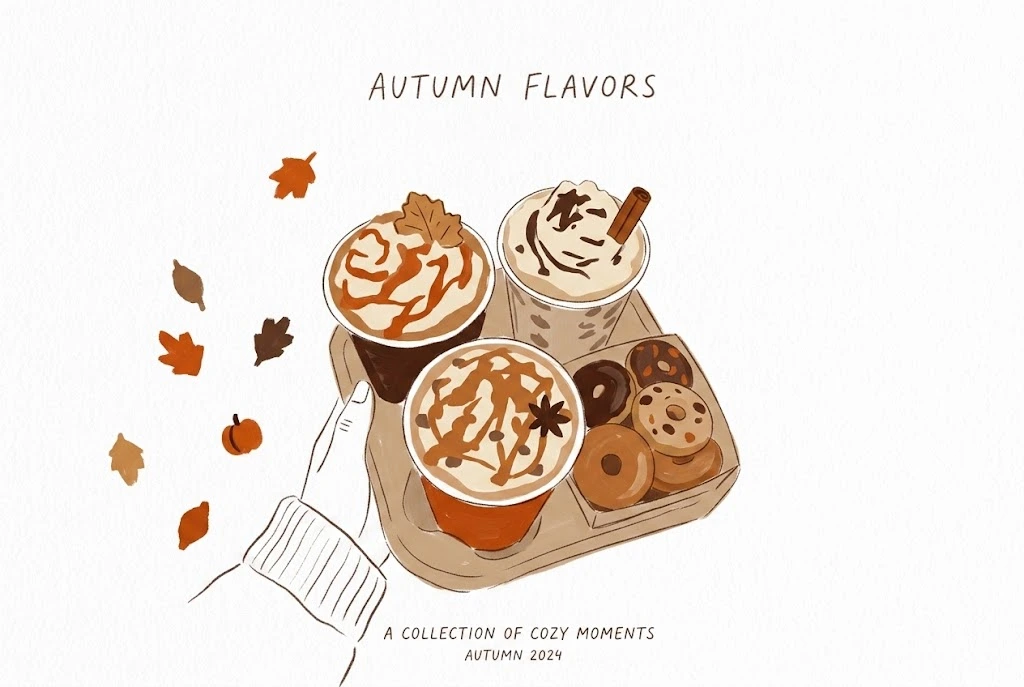
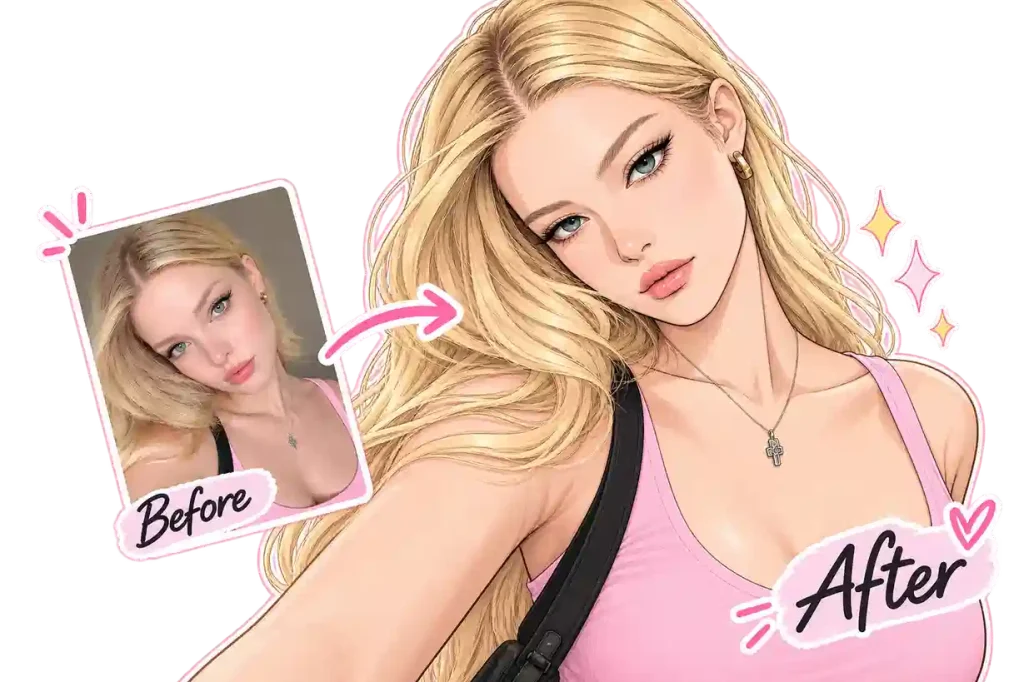
Bring your creative ideas to life with flexible AI photo editing powered by Nano Banana AI tools. Easily transform images into different visual styles, from realistic and cinematic to artistic, illustrated, and completely custom looks. Whether you’re retouching portraits, designing social graphics, or generating concept art, Nano Banana AI adapts to your prompt and reference images to match the mood, lighting, and composition you envision.

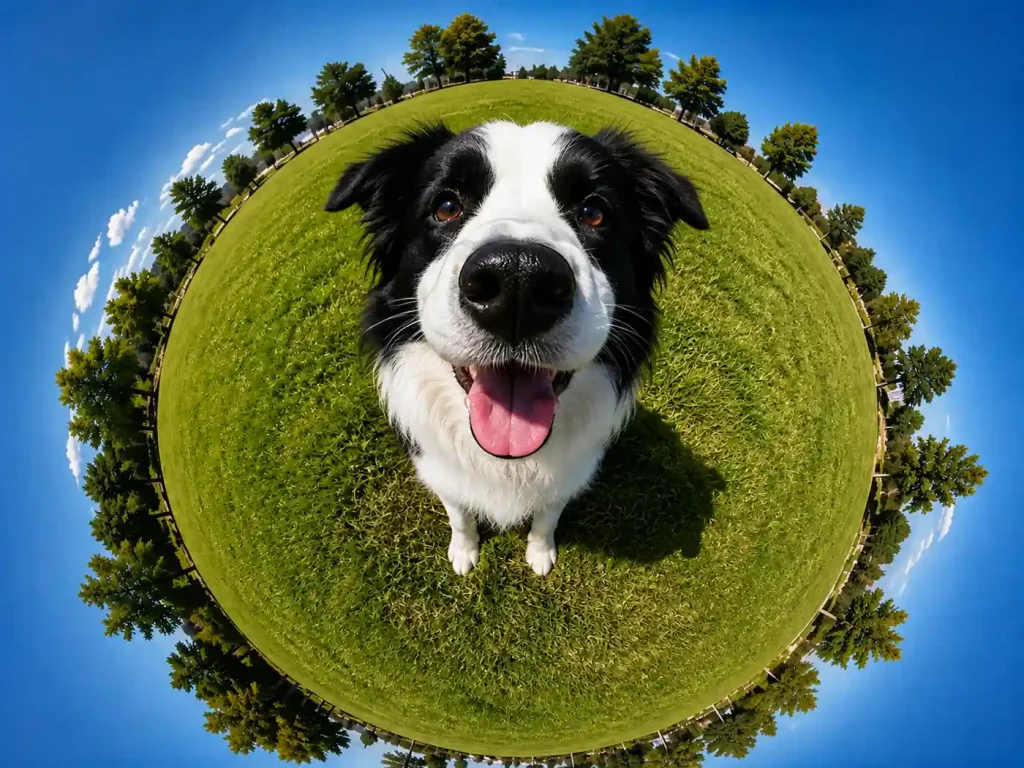
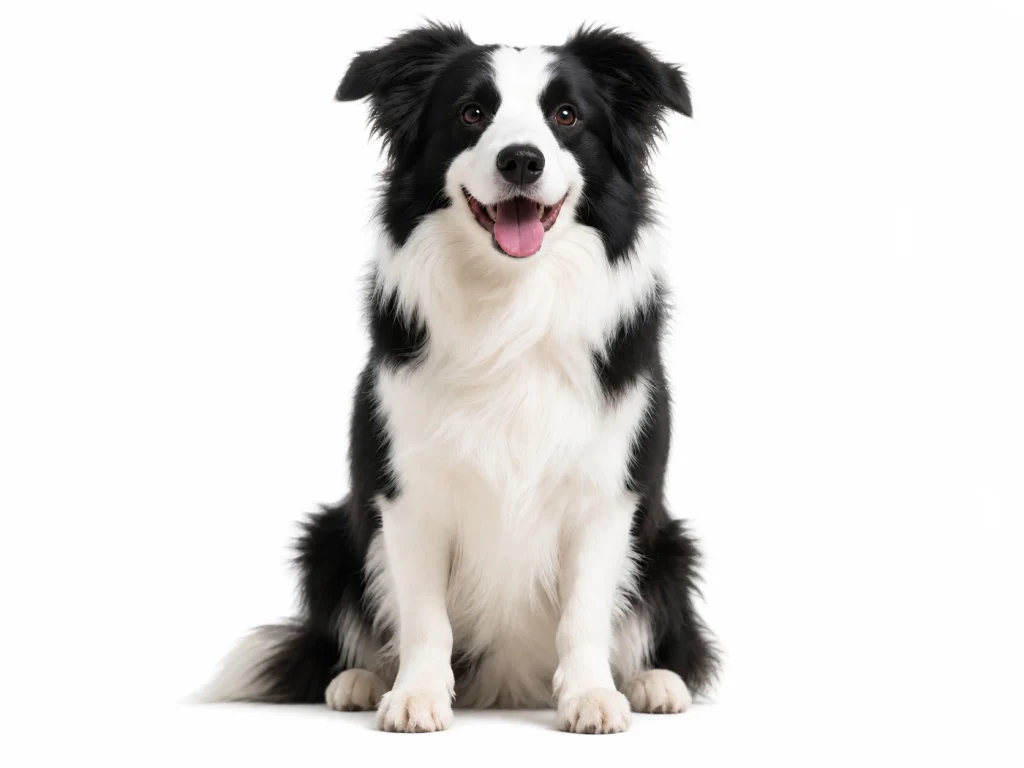
Photo transformed into an artistic style with Nano Banana 2Original photo before style transformation

Which Nano Banana AI Model Is Right for You?

A side-by-side comparison of Nano Banana, Nano Banana 2 Lite, Nano Banana 2, and Nano Banana Pro by their capabilities, and the tasks they’re best suited to. It will help you to make a decision.

Aspect Nano Banana Nano Banana 2 Lite Nano Banana 2 Nano Banana Pro
Underlying Model Gemini 2.5 Flash Gemini 3.1 Flash Lite Gemini 3.1 Flash Gemini 3 Pro
Output Resolution Approx. 1K 1K Up to 4K Up to 4K
Main Focus Conversational image generation and editing Fast generation for lightweight tasks High-resolution generation with fast iteration Complex instructions and detailed visual design
Editing Capabilities Photo edits, style changes, and image blending Quick color changes and background adjustments Multiple reference images and follow-up edits Detailed scene edits, text layouts, and reference-based composition
Best For Everyday photo editing and creative variations Quick drafts, stickers, and simple graphics Product visuals, character variations, and social content Posters, packaging mockups, and complex compositions

Tips for Better Results with Nano Banana AI

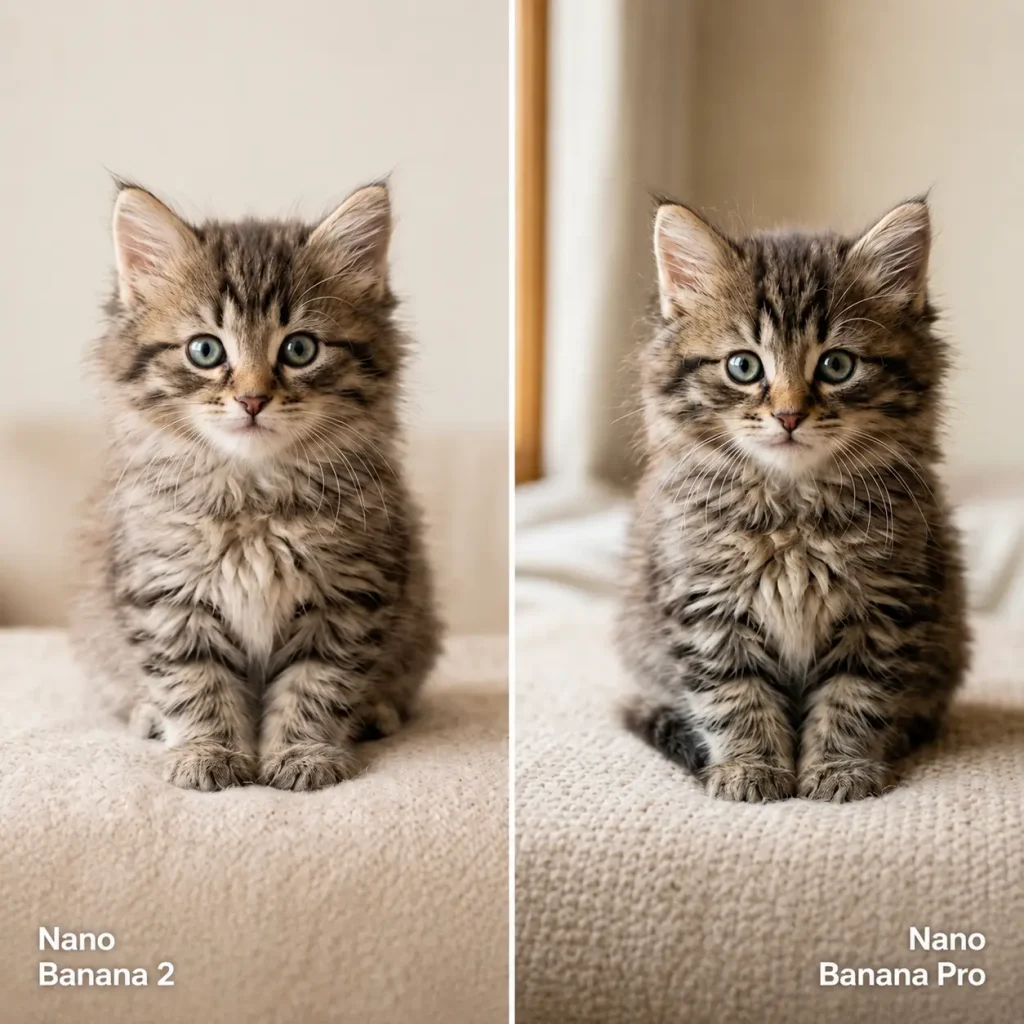
Nano Banana 2 vs Nano Banana Pro

Select the Right Model

Use the comparison above to choose between Nano Banana 2, Nano Banana Pro, and other available versions. Consider whether you need quick variations, detailed edits, or a design with text.

Be Specific About the Image

Describe the subject, setting, lighting, and style. When editing a photo, explain both what should change and what should stay the same.

Make Focused Adjustments

If you like the AI image editing result, build on it with a specific request. Change one main element at a time so you can judge whether the adjustment improves the image.

Help Center

Nano Banana AI FAQ

If you have any other questions or concerns, please contact us at [email protected]. Our team is here to help.

Nano Banana 2.1 is Google’s image generation and editing model, built on Gemini 3.6 Flash. Compared with Nano Banana 2, it creates more natural-looking images, renders text more clearly, follows prompts more closely, and keeps characters more consistent across multiple edits.

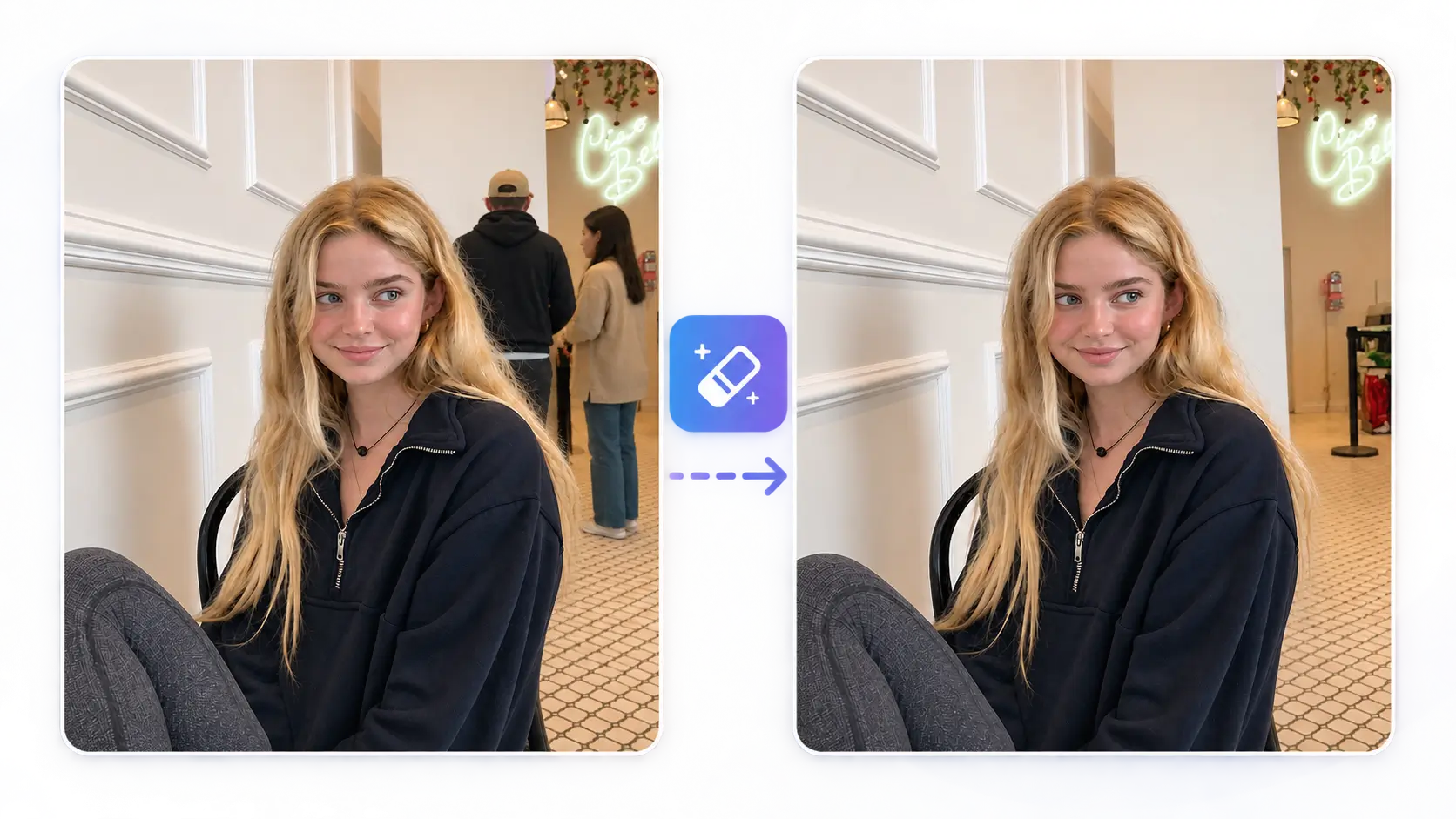
Nano Banana AI is designed for high‑quality photo editing and generation, from object removal and background swaps to creating social graphics and product visuals with crisp text.

Nano Banana 2 prioritizes speed and cost efficiency for everyday and bulk work, while Nano Banana Pro focuses on maximum detail and consistency for premium campaigns.

No. It is designed to provide watermark-free AI photo editing, subject to the current product and usage conditions.

Yes. Nano Banana AI supports image output at resolutions up to 4K.

Yes. You can use all versions of EzMaker AI Nano Banana models on modern mobile browsers. Nano Banana, Nano Banana 2 Lite, Nano Banana 2, and Nano Banana Pro are all included.

Common image formats such as JPG, JPEG, and PNG are supported on our Nano Banana AI image editor.

No. EzMaker AI runs online, so you can use it through a supported web browser without installing desktop editing software.

Nano Banana AI works with photos, portraits, product images, graphics, logos, and marketing visuals. It can refine details, modify elements, change backgrounds, and improve image quality across a wide range of creative and professional projects.

All uploaded photos are processed for the editing experience and are not intended to be publicly visible to other users.

Yes. Images you create with Nano Banana AI photo editor are yours to use for personal and commercial projects, subject to applicable terms and laws.

They are stored for 24 hours in our AI image editor and then will be deleted automatically. We'll not gather your information.

Yes. Uploads are processed securely and used only to generate your outputs; they are not used to train models without consent.

More AI Tools

AI Image Generator

AI Image Generator

Magic Eraser AI
Magic Eraser AI

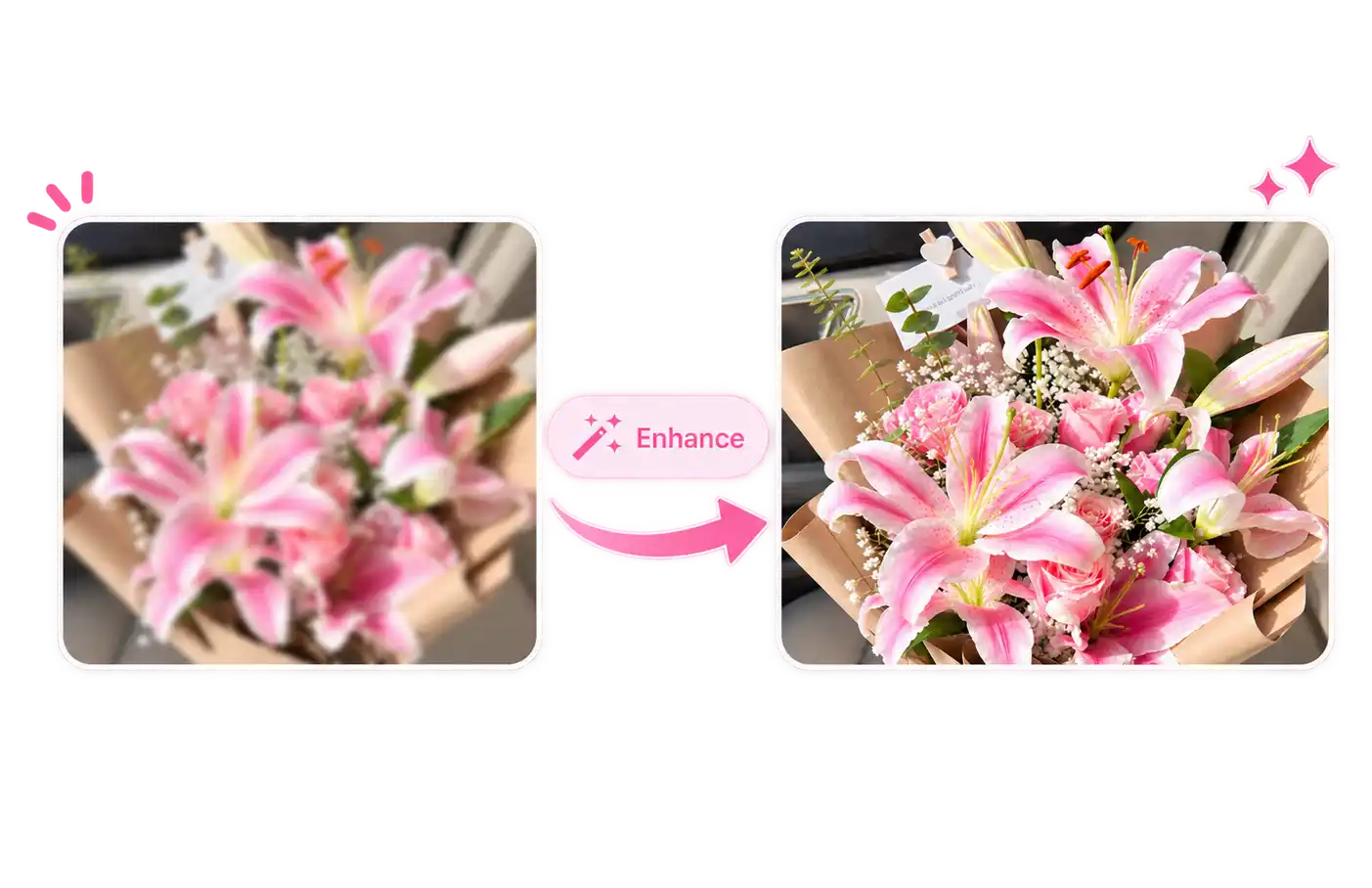
AI Photo Enhancer

AI Photo Enhancer

Experience Nano Banana for Free on EzMaker AI

Create images from text, edit your photos, or explore a new visual style with free EzMaker AI Nano Banana models. 

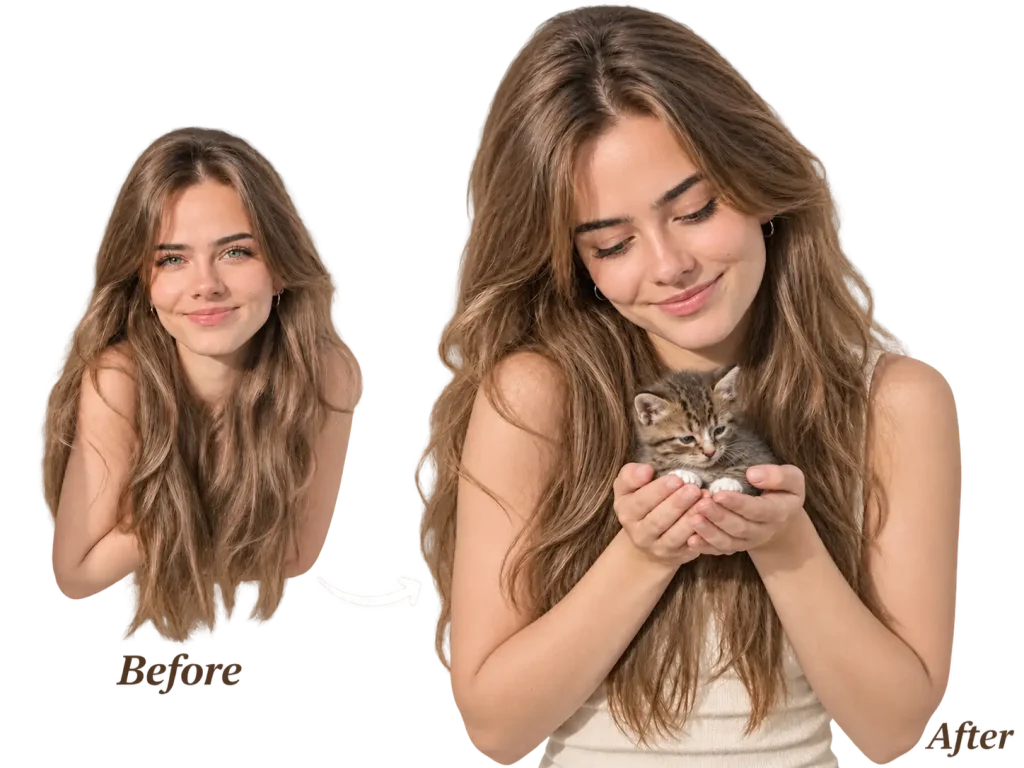
An Image Showing the Editing Effects of Nano Banana 2