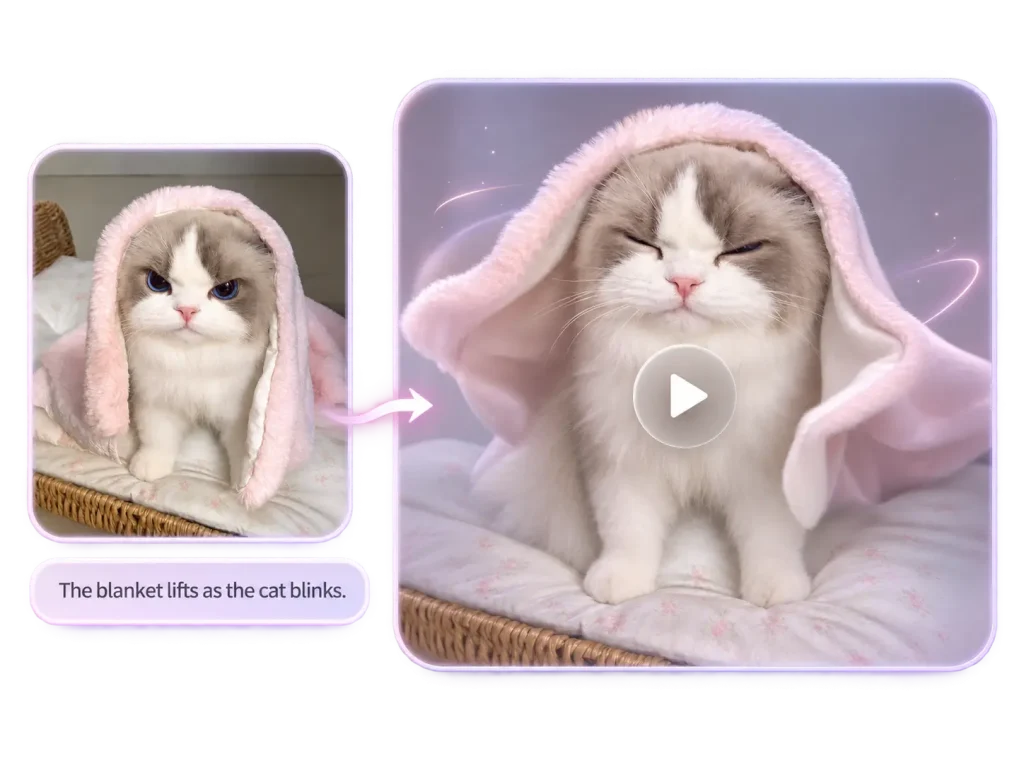
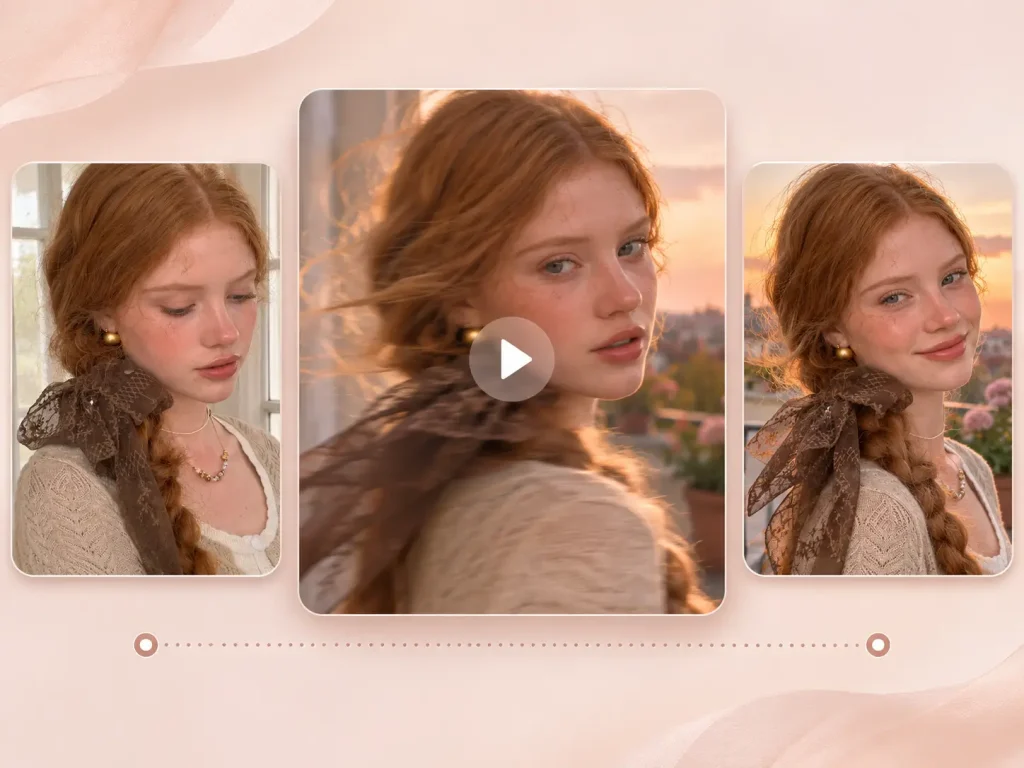
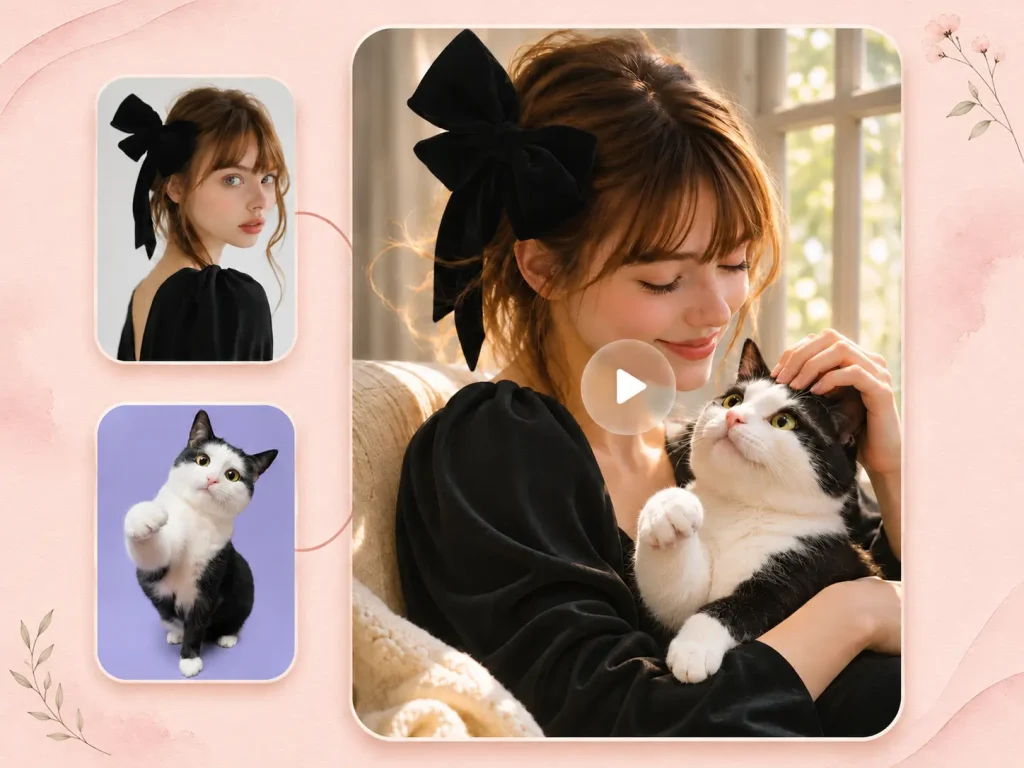
High-Speed Creation in One Click
Open EzMaker AI video generator in your browser, and turn text or image into video. Quickly see how an idea looks in motion before spending time refining the shot.

EzMaker AI supports video AI models from Kling, Seedance, Wan, Grok, MiniMax, and more. Select and try the right model from our free AI video generator, then enjoy super fast rendering, synchronized audio and perfect character consistency. No video watermarks & no long waits.
Try AI Video Generator Free OnlineAdvanced
Models
Video
Resolution
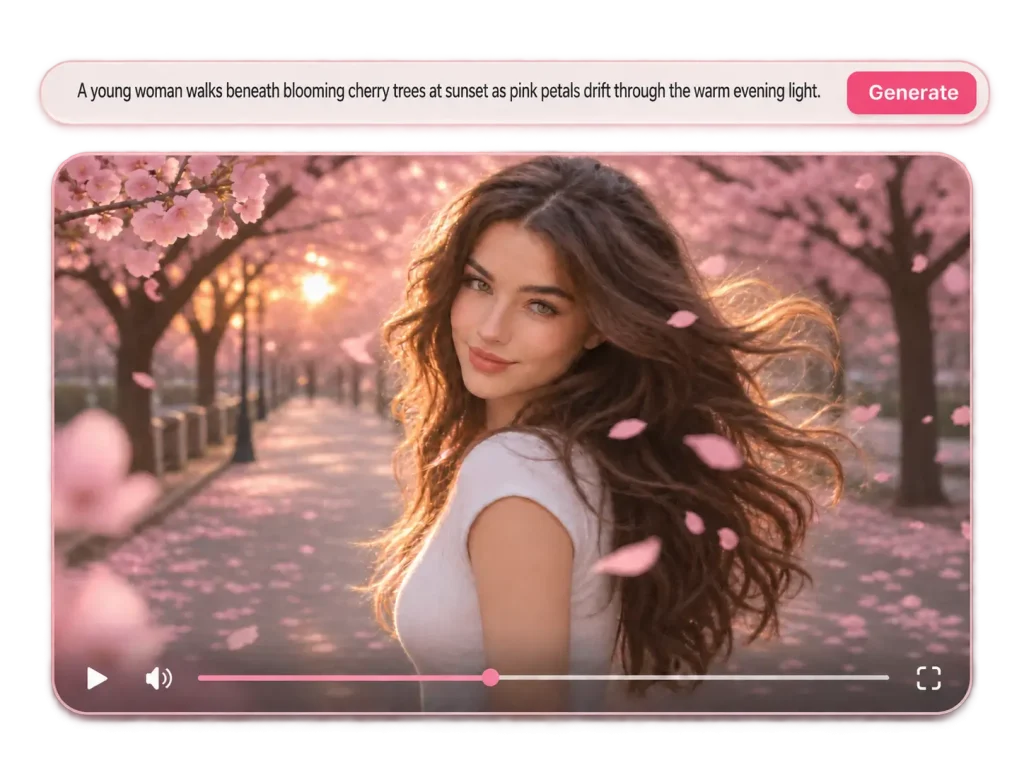
Common AI video tools require a wait of several minutes? Use the AI video generator free online to animate your ideas at astonishing speed. Immerse yourself in eye-catching 2K & 4K videos.
Open EzMaker AI video generator in your browser, and turn text or image into video. Quickly see how an idea looks in motion before spending time refining the shot.
In your prompt, describe where the camera starts, how it moves, and what it reveals to give your AI-generated video a clear visual direction. From slow push-ins and smooth pans to dramatic low-angle shots and close-ups
In a video, characters need to stay consistent, actions need to make sense, and motion should be natural rather than forced. Our AI video generator improves stability during large movements, fast action, and complex scenes.
The video generator AI handles user content with care and keeps the creative process private, so you can experiment and your ideas and information will never become public material.
Start with text, an image, a frame, or a reference, then set up the style, motion, and format for AI video creation.
The text to video generator is free to try. It turns prompts, scripts, and creative briefs into dynamic video content. Describe the scene, characters, mood, camera movement, and visual style you want, then generate an AI video that matches your idea. This workflow is useful for quick creative experiments.
Free Text to Video Generation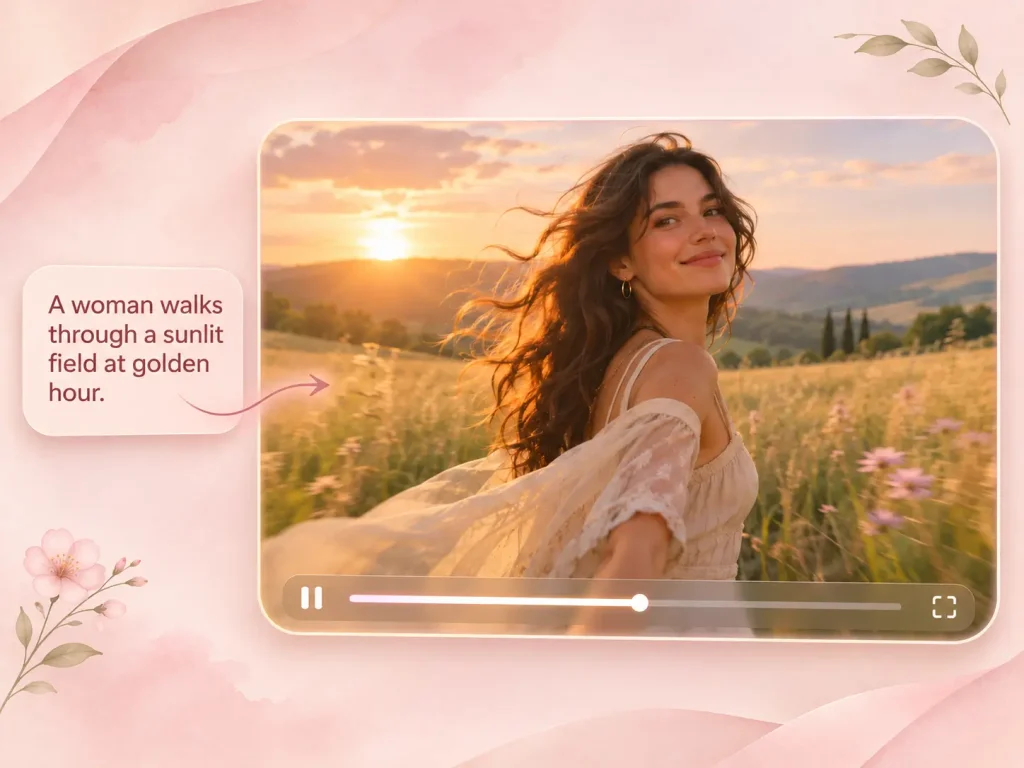
This free AI video generator integrates a variety of video model families into a single generator. These models are categorized by style, allowing you to compare different options and create a video style that perfectly aligns with your project.
Swipe to compare all columns
| Video Model | Best For | Visual Strength |
|---|---|---|
| Kling | Cinematic scenes, realistic motion, storytelling | Strong motion quality and lifelike visual detail |
| Seedance | Fast creative exploration and dynamic visuals | Energetic motion and flexible scene generation |
| Wan | Stylized visuals and creative experimentation | Strong performance for imaginative and artistic concepts |
| Grok | Quick idea visualization and social-ready clips | Fast, accessible video creation for everyday ideas |
| MiniMax | Expressive visuals and creative storytelling | Strong visual style and engaging motion output |
Describe a scene, animate a still image, or guide your video with frames and references. It's fast, easy to get started, no video production experience required.
Start with a text prompt or add a reference. Whether you want to describe a scene in words or build on an existing visual, you can begin in the way that feels most natural.
Choose one of the multiple models from our AI video generator, then set the aspect ratio and duration for social media, ads, or widescreen content.
Hit generate and get your AI generated video in seconds. Adjust the prompt until the video matches what you imagined. Then download your video for free.
Describe a scene, animate a still image, or guide your video with frames and references. It's simple for studio-grade results.
Our AI video maker helps brands create dynamic product videos that highlight key features, show multiple angles, and drive conversions. Your product demos, launch teasers, and social ads can include close-up details, lifestyle scenes, and 3D-style presentations that make the product easier to understand and more compelling to watch.
Start Generating AI Videos Free Now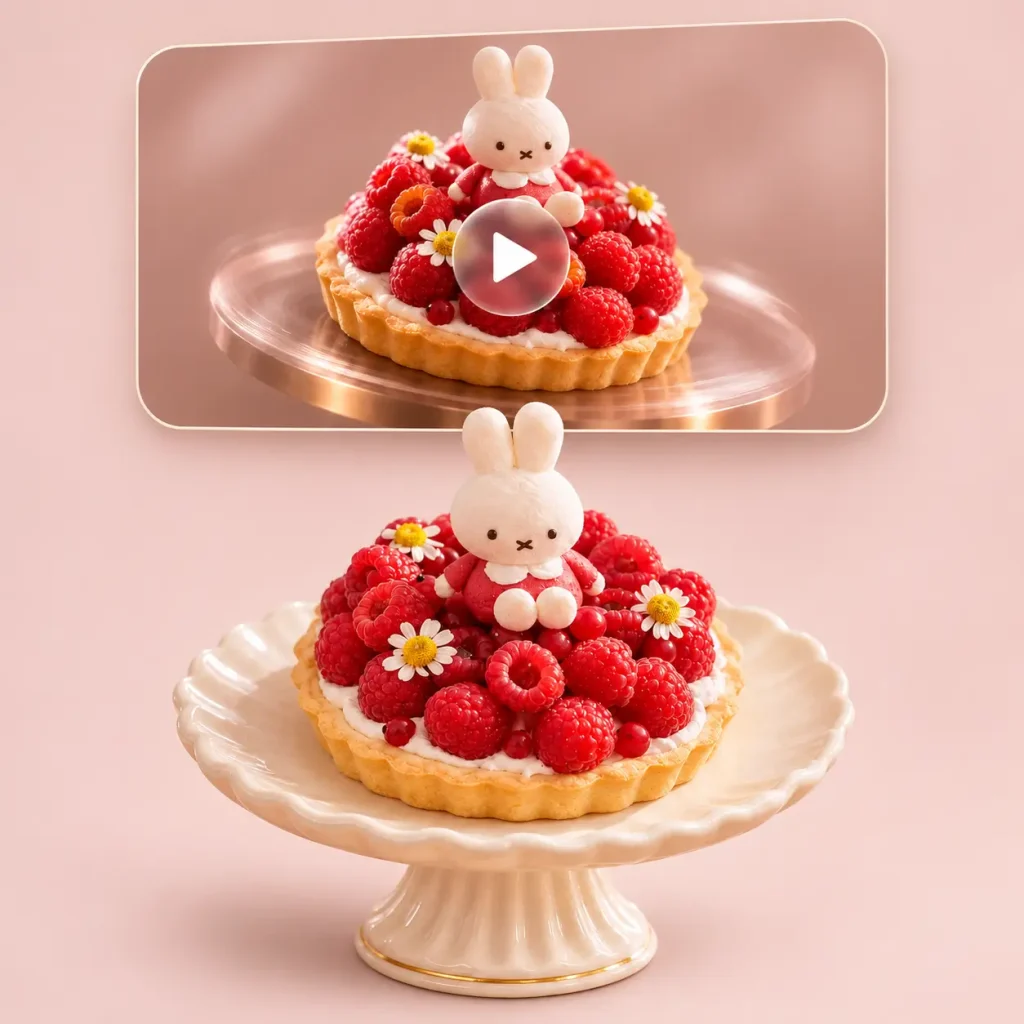
If you feel unprepared to appear on camera, create faceless explainer videos with natural-sounding narration instead of filming yourself or recording your screen for hours. Turn a script, topic, or reference image into an AI generated video that helps learners understand concepts, follow step-by-step instructions, and stay engaged.
Convert Text to Video Free Online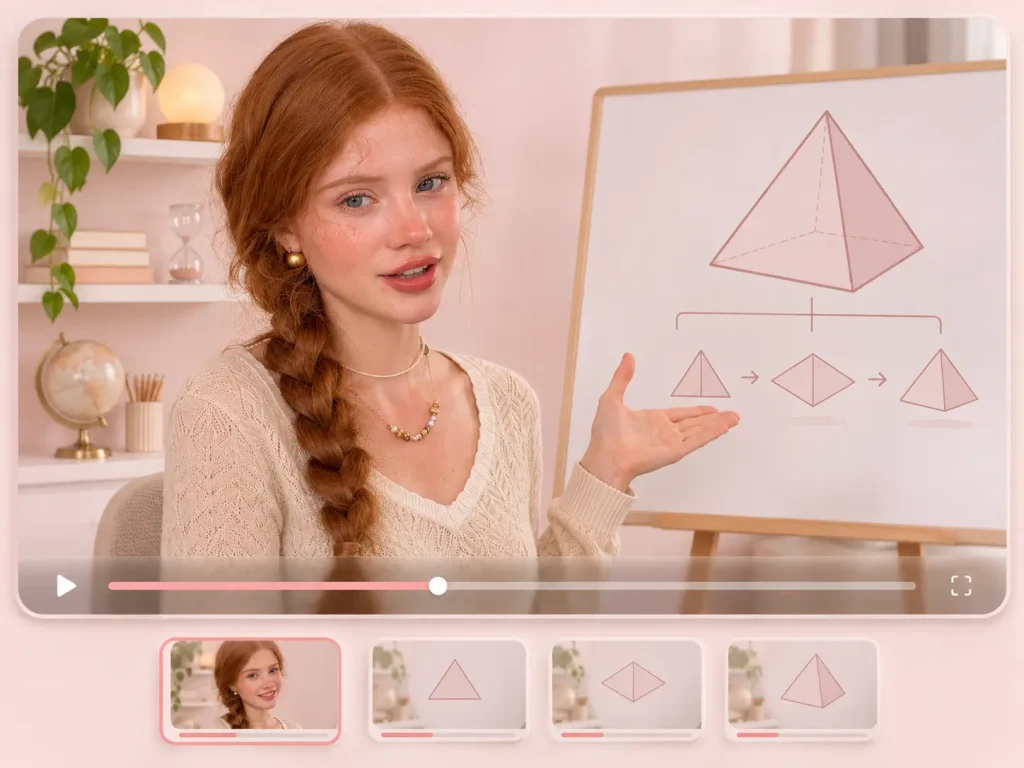
Desire to update more offten on social media but struggle with limited time? You can make ready-to-share content without spending hours on production. Also, with multiple video format, users can keep their content consistent across channels. For example, 9:16 videos for TikTok and Instagram Reels, 1:1 aspect ratio for Instagram and 16:9 widescreen videos for YouTube and X.
Explore Fast Video AI Generation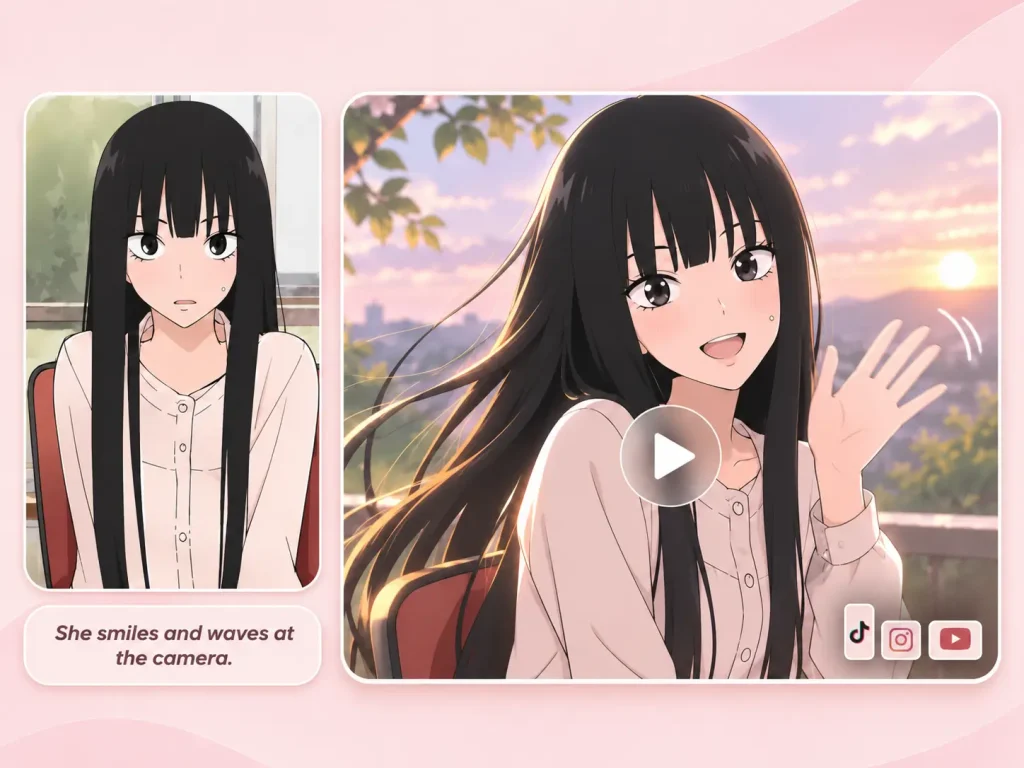
Using the AI video generator, a quiet character portrait can become an emotional close-up, a dramatic entrance, or a stylized action scene that fits your story. Fans, illustrators, and creators can experiment with different moods, camera angles, and visual styles to build game concepts, character introductions, and short anime stories with more freedom.
Make an AI Video for Free & No Sign-up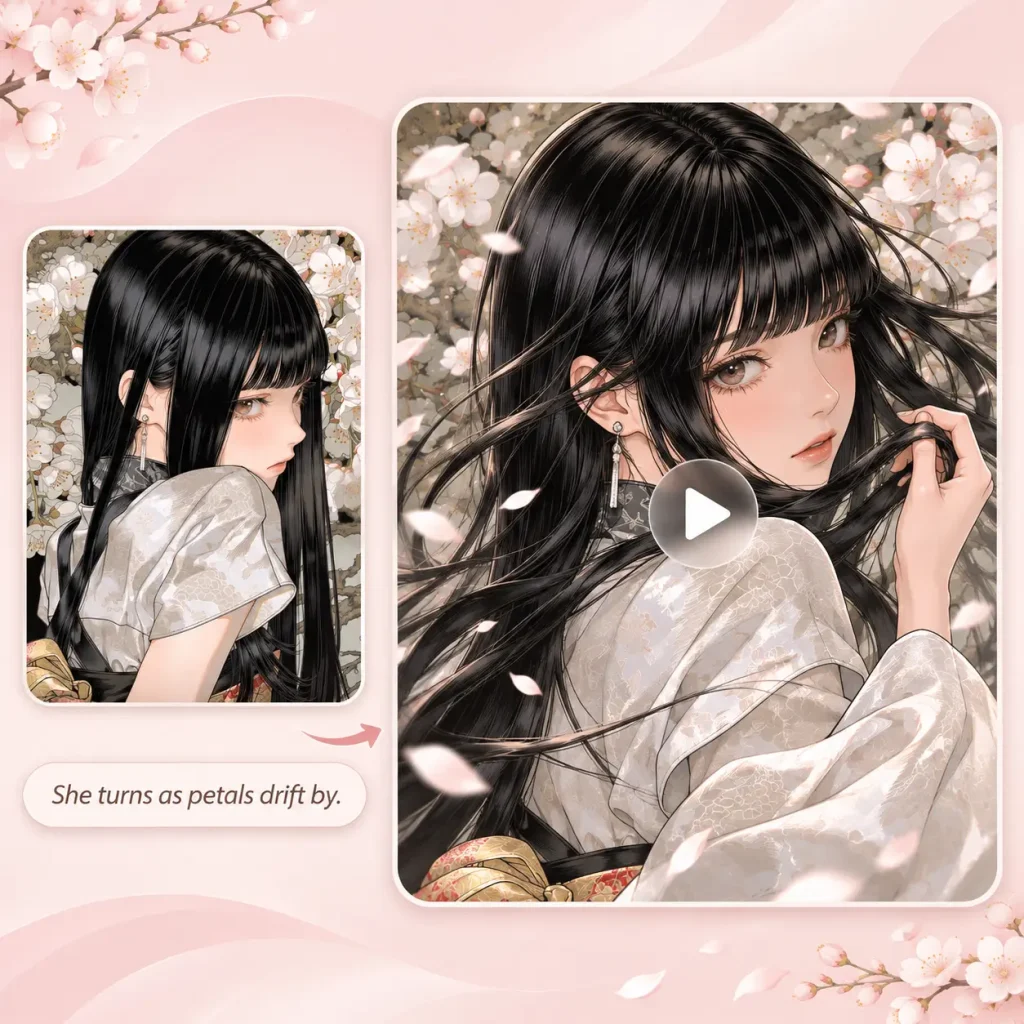
A good prompt is too important to ignore when using video ai generator. It is usually a combination of the subject, scene, motion, camera, and style, with further fine-tuning based on the desired effect.
A clear subject helps the AI video generator create a more focused and consistent result. Mention what it is, what it looks like, what it is wearing, and any important features.
Place the subject somewhere specific. Describe the environment, time of day, lighting, weather, and overall atmosphere. For example, “a matte pink perfume bottle on a limestone pedestal”.
Define the overall look and feel of your video. Choose a style direction such as realistic, cinematic, anime, 3D, editorial, or dreamy, and add details like color palette, lighting mood and texture.
Add audio direction to make your video feel more complete. Describe the background music, ambient sounds, pacing, and emotional tone you want, such as soft piano for a calm scene.
Anime-style cinematic shot of a young female character with long silver hair, gentle violet eyes, and a flowing navy-blue school uniform with a white ribbon. She stands on a quiet rooftop at sunset, wind softly moving her hair and skirt. Warm orange and pink light fills the sky, with soft clouds and a distant city skyline in the background. Slow cinematic camera push-in from a medium shot to a close-up of her face, shallow depth of field, subtle lens flare, delicate anime shading, detailed eyes, smooth natural motion, emotional and dreamy atmosphere, high-quality anime illustration style.
Timestamp cues control the precise timing of various actions by assigning a timestamp to each key moment. These cues are effective in guiding the overall sequence and timing of the actions. For instance, tell the AI video generator: [00:00 ~ 00:02] : looks away from the camera, then suddenly turns towards the camera; [00:02 ~ 00:03] : The camera rapidly crash zooms into a close-up of the character
Describe how the camera should move and how the subject should behave throughout the shot. You can request a slow push-in, smooth pan, gentle tracking shot, orbit, crane movement, or a low-angle view, then explain how the subject moves within the frame. For example: “Start with a wide shot, slowly track forward as she walks through the field, then move into a close-up while the wind lifts her hair. Keep the motion smooth, the subject in focus, and the background softly blurred.”
Here are answers to the most common questions about AI video generation. Find an answer below or reach out if you’re still confused.
An AI video generator is a tool that creates video content from text prompts, images or reference materials. Instead of filming and editing manually, you describe what you want and the generator produces a moving visual based on your input.
Yes. EzMaker AI offers a free way to start making AI generated videos. Try out different models before deciding whether you need more advanced options.
Without needing to log in EzMaker, users can explore a wide range of creative styles, themes, and use cases.
Clip length depends on the model. Select a model to see the duration options for your current generation mode.
Yes. EzMaker AI supports image to video generation. Upload a photo, product image, illustration, or character design, and the generator can add motion, atmosphere, and cinematic detail to bring it to life.
If you do not have a reference image yet, use our free AI image generator to create one from a text prompt. If you already have an image but are not satisfied with it, use the free AI image editor to adjust it before generating your video.
Image to Video starts with a single image and uses AI to generate movement based on the reference and your prompt. Frame to Video uses keyframes, such as a starting frame and an ending frame, to provide more control over how a scene transitions between moments.
Yes. You can try different video aspect ratios for TikTok, Instagram Reels, YouTube Shorts, and other social platforms.
Yes. Experience expressive motion, dramatic scenes, and stylized visuals for anime, game concepts, and original character design.
Yes. You can use AI-generated videos for ads, product marketing, social media, and client projects. Please make sure you have the rights to any images, references, or other materials you upload, and review the specific usage terms for the video model you choose.
With EzMaker AI, you can convert a simple prompt or a detailed text to a studio-quality video in several clicks. No complicated setup.
Try Best AI Video Generator for Free Now