Old Portraits
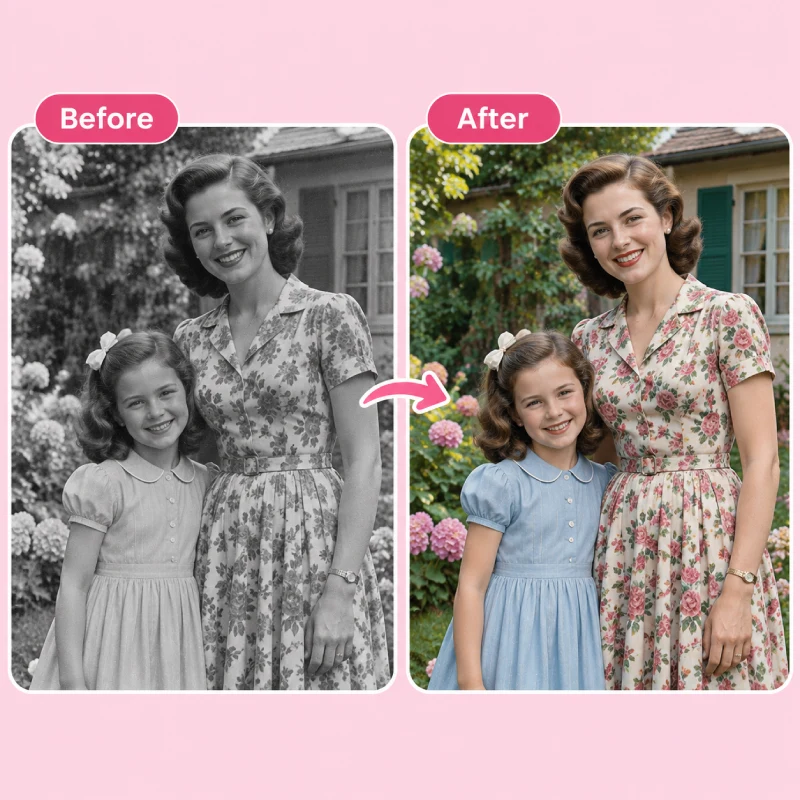
Our AI photo colorizer adds natural skin tones, hair colors, and clothing shades while keeping original facial features intact.
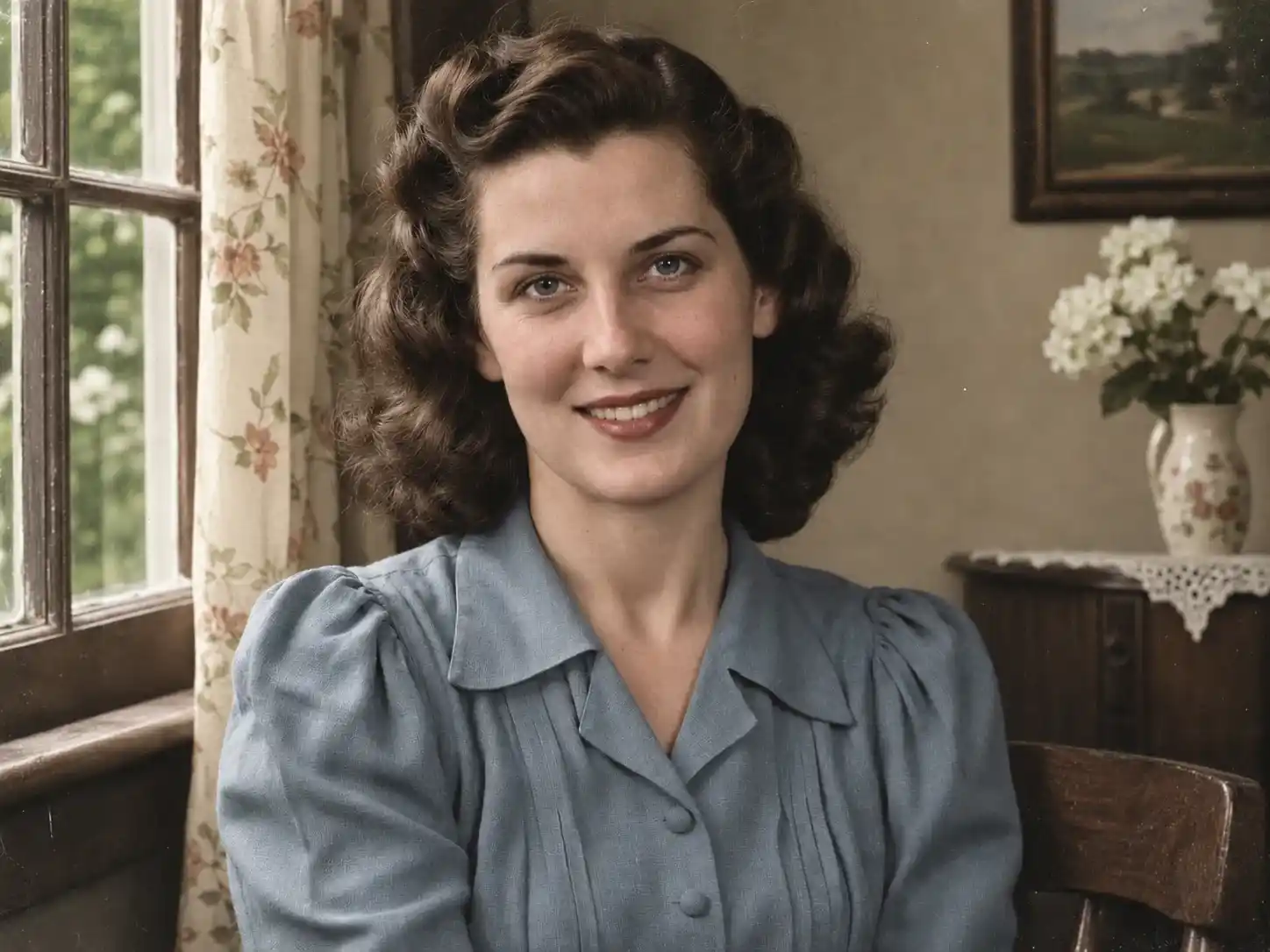
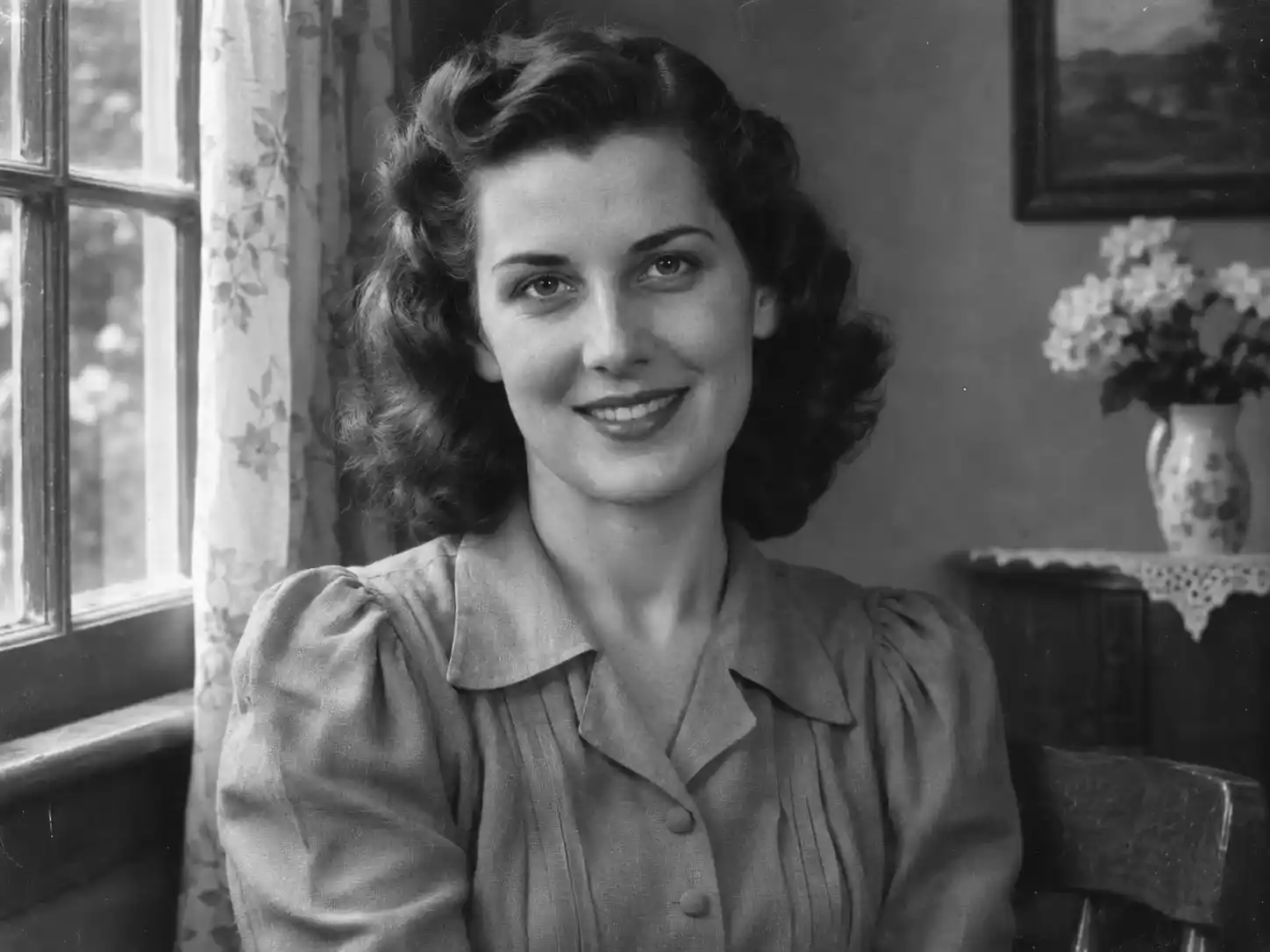 BeforeAfter

Colorize old photos in seconds with our free AI photo colorizer. It works with old portraits, vintage buildings, and landscapes, making black-and-white images look a little closer to how they might have appeared in real life.
Colorize Photos Online
Upload your old photos and see your black-and-white memories come back in color with our free online photo colorizer in just seconds.
No photo? Try one of these
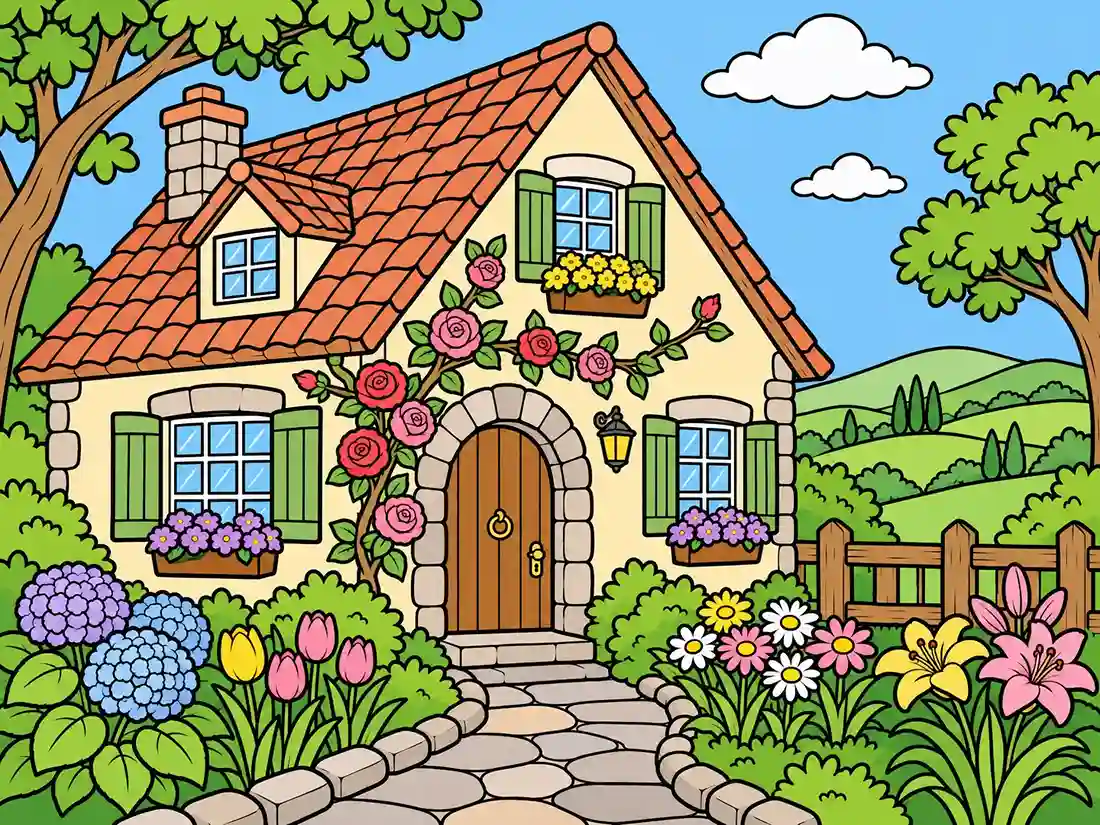
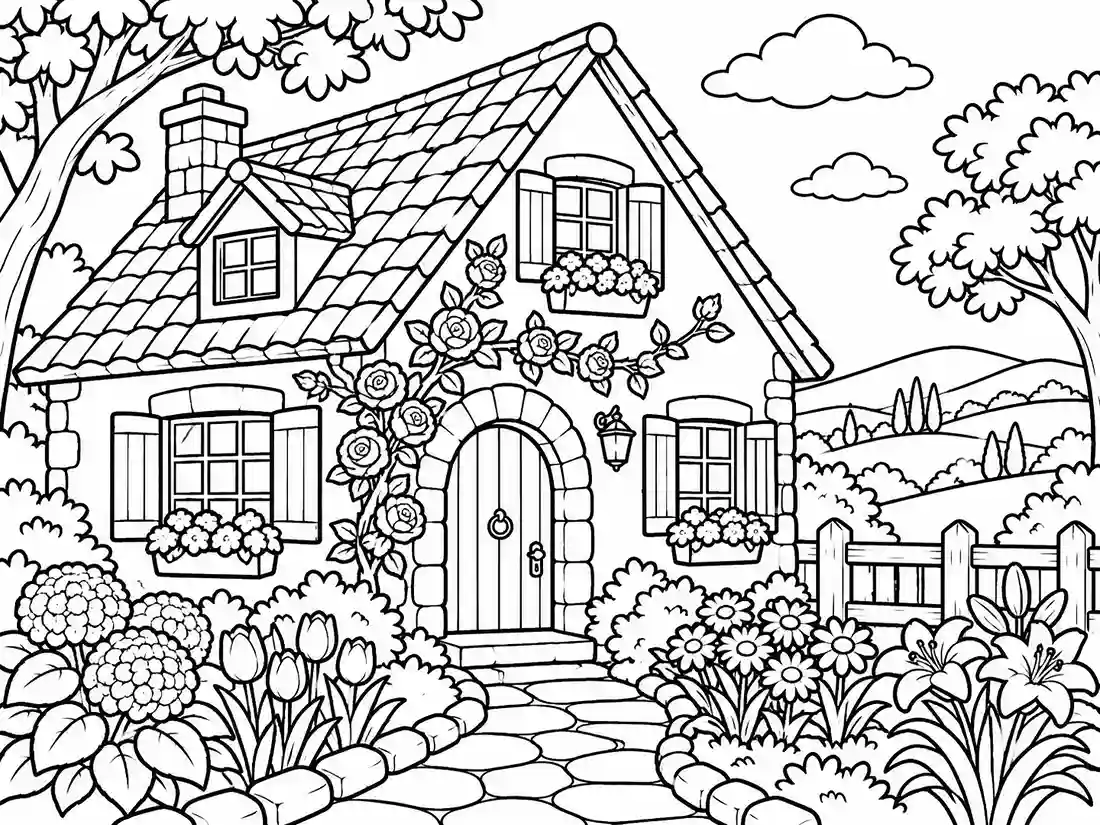
Our AI photo colorizer works with more than just black-and-white photos. You can also use it to add color to line drawings, with colors chosen to match the composition and style of the image.
Our AI photo colorizer adds natural skin tones, hair colors, and clothing shades while keeping original facial features intact.
BeforeAfterColorize black-and-white landscapes with natural colors that match the surroundings and follow the original lighting, without looking overly saturated.
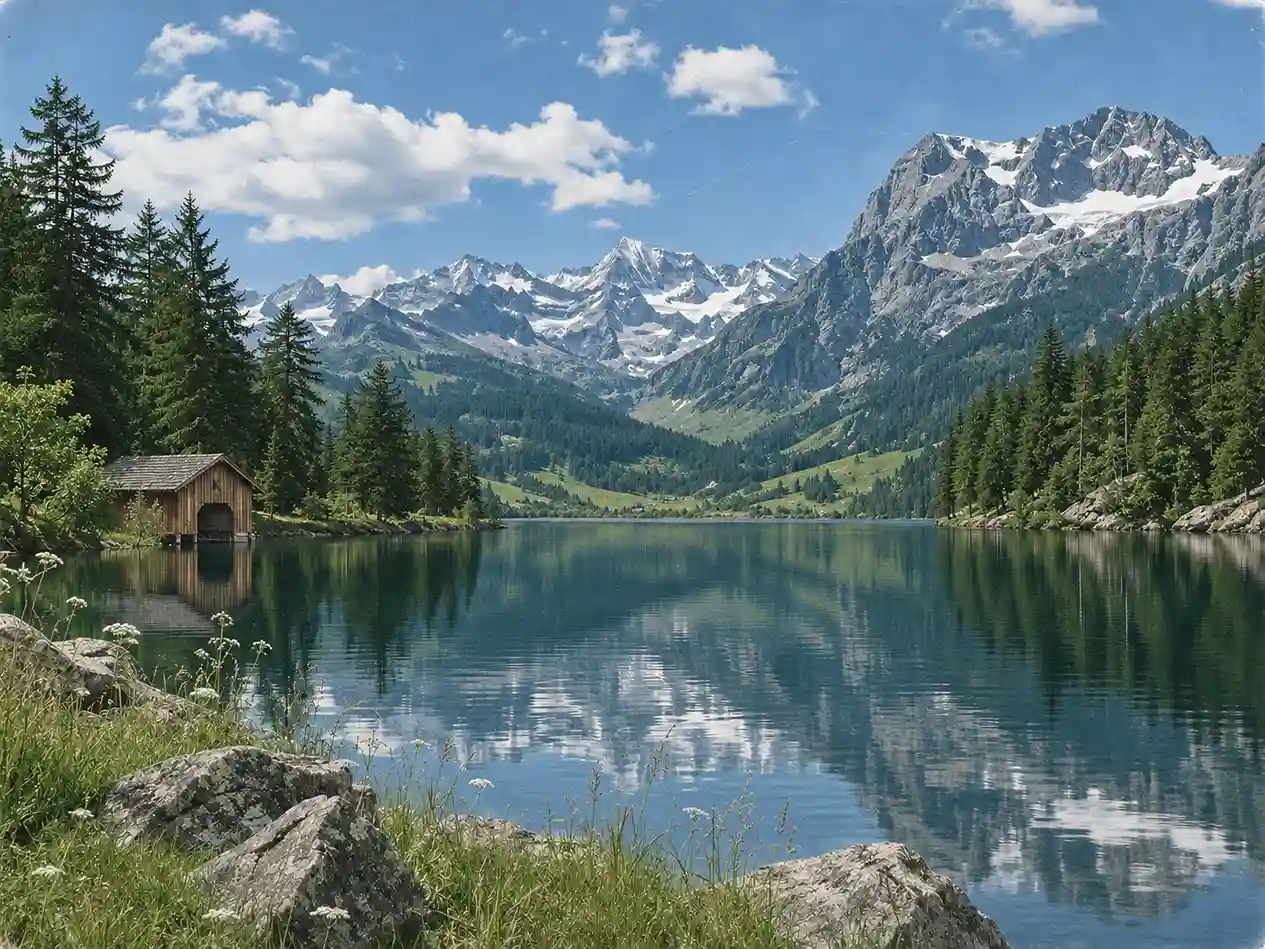
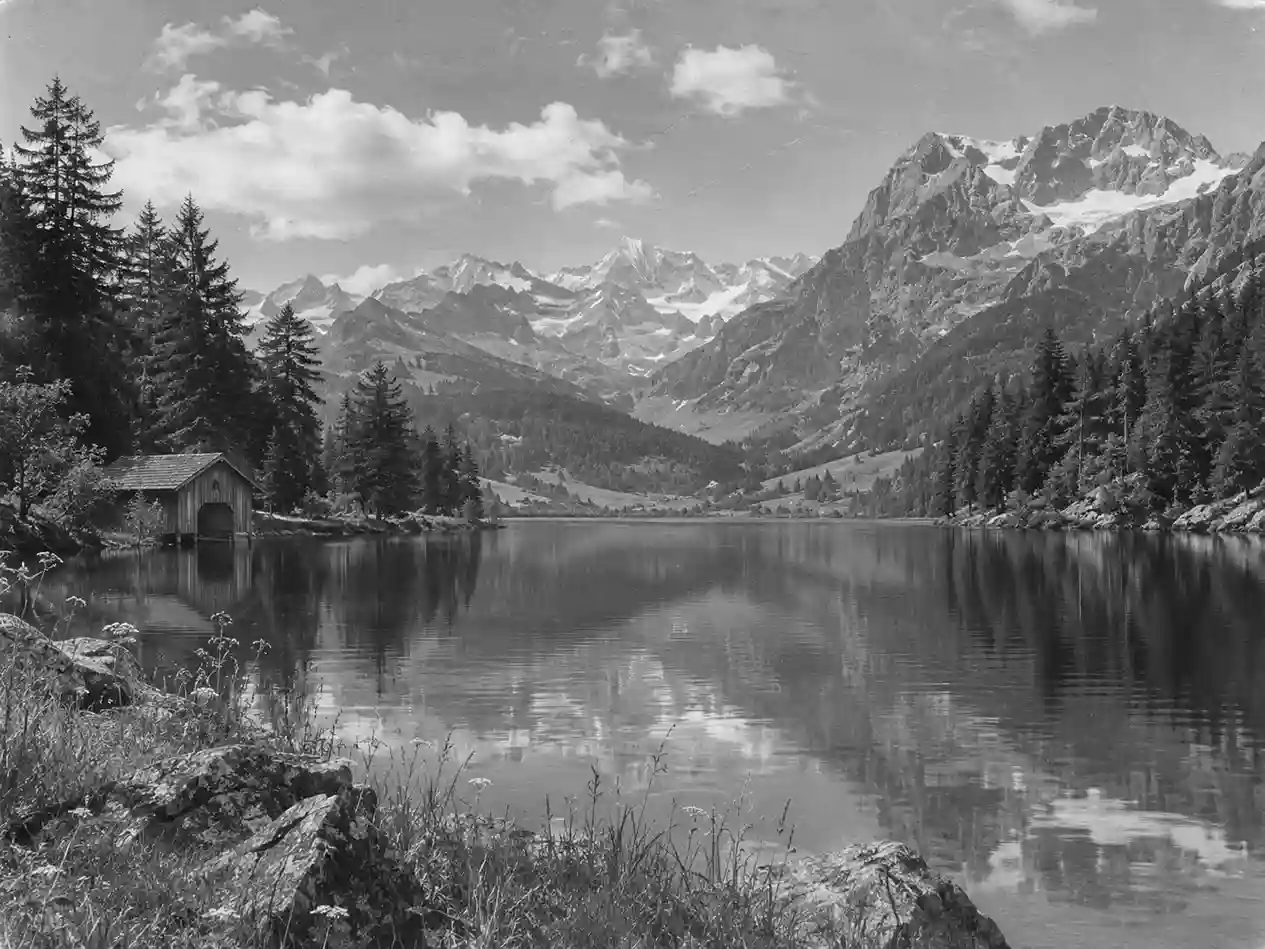 BeforeAfter
Bring out the colors of walls, rooftops, and windows while highlighting the textures and architectural details of older buildings.
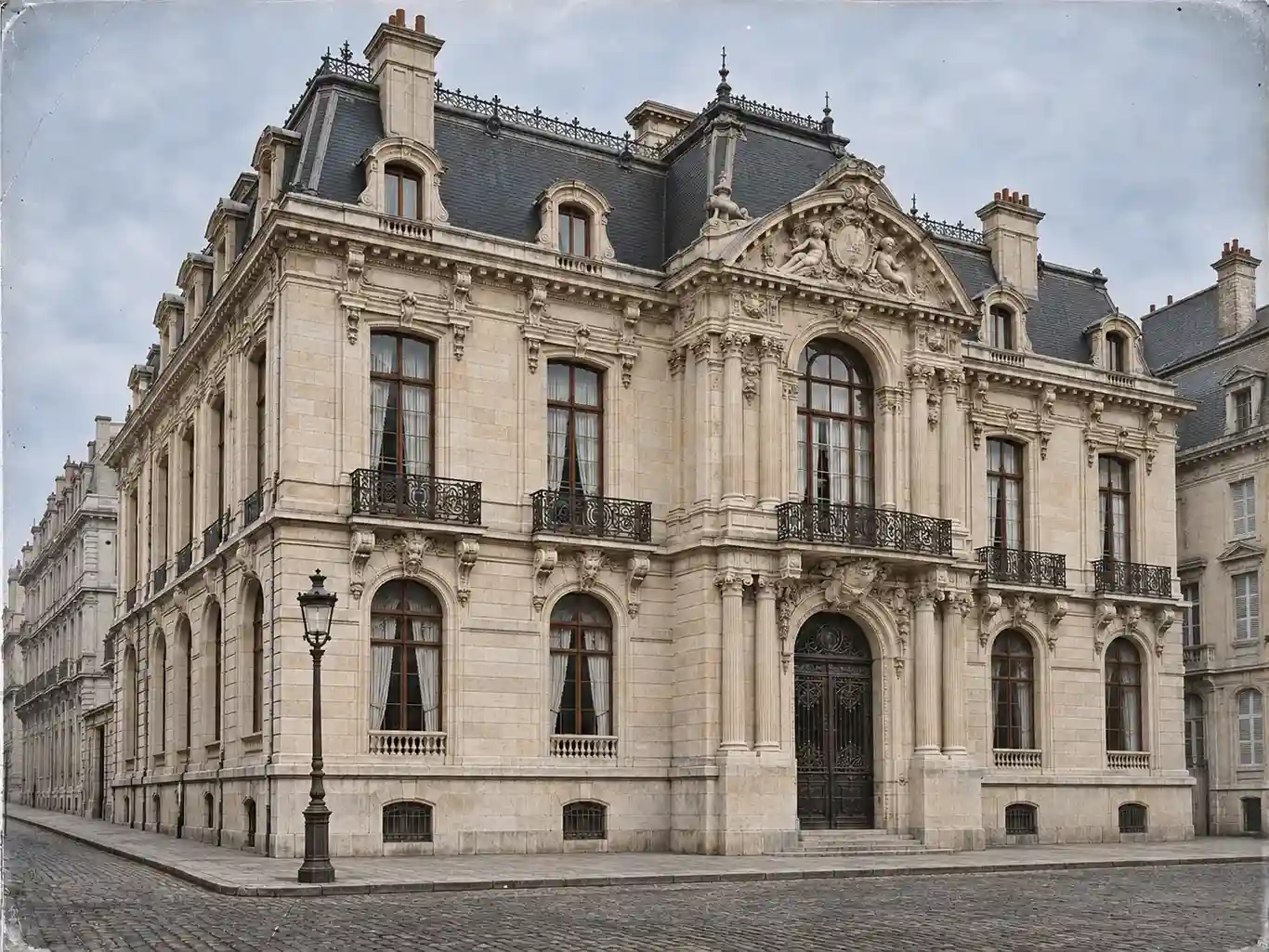
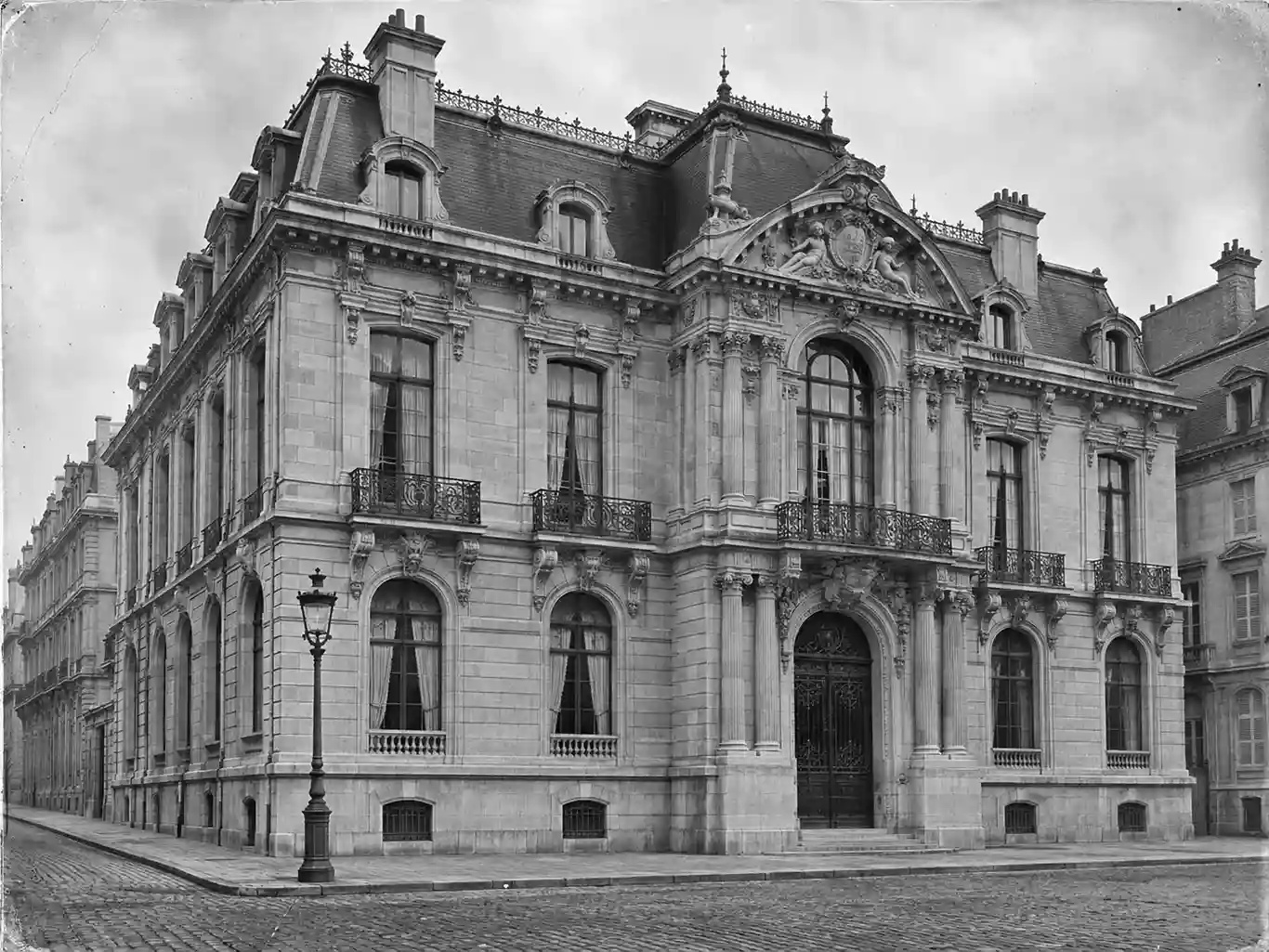 BeforeAfter
Identify coloring areas based on the lines, outlines, and shapes of objects, giving each section suitable colors without covering the original details.
 BeforeAfter
Colorizing black-and-white photos doesn't require any complicated steps or manual color adjustments. Just upload your photo, and the AI photo colorizer will recognize different parts of the image and add suitable colors automatically. Compared to traditional hand-coloring, it can get the job done many times faster.
Colorize Black and White Photos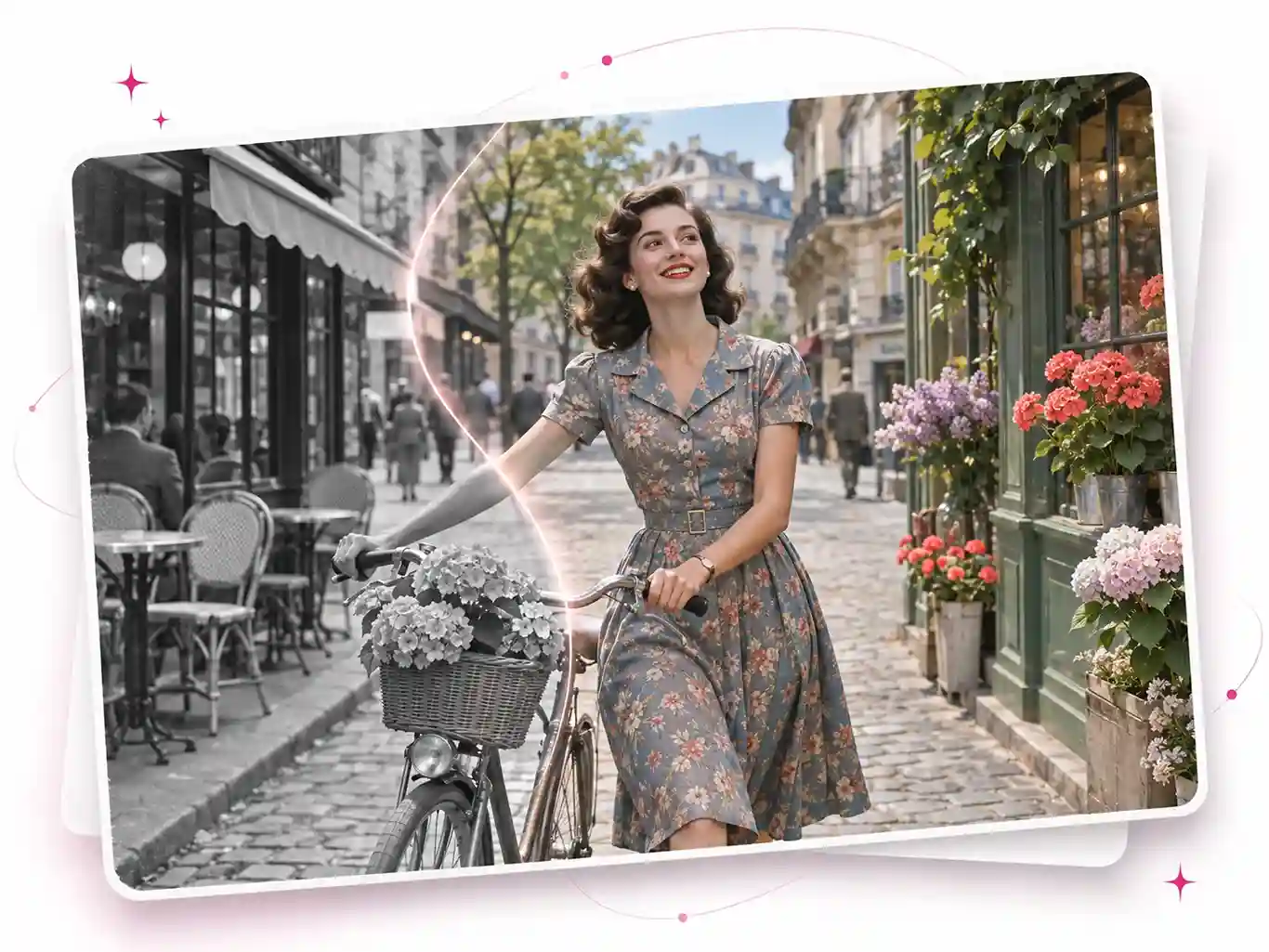
Besides old portrait photos, our AI image colorizer also works with different types of images, including buildings, landscapes, and even line drawings. You can choose from four colorization modes depending on the type of image to get a more suitable result. Just select a mode and get started. There's no need to adjust complicated settings.
Turn Black and White Photo into Color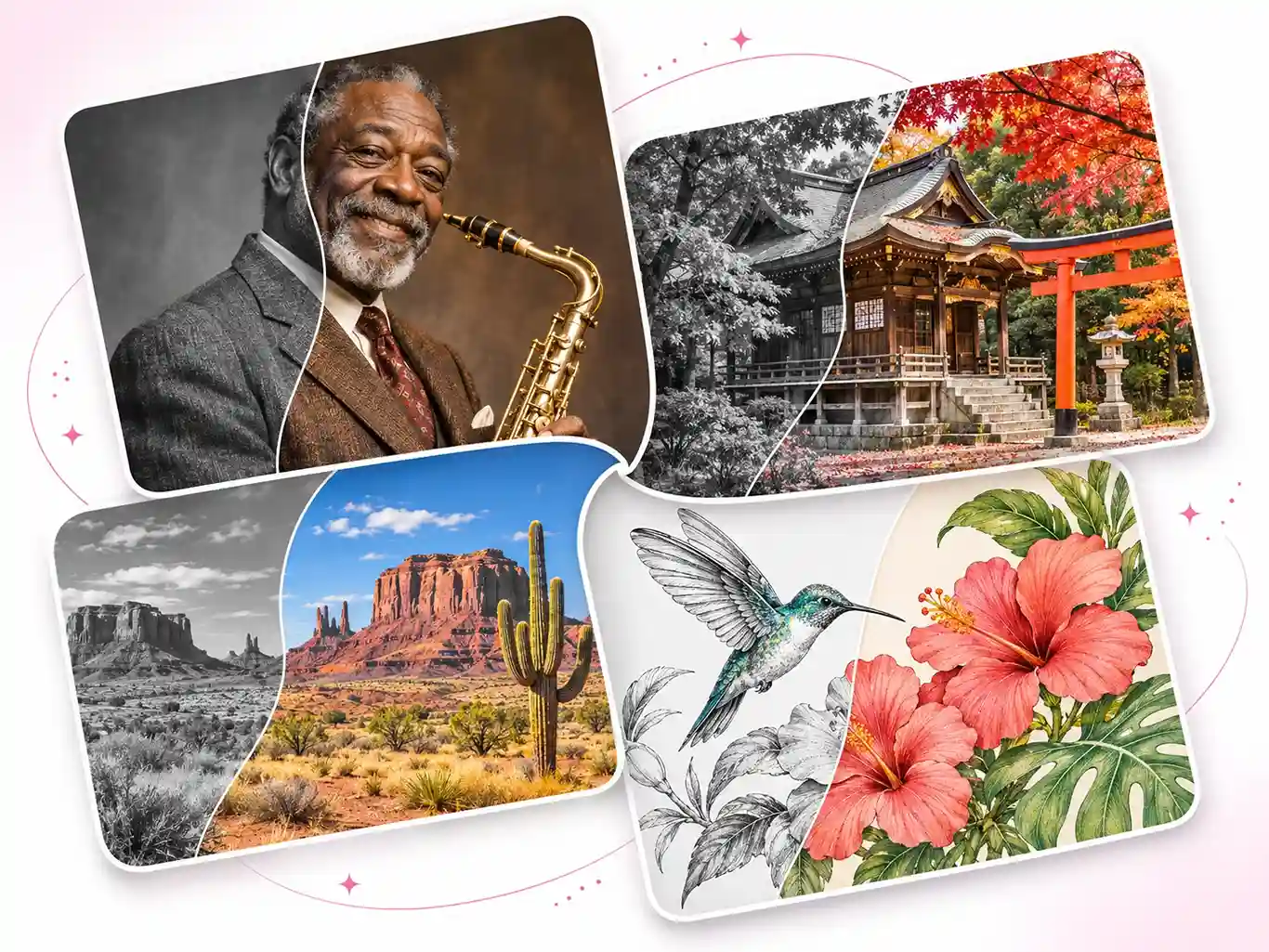
Some vintage products, older furniture, and collectibles may still have black-and-white photos from years ago. Compared to black-and-white images, color photos often make it easier for customers to see a product's appearance and details. For sellers, our AI photo colorizer offers a low-cost way to add color to these old product photos and create more color images for product pages.
Colorize Old Photos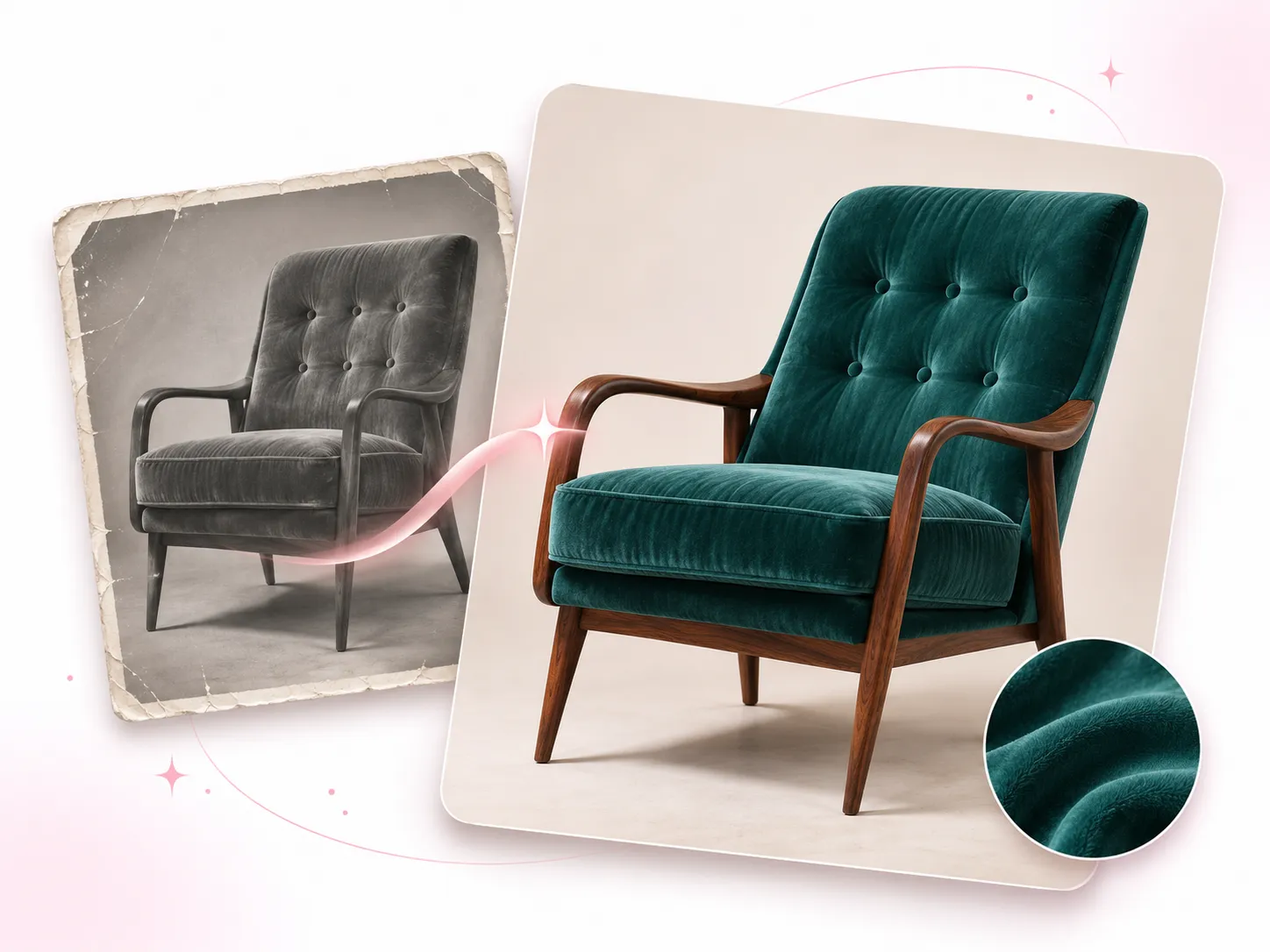
Traditional photo colorization can take a lot of time. With our free AI image colorizer, coloring your photos becomes much easier and faster.
| Comparison | EzMaker AI Photo Colorizer | Traditional Photo Colorization |
|---|---|---|
| Colorization Method | Automatic AI colorization | Manual colorization |
| Processing Time | ≈ 10s | Hours or even days |
| Ease of Use | Simple, beginner-friendly | Requires photo editing skills |
| Cost | FREE | High cost for professional services |
| Photo Type Support | Options for different photo types | Manual adjustments for each photo |
| Flexibility | Quickly try different colorization effects | Time-consuming to make changes |
Upload the image you want to colorize. Our AI photo colorizer works with old portraits, buildings, landscapes, line drawings, and coloring pages.
The General style works well for most images, so you can simply stick with it. You can also choose another style for a more specific colorization effect.
Wait a few seconds, and your colorized photo will be ready to download with no watermark. You can also keep editing with tools like photo restoration or background removal.
See what thousands of users think of our AI image colorizer. Upload your own photo and see what it can do for you.
There are a few black-and-white photos of my grandparents when they were young, and I've always wondered what they'd look like in color. I tried this AI photo colorizer, and the results were more natural than I expected. The skin tones and clothing colors look so realistic, almost as if the photos had always been in color.
Graphic Designer
What I like most is that it doesn't make the colors look overly vivid. I tried it on an old landscape photo, and the colors came out soft and natural. Nothing looked out of place, and the original feel of the photo was still there.

History Teacher
Compared to traditional photo colorization, using an AI photo colorizer is much easier. I don't have to adjust the colors one by one or learn any complicated editing techniques. I just uploaded a photo and got the colorized result a little later. The whole process was much easier than I expected.
Marketing Specialist
Have questions about colorizing photos? If you need more help, feel free to contact us by email.
AI photo colorizer is used to add colors to black-and-white photos, line drawings, and coloring pages. It uses AI to recognize different areas of an image and apply suitable colors. Compared to traditional coloring methods, it makes the whole process much quicker and easier.
Yes, you can use it online to colorize photos for free without creating an account.
Yes, our AI image colorizer supports old and faded photos. Simply upload your image and select the General style to get started.
No, our AI photo colorizer adds color without changing the original details of your photo. Your photo will still look like the original, just with color.
The colorized photo comes without a watermark, so you can download it or share it directly.
No, our AI image colorizer won't reduce your photo's original resolution. You can download the colorized result in the same image size as the original. If the image looks a little blurry, you can use our AI image upscaler to improve its resolution.
Yes. If your photo is badly damaged, you can use our photo restoration tool to fix it first, then colorize it.