Realistic, Cinematic Motion
Our image to video AI understands depth, light and physics, so hair, water, fabric and faces move the way they do in real footage.

Turn any photo into a smooth, realistic AI video in seconds with our free image to image AI generator. Support all advanced AI video models currently available, including but not limited to Seedance 2.5, Veo 3.1, Kling 4.0, etc. Enjoy making free videos every day.
Rated 4.9/5 by 10k+ video creators · 2M+ videos created.
Generate Video from Photo Free ->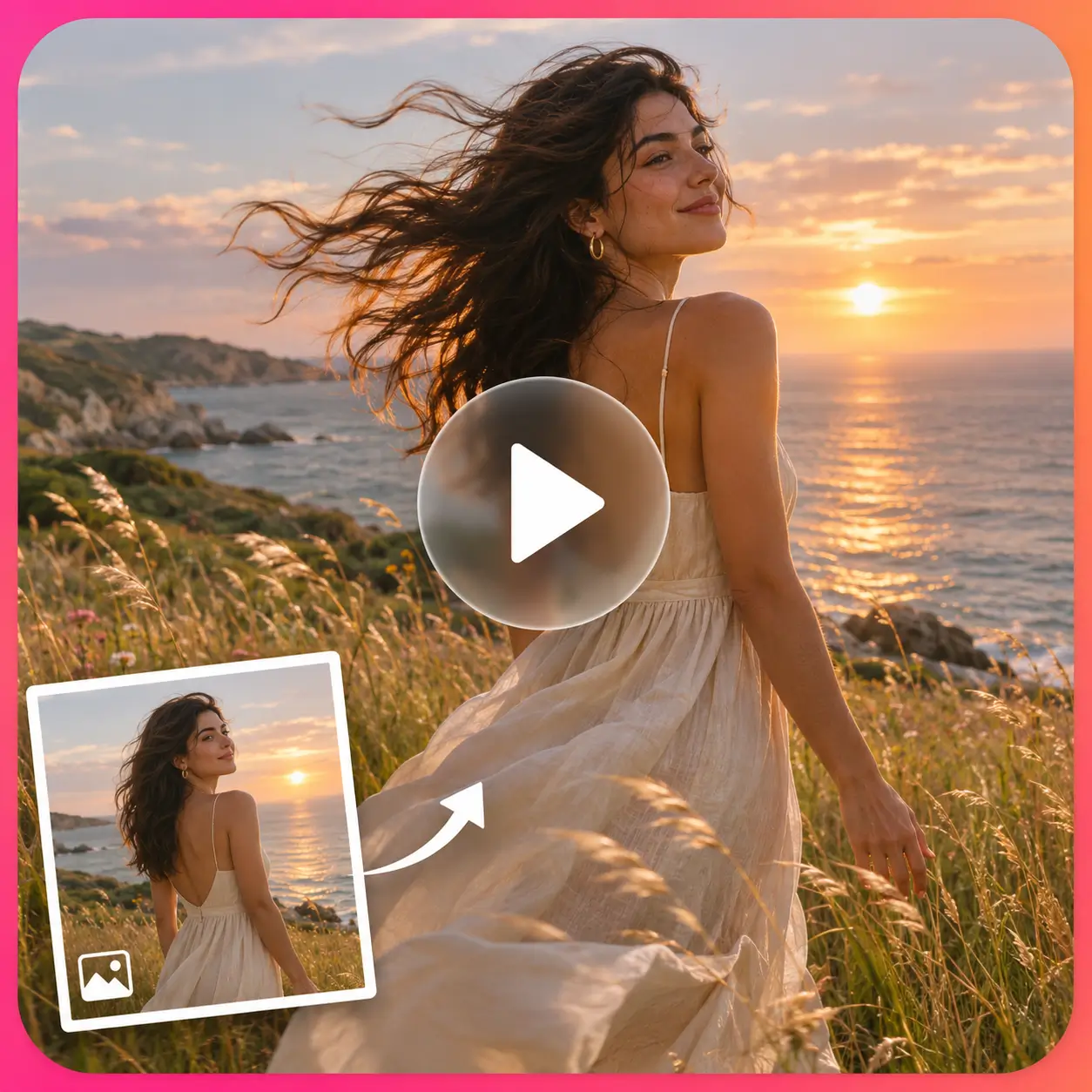
Just upload photos, wait a few seconds, and download amazing videos without watermarks. Our free image to video AI generator treats every friend equally.
When using our image to video AI generator, describe a main action for each segment. Please use simple and clear prompts to generate videos that are clearer and more realistic.
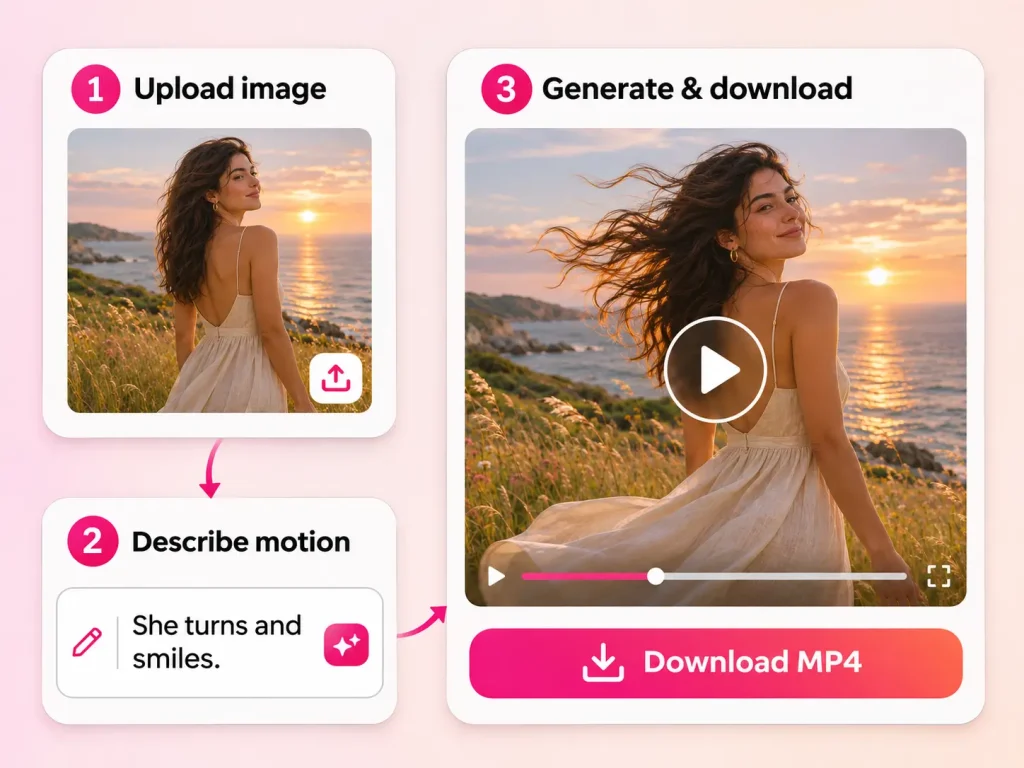
Drop in a photo, a picture from your phone, a product shot or AI-generated image. Clear, well-lit images give the best motion.
Tell the image to video AI what should move and how the camera behaves, such as "camera orbits the product" or "she turns and smiles."
Your video is ready in about a few seconds. Preview it, and then download a watermark-free MP4.
Take your online presence to the next level with my expert web design and content creation services.
Our image to video AI understands depth, light and physics, so hair, water, fabric and faces move the way they do in real footage.
Zoom, pan, tilt, orbit or dolly with one click, or describe the shot in plain English. No timeline or keyframes needed.
Upload a second image as the final frame and the AI fills in the motion between them.
Generate matching ambient sound and effects with your video, so clips are ready to post.
Export up to 1080p/4K in 16:9 for YouTube, 9:16 for TikTok and Reels, or 1:1 for feeds.
Your uploads are never used to train models, and you own the videos you create.
We have integrated various advanced AI video generation models, eliminating the need to switch back and forth between them or subscribe everywhere.
| Advanced Model | Best for |
|---|---|
| Kling 3.0/4.0 | Human motion, expressions and dance |
| Veo 3.1 | Cinematic scenes with native audio |
| Seedance 2.0/2.5 | Fast, consistent multi-shot clips |
| Wan 3.0 | Free, quick drafts and experiments |
| MinMix H3 | Ideal for cinematic ads and brand promotional videos. |
| Vidu Q4 | Image to video, character animation, and product showcases. |
| Auto | We pick the best model for your photo. |
Our free Image to Video AI can help create various types of content, including but not limited to the following showcases.
Short dramas are very popular, and with the help of AI, anyone can become a Hollywood blockbuster director. All you need to do is accurately and clearly input the script designed for each frame, and input the main characters into the free image to video AI generator. Wait for a few minutes, and a complete video will be presented in front of you.
Try AI Video Generator from Image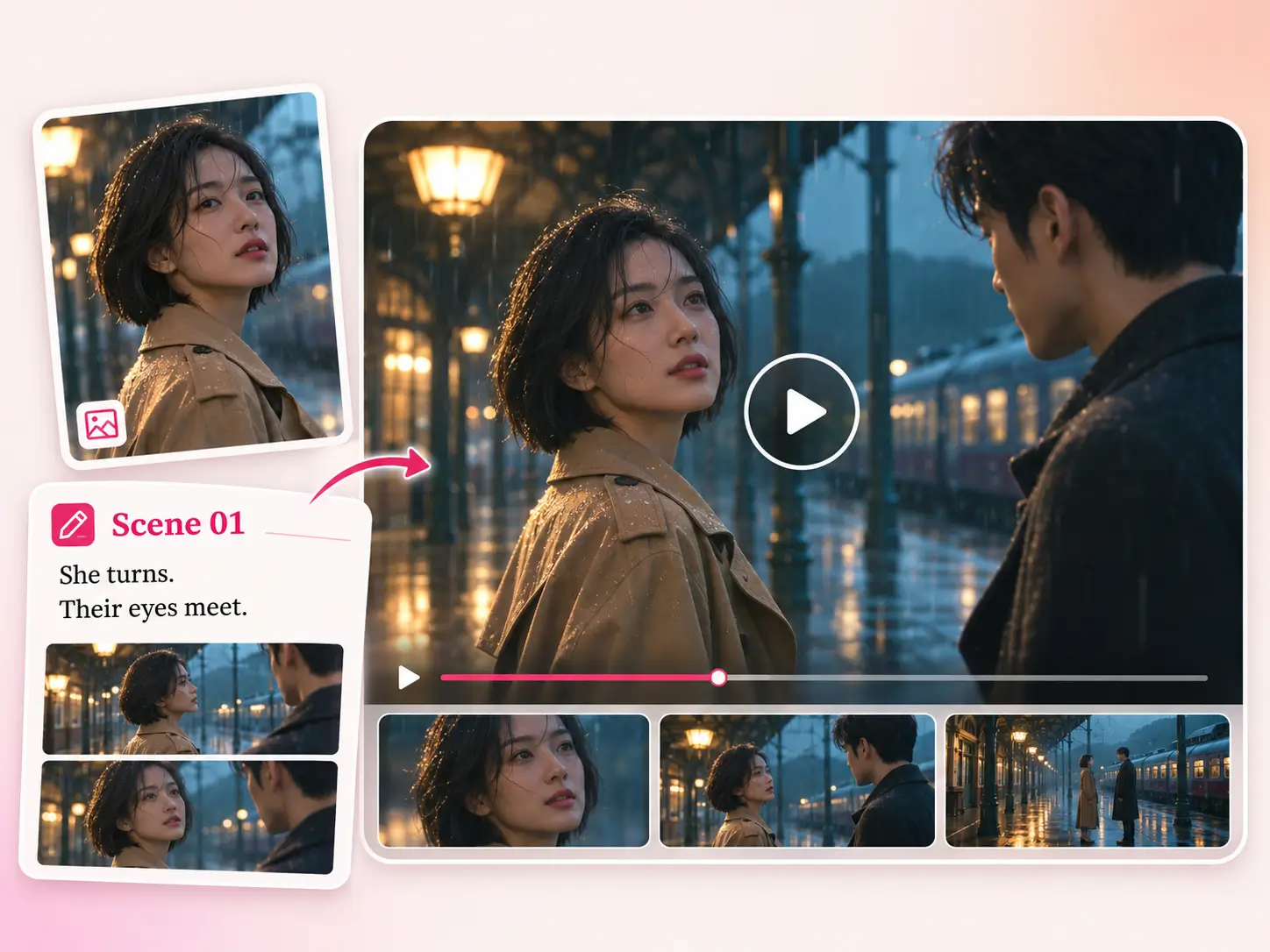
If you are a seller and also work part-time shooting products, now you can completely entrust this job to AI, upload your product pictures to photo to video AI free, describe your requirements, and directly output product promotional videos comparable to those shot by masters.
Start AI Image to Video Generator Free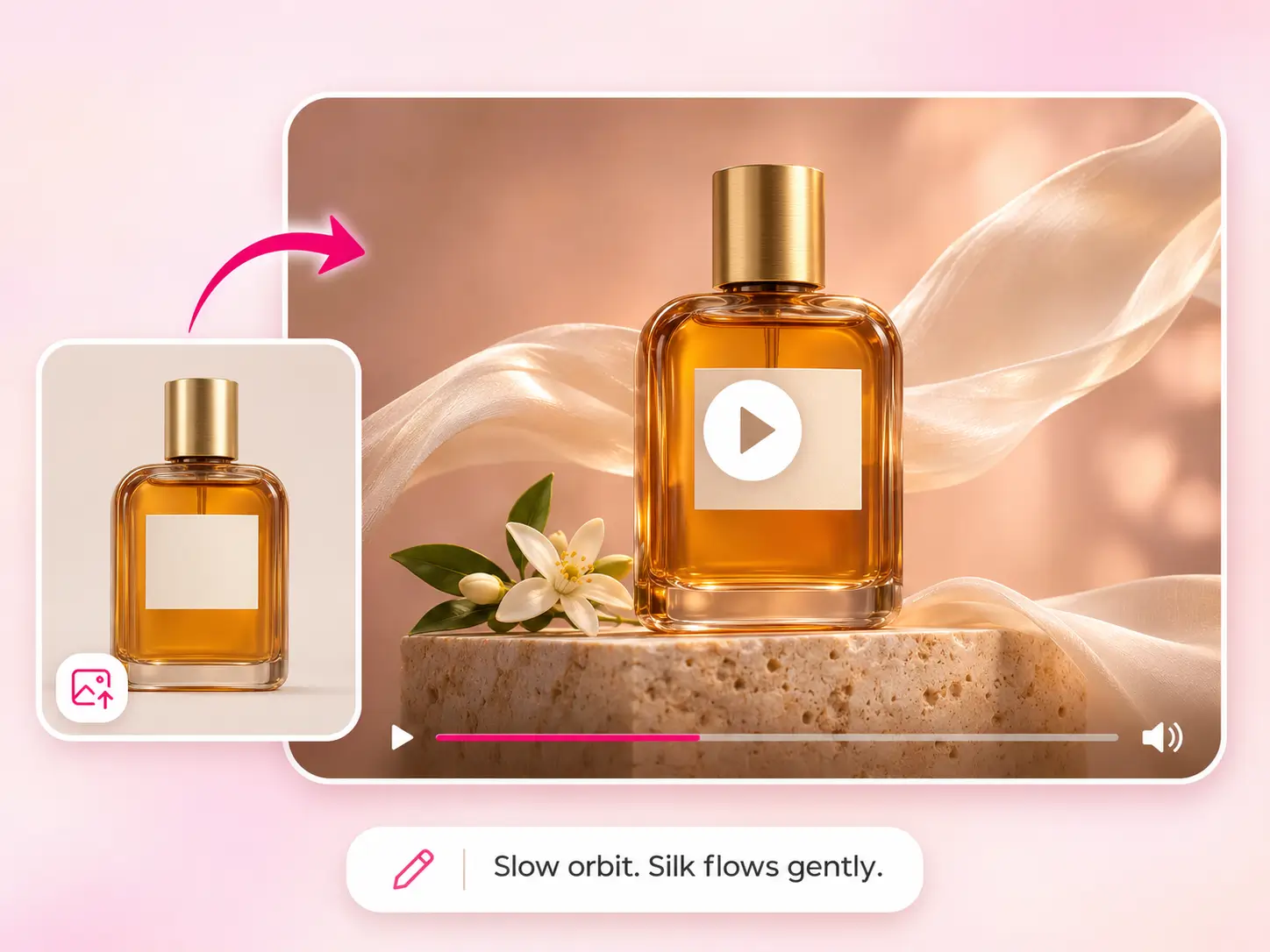
Using our AI image to video generator, you can easily create videos from photos saved on your phone that can be shared on Reel, TikTok, and Shorts with just one click. You don't need to use complex editing tools anymore, and you can create videos with 10x efficiency.
Try AI Image to Video Generator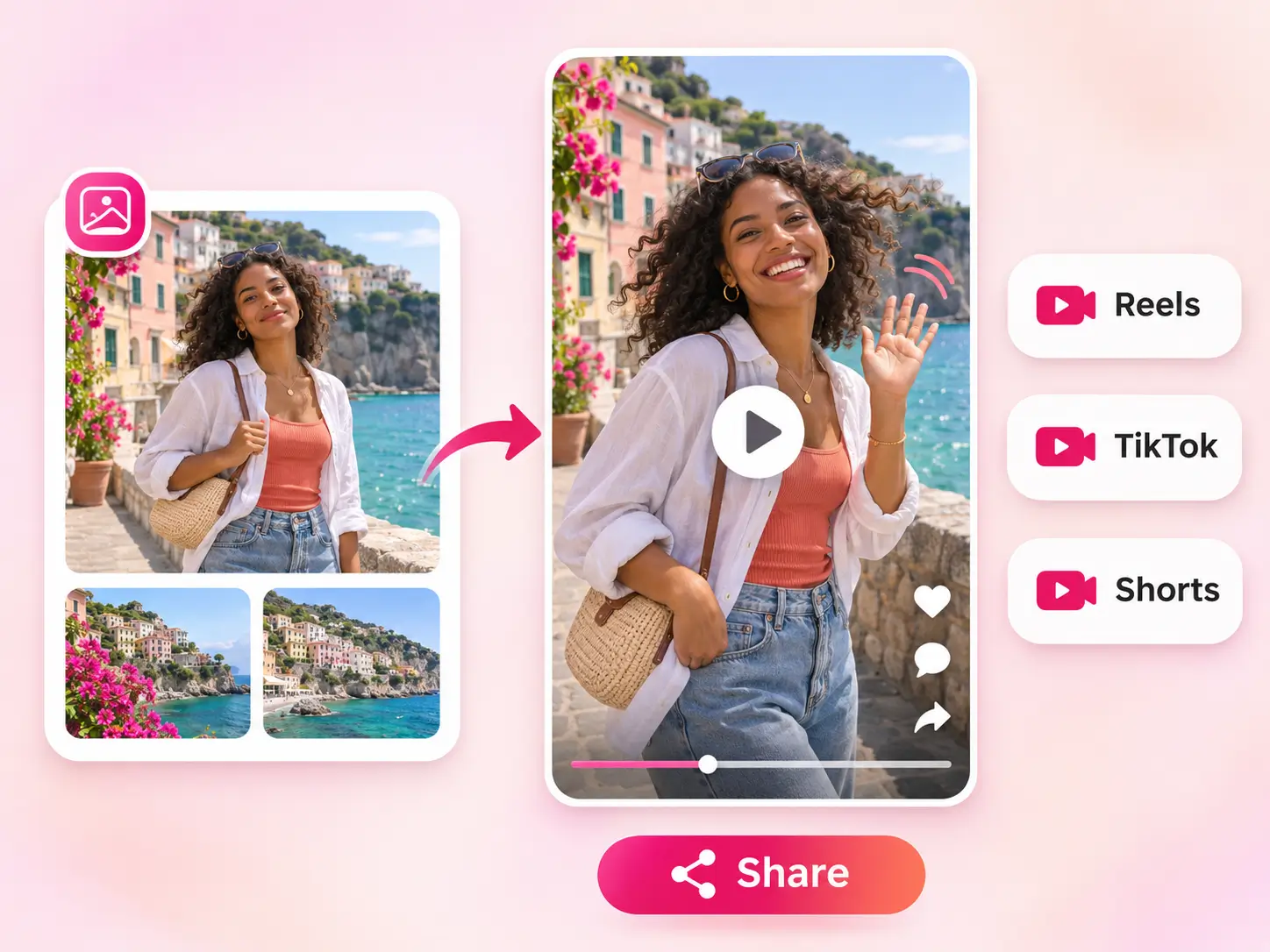
Do you want to know everything that happened in the old photos at that moment? By using photo to video AI free, you can restore the scene of retro photos at that time, making memories more concrete and of great significance for studying cultural customs at that time.
Start Photo to Video AI Free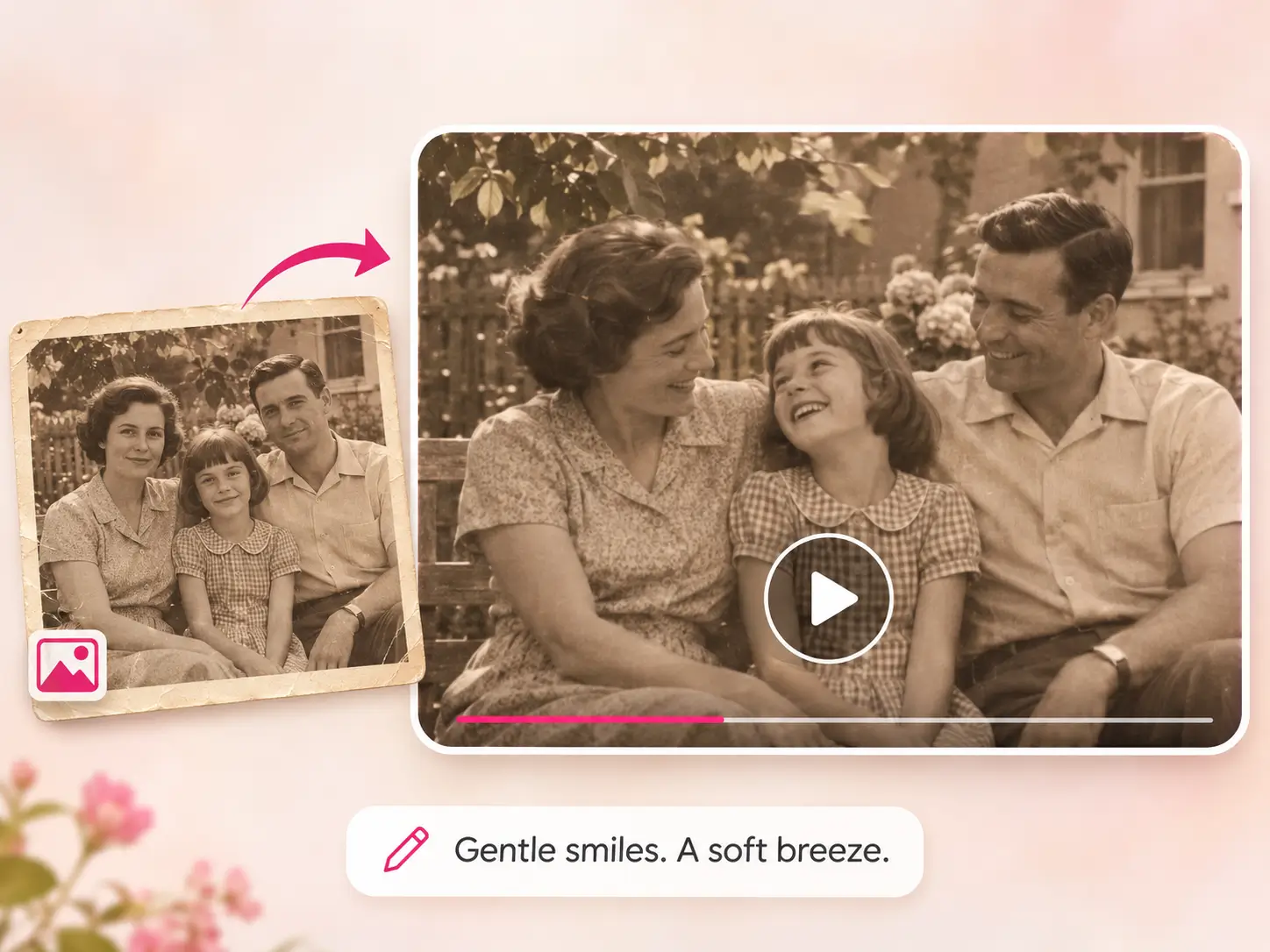
Turn static portraits, headshots, avatars, and illustrated characters into lifelike videos with natural blinks, smiles, and head movements using our free Image to Video AI.
Start image to video ai generator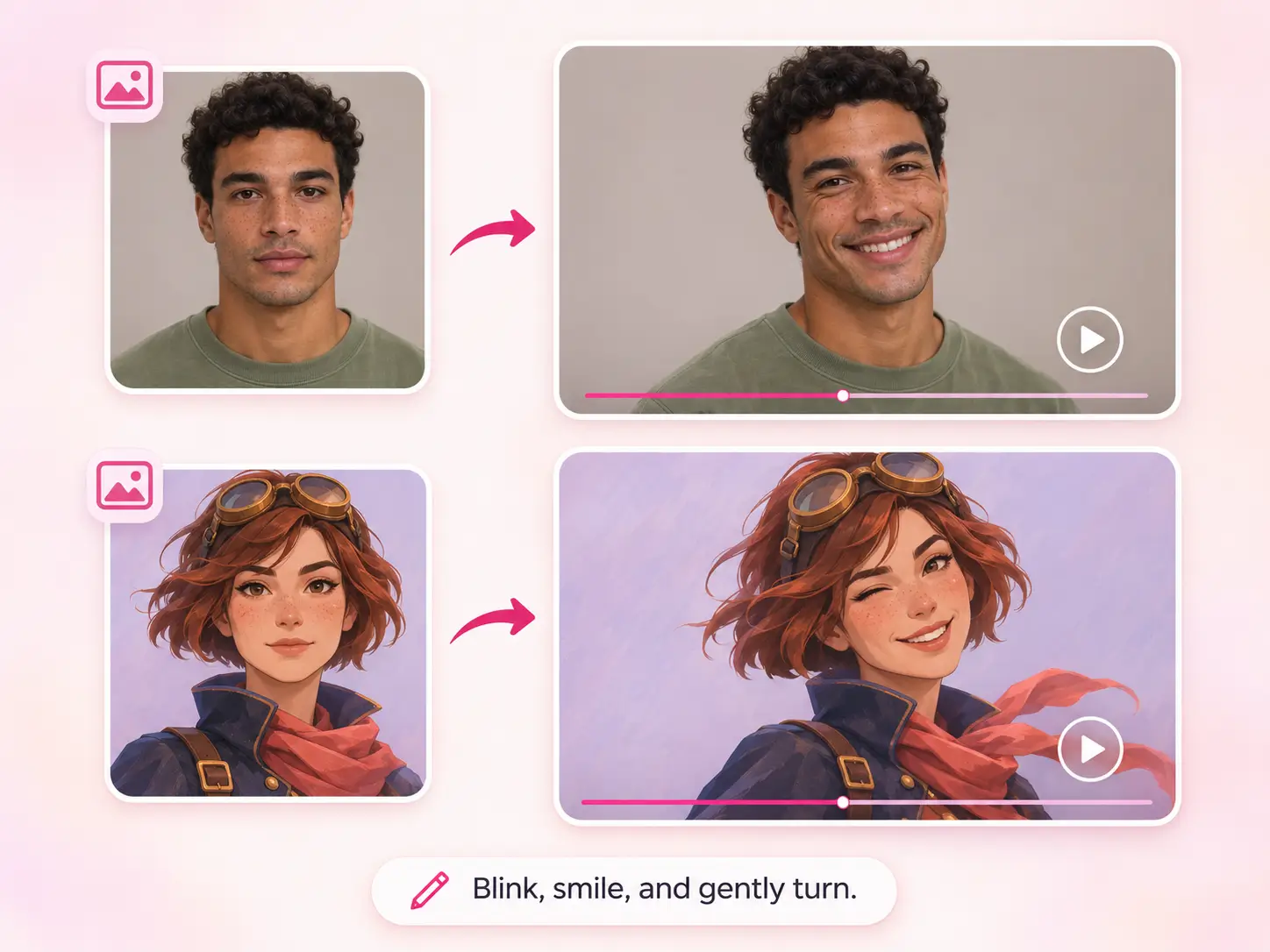
Users from various industries have given very high feedback after using our AI tools.
"I've tried several AI image to video tools, but this one is surprisingly easy to use. The AI free feature lets me turn my favorite photos into short videos with natural movements. Great for creating social media content without spending extra money."
Content Creator
"As a digital artist, I love bringing my illustrations to life. This AI image to video tool makes it easy to animate static artwork. It's a convenient free AI generator for testing creative ideas and experimenting with different styles."
Digital Artist
"I needed a simple photo to video AI tool for creating engaging posts. Uploading an image and turning it into a video takes just a few steps. The results are impressive, especially for portraits and product photos. A great free AI image to video generator!"

Social Media Manager
"I use this AI video generator from image to create quick promotional clips for my products. It's much easier than learning complicated video editing software. The photo to video AI free option is especially useful when I need to create content on a budget."
Small Business Owner
"I wanted to try image to video AI free without going through a complicated registration process. This tool made it simple to turn ordinary pictures into moving visuals. It's a nice option for anyone looking for a free image to video experience."
Blogger
"I've been looking for a reliable AI picture to video tool to add motion to my photography. The image to video AI generator creates interesting results from static photos, and I especially enjoy experimenting with different movements. “
Photographer
Read the instructions below to learn more about EzMaker AI.
Image to Video AI is an online AI generator that can convert still images into short motion videos.
Yes。 You can create up to 720p free videos every day, without watermarks or credit cards.
Yes, the Free AI image to image tool provided by EzMaker AI is your best choice, and you don't need any skills to use it online.
No need. Upload the image and generate the first video.
No. Every download is watermark free.
Upload your photos, choose to describe the actions you want, and then click 'Generate Free Video'.
Free videos can last up to 30 seconds. There are no restrictions on paying users.
JPG, PNG, WEBP, and HEIC, up to 30 MB. Higher resolution, clearer images provide the best results.
Yes. You have your own created videos that can be used in advertising, customer work, and social media.
Safe, no login required, and uploaded materials will not be used for third-party training.