
Free Magichour AI Image Editor Alternative Online
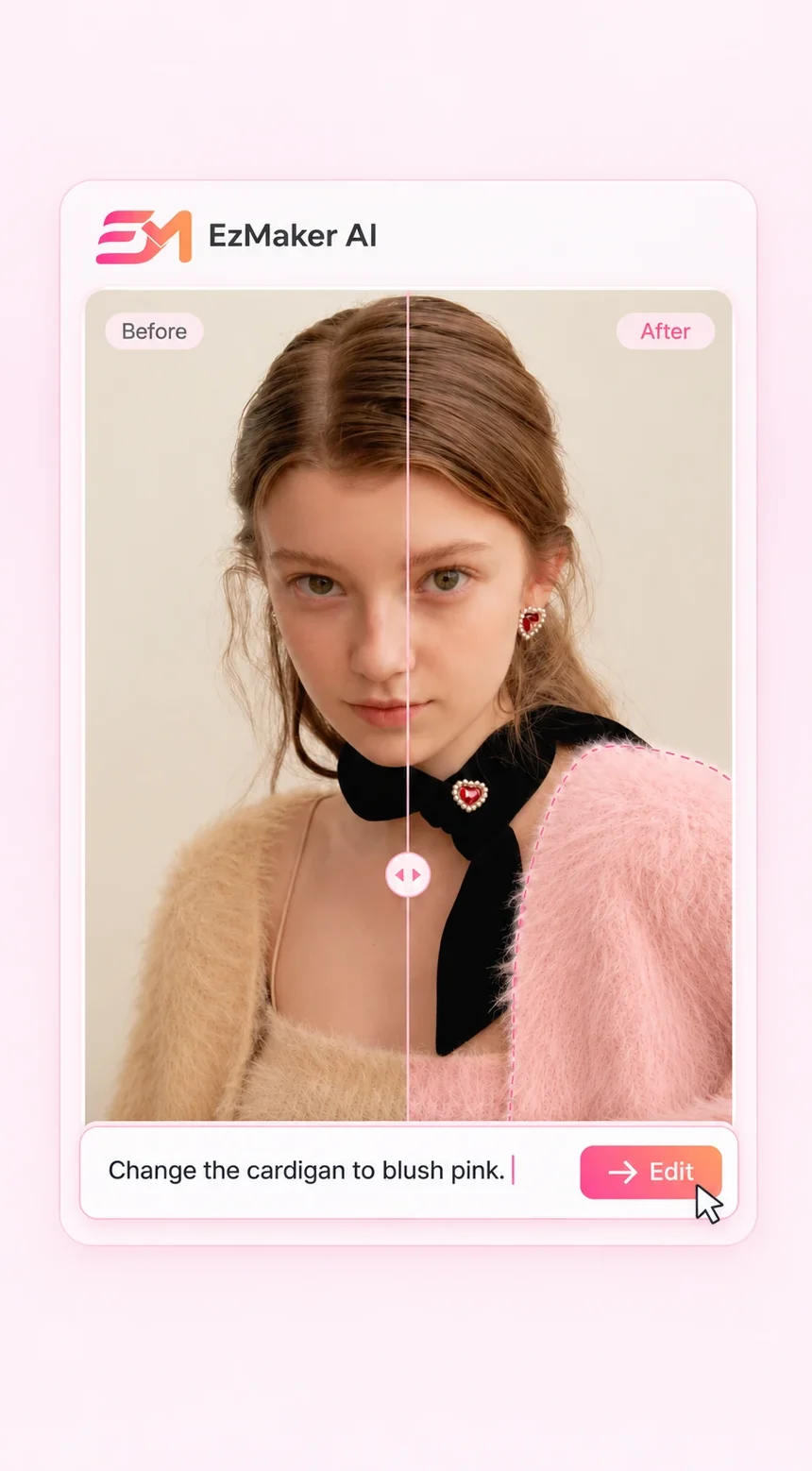
Powered by Nano Banana and GPT Image models, EzMaker AI is a free Magichour AI image editor alternative. You can edit and download any photo effortlessly, then enjoy high-quality images without watermarks. No sign-up required.
Magichour AI Image Editor Alternative Free Online
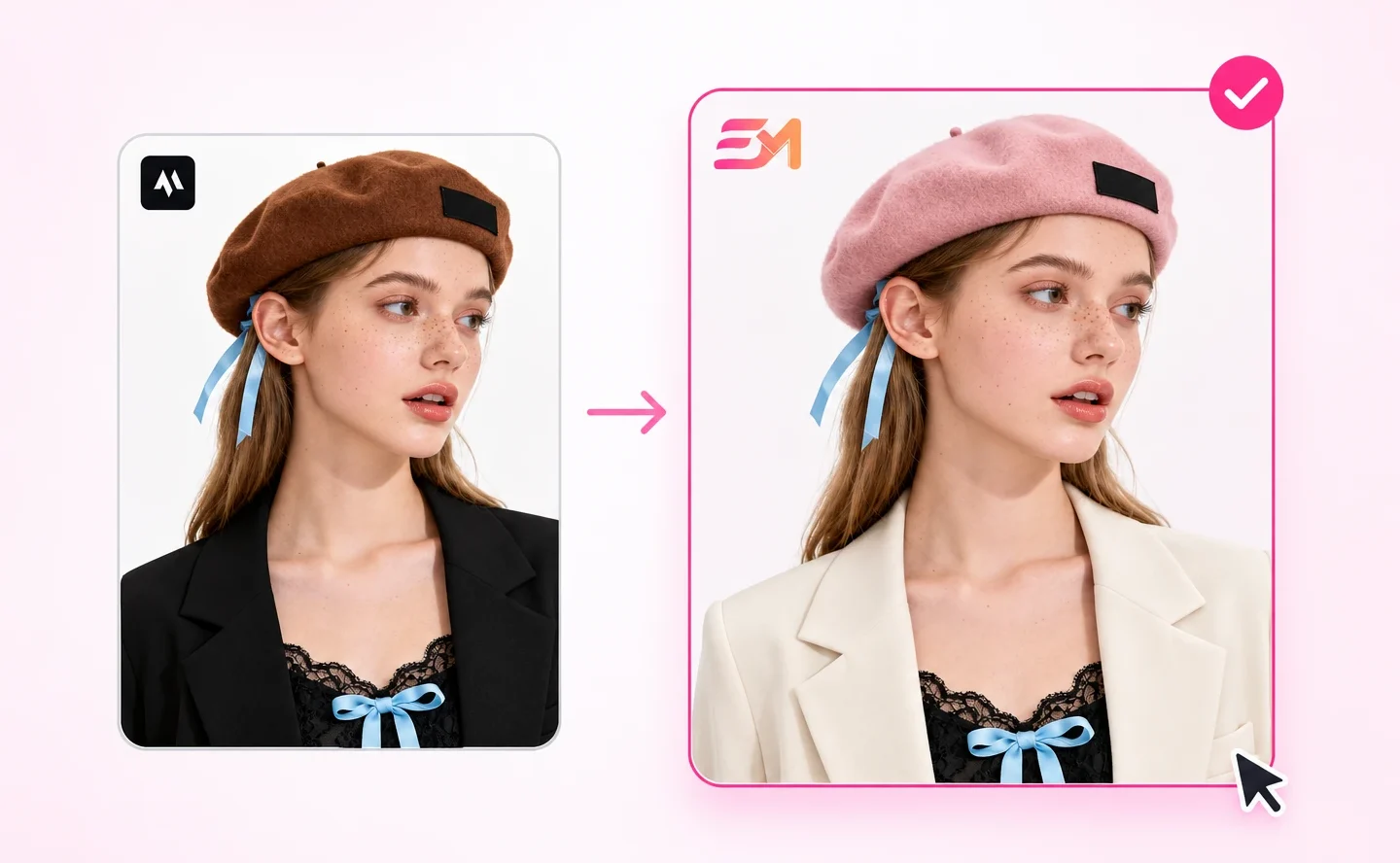
Try a free Magic Hour AI photo editor alternatve. Upload a reference photo, describe the changes and choose a model, then create stunning images instantly with EzMaker AI. No limits and download in seconds.
What is Magic Hour AI image editor?
Magic Hour brings image, video and audio creation together in a single AI studio. Among the many creative tools available, the Magic Hour AI image editor stands out for its rich editing capabilities. The tool offers users a wide range of image style variations, covering ad creatives, product shots, outfit concepts, background scenes and more. There are also popular AI image models crafted for your specific requirements. For those looking for a free Magic Hour alternative, EzMaker AI follows this philosophy in a more accessible manner. It allows users to apply style templates, transform images and download them in high definition in just a few steps.
-
Confidential
-
Licensed
-
Flexibility
EzMaker AI vs. Magichour AI Image Editor
Scroll horizontally to compare both editors →
| Capabilities |
EzMaker AI |
Magic Hour AI Image Editor |
|---|---|---|
| Daily usage limit | No daily edit limit | 3 free edits per day |
| Watermark-free downloads | Included | Included |
| Creation from reference images | Supported | Supported |
| Supported image formats | Common formats including JPG, PNG, and WebP. | JPG, PNG, WebP, HEIC, AVIF, TIFF, and other supported formats. |
| AI model selection | Choose from the available image models within EzMaker AI. | Choose from the available image models within Magic Hour. |
| Image enhancement | Dedicated enhancement, upscaling, and old-photo restoration tools. | Includes unblur and restoration modes, plus a separate image upscaler. |
| Photo animation | Coming soon | Supported |
| Common users | Product sellers, creators, and marketers working on photos, portraits, and social graphics. | Creators working on photo edits, ad variations, thumbnails, and projects that may extend into video or audio. |
EzMaker AI Image Editor Performance
Magichour AI Image Editor Performance
EzMaker AI: A Free Alternative to Magichour AI Image Editor
Save Results Without Login
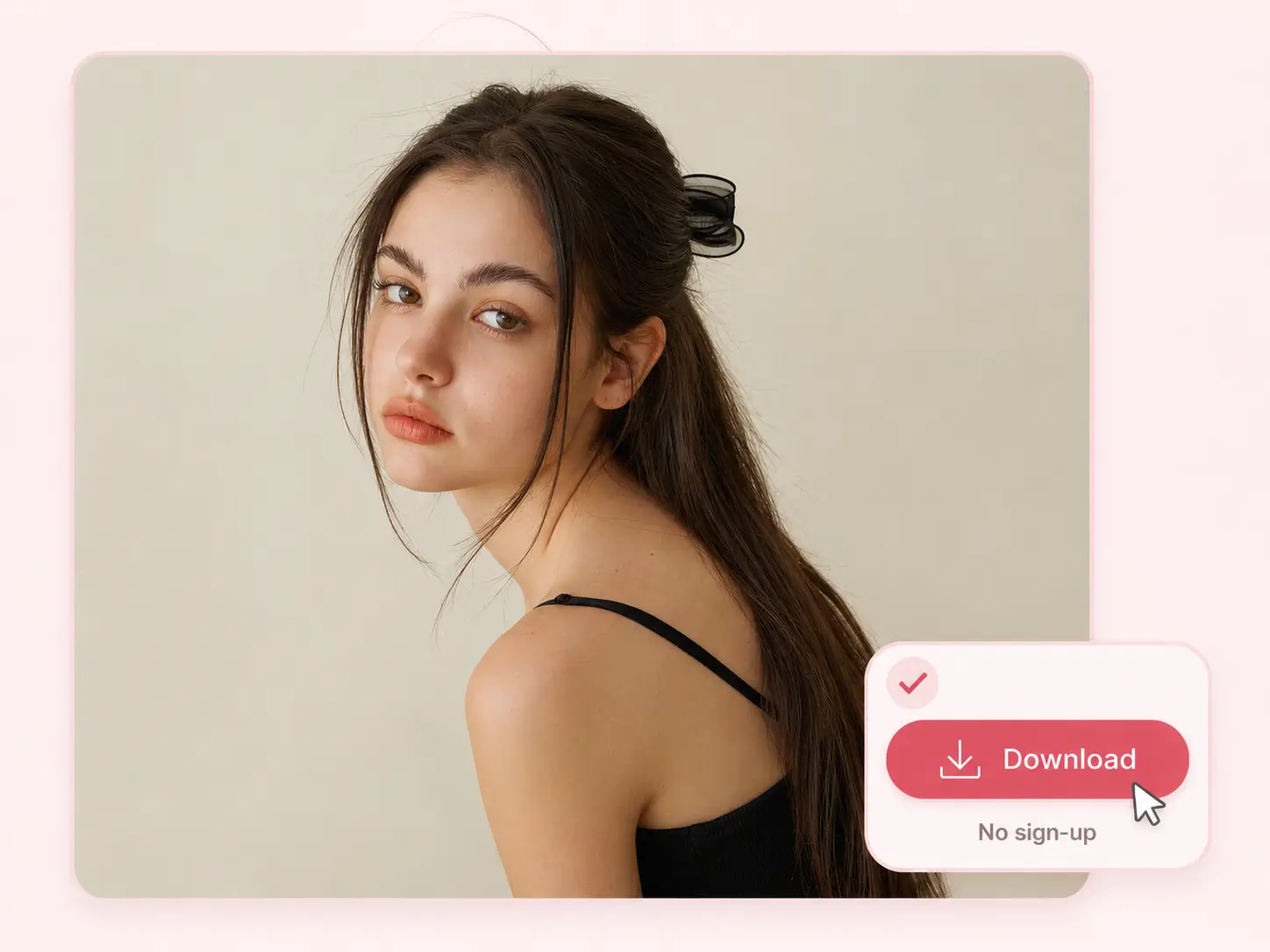
At EzMaker AI, users can edit images without an account. Even when you are satisfied with the image and wish to download it, you are not required to log in.
Quick, Simple AI Image Editing
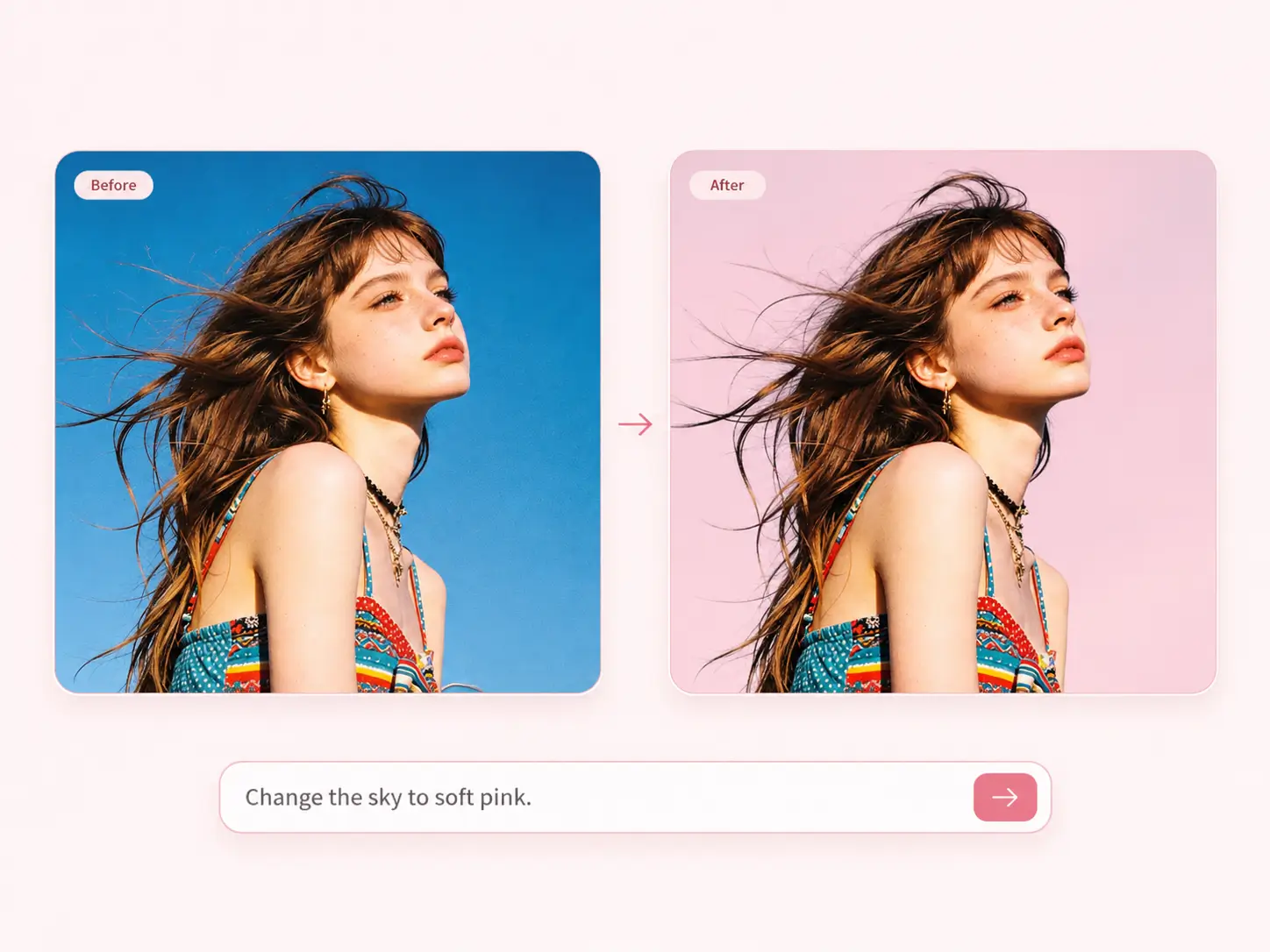
Describe the changes in your everyday language. You can choose a preset prompt and start editing, even if you have no prior editing experience. The whole process may take just a few seconds.
Free Access to the Latest AI Models
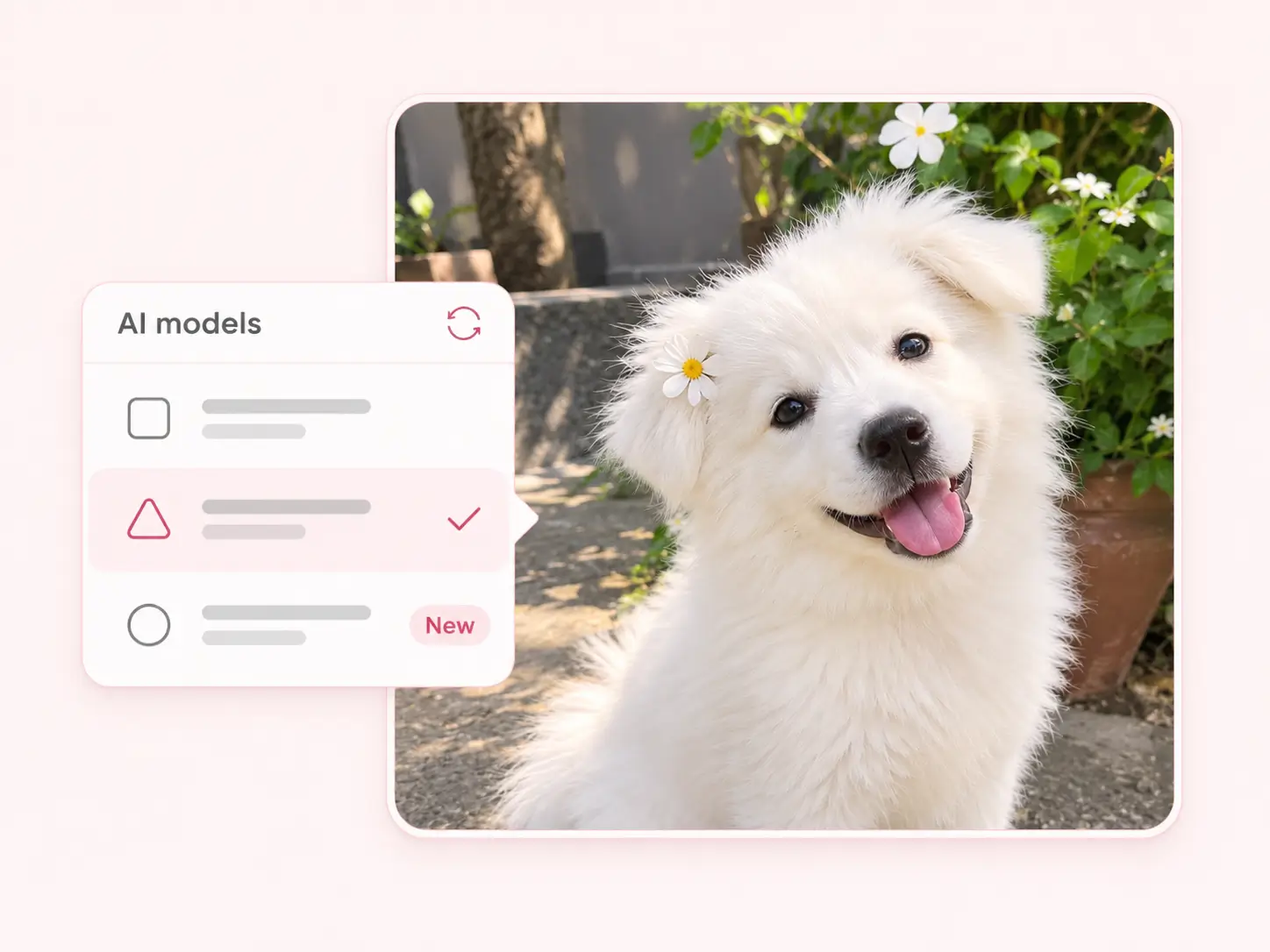
Popular image models power the EzMaker AI image editor to understand your photos and unique needs. You can perform precise image editing without needing to switch to another platform.
What Can You Create with the Free Magic Hour Alternative?
Discover creative possibilities to bring your ideas to life with the free EzMaker AI photo editor.
Product Photos as Lifestyle Scenes, Campaign Concepts, and Branded Visuals
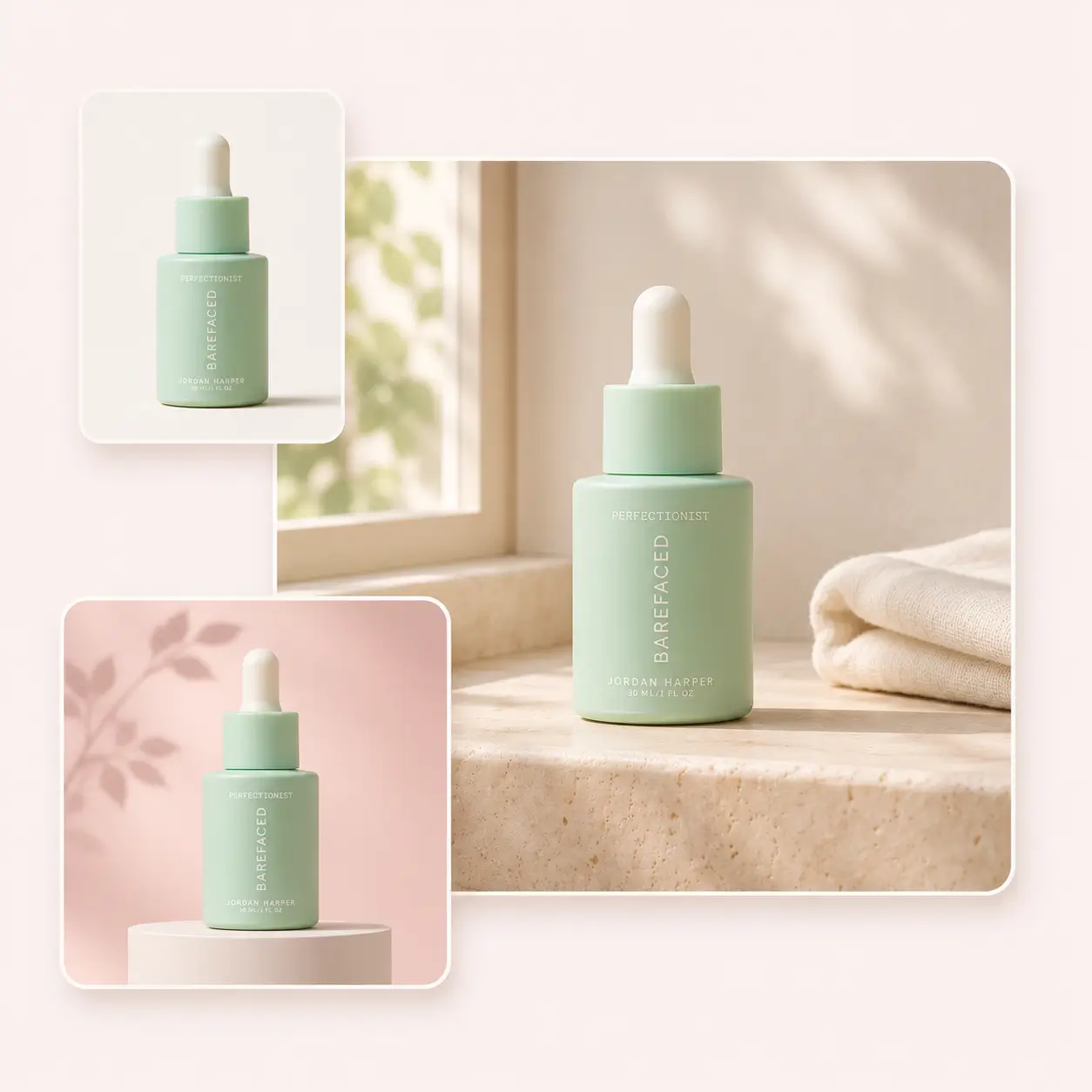
With EzMaker AI photo editor as your Magic Hour alternative, you can explore new ways to present a product, from a cozy lifestyle scene to a clean campaign look. Try a warm, natural setting for handmade items, a simple backdrop for a skincare product, or a seasonal theme for your next promotion. Use a free AI editor to design your brand and gain widespread recognition in the market.
-
Fresh product looks
-
Lifestyle scenes
-
Campaign visuals
-
Seasonal promotions
-
Consistent brand style
-
Multiple Creative Variations
Turn Everyday Portraits into Stylized Characters and Creative Visuals
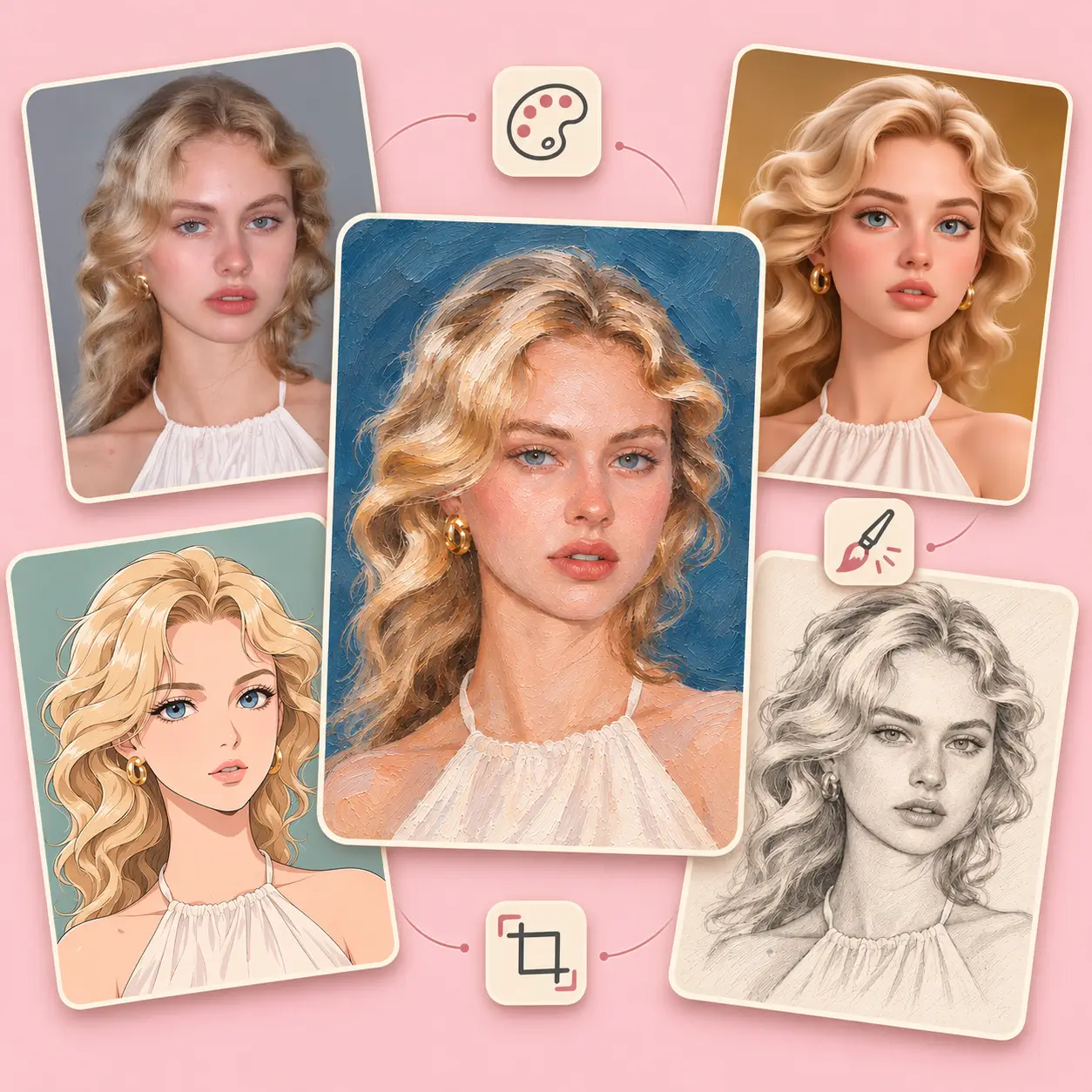
With just a few clicks, you can reveal a completely different style or apply a wide variety of filters to your photo. For example, you could try transforming a selfie into a more formal-looking image, and create a professional headshot suitable for a resume, website, or personal profile. You can then choose a version for your work profile and another for your creator page or personal project. There is no need to learn professional editing skills.
-
Creative style variations
-
Custom prompt editing
-
Consistent image features
-
Reference image support
-
High-resolution downloads
-
Watermark-free results
Fix Blurry Photos, Restore Old Favorites, and Remove Unwanted Objects
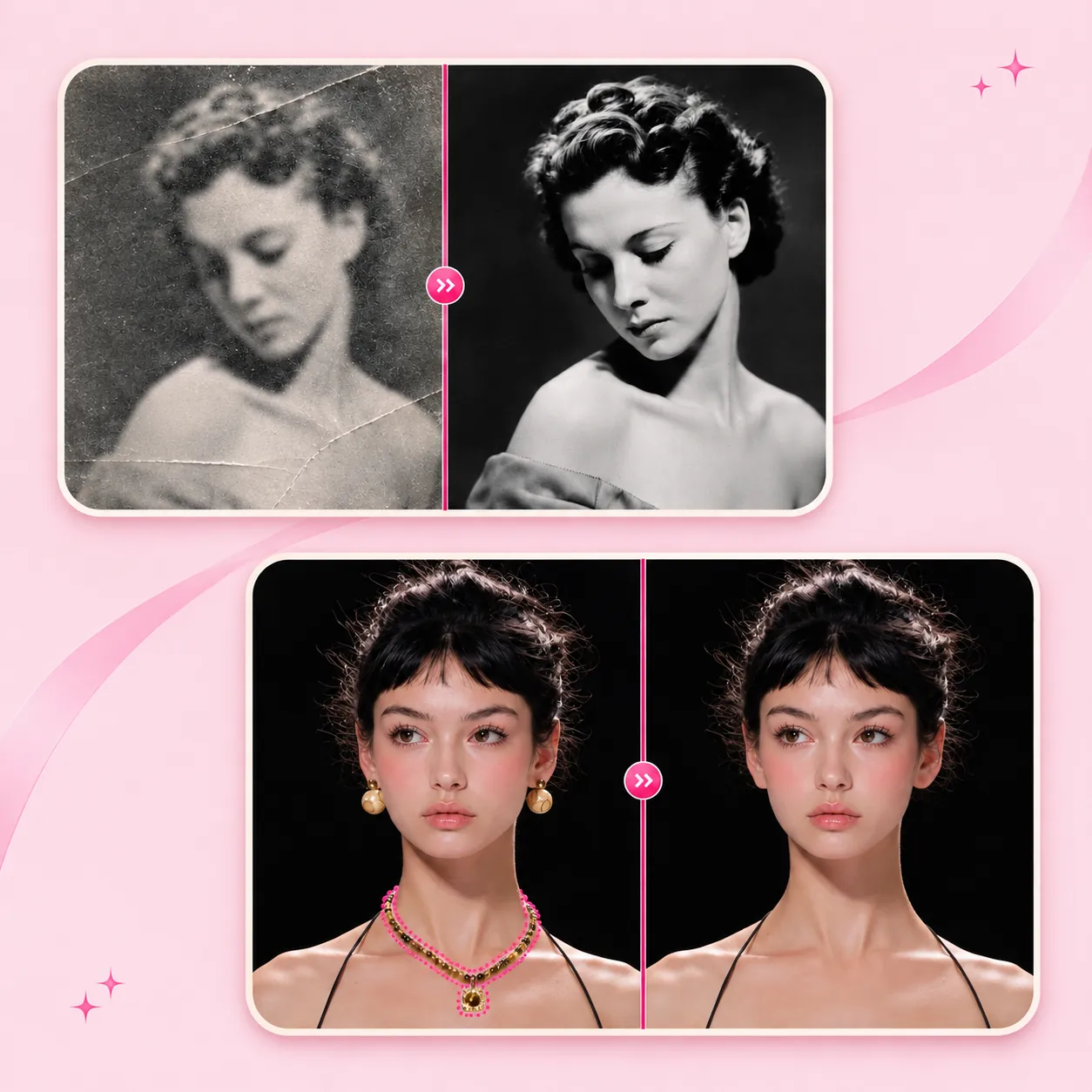
You can also make flexible use of the AI image editor to clear up soft details, refresh an older picture, or remove unwanted objects that pull attention away from your subject. A Magic Hour alternative can improve a low-resolution image for your website, or remove a distracting sign from a favorite travel shot.
-
Old photo restoration
-
Sharper details
-
Low-light enhancement
-
Image noise reduction
-
Cleaner backgrounds
-
Unwanted object removal
💡How to
Three Steps to Use EzMaker AI Image Editor Online
Open EzMaker AI Image Editor
Go to EzMaker AI. You'll see the image workspace immediately. No sign-up required to try it out.
Add Prompt Details
Tell the editor what you want to change, or choose a preset prompt. Keep it simple—for example, “Change the background to a blue sky.”
Refine & Download
Once you’re glad with the edits, download the images instantly or share them online. If not, you can adjust your words to make the image perfect.
FAQs About This Magic Hour AI Image Editor Alternative
If you're new or looking for answers to your questions, this guide will help you learn more about our services and their features.
With a similar goal of Magic Hour AI image editor, EzMaker AI is an all-in-one studio of online image editing. You can create a few seasonal ad variations, remove a distracting object, or change the look of a portrait.
Yes. On EzMaker AI, all editing features run at no cost and without an account.
Yes. You can also write a brief to generate image on EzMaker AI. Your prompt can include the subject, environment, mood, composition, and intended use case. It's useful when you haven't prepared a reference image.
Yes. EzMaker AI runs entirely in the browser, so there is no app to install and no account to set up on mobile. The full editor works on phones, tablets and desktops.
Yes. Use EzMaker AI to remove the background or replace it with a new setting.
Yes. With EzMaker AI, you can give a product photo a clean white background for your online store, place it in an everyday setting for an ad, or create a seasonal version for a promotion.
Yes. EzMaker AI will not store or use your information. Images you upload are used solely to fulfill the requested editing tasks.
Yes. You can use images you create or edit with EzMaker AI in ads, product listings, and other commercial projects, as long as you have the necessary rights to any third-party content you use.
Try EzMaker AI as an Alternative to Magic Hour AI Image Editor
Use a free online Magic Hour alternative for visual creation and export at full resolution. Totally free & no limits.